Wolfram Language for Python Users
Wolfram Language for Python Users
Creating a Unified Workflow
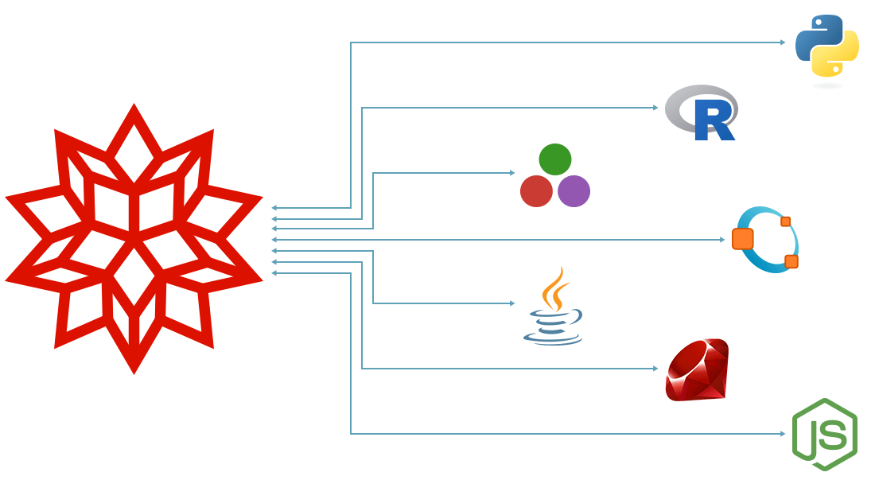
Outline
Outline
History & Comparison
What is Wolfram Language?
Principles of Wolfram Language
Code Structure
Some Example Workflows
Calculus
Functional Programming
Data Analysis
ExternalEvaluate Framework
Resources
Introduction
Introduction
Key Questions
Key Questions
How does Wolfram Language stack up to Python?
What is transferable between Python and Wolfram Language?
What are the best practices for a combined experience?
History & Comparison
History & Comparison
Python
Python
Object-oriented language that emphasises readability
Wolfram Language
Wolfram Language

A combined kernel (Wolfram Language) and front-end notebook (Mathematica) interface
Symbolic computation
Allows for arbitrary structures and data
What Is Wolfram Language?
What Is Wolfram Language?
Maths
Data
Graphs
Images
Documents
Graphics
3D Graphics
Sound
Neural Net
Chemicals
Programs
Interface
Principles of Wolfram Language?
Principles of Wolfram Language?
Broad Comparison
Broad Comparison
Differences
Differences
Python
Python
An open-source language developed by members of the community
Free to use but a number of implementations and dialects
Some functionality is not forwards/backwards compatible with major releases
Ships with minimal primitives, and relies on externally developed packages
Wolfram Language
Wolfram Language
A single-source language, developed in-house at Wolfram Research Inc.
Proprietary licence but consistent, centralised maintenance of language and documentation
Virtually all internal functions are backwards compatible
A great deal of functionality is provided out of the box
Code Structure
Code Structure
Example: Determine Whether A Number Is Prime
Example: Determine Whether A Number Is Prime
Writing Wolfram Language code in the style of Python is often possible…
…but alternative approaches are also possible:
Out-of-the-Box Functionality
Out-of-the-Box Functionality
Functions for… Everything
Functions for… Everything
See the cumulative numbers of Wolfram Language symbols introduced in successive major versions:
With so many built-in functions, there’s a good chance the hard work has been done for you:
Built-in functions are always quicker than user-made functions:
Examples
Examples
Calculus
Calculus
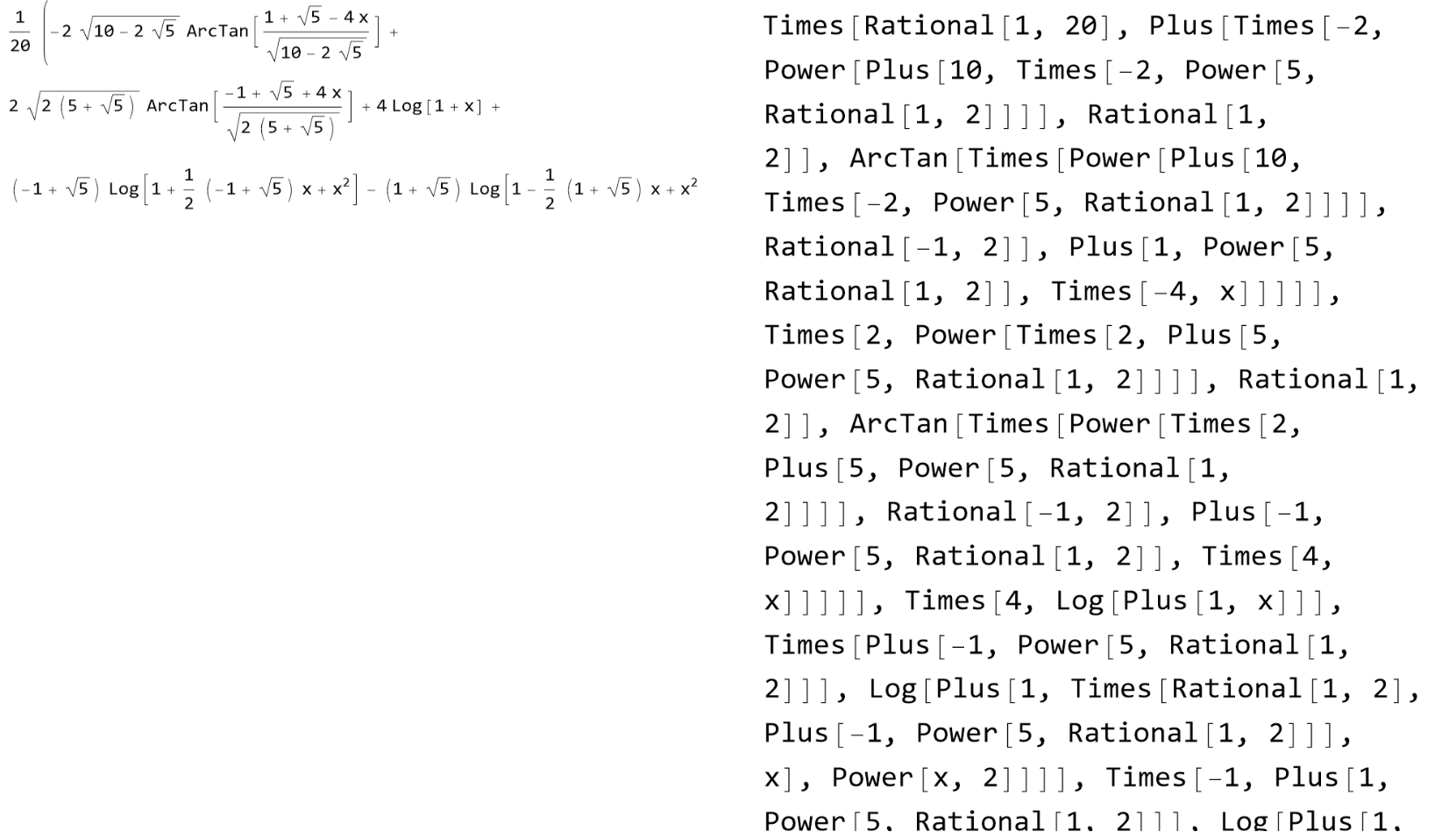
Example: Integration
Example: Integration
Python
In[]:=
print('Hello world')
Wolfram Language
Core Language
Core Language
Example: Letter Counts
Example: Letter Counts
Find the number of letters across several words and find their product.
Python
In Python, anonymous functions are made with lambda functions and primitives are limited to a few data types:
Wolfram Language
Functional Programming
Functional Programming
Guide: Functional Programming
Example: User-Defined Functions
Example: User-Defined Functions
Python
In Python, branching functions are common:
Wolfram Language
In Wolfram Language, overloading with extensive pattern matching is more common:
Data Analysis
Data Analysis
Example: Classifier
Example: Classifier
Produce a simple classifier based on a multivariate dataset that returns survival probabilities.
Get some data on the Titanic:
Python
In Python, machine learning requires prior knowledge (e.g. logistic regression):
Wolfram Language
In Wolfram Language, machine learning workflows are clean and largely automated.
Train a classifier on the data:
The classifier can now be used to make novel predictions:
Deploy an API that uses the classifier:
Extra
Extra
Passing Data Between Python & Wolfram Language
Passing Data Between Python & Wolfram Language
Inject Wolfram Language as a string:
Chess
Chess
Start another external session:
We can just pass our external object to the external function:
We can also directly extract attributes of the external object:
Making a move changes the state of the external object:
Let’s compute all legal moves from the current position, and obtain the UCI string representations of these:
Wolfram Client Library For Python
Wolfram Client Library For Python
Utilising Wolfram Language within Python requires the Wolfram Client Library for Python.
This requires at least Python v3.5 and Wolfram Language v11.3.
It can be installed using pip or by cloning the Git repository.
This requires at least Python v3.5 and Wolfram Language v11.3.
It can be installed using pip or by cloning the Git repository.
The client library allows Python to:
Evaluate any Wolfram Language expression
Access any of Wolfram Language’s built-in functions
Access the Wolfram Knowledgebase
Utilise Wolfram|Alpha's natural language processing
Construct expressions to be evaluated once they enter a Wolfram environment
Wolfram Language code generated from within an external code cell will evaluate once the result enters the Wolfram environment:
In[]:=
from wolframclient.language import wl, wlexpr
x = wl.Select([1, 2, 3, 4, 5, 6, 7, 8], wl.PrimeQ)
print(x)
x
x = wl.Select([1, 2, 3, 4, 5, 6, 7, 8], wl.PrimeQ)
print(x)
x
Call the API we deployed earlier with Python:
In[]:=
from wolframclient.evaluation import WolframCloudSession
cloud = WolframCloudSession()
api = ('josephb', 'api/public/titanic') # Change to your own $Username
result = cloud.call(api, {'classification': '1st', 'age': 20, 'gender': 'male'})
result.get().decode("utf-8")
cloud = WolframCloudSession()
api = ('josephb', 'api/public/titanic') # Change to your own $Username
result = cloud.call(api, {'classification': '1st', 'age': 20, 'gender': 'male'})
result.get().decode("utf-8")
Create an embeddable version in a language of your choice—for example, Python:
<paste code here>
In[]:=
from wolframclient.language import wl
wl.ImportByteArray(call('1st', 20, 'male'))
wl.ImportByteArray(call('1st', 20, 'male'))
Resources
Resources
Other
Other
See the Wolfram Blog: Why Wolfram Tech Isn’t Open Source – A Dozen Reasons
See the Wolfram Blog: Six Reasons Why the Wolfram Language Is (Like) Open Source
See our Public Resources here
Latest Features in Wolfram Language here