LineTerra
This example uses LineTerra to carry out the design of a road where the elevation data is in LAZ format.
First, evaluate LineTerra[“Example 2 Road A”] and you will get the main menu . Choose New Project then Terrain .
LineTerra["Example 2 Road A"]
Out[]=


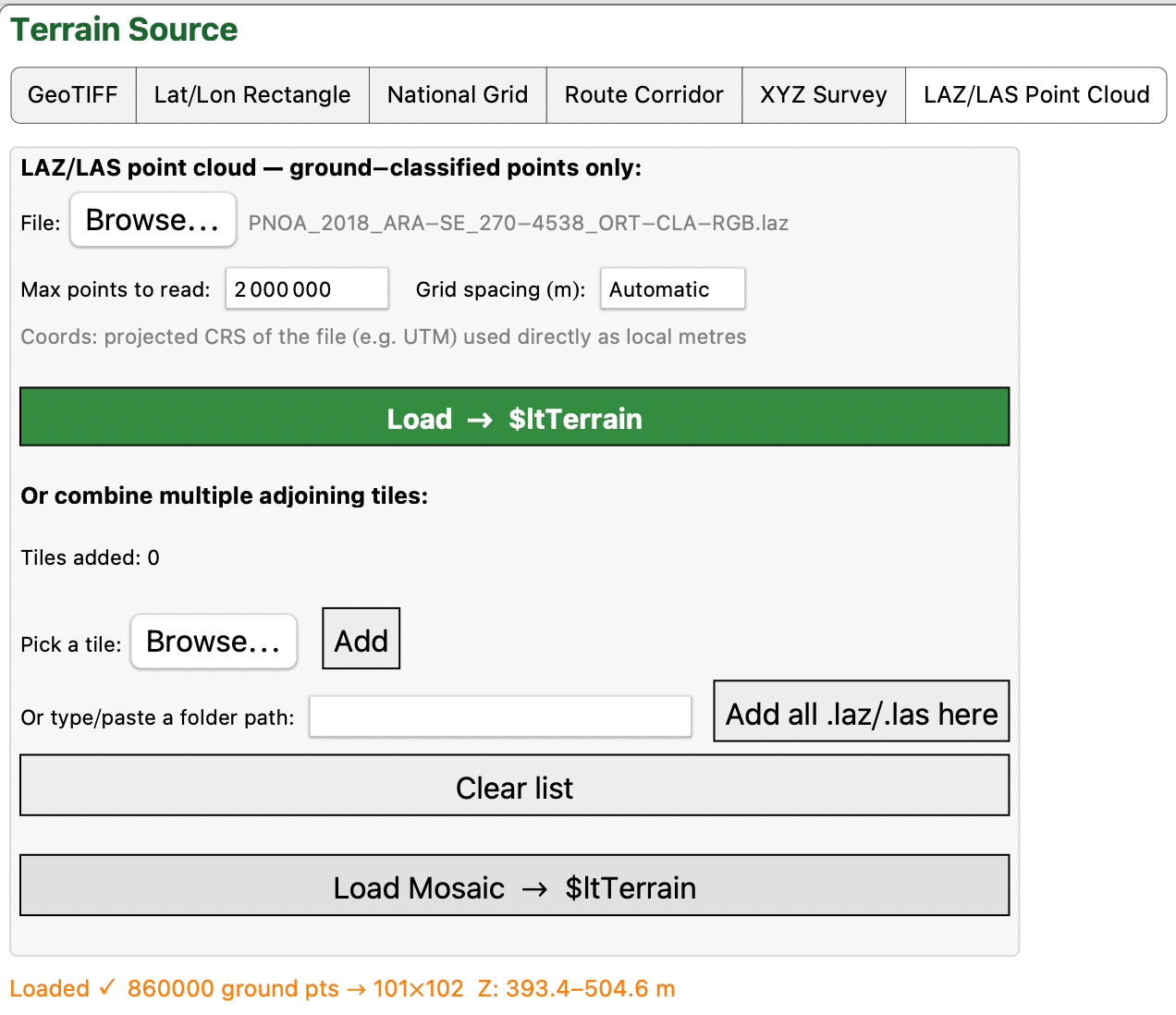
Press LAZ/LAS Point Cloud. If it is a LAZ file then you must have PDAL or LASzip on the system path, e . g .: brew install pdal. (See “Read this first). If you have or it is a LAS file the file will be read directly.
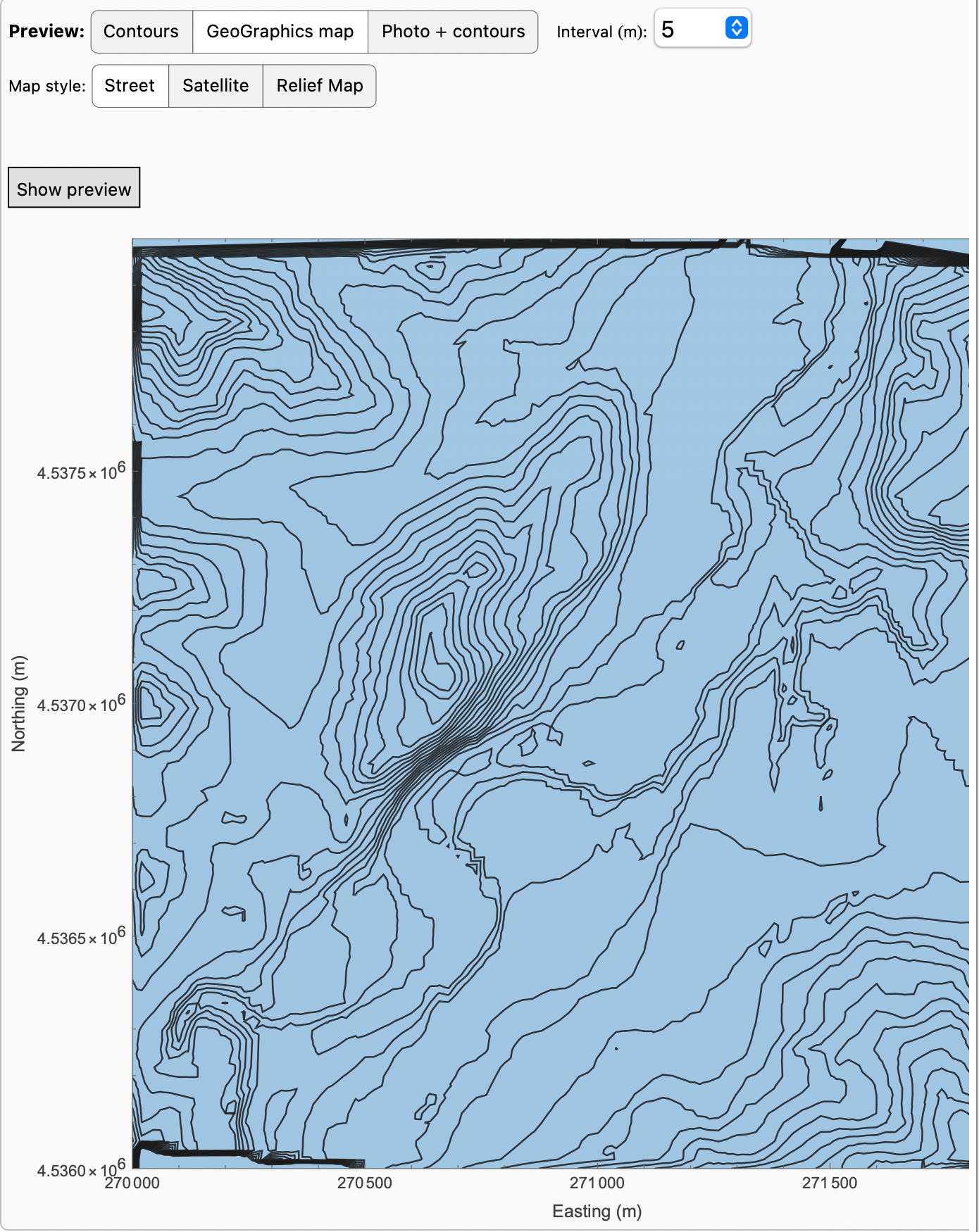
The preview can be shown in the normal way.
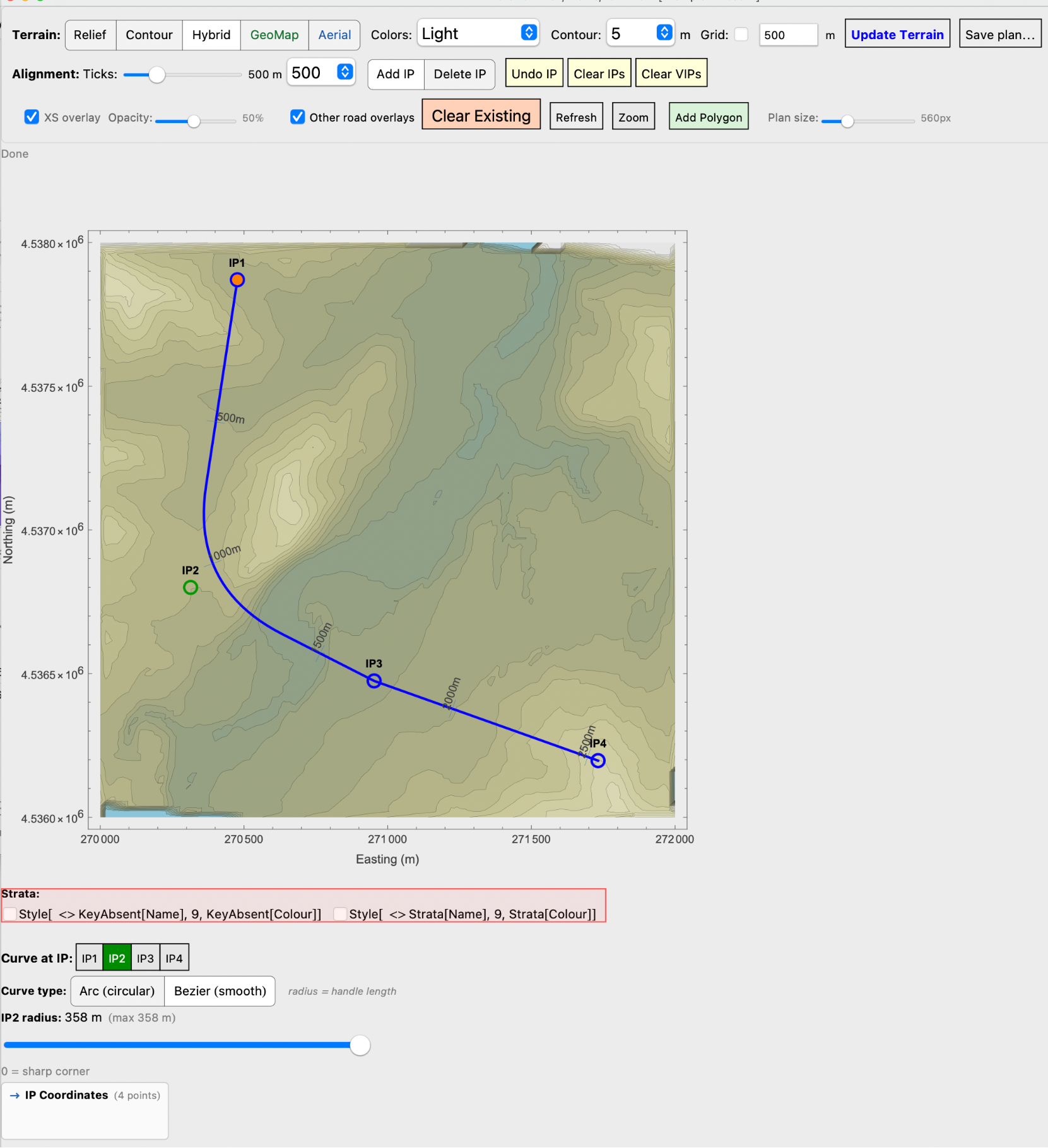
Pressing Plan and then adding IPs to form a road alignment,
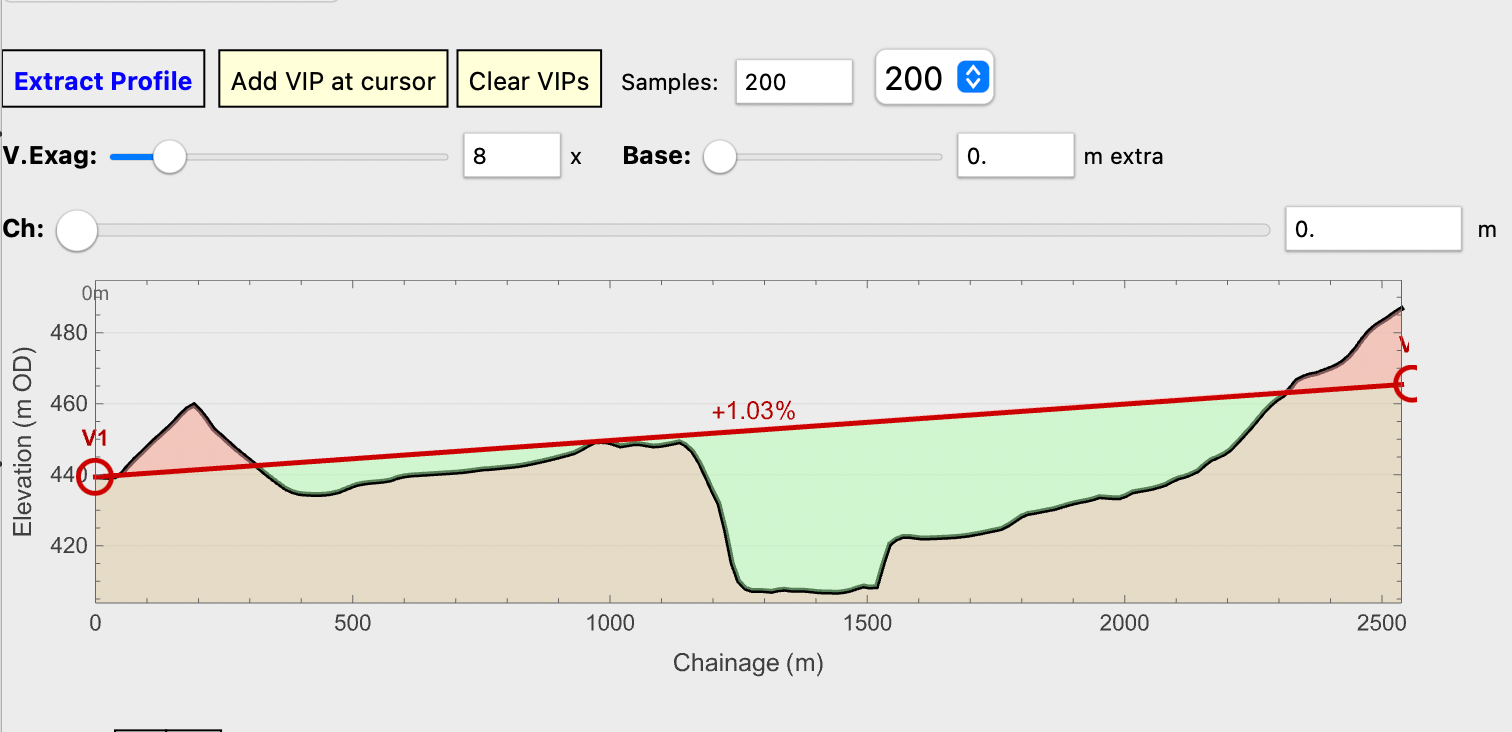
Extracting a profile
Either open a template library or design new ones. Here we have opened the library so we can use the motorway and bridge templates.
Assign sections to the alignment
Calculating earthworks we get an updated plan
and earthwork quantities
Leaving Earthworks on Auto we can then adjust the profile and/or the planned alignment and the quantities and plan will instantly update.
The road can be baked into the terrain and a 3D image produced. Sections or the plan can be exported to scale.