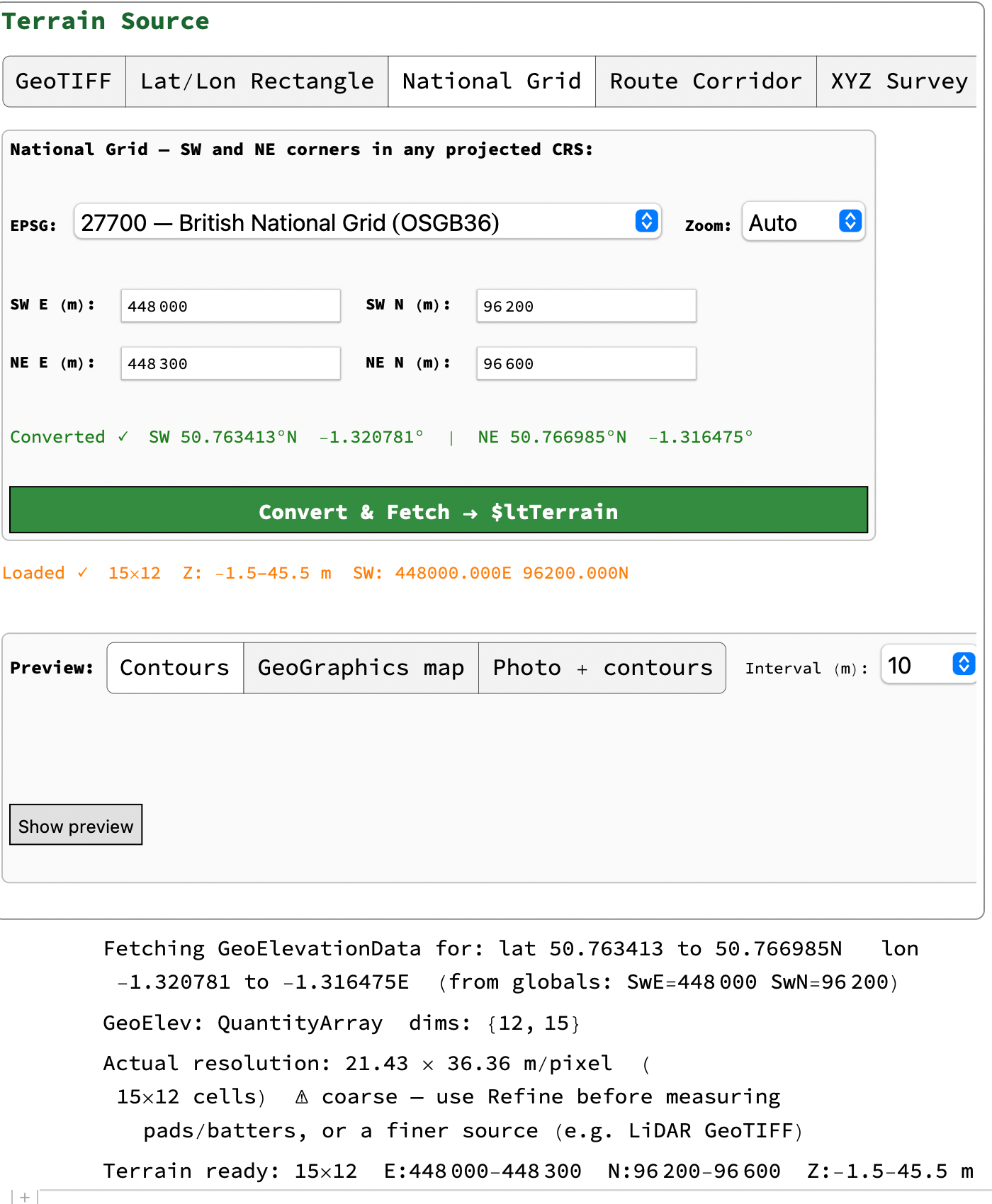
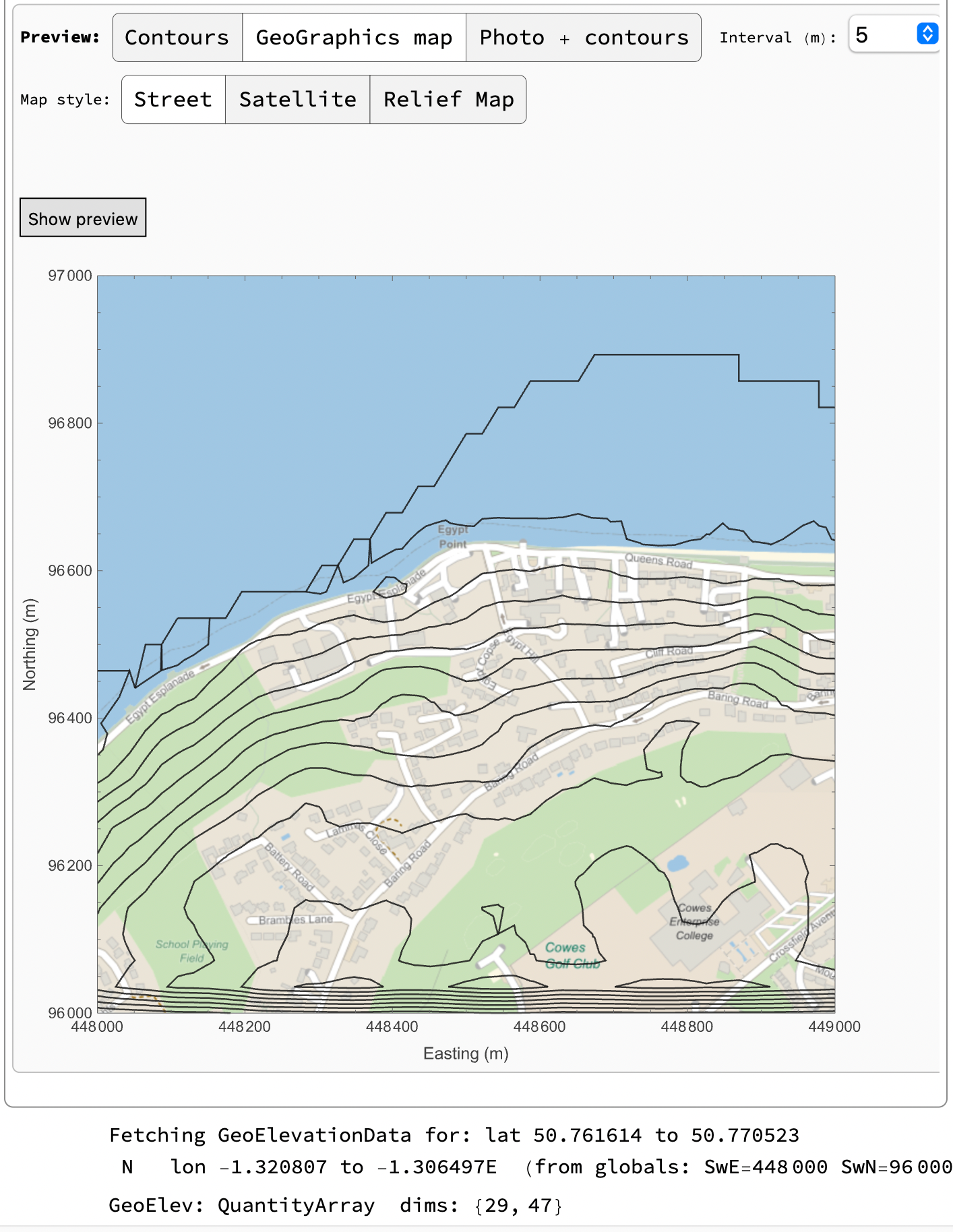
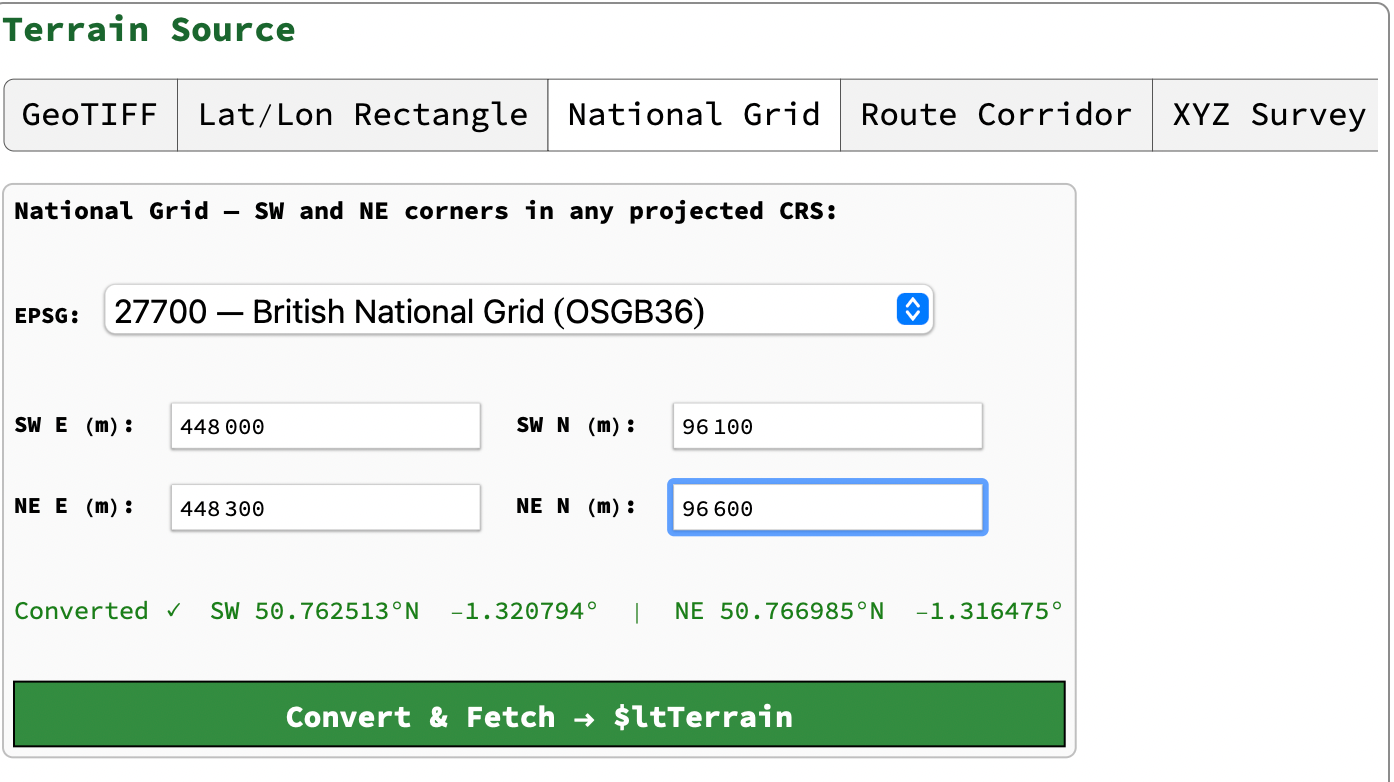
Click Refine -> 1m then Mean Ground then Bake
Click Refine -> 1m then Mean Ground then Bake
Click unbake then Extract Profile and add VIPs
Click unbake then Extract Profile and add VIPs
Open templates, click new then
Open templates, click new then
In Sections Define first side of polygon as vertical then remainder as sloping at 60˚
In Sections Define first side of polygon as vertical then remainder as sloping at 60˚
In Templates
In Templates
For the wall section
For the sloped section
Assign sections
Assign sections
Calculate earthworks but ignore results in earthworks window
Calculate earthworks but ignore results in earthworks window
After baking the quantities are
After baking the quantities are
and the 3D
and the 3D
Ignore the small black vertical lines at the base of the walls, These are an artifact caused by the noise due to the tiff being of the surface including vegetation.
If you make the bake permanent and update the terrain you can then draw sections through the slope or add other pads etc.
If you make the bake permanent and update the terrain you can then draw sections through the slope or add other pads etc.