In this computational essay, we explore the OpenWeatherMap API, and how it can be used for hydrological & Geographical purposes.
Introduction to OpenWeatherMap
Introduction to OpenWeatherMap
OpenWeatherMap is an online service, owned by OpenWeather Ltd, that provides global weather data via API, including current weather data, forecasts and historical weather data for any geographical location.
Based on a large amount of processing satellite and climate data, it provides satellite imagery, vegetation indices and weather data as well as analytical reports and crop monitoring.
Based on a large amount of processing satellite and climate data, it provides satellite imagery, vegetation indices and weather data as well as analytical reports and crop monitoring.
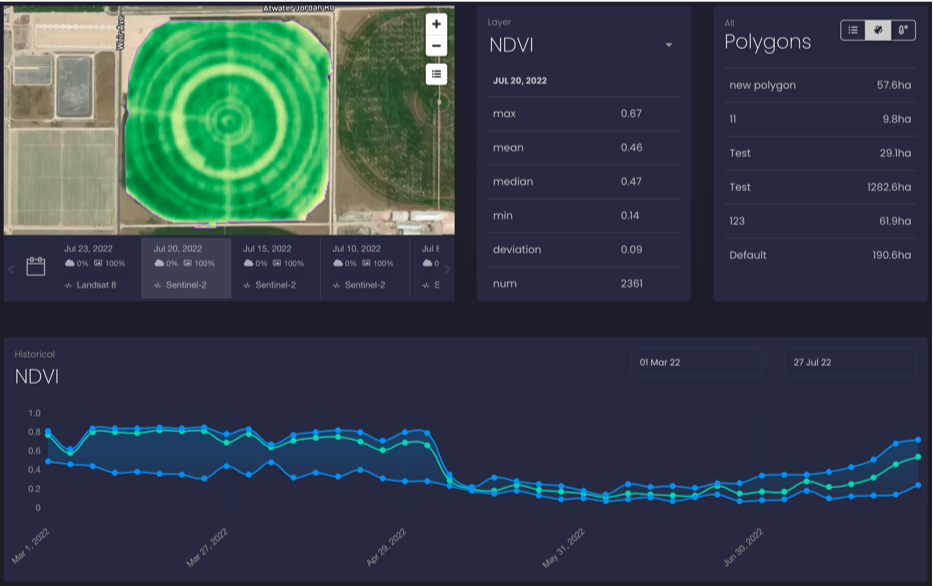
An example of the data taken from the OpenWeatherMap website
Explaining the API Process
Explaining the API Process
The OpenWeatherMap API uses Polygons to store a unit of Area. We can create polygons either using a POST method, or by manually drawing them onto a map.
Creating a Polygon using GeoJSON Coordinates
Creating a Polygon using GeoJSON Coordinates
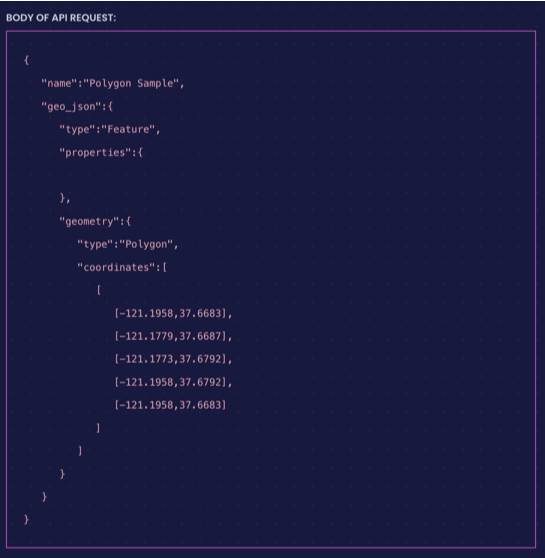
Start by using your apiKey
In[]:=
apiKey="3b45dd32459f1d1d846105e225d9cd5c";
Create a URL using your apiKey. Allow duplicated = false for no duplicate polygons to be allowed.
In[]:=
url="http://api.agromonitoring.com/agro/1.0/polygons?appid="<>apiKey<>"&duplicated=true";
Mention headers and Payload
In[]:=
headers=<|"Content-Type"->"application/json"|>;payload=<|"name"->"Test","geo_json"-><|"type"->"Feature","properties"-><||>,"geometry"-><|"type"->"Polygon","coordinates"->{{{-122.26514,38.673462},{-122.232127,38.624054},{-122.267076,38.6017},{-122.298185,38.633546},{-122.26514,38.673462}}}|>|>|>;
Execute the POST Request
In[]:=
response=URLExecute[HTTPRequest[url,<|"Method"->"POST","Headers"->headers,"Body"->ExportString[payload,"RawJSON"]|>]]
Out[]=
{id65203ca293997d62b1bfbdce,geo_json{typeFeature,properties{},geometry{typePolygon,coordinates{{{-122.265,38.6735},{-122.298,38.6335},{-122.267,38.6017},{-122.232,38.6241},{-122.265,38.6735}}}}},nameTest,center{-122.266,38.6332},area2303.17,user_id6519d9be86ec340008b8af3c,created_at1696611490}
Now, we can verify that the polygon has been created:
In[]:=
viewURL=Last[Import["http://api.agromonitoring.com/agro/1.0/polygons?appid="<>apiKey]]
Out[]=
{id65203ca293997d62b1bfbdce,geo_json{typeFeature,properties{},geometry{typePolygon,coordinates{{{-122.265,38.6735},{-122.298,38.6335},{-122.267,38.6017},{-122.232,38.6241},{-122.265,38.6735}}}}},nameTest,center{-122.266,38.6332},area2303.17,user_id6519d9be86ec340008b8af3c,created_at1696611490}
Importing & Visualizing Data
Importing & Visualizing Data
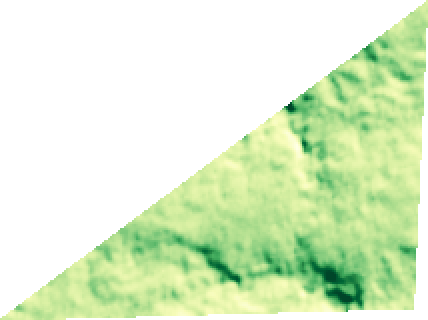
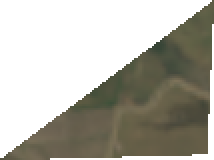
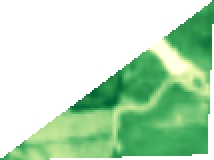
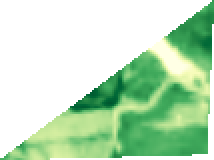
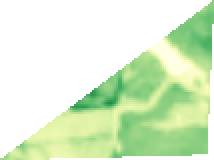
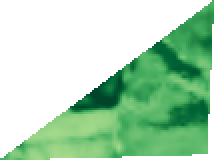
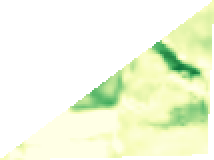
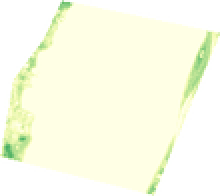
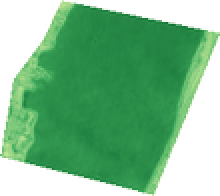
Importing the Data using the API is a two step process. We must first call the polygons ID API, and then use that to get Satellite, NDVI and other data in the JSON format. After that, we can process the data and look at some applications
In[]:=
urlToFetch=Import["https://api.agromonitoring.com/agro/1.0/image/search?start=1646245800&end=1646850600&polyid=651f1602287b0e3c2bfcebe8&appid=3b45dd32459f1d1d846105e225d9cd5c"]
Let's break down the URL
1) image - to get the image data values
2) start = EPOCH Time Start Value
3) end = EPOCH Time End Value
4) polyID = PolygonID - can be found easily by visiting the website, or by looking at the metadata if you created the polygon using an API Request
1) image - to get the image data values
2) start = EPOCH Time Start Value
3) end = EPOCH Time End Value
4) polyID = PolygonID - can be found easily by visiting the website, or by looking at the metadata if you created the polygon using an API Request
5) appID = APIKEY
In[]:=
Flatten[Table[Values[Values[urlToFetch[[i]][[6]]]],{i,Length[urlToFetch]}]]
In[]:=
Import/@%
Out[]=
,

,

,

,
,

,

,

,

,
,

,
,
,
,

,
In[]:=
Import["https://api.agromonitoring.com/agro/1.0/image/search?start=1646245800&end=1646850600&polyid=651eb60393997d383cbfbdb9&appid=3b45dd32459f1d1d846105e225d9cd5c"]
In[]:=
Flatten[Table[Values[Values[%[[i]][[6]]]],{i,Length@%}]]
Out[]//Short=
{http://api.agromonitoring.com/image/1.0/10062200500/651eb60393997d383cbfbdb9?appid=3b45dd32459f1d1d846105e225d9cd5c,http://api.agromonitoring.com/image/1.0/11062200500/651eb60393997d383cbfbdb9?appid=3b45dd32459f1d1d846105e225d9cd5c,http://api.agromonitoring.com/image/1.0/12062200500/651eb60393997d383cbfbdb9?appid=3b45dd32459f1d1d846105e225d9cd5c,27,http://api.agromonitoring.com/image/1.0/16062269c80/651eb60393997d383cbfbdb9?appid=3b45dd32459f1d1d846105e225d9cd5c,http://api.agromonitoring.com/image/1.0/17062269c80/651eb60393997d383cbfbdb9?appid=3b45dd32459f1d1d846105e225d9cd5c}
In[]:=
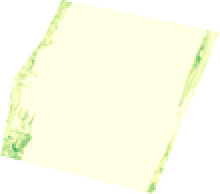
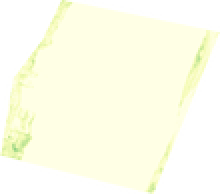
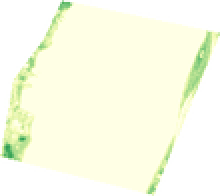
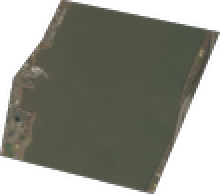
Import/@%
Out[]=
,
,
,
,
,
,
,

,

,

,

,

,

,

,

,

,

,

,

,

,

,

,
,

,

,
,
,
,
,
,
,

Calculating Change in Water Levels
Calculating Change in Water Levels
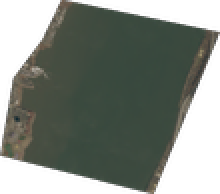
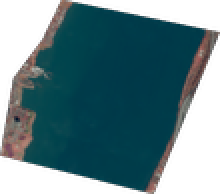
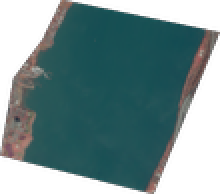
We choose the satellite images of blue color
The images are not the same, hence we know that there has been a change in the water levels
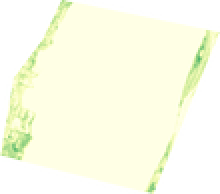
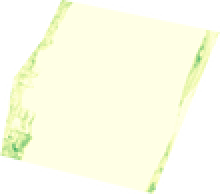
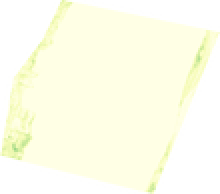
The graphs appear similar, indicating that not a lot of change has taken place in the time period. We can find the change in the area
Around 65.9807% of the region is covered by water in Image1
Around 65.9308% of the region is covered by water in Image1
And hence we calculate the change in water % to be around 0.04%
Using Statistics and NDVI data
Using Statistics and NDVI data
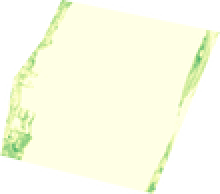
We can also calculate some important Statistics and use the NDVI Data
Visualizing Statistical Values
Visualizing Statistical Values
The median value of the index
The standard deviation of the index
Number of pixels in the image
Using NDVI Data
Using NDVI Data
Sun Data
Sun Data
Elevation of the Sun
Azimuth Values of the Sun
Bonus: Plotting the Flight of the Satellites
Bonus: Plotting the Flight of the Satellites
Bonus : Dynamic Image Comparison
Bonus : Dynamic Image Comparison
Conclusion
Conclusion
The lack of real time satellite data in the Wolfram Language has been combatted by using this API. I would like to thank the people on Wolfram Community for inspiring this project - especially Professor M. A. Ghorbani and Erfan Abdi. We can use the NDVI data for calculating the green score of a place.
CITE THIS NOTEBOOK
CITE THIS NOTEBOOK
Using real time satellite data for Hydrology and Geography
by Navvye Anand, Student Ambassador - Wolfram Research
Wolfram Community, STAFF PICKS, October 6, 2023
https://community.wolfram.com/groups/-/m/t/3029238
by Navvye Anand, Student Ambassador - Wolfram Research
Wolfram Community, STAFF PICKS, October 6, 2023
https://community.wolfram.com/groups/-/m/t/3029238