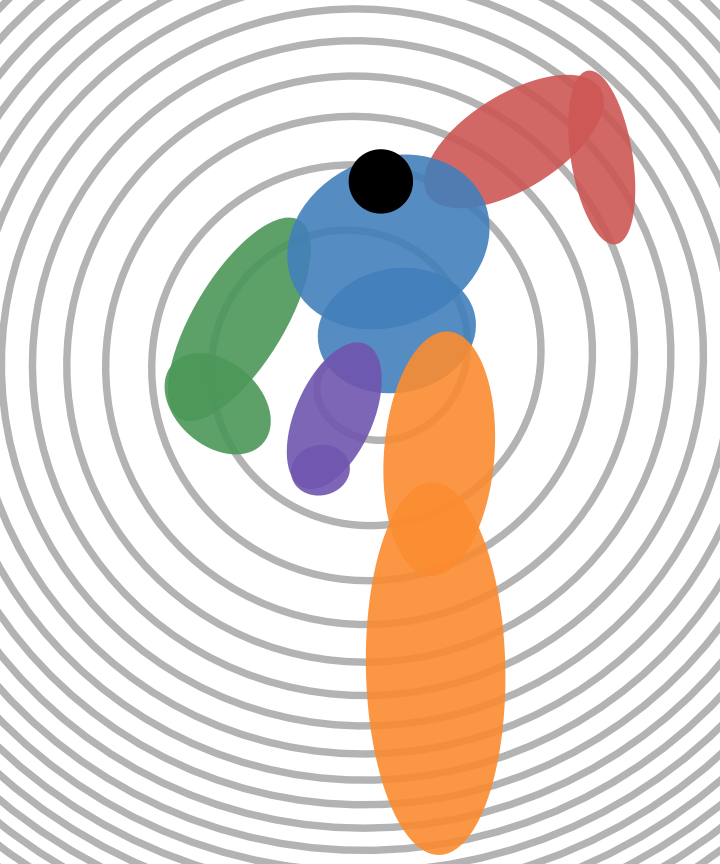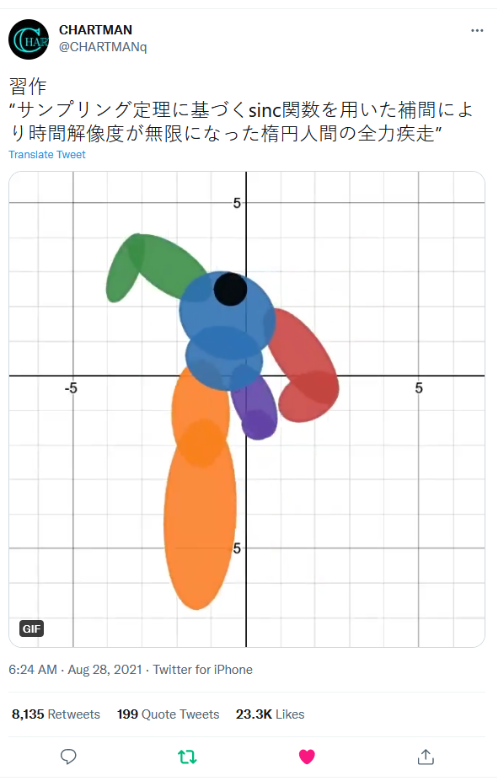
習作 "サンプリング定理に基づくsinc関数を用いた補間により時間解像度が無限になった楕円人間の全力疾走" is an impressive animation-driven locomotion that only uses simple ellipse. I saw this on twitter today and I feel with WL I can make the code a lot simpler to work with and adding spiral background to make it more like modern art.
If you take look at the source code, there are some monstrous expressions (I am surprised that the author actually type them correctly) and the screenshot is not long enough to cover everything. It is nice to have a web form but with such big expression, it is prone to error or even prohibitive for any casual user to look deeper into how this animation is created.

Handy linear algebra
Handy linear algebra
It is surprisingly easy to break down the monstrous formula down to three pieces with simple matrix diagonalization technique to find principle axis for general ellipsoid. Fortunately, this is a one-liner in WL:
In[]:=
Eigenvalues[RotationMatrix[θ]..RotationMatrix[-θ]]
2
{{λ1,0},{0,λ2}}
Out[]=
{,}
2
λ1
2
λ2
Then define these function to handle points motion and associated ellipsoid based on the original data:
In[]:=
sampling1[aList_,t_]:=Sum[aList[[Mod[n-1,12]+1]]*Sinc[π*(t-n)],{n,-12,24}]
In[]:=
sampling2[aList_,t_]:=Sum[aList[[Mod[n+5,12]+1]]*Sinc[π*(t-n)],{n,-12,24}]
In[]:=
bbPart[func_,t_,ax_,ay_,aa_,ab_,at_]:=Ellipsoid[{func[ax,t],func[ay,t]},RotationMatrix[func[at,t]]..RotationMatrix[-func[at,t]]]
2
{{func[aa,t],0},{0,func[ab,t]}}
Use curated data from @charmanq’s source code (attached in the “Motion capture profile” part below) and original color set:
In[]:=
Clear[config,t]
In[]:=
config[t_]=Transpose@{{RGBColor["#CD5754"],sampling1,t,ax,ay,aa,ab,at},{RGBColor["#CD5754"],sampling1,t,cx,cy,ca,cb,ct},{RGBColor["#4B9758"],sampling2,t,-ax,ay,aa,ab,-at},{RGBColor["#4B9758"],sampling2,t,-cx,cy,ca,cb,-ct},{RGBColor["#427FBB"],sampling1,t,bx,by,ba,bb,bt},{RGBColor["#427FBB"],sampling1,t,wx,wy,wa,wb,wt},{RGBColor["#FB8B30"],sampling1,t,tx,ty,ta,tb,tt},{RGBColor["#7055AF"],sampling2,t,-tx,ty,ta,tb,-tt},{RGBColor["#FB8B30"],sampling1,t,sx,sy,sa,sb,st},{RGBColor["#7055AF"],sampling2,t,-sx,sy,sa,sb,-st}};
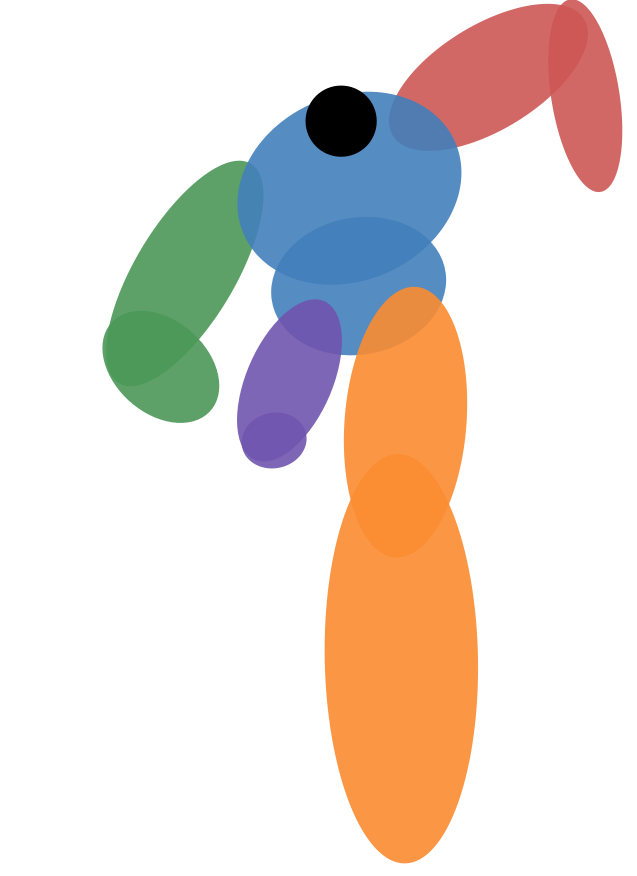
Use MapThread create ellipsoid for each part of the body:
In[]:=
With{t=0.5},GraphicsMapThread[{Opacity[0.9],#1,bbPart[##2]}&,config[t]],Black,Disk{sampling1[hx,t],sampling1[hy,t]},1
5
,Axes->False,PlotRange{{-4,4},{-7,4}}Out[]=
Archimedes’ spiral
Archimedes’ spiral
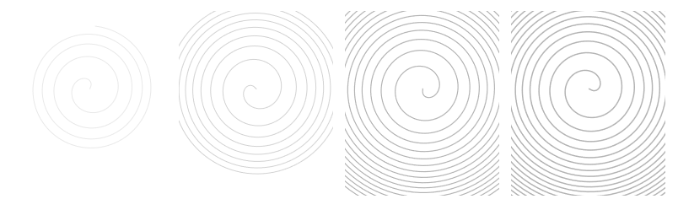
The spiral is generated with the following code. It you want to have swirling effect, you want to continuously grow the curve and change it starting angle with time. Therefore there are two variables in each trigonometric function. I use instead of regular because the linear Archimedes’ spiral is sparse in a small region and the quadratic root version packs more rounding curves around boundaries. Meanwhile the thickness also increases as time goes by, this adds another interesting visual effect:
r/1.2
r
In[]:=
GraphicsRowWith{duration=#},GraphicsOpacity[0.3],Thickness[0.008*duration/100],LineTable
k/1.2
{Cos[4*k/π+duration],Sin[4*k/π+duration]},{k,0,Max[0.1,duration],0.05},Axes->False,PlotRange{{-5,5},{-7,5}}&/@{20,40,80,100}Out[]=
Animation
Animation
Wrap everything above in one function and there you go:
In[]:=
ManipulateWith{t=.8*Mod[duration,16]},GraphicsOpacity[0.3],Thickness[0.008*duration/100],LineTable
k/1.2
{Cos[4*k/π+duration],Sin[4*k/π+duration]},{k,0,Max[0.1,duration],0.05},MapThread[{Opacity[0.9],#1,bbPart[##2]}&,config[t]],Black,Disk{sampling1[hx,t],sampling1[hy,t]},15
,Axes->False,PlotRange{{-5,5},{-7,5}},{duration,0,150},SaveDefinitionsTrue,ControlPlacementTopOut[]=