CITE THIS NOTEBOOK: Rorschach mask animations projected over 3D surfaces by Anton Antonov. Wolfram Community OCT 4 2022.
Introduction
Introduction
In this notebook we show a method to make animations of Rorschach images and project those animations over 3D surfaces. The work is inspired by the visual effects of Rorschach's mask in the 2009 movie "Watchmen".
The following flow chart summarizes the "creation loop":
Out[]=
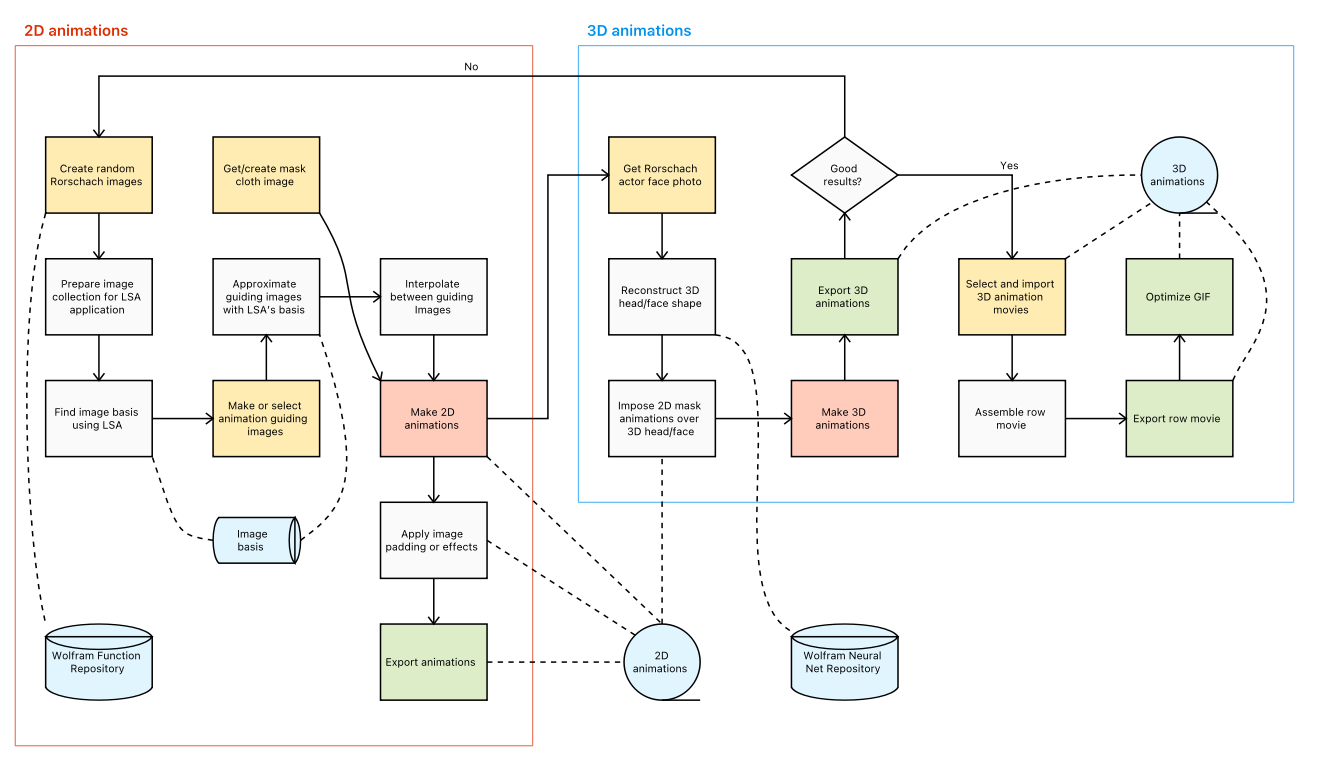
The workflow has two main parts:
1
.Making of 2D Rorschach animations
2
.Imposing the 2D images over 3D (head) surfaces
Remark: More detailed explanations will be added in the subsequent versions of the notebook.
"Why it worked?" summary
"Why it worked?" summary
The reasons this "worked" are:
◼
WL functionalities
◼
Comprehensive image processing and image effects functionalities
◼
"Out of the box" parallel programming functionalities
◼
Without parallel computations making the experiments would have been too slow for me to come up with something "good" within art competition's deadlines.
◼
Fast Singular Value Decomposition
◼
"Out of the box" neural network functionalities
◼
Computational elements
◼
Previous work on random graphics generation (mandalas, scribbles)
◼
Curation, documentation, and availability at Wolfram Function Repository (WFR)
◼
Having sound design of computation module is important if solutions have to be delivered reliably and quickly.
◼
Previous work on dimension reduction techniques
◼
Latent Semantic Analysis (LSA) representation is uniquely fit for these kind of effects
◼
The 3D face reconstruction neural network and related documentation
◼
Available through Wolfram's repositories / sites
Mask cloth
Mask cloth
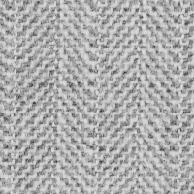
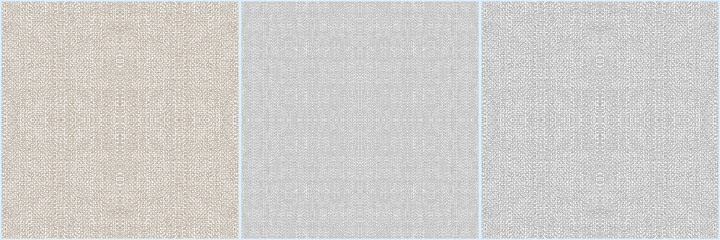
Here we get a cloth texture image and make a wallpaper with it. (Upon that wallpaper the animations are overlaid below.)
In[]:=
clothOriginal=
//ImageAdjust;
In[]:=
cloth=ColorReplace[clothOriginal,Black->GrayLevel[0.8],0.65];clothSq=ImageAssemble[{cloth,ImageReflect[cloth,Left->Right]}];clothSq=ImageAssemble[{{clothSq},{ImageReflect[clothSq,Top->Bottom]}}];clothFine=ImageAssemble@Table[clothSq,{5},{5}];cloth=ImageAssemble@Table[clothSq,{2},{2}];
In[]:=
clothSepia=ImageEffect[cloth,"Sepia"];
In[]:=
ImageCollage[{cloth,clothFine,clothSepia},Method->"Rows",ImageSizeMedium,ImagePadding5,BackgroundLightBlue]
Out[]=
2D Rorschach animations
2D Rorschach animations
In this section we do the following steps:
1
.Generate training Rorschach images
1
.1
.Using Wolfram Function Repository functions RandomScribble or RandomRorschach.
2
.Apply Latent Semantic Analysis (LSA) workflows and extract image topics.
2
.1
.The image topics make an image basis that can be used to approximated other images. See [AA2 and AA5 for details.]
3
.Generate or obtain animation guiding images.
4
.Interpolate between animation guiding images.
4
.1
.The interpolation is done by interpolating between the image basis vectors.
5
.Make animations
6
.Apply image effects
Get data
Get data
Here we generate the training images data. (We experiment with small image sizes, and we get good results we large image sizes.)
In[]:=
SeedRandom[902];aRes=PrepareImageData["NumberOfImages"->700,ImageSize->200,"Dilation"->False,"Generator"->Hold[ResourceFunction["RandomScribble"]["NumberOfStrokes"RandomChoice[{10,2,2}->{RandomInteger[{5,20}],{12,40},{20,16}}],"RotationAngle"->RandomChoice[{Automatic,RandomReal[{0,π},3]}],"OrderedStrokePoints"False,"ConnectingFunction"FilledCurve@*BezierCurve,ColorFunction(Black&),ImageSizeSmall]]];
{8.31544,Null}
Apply Rorschach effect:
{0.712693,Null}
Image resize:
{0.122766,Null}
Color convert to "GrayScale":
{0.271727,Null}
In[]:=
aDImages=aRes["Images"];aDImageVecs=aRes["ImageVectors"];
Remark: The function PrepareImageData is from the package [AAp1].
Apply LSA
Apply LSA
Here we apply LSA dimension reduction. (See [AA1-AA5].)
In[]:=
AbsoluteTiming[lsaObj=DimensionReductionWithLSA[aDImageVecs];]
Out[]=
{4.54481,Null}
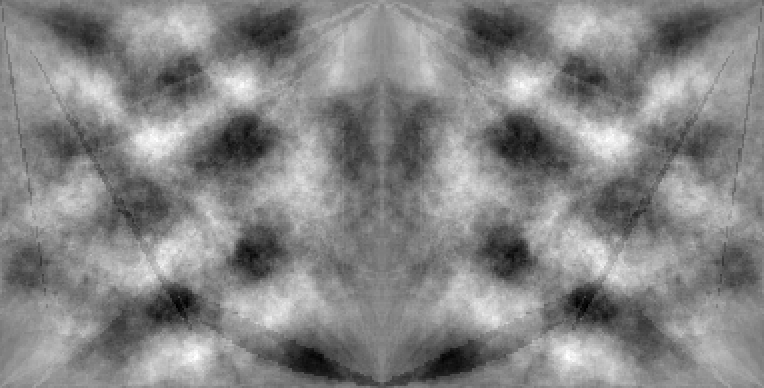
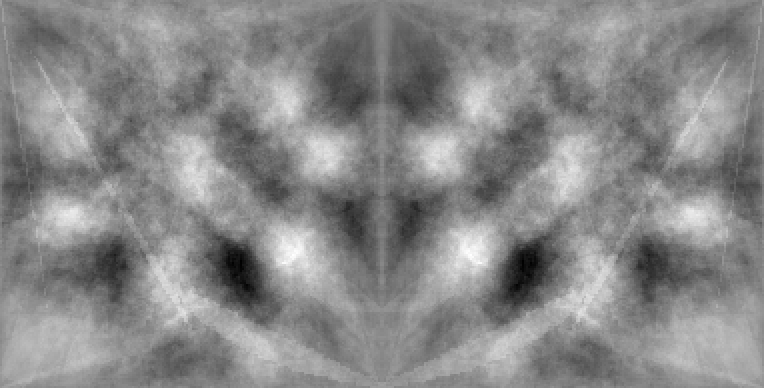
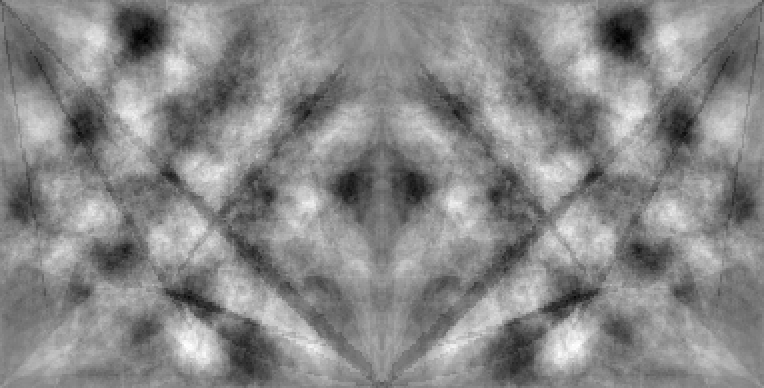
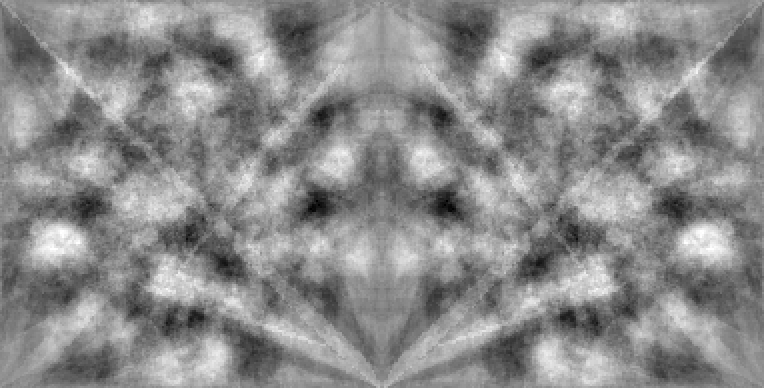
Get the image basis and show a sample:
In[]:=
aLSABasis=GetImageBasis[lsaObj,aDImages];RandomSample[aLSABasis["ImageBasis"],4]
Out[]=
,
,
,
In[]:=
aLSABasis
Make animation through path
Make animation through path
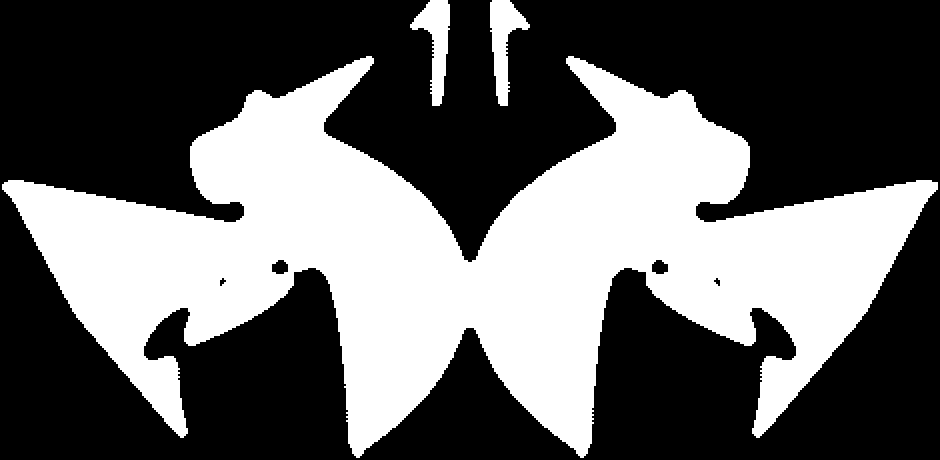
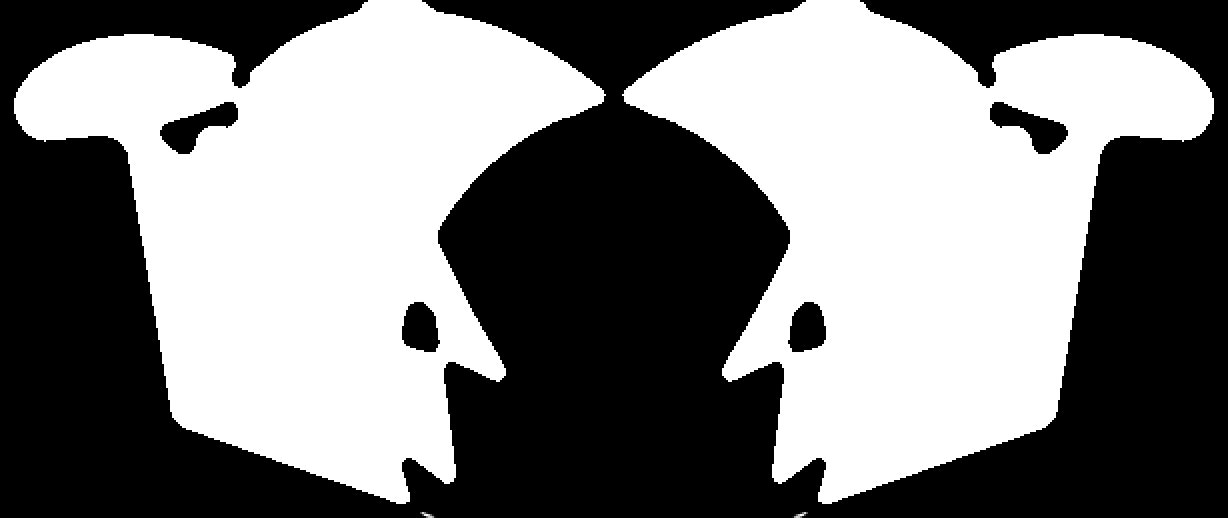
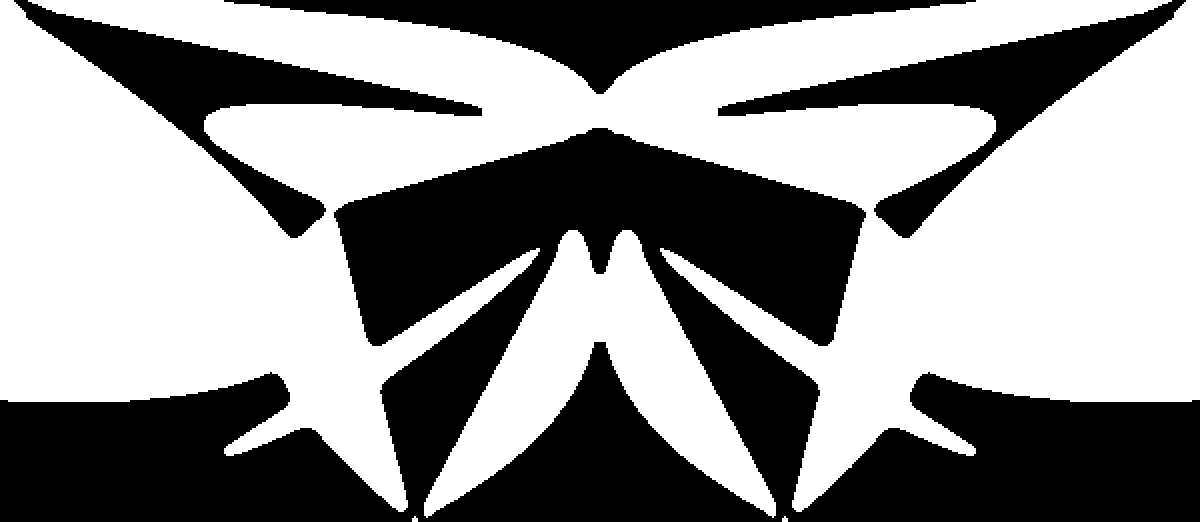
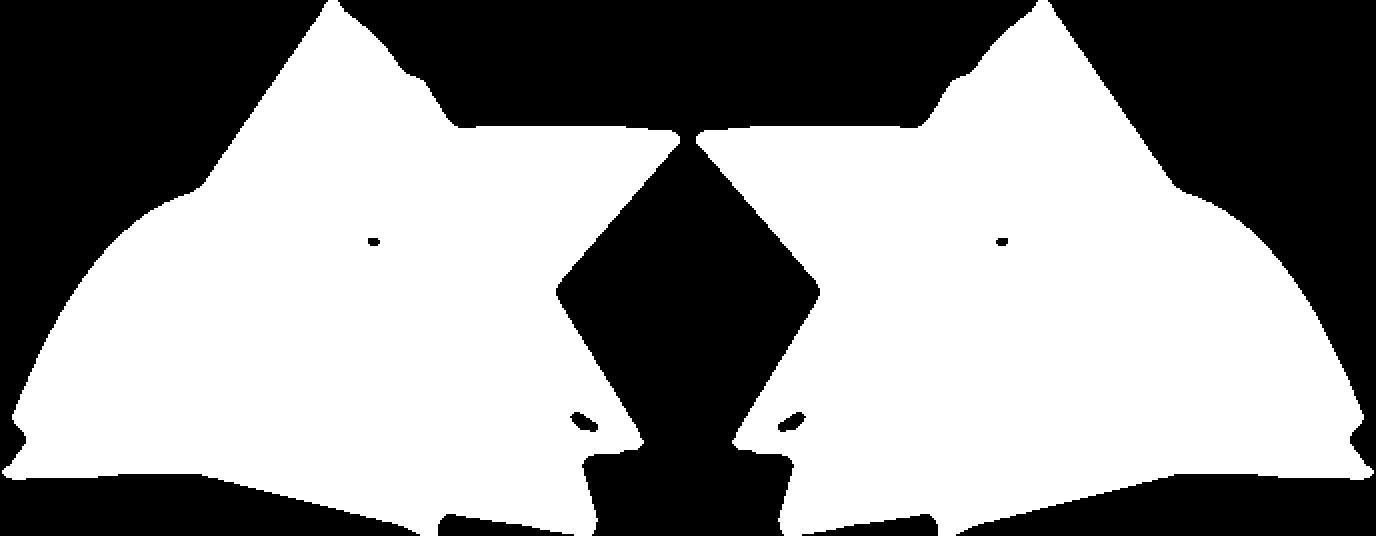
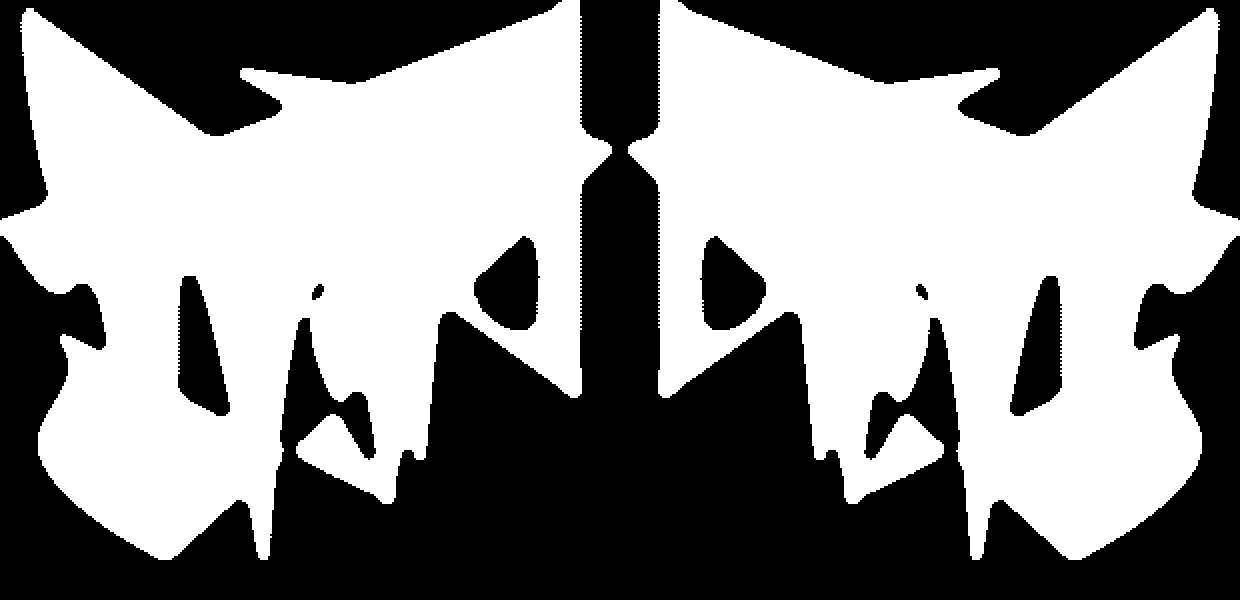
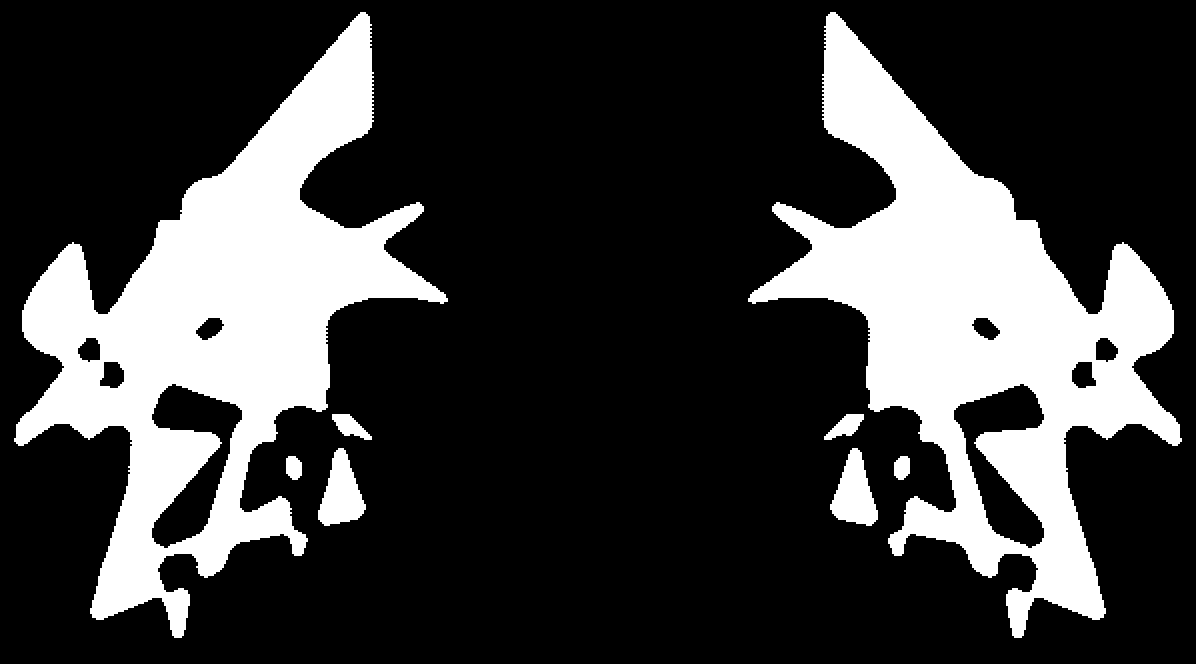
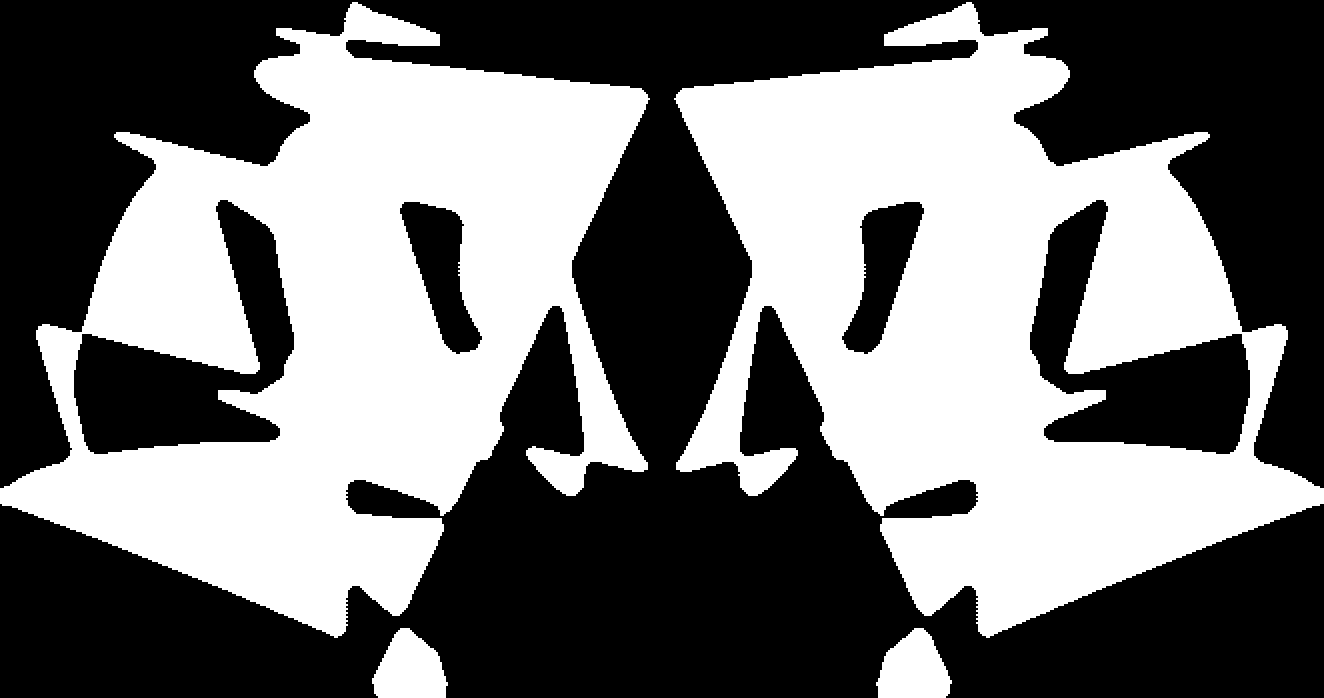
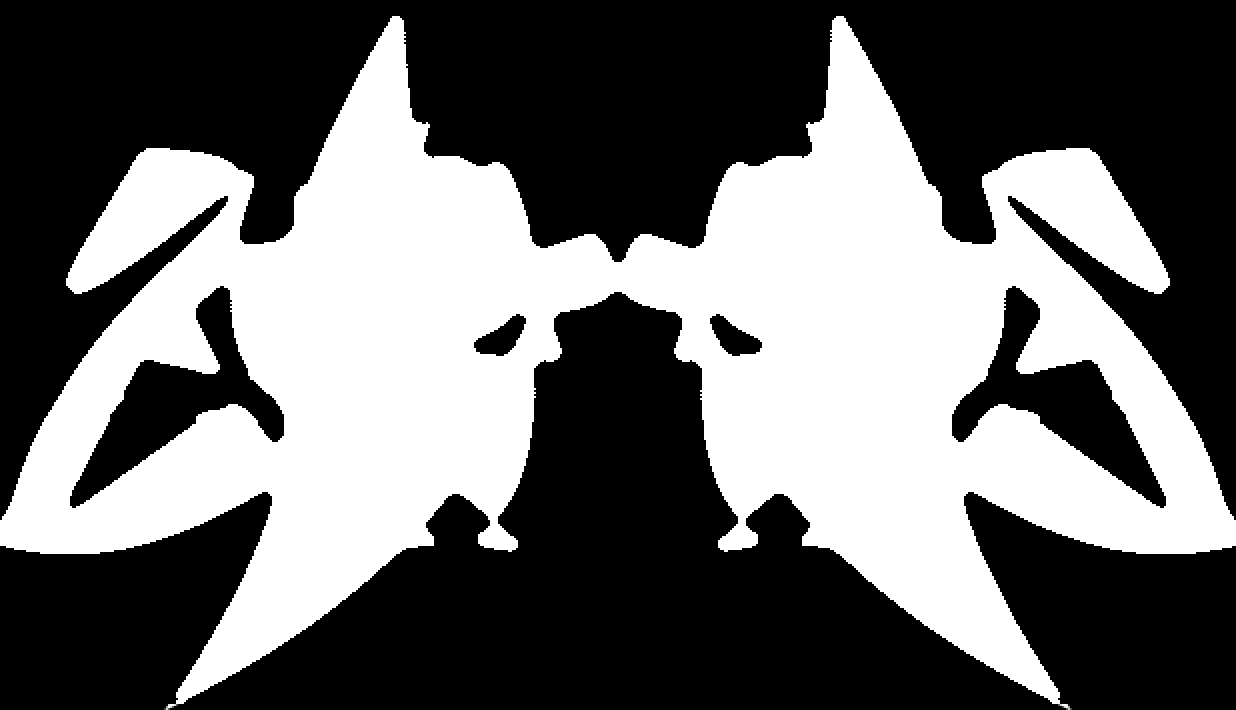
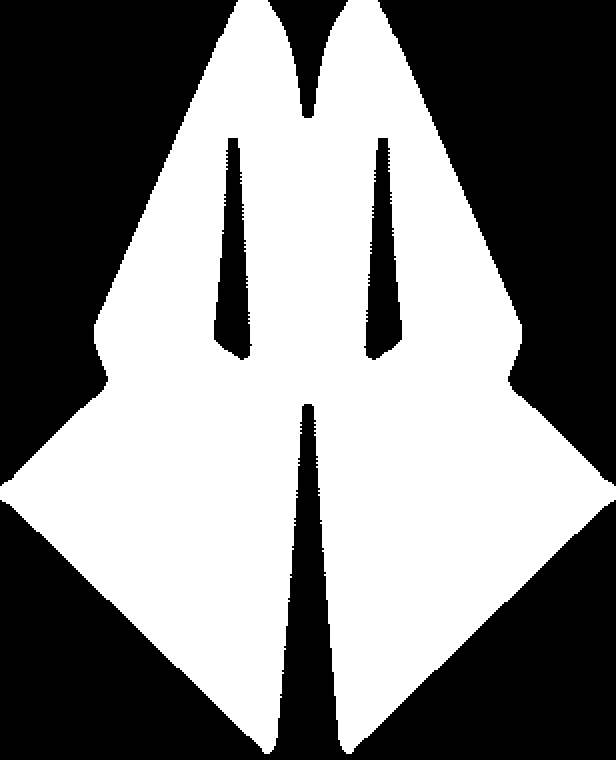
Here we sample the training images in order to get the animation guiding images:
In[]:=
(*SeedRandom[781];aPath=Sort[RandomSample[aDImages,9]]*)
Alternatively, we create animation guiding images on the spot:
In[]:=
SeedRandom[78];aPath=Sort[Association@Table[i->ColorNegate[ResourceFunction["RandomRorschach"]["NumberOfStrokes"RandomChoice[{10,2,2}->{RandomInteger[{5,20}],{12,40},{20,16}}],"RotationAngle"->RandomChoice[{Automatic,RandomReal[{0,π},3]}],"OrderedStrokePoints"RandomChoice[{False,True}],"ConnectingFunction"FilledCurve@*BezierCurve,ColorFunction(Black&)]],{i,9}]];aPath
Out[]=
2
,5
,7
,4
,6
,8
,3
,1
,9
Rough-looking approximations
Rough-looking approximations
OilPaiting effect
OilPaiting effect
Here we redo the image manipulation with additional binarization in order to get "inkblot look" after applying "OilPainting" effect.
Over (non-sepia) cloth
Over (non-sepia) cloth
In this sub-section we place the animation images over the mask cloth image derived above.
Head-mask padding
Head-mask padding
In order to produce more "centered" animations on the reconstructed face we pad the images of the animation:
Export 2D animations
Export 2D animations
In this section we export the animations and a collage of the guiding images.
Facial 3D Reconstruction
Facial 3D Reconstruction
Remark: Of course, we can also use, say, photos of Jackie Earle Haley portraying Rorschach in the movie "Watchmen" (2009). For reproducibility purposes we use the photo in the linked article.
Impose Rorschach animation over face
Impose Rorschach animation over face
In this section we impose the 2D animation images over the 3D reconstructed face.
Single image
Single image
In this sub-section we show the process of imposing a single animation image.
Animation
Animation
In this sub-section we apply the imposing for all animation images.
Export 3D animations
Export 3D animations
Here we export the 3D animation:
Multiple Rorschach heads in a row
Multiple Rorschach heads in a row
In this section we get (a selection of) GIF animations and assemble them into one movie. The imported movie are expected to have the same number of frames. The corresponding frames are combined into one frame (in the new movie.)
Get the “custom rotation” batch of images:
Import the movie files and show the number of frames per file:
Assemble corresponding frames into one image:
Export the assembled frames into a GIF:
Check assembling result:
Going further
Going further
The process above can modified or extended in several ways:
◼
Different training images
◼
Different animation guiding images
◼
Additional image re-styling
Using random mandalas
Using random mandalas
We can use random mandalas [AAf3] instead of random Rorschach images [AAf1]. See for example this animation: https://imgur.com/ygLurTM .
Guiding through the original Rorschach images
Guiding through the original Rorschach images
I experimented with using the original Rorschach images as animation guiding images. (The results were not particularly better or more interesting looking.)
Using image restyling
Using image restyling
Also, we can use ImageRestyle to impose certain more "realistic" look into the derived animations. (Or any other style.)
Here is an example with imposing the style of the original Rorschach images: https://imgur.com/UWv4CUG .
Setup
Setup
References
References
Articles
Articles
[AA2] Anton Antonov, "LSA methods comparison over random mandalas deconstruction -- WL", (2022), Wolfram Community.
[AA3] Anton Antonov, "Bethlehem stars: classifying randomly generated mandalas", (2020), Wolfram Community.
[AA4] Anton Antonov, "[LiVE] Latent Semantic Analysis Workflows (WL Live-Stream Series)", (2019), Wolfram Community.
[AA5] Anton Antonov, "Re-exploring the structure of Chinese character images", (2022), Wolfram Community.
Functions
Functions
Packages
Packages
[AAp1] Anton Antonov, LSAMon for Image Collections Mathematica package, (2022), MathematicaForPrediction at GitHub.
Videos
Videos
[AAv1] Anton Antonov, "Making of Rorschach mask 2D and 3D animations", (2022), Anton Antonov's YouTube channel.