Bernoulli’ s Lemniscate by Arc-Length Continuation and ContourPlot
Authors: Housam Binous and Ahmed Bellagi
Bernoulli’ s Lemniscate by Arc-Length Continuation and ContourPlot
Authors: Housam Binous and Ahmed Bellagi
Authors: Housam Binous and Ahmed Bellagi
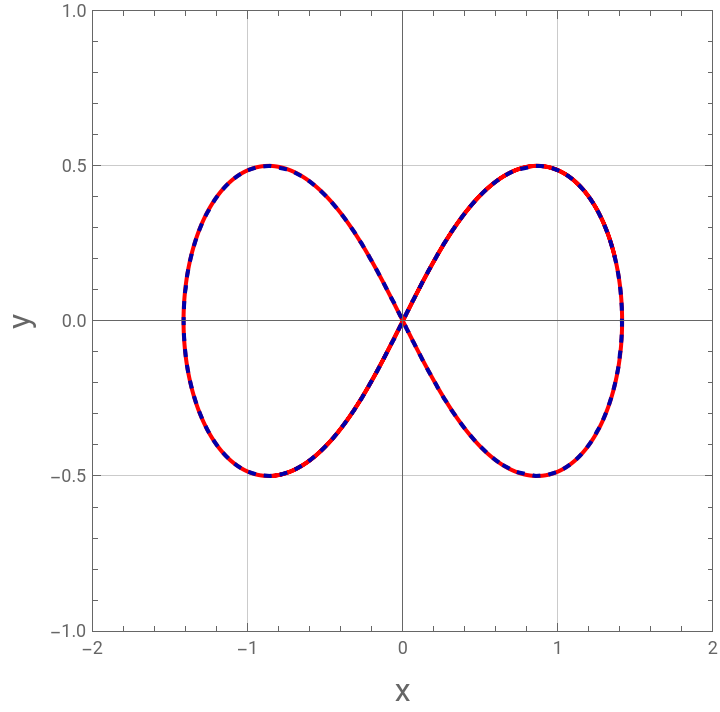
Two methods are applied to plot an ∞-shaped curve called the Bernoulli’s Lemniscate. The first method is based on arc-length continuation (see Ref. 1) while the second approach uses the built-in command of Mathematica: ContourPlot. In Cartesian coordinates, the equation of the Lemniscate is given by : = 0. Without loss of generality, we take in the code below.Details about this polar curve are given elsewhere : https://mathworld.wolfram.com/Lemniscate.html.Reference:[1] U. Al-Mubaiyedh and H. Binous, Teaching arc-length continuation in the chemical engineering graduate program using MATLAB©, Computer Applications in Engineering Education, 2018 pp. 1–17. https://doi.org/10.1002/cae.21954
-2a-+
2
x
2
y
2
+
2
x
2
y
a=1
Lemniscate by arc-length continuation
Lemniscate by arc-length continuation
In[]:=
ds=0.01;ep=0.001;
In[]:=
f1[x1_,x2_]:=(x1^2+x2^2)^2-2(x1^2-x2^2)IC1=FindRoot[f1[x1,0.2]0,{x1,1.8,-2.0}]IC2=FindRoot[f1[x1,0.21]0,{x1,1.8,-2.0}]
Out[]=
{x11.36986}
Out[]=
{x11.36507}
In[]:=
g[{x1o_,x2o_,x1oo_,x2oo_}]:=Module[{x1n,x2n,sol},sol=Quiet@FindRoot[{f1[x1n,x2n]0,(x2n-x2o)(x2o-x2oo)ds^2-(x1n-x1o)(x1o-x1oo)},{x1n,x1o+ep},{x2n,x2o+ep}];{x1n,x2n,x1o,x2o}/.sol//Chop]
In[]:=
Pinit=Flatten@Join[{{x1,0.21}/.IC2,{x1,0.2}/.IC1}]
Out[]=
{1.36507,0.21,1.36986,0.2}
In[]:=
SOL=NestList[g,Pinit,1000];
In[]:=
p1=ListPlot[Table[{SOL[[i]][[1]],SOL[[i]][[2]]},{i,1,1000,1}],JoinedTrue,PlotStyle{Thick,Red},FrameTrue,GridLinesAutomatic,AspectRatio1,FrameLabel->{Style["x",16],Style["y",16]},PlotRange->{{-2,2},{-1,1}}]
Out[]=
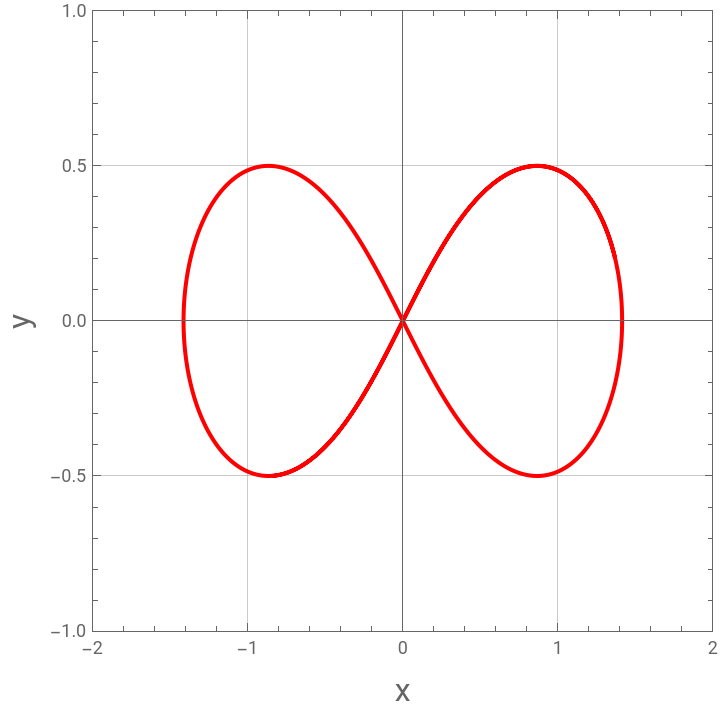
Lemniscate by ContourPlot
Lemniscate by ContourPlot
In[]:=
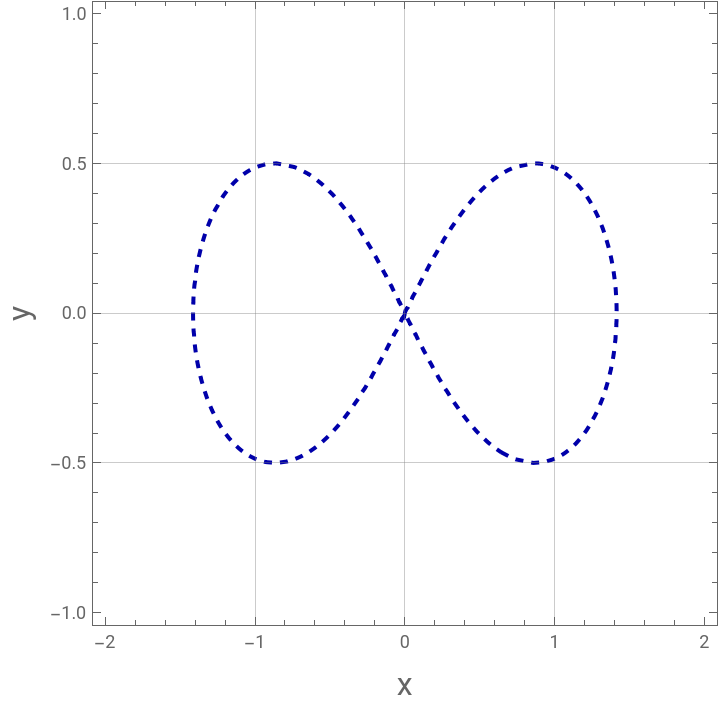
p2=ContourPlot[f1[x1,x2],{x1,-2,2},{x2,-1,1},Contours{0},ContourStyle{Darker@Blue,Dashed,Thick},ContourShadingNone,FrameLabel->{Style["x",16],Style["y",16]},GridLines->Automatic]
Out[]=
Both methods yield the correct result
Both methods yield the correct result
In[]:=
Show[p1,p2]
Out[]=