At any given moment, thousands of aircraft share the sky, and it is the job of air traffic controllers to keep every one of them safely apart using nothing but a radar screen, a radio, and quick judgment. In this essay I build a working miniature of that world: an interactive air traffic control (ATC) radar simulator in the Wolfram Language. Aircraft on the scope fly with realistic physics — they bank into turns gradually, accelerate smoothly, and climb or descend at sensible rates rather than teleporting to whatever the controller commands. On top of this I add a conflict detection engine modeled on real ICAO separation standards, so the radar itself warns when two aircraft get dangerously close — and shows the consequences when the controller fails to act. The result is a small game of sorts, but one whose rules are the genuine geometry and kinematics of air traffic control.
Introduction
Introduction
What does a controller actually see?
What does a controller actually see?
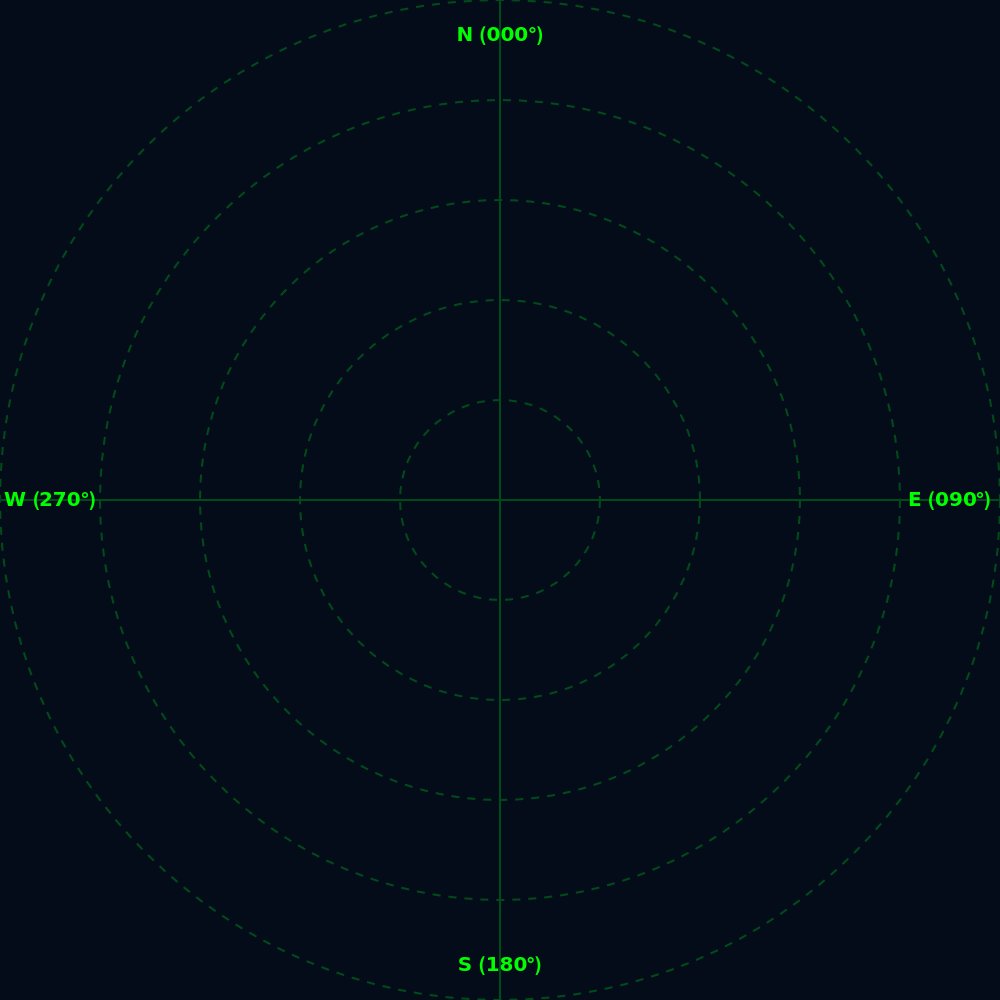
An air traffic controller does not look out of a window. They look at a radar scope: a dark screen with concentric range rings measured in nautical miles (NM), a compass rose fixed to true north, and a scattering of bright blips. Each blip carries a small block of text called a data tag, which reports the aircraft's callsign (like BA777), its flight level (FL150 means 15,000 ft), its ground speed in knots, and its heading. A short line drawn ahead of each blip — the velocity vector — shows where the aircraft will be shortly if nothing changes. Everything I build in this essay is a recreation of exactly this picture.
The controller's three levers
The controller's three levers
A controller cannot fly the plane. All they can do is issue instructions over the radio, and every instruction changes one of just three quantities: heading (“turn left heading 270”), speed (“reduce speed to 250 knots”), or altitude (“descend and maintain flight level 100”). The pilot then steers the aircraft toward those targets — but the aircraft itself takes time to comply. A 200-tonne airliner cannot snap to a new heading; it rolls into a gentle turn of about 3 degrees per second. This gap between what is commanded and what the aircraft is currently doing is the heart of the simulation, and, as we will see, it is also what makes conflicts genuinely hard to escape at the last moment.
Why simulate?
Why simulate?
Separation rules exist because aircraft are fast and momentum is unforgiving. The International Civil Aviation Organization (ICAO) requires that two aircraft under radar control be kept at least 3–5 NM apart laterally or 1,000 ft apart vertically. Reading that rule is one thing; feeling why it exists is another. A simulator lets us put two aircraft on converging courses, watch the closure rate, and discover how early a controller must intervene for a turn to actually take effect in time. It turns a paragraph of regulation into an experiment we can run — and fail — safely.
Working
Working
An aircraft as a bundle of numbers
An aircraft as a bundle of numbers
Each aircraft in my simulator is an Association — the Wolfram Language's key-value container — holding its state. The important design decision is that every controllable quantity appears twice: once as its current value and once as its target value. The controller's sliders only ever move the targets; the physics engine is responsible for dragging the current values toward them, one tick at a time.
In[]:=
<|"pos" -> {0., 0.}, "alt" -> 15000., "targetAlt" -> 15000.,
"hdg" -> 90., "targetHdg" -> 90., "spd" -> 250., "targetSpd" -> 250.|>
"hdg" -> 90., "targetHdg" -> 90., "spd" -> 250., "targetSpd" -> 250.|>
Out[]=
pos{0.,0.},alt15000.,targetAlt15000.,hdg90.,targetHdg90.,spd250.,targetSpd250.
All active aircraft live in a single association called planes, keyed by callsign, so adding, controlling, and deleting a flight is just adding, editing, or dropping a key.
The heartbeat
The heartbeat
The whole display sits inside one Dynamic expression driven by Clock[{0, Infinity, 0.1}], which forces a refresh roughly every tenth of a second, forever. On every tick, the same three things happen in order: the physics engine advances every aircraft, the conflict engine checks every pair, and the Graphics scene is redrawn from scratch. Because the update rule is written as a pure function mapped over the planes association, adding a tenth aircraft costs no more thought than adding a second.
Moving: compass headings and a hidden trap
Moving: compass headings and a hidden trap
Each tick, an aircraft's position advances along its heading. But aviation and mathematics disagree about angles: a mathematician measures counterclockwise from the x-axis, while a compass heading is measured clockwise from north. Heading 000° is straight up the screen and 090° is due east. The fix is to swap the usual roles of sine and cosine in the velocity direction.
Turning like an airliner, not a video game
Turning like an airliner, not a video game
Suppose an aircraft is heading 350° and the controller commands 010°. Subtracting naively gives a difference of −340°, and the aircraft would swing almost all the way around the compass to reach a heading only 20° away. The classic remedy maps every angular difference into the range −180° to +180°, which automatically selects the shorter way around:
In[]:=
hdgDiff = Mod[th - h + 180, 360] - 180;
h = Mod[h + Sign[hdgDiff]*Min[Abs[hdgDiff], turnRate], 360];
h = Mod[h + Sign[hdgDiff]*Min[Abs[hdgDiff], turnRate], 360];
The second line is the rate limiter. Sign[hdgDiff] chooses the turn direction, and Min caps each tick's rotation at turnRate = 1.8°, so a commanded 90° turn takes fifty ticks to complete — the blip visibly carves an arc across the scope, just as a real aircraft flying a standard-rate turn does. The Min also guarantees the aircraft never overshoots: on the final tick the remaining difference is smaller than the cap, so the heading lands exactly on target.
Exactly the same rate-limiting pattern governs speed and altitude — at most 2 knots of acceleration and 100 ft of climb or descent per tick — which is why every quantity on the data tag eases smoothly toward its slider instead of jumping. One three-line idiom, Sign times Min, is the entire flight model.
In[]:=
s = s + Sign[ts - s]*Min[Abs[ts - s], 2.0];
alt = alt + Sign[tAlt - alt]*Min[Abs[tAlt - alt], 100.0];
alt = alt + Sign[tAlt - alt]*Min[Abs[tAlt - alt], 100.0];
Drawing the scope
Drawing the scope
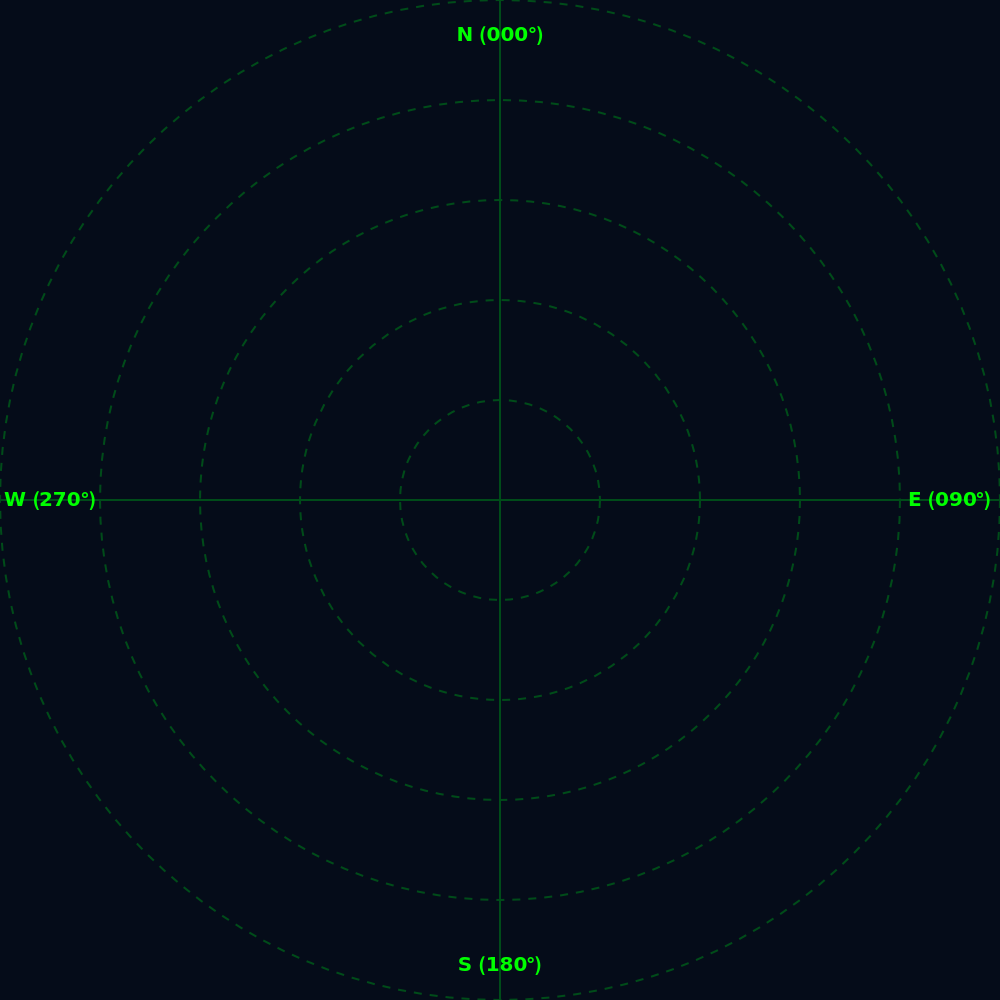
The radar picture is a single Graphics expression on a near-black background. Dim green crosshairs and dashed range rings, spaced adaptively so they stay legible whether the scope shows 10 NM or 1,000 NM, give the controller a sense of distance; compass labels at N, S, E, and W anchor orientation. Each aircraft is drawn as a cyan point, an arrow whose length is proportional to speed (the velocity vector), and a StringTemplate-built data tag showing callsign, flight level (altitude divided by 100, in the true aviation convention), speed, and heading. Because everything is redrawn each tick from the current state, animation comes for free.
The command panel
The command panel
Beside the scope sits the controller's desk. A form of InputFields lets us spawn a new aircraft anywhere with any initial state (the button politely refuses duplicate callsigns). Below it, a scrollable dashboard builds one mini-panel per active flight, generated by KeyValueMap over the planes association, each with three sliders — heading, speed, altitude — wired by Dynamic[planes[cs, "targetHdg"]] and friends straight into that aircraft's target values. Moving a slider is the radio call; the physics engine is the pilot who obeys it gradually. Radar range and display size get their own Manipulators, so the same code serves as a tight terminal-area view or a continent-wide picture.
The Command Panel in Action
The Command Panel in Action
Everything described so far comes together in the cell below. Evaluating it brings up the complete radar command panel: the scope on the left and the controller's desk on the right. Try adding two or three aircraft with different callsigns and starting positions, then steer them with the sliders and watch the blips ease toward each command. This is the base simulator (Version 1); the full listing, together with the extended conflict-detection version, appears again in the Complete Code section at the end of the essay.
Keeping planes apart: the conflict engine
Keeping planes apart: the conflict engine
So far the simulator is a toy railway with no signals. The second version of the program adds what real ATC exists for: separation monitoring. Every tick, Subsets[Keys[planes], {2}] enumerates every unordered pair of aircraft — for n aircraft that is n(n−1)/2 checks — and for each pair computes the lateral distance between positions and the vertical gap between altitudes.
dist = EuclideanDistance[ac1["pos"], ac2["pos"]];
altDiff = Abs[ac1["alt"] - ac2["alt"]];
If[dist < 3.0 && altDiff < 1000, AppendTo[warnings, cs1]; AppendTo[warnings, cs2];];
altDiff = Abs[ac1["alt"] - ac2["alt"]];
If[dist < 3.0 && altDiff < 1000, AppendTo[warnings, cs1]; AppendTo[warnings, cs2];];
The AND matters. Two aircraft 1 NM apart laterally are perfectly safe if one is 10,000 ft above the other — airliners pass over each other constantly. Separation is only lost when both the lateral and the vertical buffers fail simultaneously, which is precisely how the real rules are written. When that happens, everything about the offending aircraft turns red: the blip, the data tag (which gains an [ALERT] label), the aircraft's control panel, and a flashing-style banner across the top of the scope announcing LOSS OF SEPARATION. The interface itself is shouting at the controller to act.
When the controller fails
When the controller fails
If the gap keeps shrinking below 0.8 NM laterally and 300 ft vertically, the simulator declares a collision. Both aircraft are removed from planes with KeyDrop, and a record of the event — the midpoint of their final positions and their joined callsigns — is appended to a crashes list. Each entry is drawn as a red X on the scope with the label CRASH: BA777 & UA123 beneath it, and the marks persist as a grim scoreboard until a Clear Crash Sites button wipes them. Collisions are detected in a separate pass from the warnings, and each crash re-checks KeyExistsQ before executing, so that a three-way convergence — where one aircraft appears in two crashing pairs — cannot try to destroy the same aircraft twice.
Complete Code
Complete Code
Version 1: The Radar Scope and Command Panel
Version 1: The Radar Scope and Command Panel
The base simulator: physics, radar display, and per-aircraft controls. Evaluate the cell, add an aircraft, and steer it with the sliders.
Out[]=


Version 2: Adding the Conflict and Collision Engine
Version 2: Adding the Conflict and Collision Engine
The full simulator, extended with pairwise separation monitoring, red conflict alerts, and persistent crash sites.
Out[]=

Concluding Remarks
Concluding Remarks
What began as a drawing of dots on a dark circle became, piece by piece, a small living system: state stored in associations, a physics engine built almost entirely from one Sign-and-Min rate-limiting idiom, a rendering layer that redraws the world every tenth of a second, and a rules engine that encodes real ICAO separation minima. The most satisfying lesson for me was how much realism falls out of one simple constraint — nothing may change faster than its rate limit. That single idea is what makes the blips carve arcs instead of teleporting, what gives conflicts their tension, and what makes the difference between a slider and a radio call to a pilot. The simulator is also a nice demonstration of the Wolfram Language's dynamic interactivity: the entire program, interface and all, is one expression.
Future Scope
Future Scope
My plan is to use this as a starting point for spatial reasoning capabilities that would ultimately make the system self-operating.
AI Usage
AI Usage
The following tools were used: Fable 5.0, Gemini 3.6 Flash were used for debugging the code, paraphrasing and enhancing interface.
References
References
◼
ICAO, Doc 4444: Procedures for Air Navigation Services — Air Traffic Management (radar separation minima).
◼
FAA, Instrument Flying Handbook (standard-rate turns and aircraft maneuvering).
◼
Wolfram Language Documentation: DynamicModule, Clock, Association, KeyValueMap, Subsets.
◼
SKYbrary, “Loss of Separation”, https://skybrary.aero/articles/loss-separation
CITE THIS NOTEBOOK
CITE THIS NOTEBOOK
Radar contact: building an interactive air traffic control simulator
by Maurya Gajjar
Wolfram Community, STAFF PICKS, July 28, 2026
https://community.wolfram.com/groups/-/m/t/3769718
by Maurya Gajjar
Wolfram Community, STAFF PICKS, July 28, 2026
https://community.wolfram.com/groups/-/m/t/3769718