It feels like another lifetime ago, but a few years after I started at Wolfram Research, I attended trade shows. During one trip in the early 2000’s, I visited northern New Mexico. This was during that awkward time period between film based cameras and the advent of modern digital cameras. I didn’t have a camera with me during this trip. I wish I did so I could have recorded something I only have memories of, the sight of looking over the rim of a supervolcano that erupted a bit over 1 million years ago.
When thinking of supervolcano, most people think of Yellowstone in the northwest United States. Far fewer people know that there is also a supervolcano in northern New Mexico known as Valles Caldera. I had no idea when I visited the site. I decided I wanted to see if I could re-create the vistas I saw using Wolfram Language.
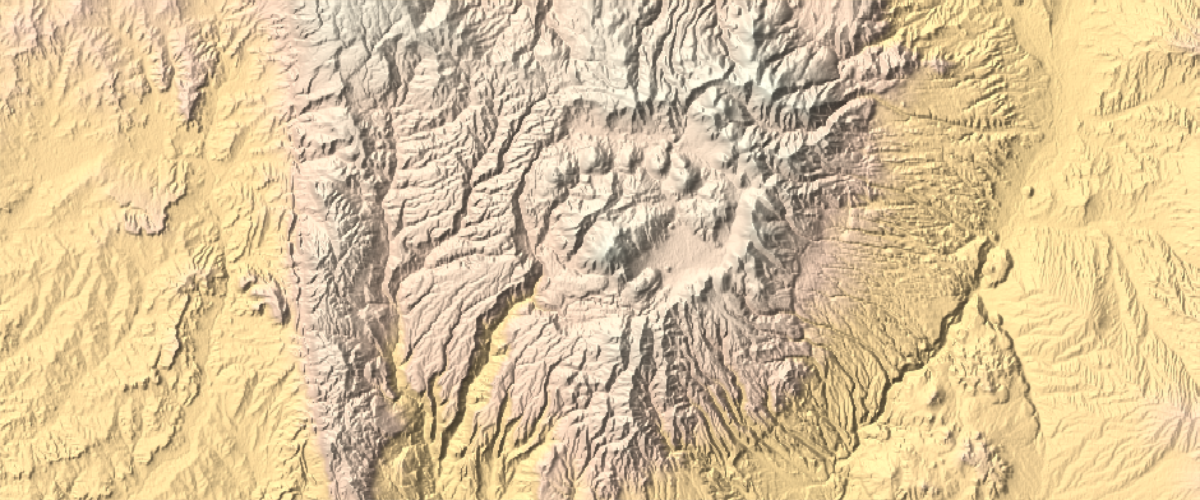
Here is a simple relief map of Valles Caldera:
In[]:=
GeoGraphics,GeoBackground"ReliefMap",GeoRange->Quantity[15,"Miles"],ImageSize->{600,250}
Out[]=
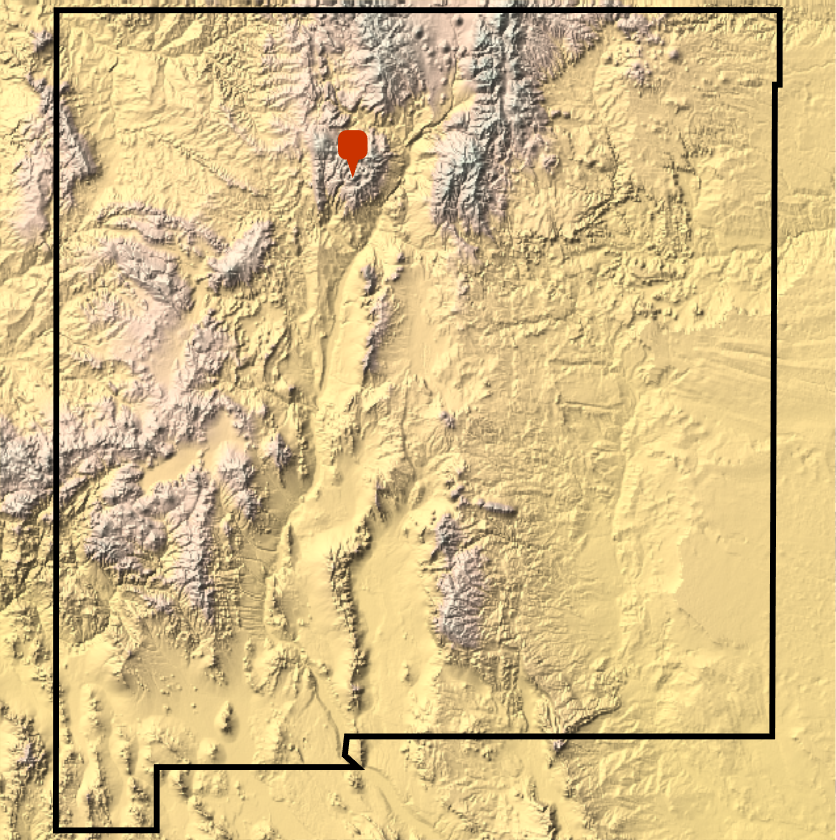
For reference, its useful to see the location relative to the border of New Mexico.
In[]:=
GeoGraphicsGeoMarker,EdgeForm[Directive[Black,Thickness[.007]]],Opacity[1],FaceForm[None],Polygon,GeoBackground"ReliefMap",GeoRange->Quantity[200,"Miles"]
Out[]=
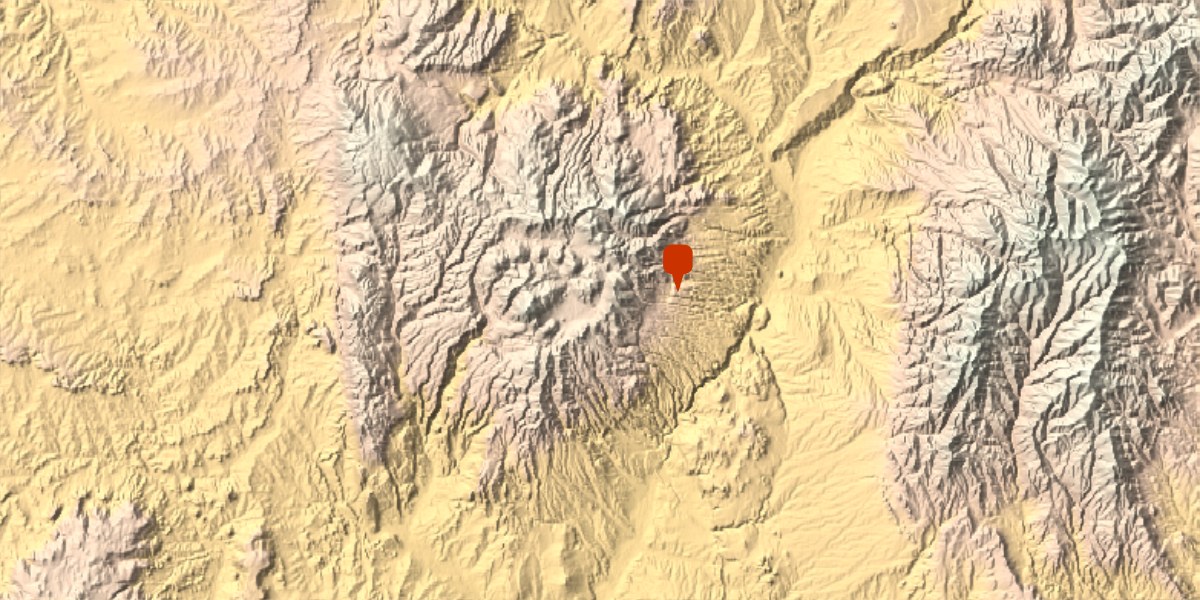
Its also useful to zoom in a bit to see the caldera itself and see the proximity to Los Alamos, shown using a geo marker.
In[]:=
GeoGraphics,GeoMarker,GeoBackground"ReliefMap",GeoRange->Quantity[30,"Miles"],ImageSize->{600,300}
Out[]=
Creating a realistic view
Creating a realistic view
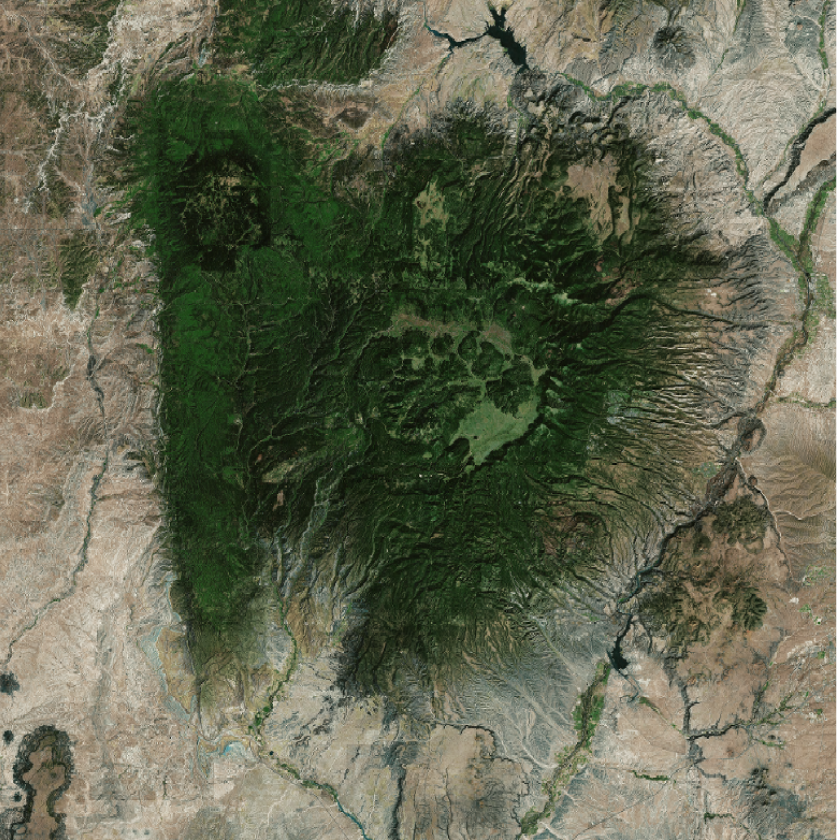
The first step to recreating something like a first person view is to generate a realistic texture that can be used to color a 3D surface constructed from data. Using the “Satellite” background serves as a good purpose for this. For illustrative purposes, a lower resolution version can be shown here.
In[]:=
GeoGraphics,GeoBackground"Satellite",GeoRange->Quantity[30,"Miles"]
Out[]=
For our final purposes higher resolutions and sizes are needed.
In[]:=
texture=GeoGraphics,GeoBackground"Satellite",GeoRange->Quantity[30,"Miles"],ImageSize->2048,GeoZoomLevel12;
Next, that actual surface data is needed to get a sense of the topography. Here are two variations, the first is for illustrative purposes.
In[]:=
lowresdata=GeoElevationData,GeoRange->Quantity[30,"Miles"],GeoProjectionAutomatic;
In[]:=
hiresdata=GeoElevationData,GeoRange->Quantity[30,"Miles"],GeoProjectionAutomatic,GeoZoomLevel12;
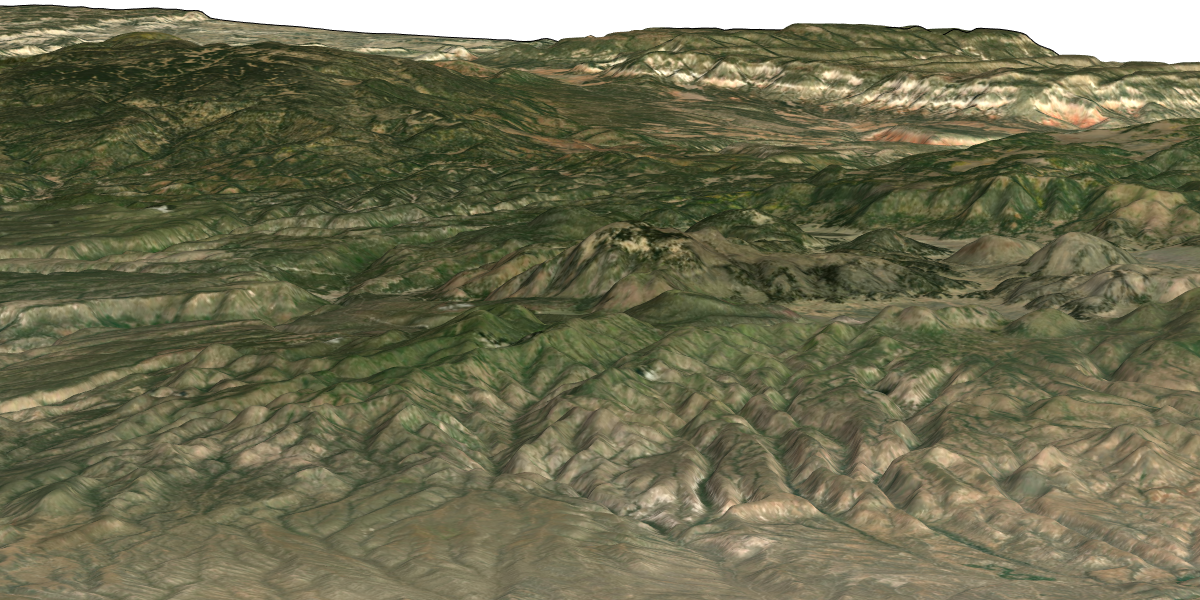
Finally, render the 3D surface with the texture. This first pass is vertically exaggerated and done at low resolution. The view is centered on Redondo Peak which is a post-eruption resurgent volcanic dome. After the eruption, the magma chamber collapse creating the caldera. Later, partial refill of the magma chamber uplifted the center, resulting in the peak. In the background layers of volcanic ash can be seen along the cliff edges. Orange colors result from oxidized iron resulting from interactions with high temperature ash. White layers result from cooler ash deposits. In this view, if you look closely, there are set of smaller volcanic peaks to the right and behind Redondo Peak.
In[]:=
ListPlot3D[Reverse[lowresdata],Mesh->None,BoxRatios->{1,1,.04},ImageSize->{600,300},PlotStyle->Texture[texture],Lighting->"Neutral",SphericalRegion->True,Boxed->False,Axes->False,ViewAngle->Pi/80,ViewPoint->{1.42,-2.95,0.44}]
Out[]=
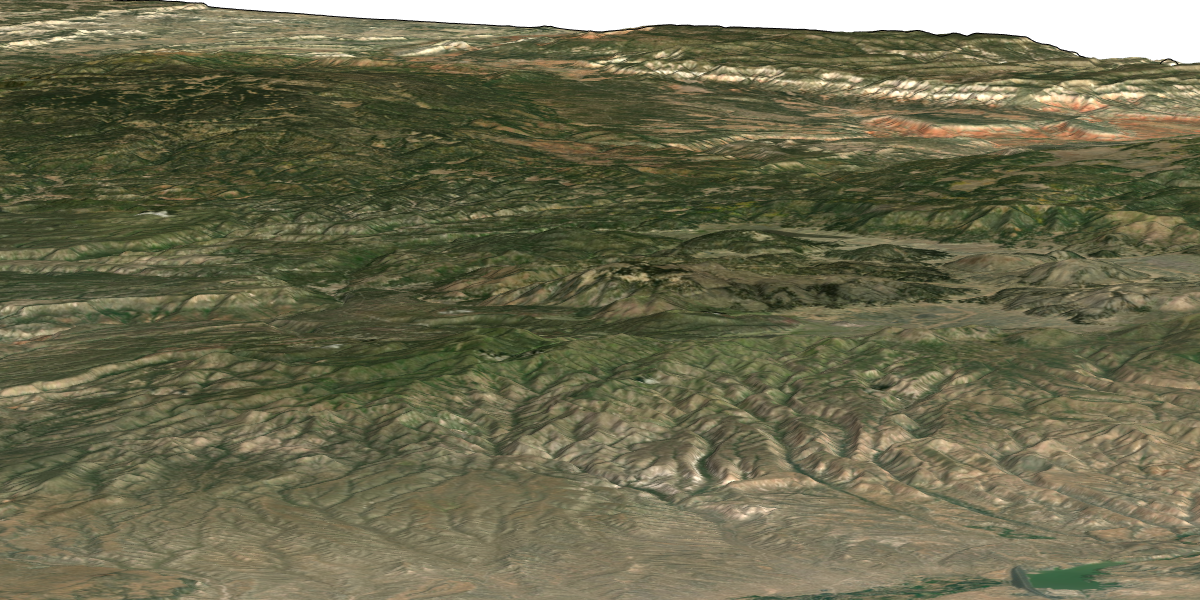
I also rendered the 3D surface at very high resolution and less vertical exaggeration. This version takes much more memory and time to create so its recommended you only evaluate this on a machine with plenty of resources.
In[]:=
ListPlot3D[Reverse[hiresdata],Mesh->None,BoxRatios->{1,1,.02},ImageSize->{600,300},PlotStyle->Texture[texture],Lighting->"Neutral",SphericalRegion->True,ViewAngle->Pi/80,Boxed->False,Axes->False,ViewAngle->Pi/50,ViewPoint->{1.42,-2.95,0.44}]
Out[]=
Low-res Approach with contour lines
Low-res Approach with contour lines
After the previous results, I thought I’d play around with trying to combine a textured surface with contour lines. The first step is to generate the contour lines in white. They are hard to see by themselves so I’m suppressing the output for now.
Next, you can generate a new texture by overlaying the contour lines on top of the original texture.
This approach works, but I don’t think its adds anything, perhaps just makes the scene too “noisy”. But maybe there are subtle variations in the options that might give nice results? Perhaps a homework problem for the reader.