CITE THIS NOTEBOOK: A Book in a Notch: encoding a book into a single notch on a metal rod by Jaimie An. Wolfram Community FEB 13 2023.
I was initially inspired by the TikTok video describing a process of encoding an entire book into a single notch on a metal rod, found here:
https://miro.com/app/board/uXjVP05eDq4=/?moveToWidget=3458764545419365550&cot=14
https://miro.com/app/board/uXjVP05eDq4=/?moveToWidget=3458764545419365550&cot=14
Calculating the ratio for notch
Calculating the ratio for notch
To start off, I wanted to see what texts were available in Mathematica and chose to start with Alice in Wonderland.
ExampleData["Text"]
(Dialog) Out[]=
{{Text,AeneidEnglish},{Text,AeneidLatin},{Text,AliceInWonderland},{Text,BeowulfModern},{Text,BeowulfOldEnglish},{Text,CodeOfHammurabiEnglish},{Text,DeclarationOfIndependence},{Text,DonQuixoteIEnglish},{Text,DonQuixoteISpanish},{Text,FaustI},{Text,FederalistTen},{Text,FriendsRomansCountrymen},{Text,GenesisKJV},{Text,GettysburgAddress},{Text,Hamlet},{Text,HomerOdysseyGreek},{Text,JFKInaugural},{Text,LesFleursDuMal},{Text,LoremIpsum},{Text,MagnaCarta},{Text,OnTheNatureOfThingsEnglish},{Text,OriginOfSpecies},{Text,PlatoMenoEnglish},{Text,PrideAndPrejudice},{Text,Prufrock},{Text,ShakespearesSonnets},{Text,TaoTehChingChinese},{Text,TheRaven},{Text,ToBeOrNotToBe},{Text,UNHumanRightsChinese},{Text,UNHumanRightsDanish},{Text,UNHumanRightsDutch},{Text,UNHumanRightsEnglish},{Text,UNHumanRightsEsperanto},{Text,UNHumanRightsFrench},{Text,UNHumanRightsGerman},{Text,UNHumanRightsGreek},{Text,UNHumanRightsHawaiian},{Text,UNHumanRightsIndonesian},{Text,UNHumanRightsIrish},{Text,UNHumanRightsJapanese},{Text,UNHumanRightsKorean},{Text,UNHumanRightsLatin},{Text,UNHumanRightsMaori},{Text,UNHumanRightsRussian},{Text,UNHumanRightsScottishGaelic},{Text,UNHumanRightsSpanish},{Text,UNHumanRightsSwahili},{Text,UNHumanRightsSwedish},{Text,USConstitution}}
The entire text of Alice in Wonderland is converted into a list of characters that I can manipulate into numerical codes. Instead of assigning my own codes to each character, I decided to utilize the ToCharacterCode function in Mathematica.
book=ExampleData[{"Text","AliceInWonderland"}];bookChar=Characters[book];PaddedForm[#,2,NumberPadding->{"0",""}]&/@(book//ToCharacterCode)
(Dialog) Out[]=
I tried to use PaddedForm to format each code into ‘000’ format. However, this was adding an additional ‘0’ if a number already had 3 digits. Instead, I created a new function formatCode that will only pad with 0 when the code was less than 3 digits.
formatCode[n_]:=If[IntegerLength[n]==1,Return[StringJoin["00",ToString[n]]], If[IntegerLength[n]==2,Return[StringJoin["0",ToString[n]]], Return[ToString[n]]]]
bookCodeList=formatCode[#]&/@(book//ToCharacterCode);bookCode=StringJoin[bookCodeList];bookCodeDecimal=ToExpression[StringJoin[".",bookCode]];
Now, let’s combine these into a singular function that can accept the title of a book as its parameter to compute the text into a decimal point value. It will output a bar of length 100, and mark the segment representing the encoded text. For reference, it will also print the first 10 digits of the code. The bar is also colored using the same number to find the hue.
In[]:=
createBookNotch[b_]:=Module[{bookCodeRatio,text},text=ExampleData[{"Text",b}];bookCodeRatio=ToExpression[StringJoin[".",formatCode[#]&/@(text//ToCharacterCode)]];Print[N[bookCodeRatio,10]];Graphics[{EdgeForm[Black],Hue[bookCodeRatio*10],Polygon[{{0,0},{0,3},{100,3},{100,0}}],RGBColor[0,0,0],Line[{{100*bookCodeRatio,0},{100*bookCodeRatio,3}}]}]]createBookNotch["ToBeOrNotToBe"]createBookNotch["AliceInWonderland"]createBookNotch["AeneidLatin"]
0.08411103210
Out[]=

0.07304504507
Out[]=

0.07607306607
Out[]=

Book Paintings
Book Paintings
Above result is rather uninteresting. However, this got me thinking about how the texts can be represented by pixels of different colors. There were 2 ways of going about converting number to color: RGBColor and Hue.
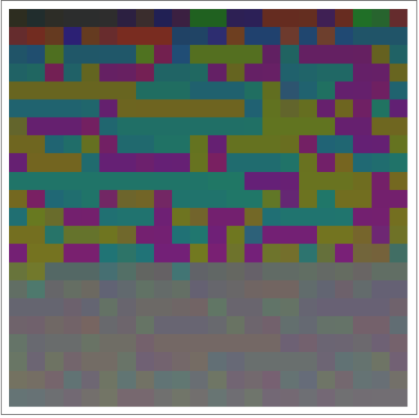
First, I created assignRGB, which can take a list of 3 numbers to output a RGBColor. In createBookColorRGB, the given text is converted to list of character codes grouped in 3s, which are then passed through assignRGB. This means every 3 characters are combined together to create 1 pixel.
First, I created assignRGB, which can take a list of 3 numbers to output a RGBColor. In createBookColorRGB, the given text is converted to list of character codes grouped in 3s, which are then passed through assignRGB. This means every 3 characters are combined together to create 1 pixel.
In[]:=
assignRGB[{r_,g_,b_}]:=RGBColor[N[r/255],N[g/255],N[b/255]]createBookColorRGB[b_]:=Module[{book,bookCode,width,bookCodeColorRGB},book=ExampleData[{"Text",b}];bookCode=SortBy[Partition[(book//ToCharacterCode),3],First];width=Round[Sqrt[Length[bookCode]]];bookCodeColorRGB=assignRGB[#]&/@bookCode;Print[b];Blur[ArrayPlot[Partition[bookCodeColorRGB,width]],1]]createBookColorRGB["LoremIpsum"]
LoremIpsum
Out[]=
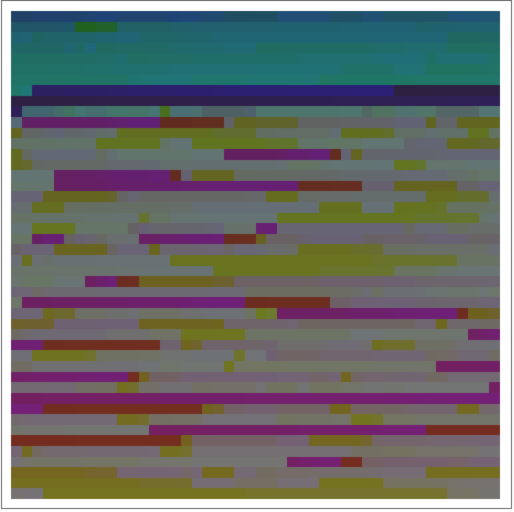
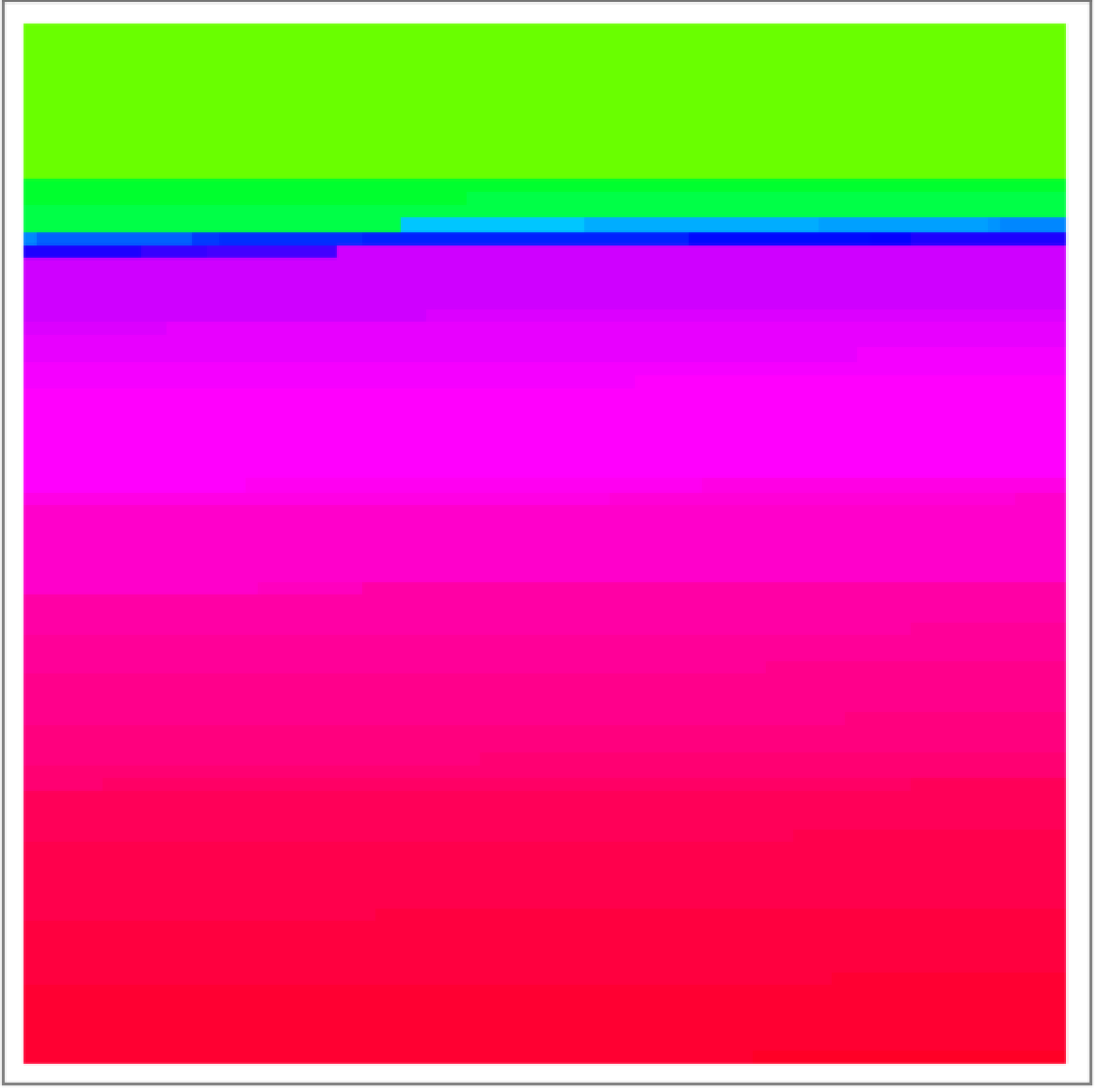
Similarly, the createBookColorHue converts the character codes into a pixel by using the Hue function. Since only 1 number is required for Hue, it will create a pixel per character.
createBookColorHue[b_]:=Module[{book,bookCode,max,width,bookColorHue},book=ExampleData[{"Text",b}];bookCode=Sort[(book//ToCharacterCode)];max=Max[bookCode];width=Round[Sqrt[Length[bookCode]]];bookColorHue=Hue[#/max]&/@bookCode;Print[b];Blur[ArrayPlot[Partition[bookColorHue,width]],1]]createBookColorHue["LoremIpsum"]
LoremIpsum
Out[]=
createBookColorRGB["ToBeOrNotToBe"]createBookColorRGB["AliceInWonderland"]createBookColorRGB["AeneidLatin"]
ToBeOrNotToBe
Out[]=