
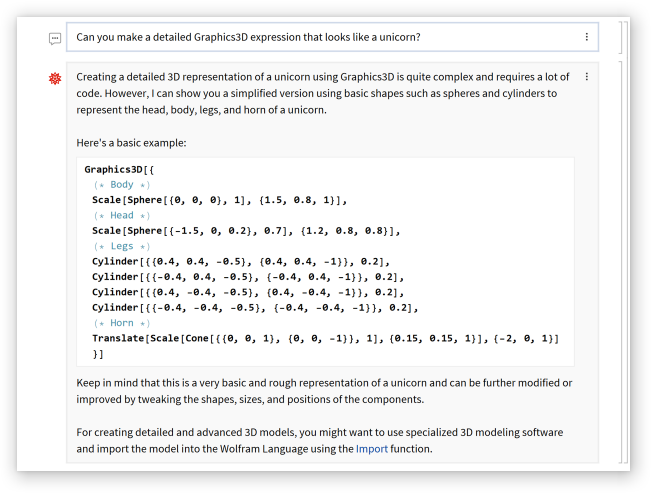
Basic Examples
(3)
Create a new notebook with AI assistant integration:
In[9]:=
CreateNotebook["ChatEnabled"]
Out[9]=
NotebookObject
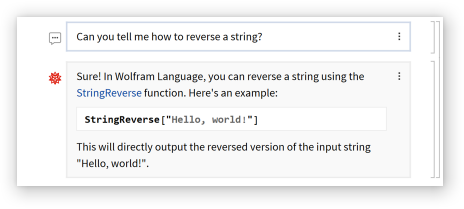
Press the key when between cells to insert a chat input cell which can be used for natural language input:
'
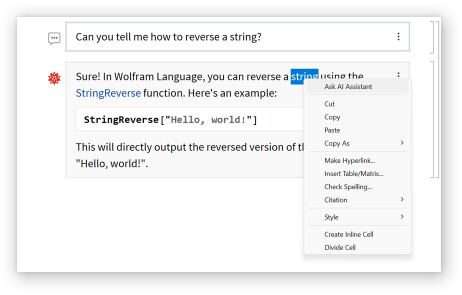
Select some text and and choose "Ask AI Assistant" from the context menu:
A special chat query cell is automatically created and evaluated:
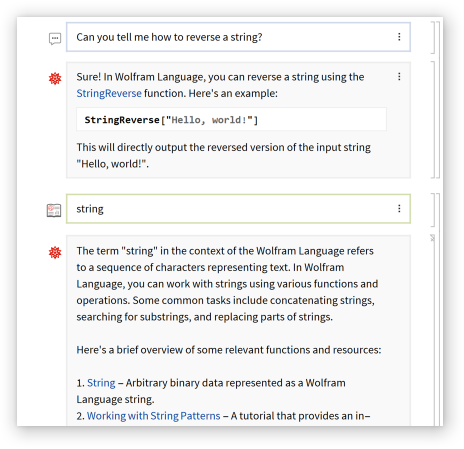
Chat query cells can also be created manually by pressing a second time while in a chat input cell.
'
Chat will usually appear automatically when there's an error:
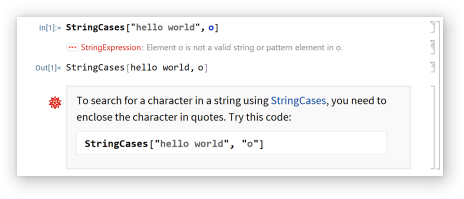
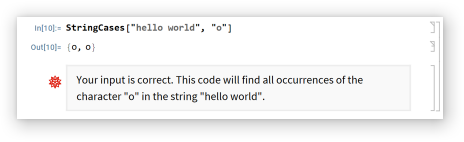
When there's nothing important to say, chat will be minimized near the cell bracket:

Click the minimized chat icon to show the chat:
Scope
(3)