Combining all solutions to generate single GiF
Combining all solutions to generate single GiF
Import animated GiFs of solutions:
gifs=Import[#]&/@{"https://i.stack.imgur.com/GaDnd.gif","https://i.stack.imgur.com/Mk84O.gif","https://i.stack.imgur.com/sPGIp.gif","https://i.stack.imgur.com/SyCO9.gif"};
Check how many frames each GiF have:
In[]:=
Length/@gifs
Out[]=
{178,178,66,201}
Check what are the dimensions of GiFs:
In[]:=
ImageDimensions/@gifs[[All,1]]
Out[]=
{{400,400},{400,400},{600,600},{600,600}}
Check first frames of each GiF:
In[]:=
gifs[[All,1]]
Out[]=
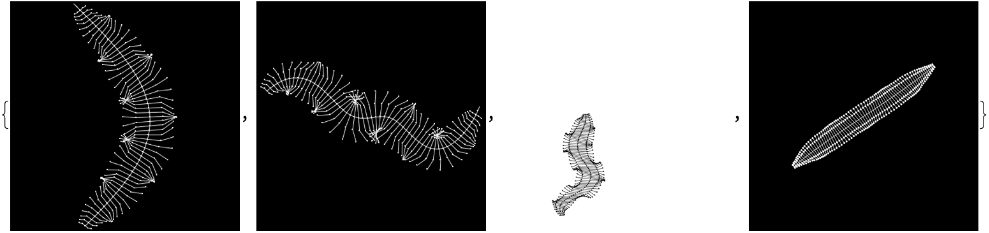
Reformat all GiFs applying a few transformations to make them combinable at the final stage:
In[]:=
gif1=RemoveBackground[#,White]&/@ColorNegate/@Join[gifs[[1]],Reverse@gifs[[1,;;23]]];gif1//Length
Out[]=
201
In[]:=
gif2=RemoveBackground[#,White]&/@ColorNegate/@Join[gifs[[2]],Reverse@gifs[[2,;;23]]];gif2//Length
Out[]=
201
In[]:=
gif3=With[{tmp=gifs[[3]]},Join[tmp,Reverse@tmp,tmp,Reverse@tmp[[;;3]]]];gif3//Length
Out[]=
201
In[]:=
gif4=RemoveBackground[#,White]&/@ColorNegate/@gifs[[4]];gif4//Length
Out[]=
201
Test combine of all images on the 1st frames and add an image effect of overlaying original image over its version with blur:
ImageCompose[ImageCompose[ImageCompose[gif3[[1]],gif4[[1]]],gif1[[1]],Scaled[{0,1}],Scaled[{0,1}]],gif2[[1]],Scaled[{1,0}],Scaled[{1,0}]]//ImageCompose[Blur[#,50],RemoveBackground[#,White]]&
Out[]=
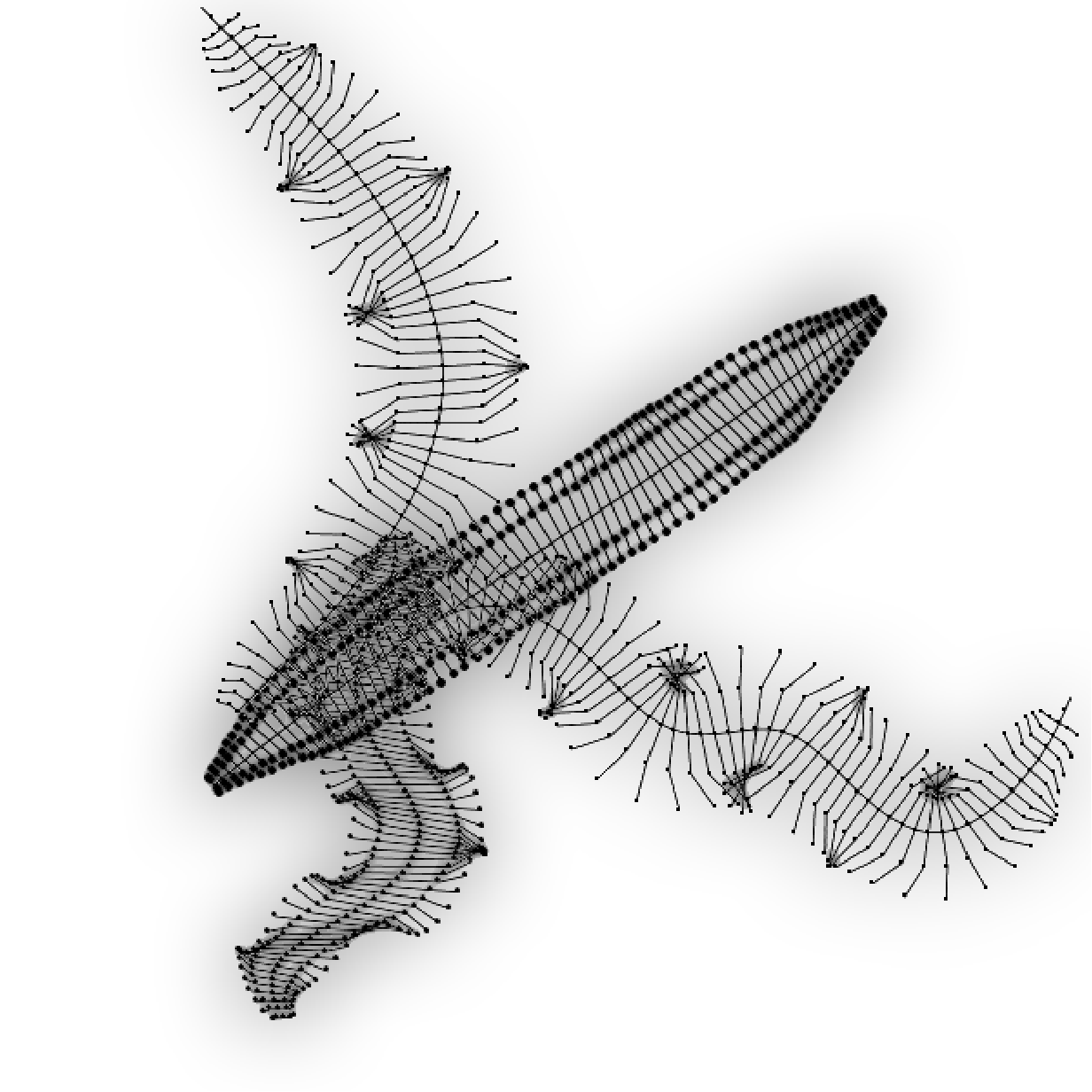
Apply these ideas to all frames:
In[]:=
frms=ImageCompose[Blur[#,10],RemoveBackground[#,White]]&/@MapThread[ImageCompose[ImageCompose[ImageCompose[#3,#4],#1,Scaled[{0,1}],Scaled[{0,1}]],#2,Scaled[{1,0}],Scaled[{1,0}]]&,{gif1,gif2,gif3,gif4}]//Parallelize;
Export go to GiF:
In[]:=
Export["milli-blr10.gif",frms]
Out[]=
milli-blr10.gif
CITE THIS NOTEBOOK
CITE THIS NOTEBOOK
Algebraic "millipede" by artist math Chirag Dudhat: various implementations in Wolfram Language
by Vitaliy Kaurov
Wolfram Community, STAFF PICKS, January 9, 2024
https://community.wolfram.com/groups/-/m/t/3098871
by Vitaliy Kaurov
Wolfram Community, STAFF PICKS, January 9, 2024
https://community.wolfram.com/groups/-/m/t/3098871