Introduction
Introduction
We explore the integration of simulations of typical experiments into undergraduate physics laboratory courses. Traditional limitations of physics labs, such as limited time, equipment availability, and safety concerns, can be overcome by incorporating simulations, allowing students to perform more in-depth and exploratory experiments.
Furthermore, we emphasize the flexibility that simulations offer by allowing students to “go off script”, promoting the student’s autonomous development in their investigations.
Furthermore, we emphasize the flexibility that simulations offer by allowing students to “go off script”, promoting the student’s autonomous development in their investigations.
Determination of inertial mass by Newton’s second law
Determination of inertial mass by Newton’s second law
Normally on an air rail with 4 optical sensors. Where mass is determined through the relationship: F = ma
Here is an example video,
Here is an example video,
In[]:=
SetDirectory[NotebookDirectory[]];VideoDados=Import["A00105.MTS"];
In[]:=
VideoDados
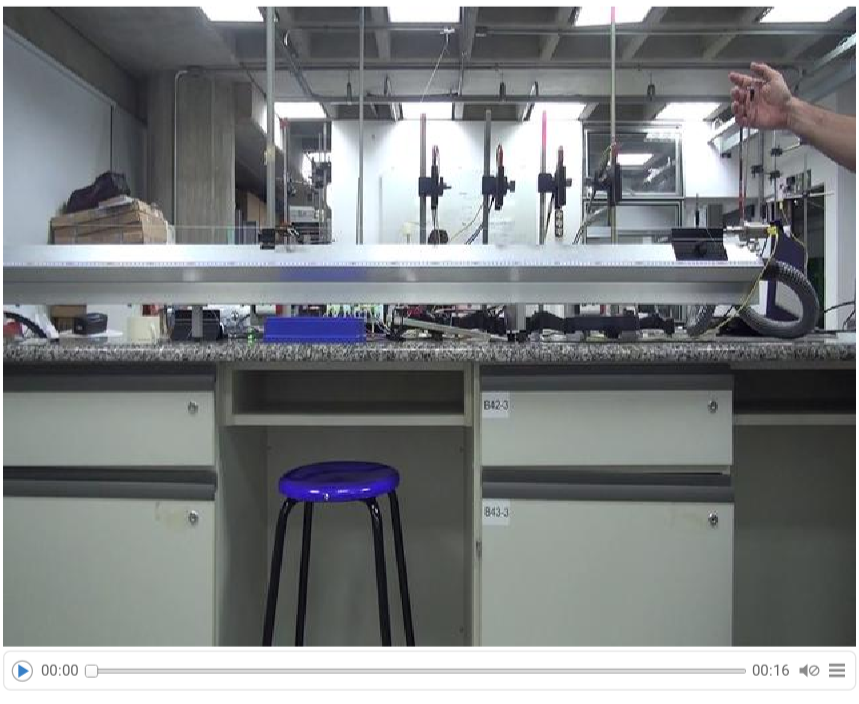
Processing video data
Processing video data
Determine the frame rate,
In[]:=
Framerate=Information[VideoDados,"FrameRate"][[1,1]]
Out[]=
30000
1001
Convert the video to a list of low-resolution grayscale images to save memory
In[]:=
FatorReducao=8;VideoLista=VideoMapList[ImageResize[ColorConvert[#Image,"Grayscale"],Scaled[1/FatorReducao]]&,VideoDados];
In the image sequence we can determine the region of interest, and the start and end frames,
In[]:=
Manipulate[Show[VideoLista[[num]],ImageSize->800],{num,1,Length[VideoLista],1}]
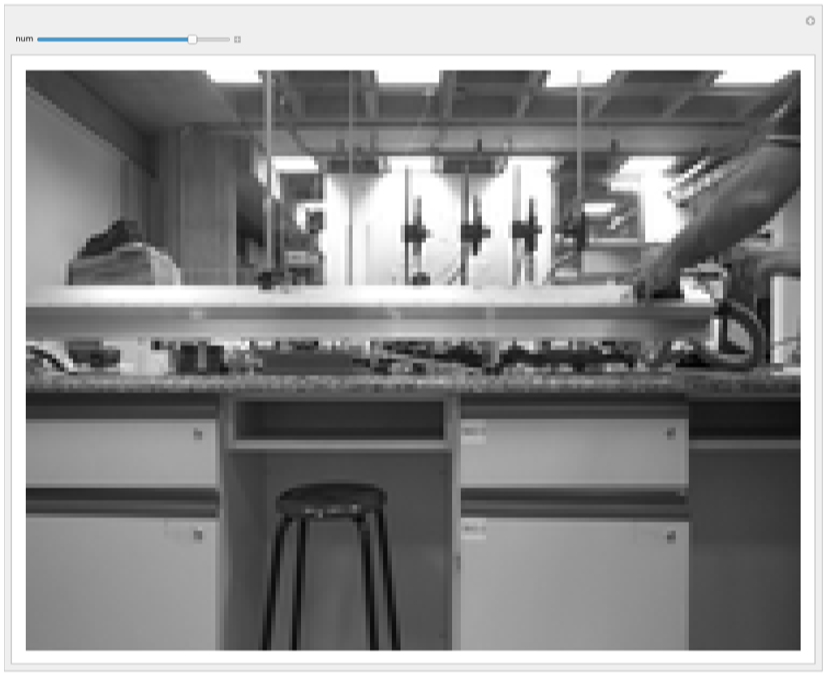
posIni=60;(*firstframebeforemovement*)posFin=170;(*lastframeaftermovement*)regiao={{50,75},{155,100}};(*regionoftheimagewherethecarttravels*)
Now we load the video in its resolution, for the sections of interest,
In[]:=
VideoLista1=Take[VideoMapList[ImageTrim[ColorConvert[#Image,"Grayscale"],FatorReducaoregiao]&,VideoDados],{posIni,posFin}];
An example frame would be,
In[]:=
imagem=VideoLista1[[50]]
Out[]=
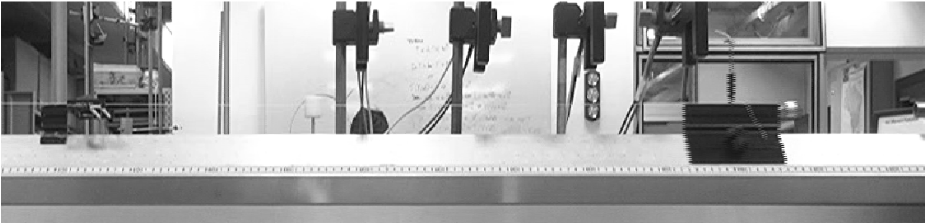
Using the ruler on the rail, we can count 689 pixels in 1 meter.
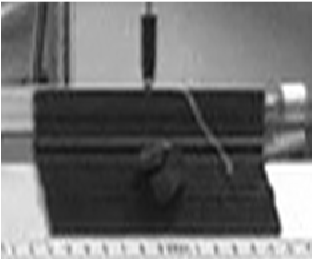
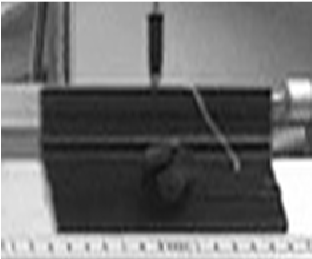
However, the video was captured in interlaced mode,
In[]:=
ImageResize[ImageTrim[imagem,{{610,45},{725,140}}],Scaled[2]]
Out[]=
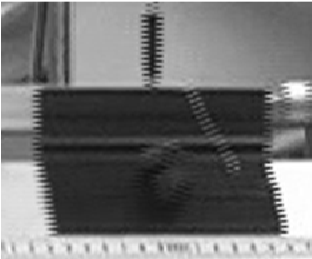
We can solve it by separating it into two images
In[]:=
{largura,altura}=ImageDimensions[imagem];imagem1=ImageResize[Image[ImageData[imagem][[Range[1,altura,2],All]]],{largura,altura}];imagem2=ImageResize[Image[ImageData[imagem][[Range[2,altura,2],All]]],{largura,altura}];ImageResize[ImageTrim[imagem1,{{610,45},{725,140}}],Scaled[2]]ImageResize[ImageTrim[imagem2,{{610,45},{725,140}}],Scaled[2]]
Out[]=
Out[]=
Let’s separate all the interlaced images,
In[]:=
VideoListaOdd=ImageResize[Image[ImageData[#][[Range[1,altura,2],All]]],{largura,altura}]&/@VideoLista1;VideoListaEven=ImageResize[Image[ImageData[#][[Range[2,altura,2],All]]],{largura,altura}]&/@VideoLista1;
The difference in position of the cart on the rail can be highlighted,
In[]:=
ImageAdjust[ImageDifference[VideoListaOdd[[101]],VideoListaEven[[101]]]]
Out[]=
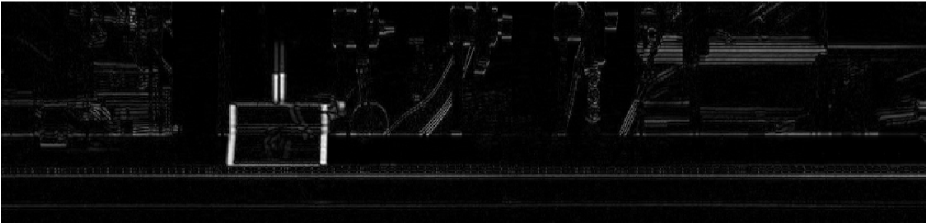
This way we can determine the position of the cart in each frame
Considering the acquisition rate, and the conversion of pixels to distance, we have our processed measurement,
We will determine the acceleration of the cart by a parabolic adjustment,
Given the measured values of the cart and mass.
Very close to the value indicated on the scale above
Investigation of the dynamics of a simple pendulum
Investigation of the dynamics of a simple pendulum
Basic experiment with a billiard ball suspended from a string.
Here is an example video,
Here is an example video,
Processing video data
Processing video data
Determine the acquisition rate,
Convert the video to a list of low-resolution grayscale images to save memory
To determine the region of interest, we will choose where there are variations in its pixels,
Now we load the video in its resolution, for the sections of interest,
Remembering to de-interlace the images, but we will only keep the odd ones,
Let’s improve ball detection by removing the background.
Determine the center and radius for each frame
With all these points we can determine the circular arc of the pendulum,
Knowing the origin and length of the pendulum, we can move to polar coordinates, (x,y)(ρ,θ)
Knowing the solution of the harmonic oscillator, we can make the adjustment
We can also make an adjustment based on the non-linear differential equation, with the damping, as we can observe increasingly smaller amplitudes in the graph above,
With this adjustment we can determine the gravitational acceleration
Determination of moment of inertia with a torsion pendulum
Determination of moment of inertia with a torsion pendulum
Experiment that consists of first calibrating the elastic constant of the spring.
Here is an example video,
Here is an example video,
Processing video data
Processing video data
Determine the acquisition rate,
Convert the video to a list of low-resolution grayscale images to save memory
To determine the region of interest, we will choose where there are variations in its pixels,
Let’s improve ball detection by removing the background.
For each orientation of the torsion pendulum, determine the best line and its respective angle
Knowing the solution of the harmonic oscillator, we can make the adjustment
Save the data,
Repeat for the remaining distances of the masses in relation to the center of rotation.
Loading all these points, by processing similar to that described above we have,
Loading all these points, by processing similar to that described above we have,
Knowing the value of the masses, we can determine the spring constant
CITE THIS NOTEBOOK
CITE THIS NOTEBOOK
Reinforcing learning in undergraduate physics labs with Wolfram Language
by Antonio Neves
Wolfram Community, STAFF PICKS, November 15, 2023
https://community.wolfram.com/groups/-/m/t/3066297
by Antonio Neves
Wolfram Community, STAFF PICKS, November 15, 2023
https://community.wolfram.com/groups/-/m/t/3066297