Monitoring and Prediction of Mille Lacs Lake Water Area From Space
Monitoring and Prediction of Mille Lacs Lake Water Area From Space
Lake location:
In[]:=
In[]:=
LakeData,"Position"
Out[]=
GeoPosition[{46.2425,-93.6461}]
In[]:=
GeoImage[GeoPosition[{46.24250052014113`,-93.64611433252979`}],GeoZoomLevel10]
Out[]=
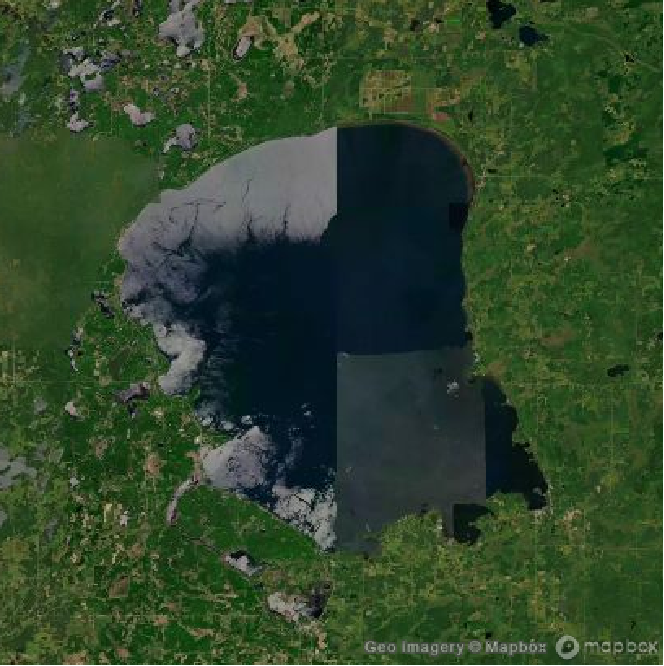
Historical images are taken from the following site:
SystemOpen["https://landsatlook.usgs.gov/explore?date=2013-06-30%7C2023-07-21&sat=LANDSAT_8&preset=infrared&cloud=17"];
In[]:=
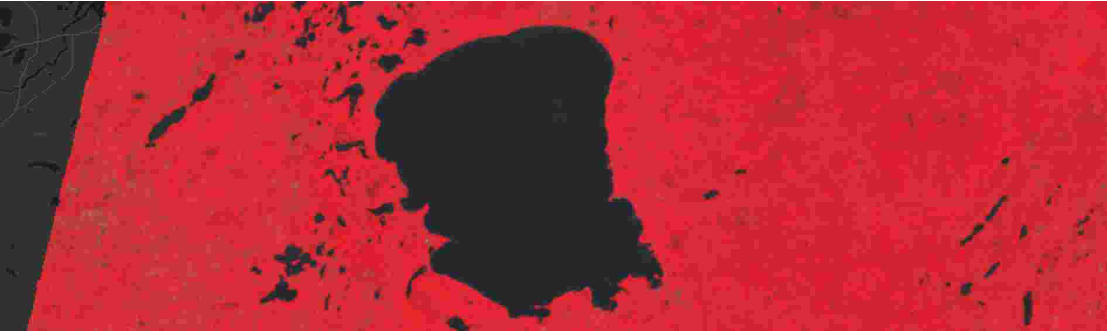
sep2013=ImageTake
,{25,546},{627,1154};
In[]:=
sep2014=ImageTake
,{25,546},{627,1154};

In[]:=
sep2015=ImageTake
,{25,546},{627,1154};

In[]:=
aug2016=ImageTake
,{25,546},{627,1154};

In[]:=
sep2017=ImageTake
,{25,546},{627,1154};
In[]:=
aug2018=ImageTake
,{25,546},{627,1154};
In[]:=
jun2019=ImageTake
,{25,546},{627,1154};
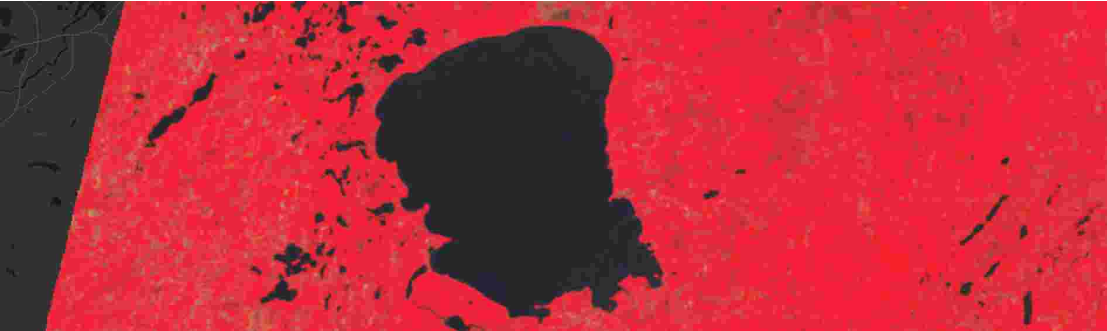
In[]:=
jul2020=ImageTake
,{25,546},{627,1154};
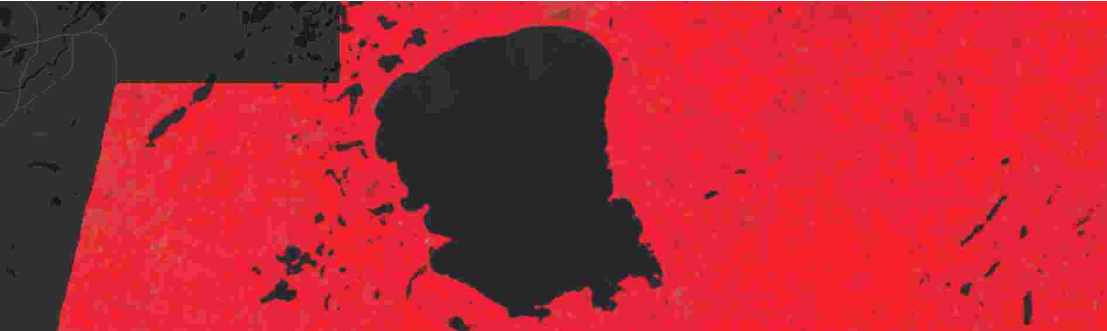
In[]:=
sep2021=ImageTake
,{25,546},{627,1154};
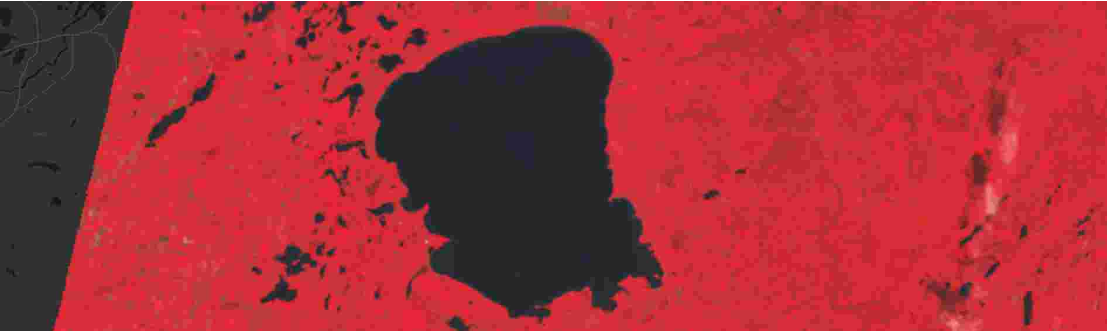
In[]:=
aug2022=ImageTake
,{25,546},{627,1154};

In[]:=
may2023=ImageTake
,{25,546},{627,1154};
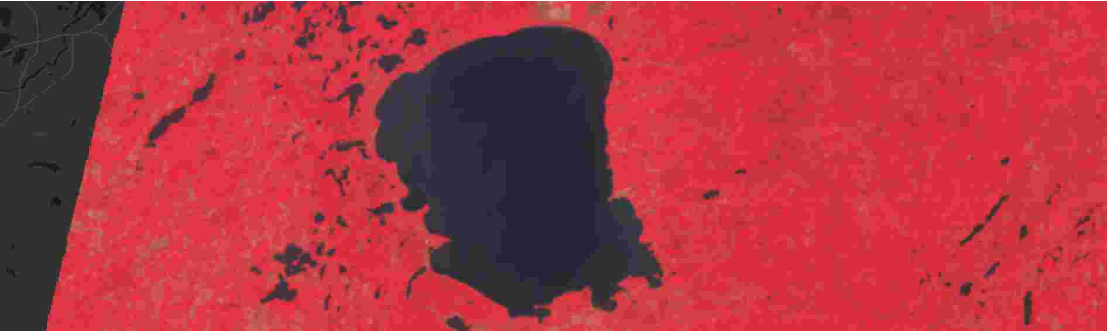
Because we wanted to find how many white space there is in this photo , we attempted to binarize find the image so that we would only see the white space .
In[]:=
binarizedsep2013=ColorNegate[Binarize[sep2013,0.3]]
Out[]=

Now that we changed the image into space that is white and black, we attempted to find the number of white pixels in the image and we used the ImageLevels function to do so .
In[]:=
totalWhitePixels=ImageLevels[binarizedsep2013][[2]][[2]];
However, have to subtract the number of white pixels in the up left corner .We used {1, 92} and {2, 95} to isolate . These numbers may need to be adjusted on different computers.
In[]:=
leftupsep2013=ImageTake[ColorNegate[Binarize[sep2013,0.3]],{1,92},{2,95}]
Out[]=

In[]:=
ImageLevels[leftupsep2013]
Out[]=
{{0,6251},{1,2397}}
Thus, the number of white pixels of the Lake is :
In[]:=
pixelsWeWant=ImageLevels[binarizedsep2013][[2]][[2]]-ImageLevels[leftupsep2013][[2]][[2]]
Out[]=
166445
Binarizing it by 0.6 gives us the Total white pixels of the image . However, we must remember to subtract the number of white pixels in up left corner.
In[]:=
blackWhite={ImageLevels[ColorNegate[Binarize[sep2013,0.6]]][[1]][[2]],ImageLevels[ColorNegate[Binarize[sep2013,0.6]]][[2]][[2]]}
Out[]=
{0,275616}
In[]:=
whiteTotalPixels=blackWhite[[2]]-ImageLevels[ImageTake[ColorNegate[Binarize[sep2013,0.6]],{1,92},{2,95}]][[2]][[2]]
Out[]=
266968
Thus, finding the percentage gives,
In[]:=
100.0(pixelsWeWant/whiteTotalPixels)
Out[]=
62.3464
We create a function to get the percentage right away once we insert a photo .
In[]:=
percentageFunction[img_Image]:=Module[{binarize1,binarize2,pixelsWeWant,whiteTotalPixels},binarize1=ColorNegate[Binarize[img,0.3]];pixelsWeWant=ImageLevels[binarize1][[2]][[2]]-ImageLevels[ImageTake[binarize1,{1,92},{2,95}]][[2]][[2]];binarize2=ColorNegate[Binarize[img,0.6]];whiteTotalPixels=ImageLevels[binarize2][[2]][[2]]-ImageLevels[ImageTake[binarize2,{1,92},{2,95}]][[2]][[2]];100.0(pixelsWeWant/whiteTotalPixels)]
In[]:=
percentageFunction[sep2013]
Out[]=
62.3464
Thus, we can confirm that this function does indeed work . In the next section, we show the statistical analysis of the results .
Results
In[]:=
LakeLevelsList={sep2013,sep2014,sep2015,aug2016,sep2017,aug2018,jun2019,jul2020,sep2021,aug2022,may2023};
In[]:=
AnimatedImage[Rasterize[#,ImageResolution60]&/@LakeLevelsList,FrameRate1]
Out[]=

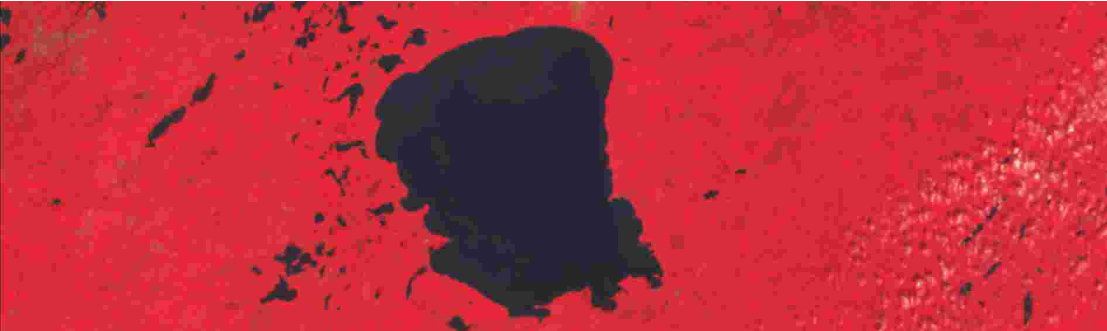
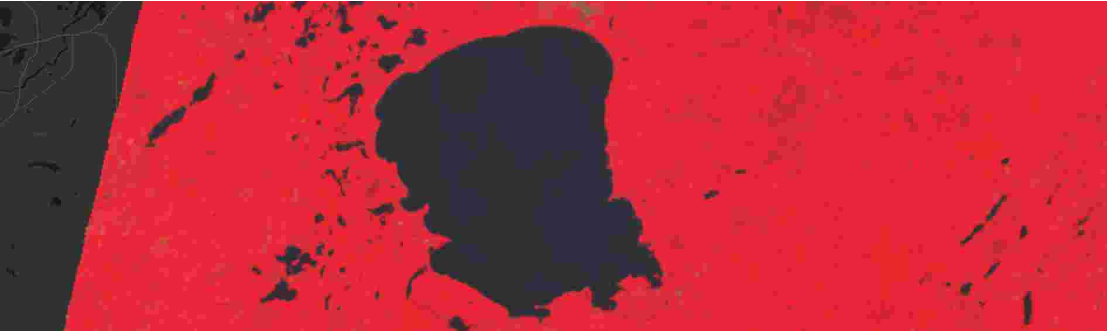
The above graphic shows the photos of Lake in each year . We then ran the function finding the percentage of Lake on each image, matched each image with its percentage, and put it all into a grid .
A graph of the percentages each year :
Prediction
We used the Predict function to help make predictions of future Lake levels .
For example, the prediction for the Lake levels in 2033 :
Let' s see what the graph does for future predictions :
Time Series Model
We also decided to use a TimeSeriesModel to see if it would predict differently.
First, we made a TimeSeries of the data:
We plotted the data:
Then we used the TimeSeriesModelFit function to make a predictor based on the time series.
Now we can use the model to predict the Lake percentage for a given year: