Version 0.8
Introduction
Introduction
In this notebook we show information retrieval and clustering techniques over images of Unicode collection of Chinese characters. Here is the outline of notebook's exposition:
1
.Get Chinese character images.
2
.Cluster "image vectors" and demonstrate that the obtained clusters have certain explainability elements.
3
.Apply Latent Semantic Analysis (LSA) workflow to the character set.
4
.Show visual thesaurus through a recommender system. (That uses Cosine similarity.)
5
.Discuss graph and hierarchical clustering using LSA matrix factors.
6
.Demonstrate approximation of "unseen" character images with an image basis obtained through LSA over a small set of (simple) images.
7
.Redo character approximation with more "interpretable" image basis.
Remark: This notebook started as an (extended) comment for the Community discussion "Exploring structure of Chinese characters through image processing", [SH1]. (Hence the title.)
Get Chinese character images
Get Chinese character images
In[]:=
ClearAll[pipe,branch,branchSeq]pipe=RightComposition;branch=Through@*{##}&;branchSeq=pipe[branch[##],Apply[Sequence]]&;ClearAll[λ,ppImg](*assumeIusemyfirstmonitor:*)λ=1/First[Lookup["Scale"][SystemInformation["Devices","ConnectedDisplays"]]];ppImg[magF_:1]:=FunctionModule{nbMgfy=AbsoluteCurrentValue[EvaluationNotebook[],Magnification],$width=Part[ImageDimensions@#,1]},Image#,ImageSize->
magFλ$width
nbMgfy
In[]:=
Module[{fsize=50,width=64,height=64},lsCharIDs=Map[FromCharacterCode[#,"Unicode"]&,16^^4E00-1+Range[widthheight]];]
In[]:=
charPage=Module[{fsize=50,width=64,height=64},16^^4E00-1+Range[widthheight]//pipe[FromCharacterCode[#,"Unicode"]&,Characters,Partition[#,width]&,Grid[#,BackgroundBlack,Spacings{0,0},ItemSize{1.5,1.2},Alignment{Center,Center},FrameAll,FrameStyleDirective[Red,AbsoluteThickness[3λ]]]&,Style[#,White,fsize,FontFamily"Source Han Sans CN",FontWeight"ExtraLight"]&,Rasterize[#,BackgroundBlack]&]];chargrid=charPage//ColorDistance[#,Red]&//Image[#,"Byte"]&//Sign//Erosion[#,5]&;lmat=chargrid//MorphologicalComponents[#,Method"BoundingBox",CornerNeighborsFalse]&;chars=ComponentMeasurements[{charPage//ColorConvert[#,"Grayscale"]&,lmat},"MaskedImage",#Width>10&]//Values//Map@RemoveAlphaChannel;chars=Module[{size=chars//Map@ImageDimensions//Max},ImageCrop[#,{size,size}]&/@chars];
Here is a sample of the obtained images:
SeedRandom[33];RandomSample[chars,5]
Out[]=
,

,

,

,


Vector representation of images
Vector representation of images
Define a function that represents an image into a linear vector space (of pixels):
In[]:=
Clear[ImageToVector];ImageToVector[img_Image]:=Flatten[ImageData[ColorConvert[img,"Grayscale"]]];ImageToVector[img_Image,imgSize_]:=Flatten[ImageData[ColorConvert[ImageResize[img,imgSize],"Grayscale"]]];ImageToVector[___]:=$Failed;
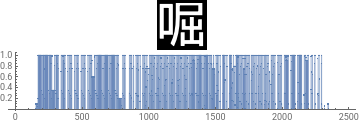
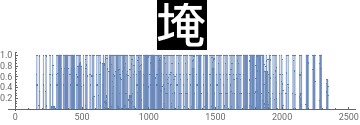
Show how vector represented images look like:
Table[BlockRandom[img=RandomChoice[chars];ListPlot[ImageToVector[img],FillingAxis,PlotRange->All,PlotLabelimg,ImageSizeMedium,AspectRatio1/6],RandomSeedingrs],{rs,{33,998}}]
Out[]=
,
Data preparation
Data preparation
In this section we represent the images into a linear vector space. (In which each pixel is a basis vector.)
Make an association with images:
aCImages=AssociationThread[lsCharIDs->chars];Length[aCImages]
Out[]=
4096
Make flat vectors with the images:
AbsoluteTiming[aCImageVecs=ParallelMap[ImageToVector,aCImages];]
Out[]=
{0.998162,Null}
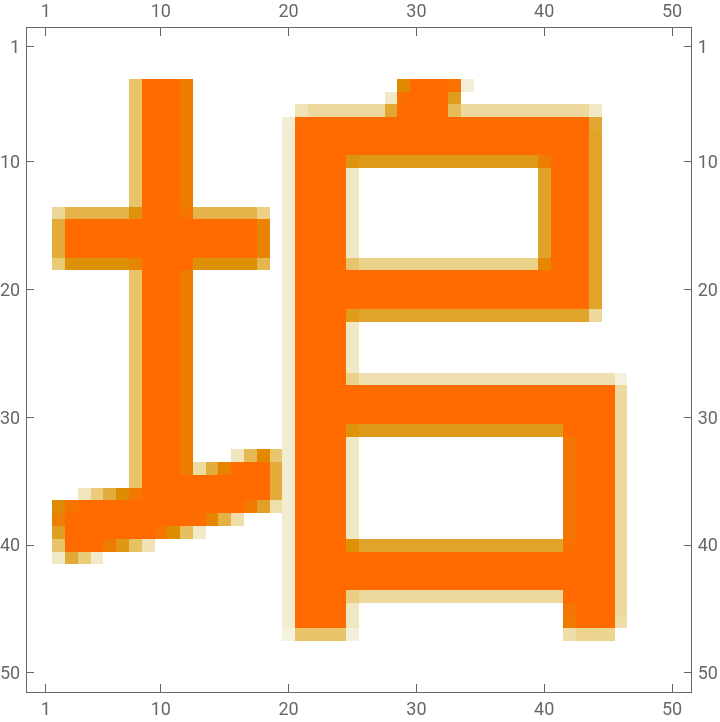
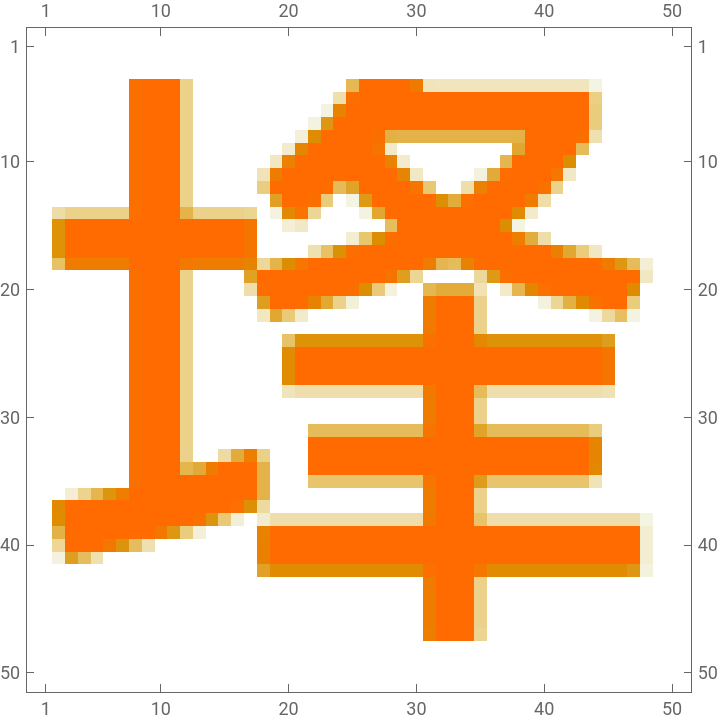
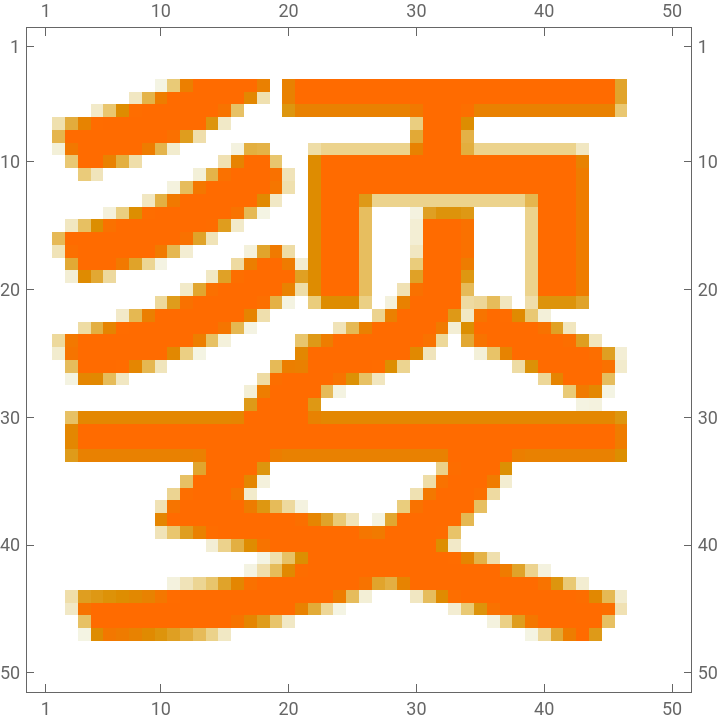
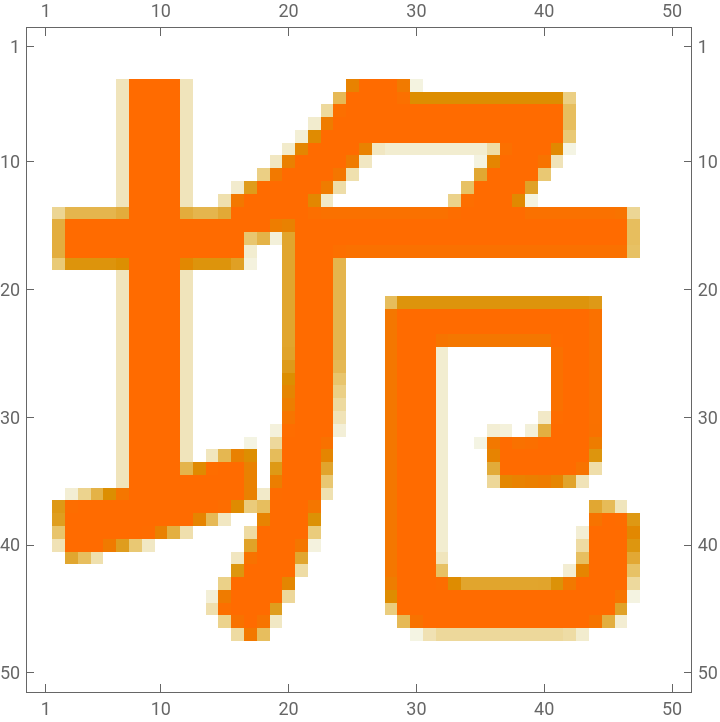
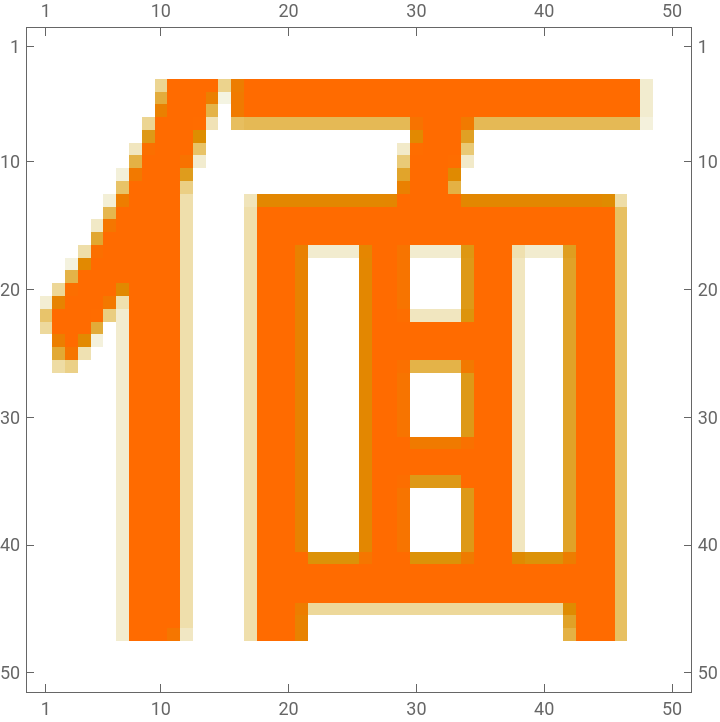
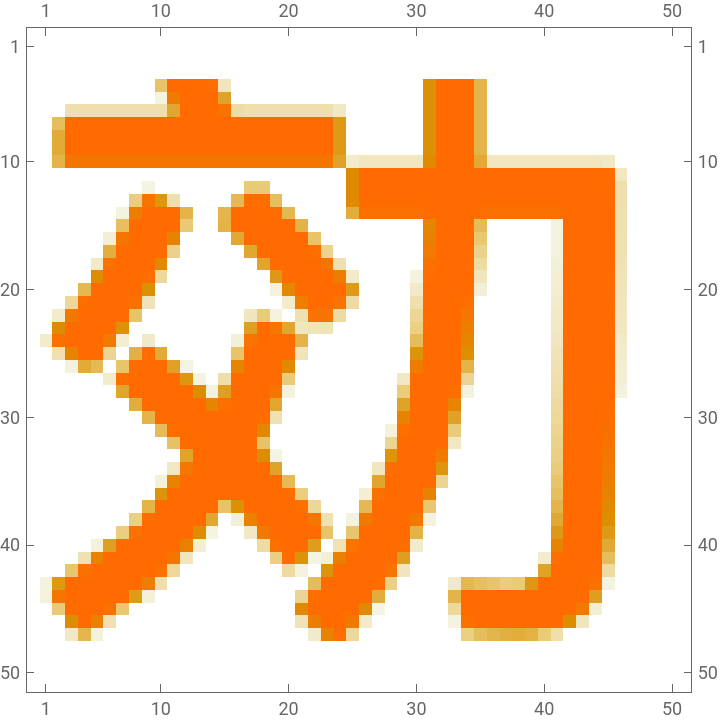
Do matrix plots a random sample of the image vectors:
SeedRandom[32];MatrixPlot[Partition[#,ImageDimensions[aCImages〚1〛]〚2〛]]&/@RandomSample[aCImageVecs,6]
Out[]=
垖
,埄
,媭
,垝
,偭
,効
Clustering over the image vectors
Clustering over the image vectors
In this section we cluster "image vectors" and demonstrate that the obtained clusters have certain explainability elements. Expected Chinese character radicals are observed using image multiplication.
Cluster the image vectors and show summary of the clusters lengths:
SparseArray[Values@aCImageVecs]
Out[]=
SparseArray


SeedRandom[334];AbsoluteTiming[lsClusters=FindClusters[SparseArray[Values@aCImageVecs]->Keys[aCImageVecs],35,Method->{"KMeans"}];]Length@lsClustersResourceFunction["RecordsSummary"][Length/@lsClusters]
Out[]=
{24.6383,Null}
Out[]=
35
For each cluster:
◼
Take 30 different small samples of 7 images
◼
Multiply the images in each small sample
◼
Show three "most black" the multiplication results
Remark: We can see that the clustering above produced "semantic" clusters -- most of the multiplied images show meaningful Chinese characters radicals and their "expected positions."
Here is one of the clusters with the radical "mouth":
LSAMon application
LSAMon application
In this section we apply the "standard" LSA workflow, [AA1, AA4].
Make a matrix with named rows and columns from the image vectors:
The following Latent Semantic Analysis (LSA) monadic pipeline is used in [AA2, AA2]:
Remark: LSAMon's corresponding theory and design are discussed in [AA1, AA4]:
Get the representation matrix:
Get the topics matrix:
Cluster the reduced dimension representations and show summary of the clusters lengths:
Show cluster interpretations:
Using FeatureExtraction
Using FeatureExtraction
I experimented with clustering and approximation using WL's function FeatureExtraction. Result are fairly similar as the above; timings a different (a few times slower.)
Visual thesaurus
Visual thesaurus
In this section we use Cosine similarity to find visual nearest neighbors of Chinese character images.
Consider the character "團":
Here are the nearest neighbors for that character found by using both image topics and image pixels:
Remark: Of course, in the recommender pipeline above we can use both pixels and pixels topics. (With their contributions being weighted.)
Graph clustering
Graph clustering
In this section we demonstrate the use of graph communities to find similar groups of Chinese characters.
Here we take a sub-matrix of the reduced dimension matrix computed above:
Here we find the similarity matrix between the characters and remove entries corresponding to "small" similarities:
Here we plot the obtained (clipped) similarity matrix:
Here we:
◼
Take array rules of the sparse similarity matrix
◼
Drop the rules corresponding to the diagonal elements
◼
Convert the keys of rules into uni-directed graph edges
◼
Make the corresponding graph
◼
Find graph's connected components
◼
Show the number of connected components
◼
Show a tally of the number of nodes in the components
Here we demonstrate the clusters of Chinese characters make sense:
Remark: By careful observation of the clusters and graph connections we can convince ourselves that the similarities are based on pictorial sub-elements (i.e. radicals) of the characters.
Hierarchical clustering
Hierarchical clustering
In this section we apply hierarchical clustering to the reduced dimension representation of the Chinese character images.
Here we pick a cluster:
Here is how we can make a dendrogram plot (not that useful here):
Here is a heat-map plot with hierarchical clustering dendrogram (with tool-tips):
Remark: The plot above has tooltips with larger character images.
Representing all characters with smaller set of basic ones
Representing all characters with smaller set of basic ones
In this section we demonstrate that a relatively small set of simpler Chinese character images can be used to represent (or approxumate) the rest of the images.
Remark: We use the following heuristic: the simpler Chinese characters have the smallest amount of white pixels.
Obtain a training set of images -- that are the darkest -- and show a sample of that set :
Show all training characters with an image collage:
Apply LSA monadic pipeline with the training characters only:
Get the matrix and basis interpretation of the extracted image topics:
Approximation of "unseen" characters
Approximation of "unseen" characters
Pick a Chinese character image as a target image and pre-process it:
Find its representation with the chosen feature extractor (LSAMon object here):
Show representation coefficients outliers:
Show the interpretation of the found representation:
See the closest characters using image distances:
Remark: By applying the approximation procedure to all characters in testing set we can convince ourselves that small, training set provides good retrieval. (Not done here.)
Finding more interpretable bases
Finding more interpretable bases
In this section we show how to use LSA workflow with Non-Negative Matrix Factorization (NNMF) over an image set extended with already extracted "topic" images.
Cleaner automatic radicals
Cleaner automatic radicals
Here we take an image union in order to remove the "duplicated" radicals:
LSAMon pipeline with NNMF
LSAMon pipeline with NNMF
Make a matrix with named rows and columns from the image vectors:
Enhance the matrix with radicals instances:
Apply the LSAMon workflow pipeline with NNMF for topic extraction:
Remark: Note that NNMF "found" the interpretable radical images we enhanced the original image set with.
Get the matrix and basis interpretation of the extracted image topics:
Approximation
Approximation
Pick a Chinese character image as a target image and pre-process it:
Find its representation with the chosen feature extractor (LSAMon object here):
Show representation coefficients outliers:
Remark: Note that expected radical images are in the outliers.
Show the interpretation of the found representation:
See the closest characters using image distances:
Setup
Setup
References
References
[SH1] Silvia Hao, "Exploring structure of Chinese characters through image processing", (2022), Wolfram Community.
[AA2] Anton Antonov, "LSA methods comparison over random mandalas deconstruction -- WL", (2022), Wolfram Community.
[AA3] Anton Antonov, "Bethlehem stars: classifying randomly generated mandalas", (2020), Wolfram Community.
[AA4] Anton Antonov, "[LiVE] Latent Semantic Analysis Workflows (WL Live-Stream Series)", (2019), Wolfram Community.