Game engines
Game engines
A game engine is an interface that assists in building and playing games, including
◼
graphics
◼
physics
◼
user input
◼
collision detection
◼
animation, sound, etc.
The tools to create games can be built up with the Wolfram Language and the games run in a Notebook.
Past R&D talks
Past R&D talks
Dynamic is the driver
Dynamic is the driver
Basic principles
Basic principles
The goal of is to display as it is right now.
Dynamic[expr]
expr
In[]:=
x=0.5;
In[]:=
Dynamic[x]
In[]:=
Slider[Dynamic[x],{0,4}]
Progress Quest!
Progress Quest!
Out[]=
Welcome to Progress Quest! | Lvl: | 0 |
Exp: | 0 | |
What’s happening:
What’s happening:
Graphics
Graphics
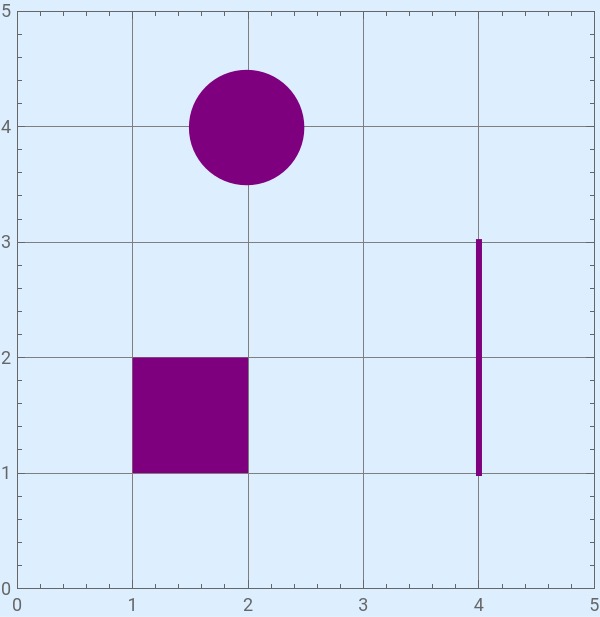
Our game takes place in a Graphics expression with geometric primitives.
In[]:=
Graphics[{Purple,Disk[{2,4},0.5],Rectangle[{1,1},{2,2}],AbsoluteThickness[3],Line[{{4,3},{4,1}}]},Background->LightBlue,Frame->True,GridLines->Automatic,ImageSize->300,PlotRange->{{0,5},{0,5}}]
//InputForm
Physics: time advancement
Physics: time advancement
Apparent motion
Apparent motion
Let's programmatically to move a disk from left to right as smoothly as possible.
In[]:=
DynamicModule{x1 = 1, x2 = 1, $TimeFactor = 0.005, vel = 1}, Column LabeledSlider[Dynamic[$TimeFactor], {{1, 0.1, 0.05, 0.01, 0.005, 0.001}}], Graphics , {Purple, Disk[{Dynamic[If[x1 < 5, x1 += vel*$TimeFactor, x1 = 1]], -0.5}, 0.1]}, {Red, Disk[{Dynamic[If[x2 < 5, x2 += 2*vel*$TimeFactor, x2 = 1]], 0.5}, 0.1]},
In[]:=
Column"Example Output",ListAnimate
Frame rate math
Frame rate math
How many times per second can the front end update a value?
In[]:=
DynamicModule[{x = 0, t = 0}, Column[ Animator[Dynamic[t], {0, 1}, AnimationRate -> 1, AnimationRepetitions -> 1], Dynamic[If[t < 1, x++, {x, 1./x}]]]]
In[]:=
Column[{"Example Output",Pane@
}]

If we want the velocity to be one unit per second then all time calculations need to include this factor.
1unit
second
second
200frames
User Input
User Input
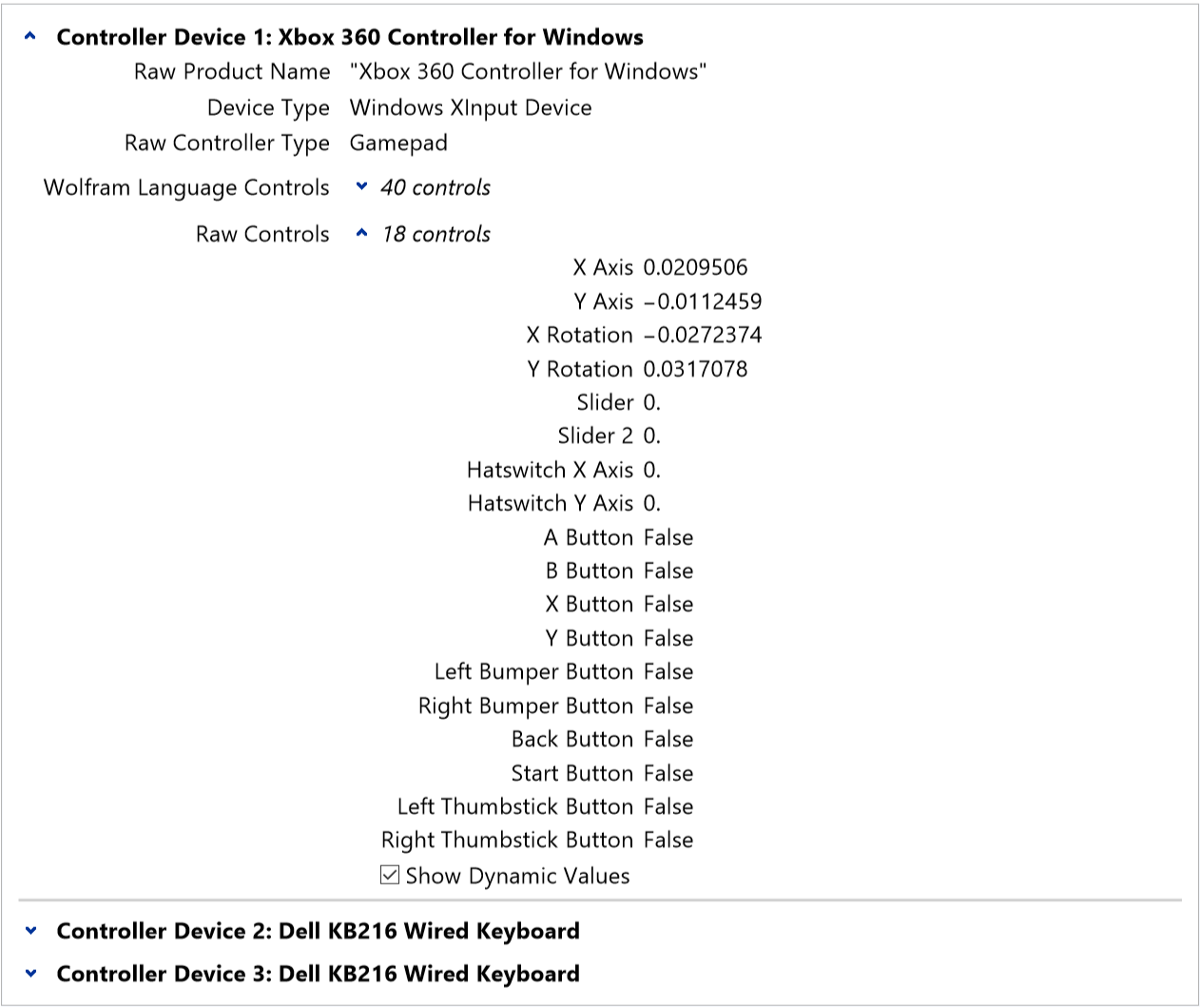
ControllerInformation
ControllerInformation
In[]:=
ControllerInformation[]
In[]:=
Column"Example Output",Pane@
ControllerState
ControllerState
In[]:=
Dynamic[{ControllerState["X Axis"],ControllerState["Y Axis"]}]
In[]:=
Column[{"Example Output",Pane@
}]

controllerReadyQ
controllerReadyQ
User Input + Physics
User Input + Physics
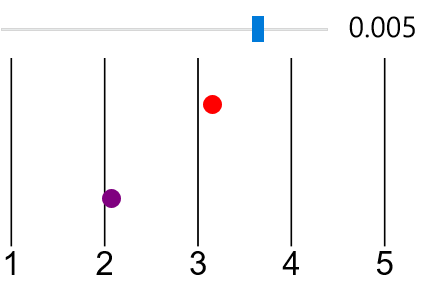
Control apparent motion with a gamepad
Control apparent motion with a gamepad
In[]:=
DynamicModule{pX1 = 1, pX2 = 1, $TimeFactor = 0.005}, Column , Graphics , {Purple, Disk[{Dynamic[pX1 += Round[ControllerState["X Axis"], 0.1]*$TimeFactor], -0.5}, 0.1]}, {Red, Disk[{Dynamic[pX2 += 2*Round[ControllerState["X Axis"], 0.1]*$TimeFactor], 0.5}, 0.1]}, // controllerReadyQ
Out[]=
Example Output |
Physics: motion along each coordinate axis
Physics: motion along each coordinate axis
Example
Example
Collision Detection: scene boundary
Collision Detection: scene boundary
Example
Example
Collision Detection: rectangles
Collision Detection: rectangles
Collision Detection: multiple objects
Collision Detection: multiple objects
Example
Example
Tool: obstacle builder
Tool: obstacle builder
Add or remove Rectangle primitives, locked to an integer grid.
See it in action first...
See it in action first...
Physics: changes to velocity
Physics: changes to velocity
This could be due to gravity or a direct impulse control.
See it in action first...
See it in action first...
2D platformer: mechanics
2D platformer: mechanics
Example
Example
2D platformer: side-scrolling
2D platformer: side-scrolling
Example
Example
Graphics: adding artwork
Graphics: adding artwork
Inset
Inset
Raster
Raster
In image coordinates, the y-axis is inverted compared to graphics coordinates.
Tool: draw blocks
Tool: draw blocks
Example
Example
Animation: artwork
Animation: artwork
Sprite sheet
Sprite sheet
Nice maps have pixel locations and descriptions of each frame:
Animation: adding to the scene
Animation: adding to the scene
Use Raster instead of Rectangle
Use Raster instead of Rectangle
2D platformer: create a level
2D platformer: create a level
Combining it all together...
Combining it all together...
Bonus: Castlevania demo
Bonus: Castlevania demo
Bonus: games that directly affect velocity
Bonus: games that directly affect velocity
Fishing minigame
Fishing minigame
Bonus: pixel painter tool
Bonus: pixel painter tool
CITE THIS NOTEBOOK
CITE THIS NOTEBOOK
Wolfram R&D LIVE: Building a video game with Wolfram notebooks
by Kevin Daily
Wolfram Community, STAFF PICKS, May 12 2023
https://community.wolfram.com/groups/-/m/t/2918746
by Kevin Daily
Wolfram Community, STAFF PICKS, May 12 2023
https://community.wolfram.com/groups/-/m/t/2918746