I just saw this nice article https://eox.at/2021/08/average-colors-of-the-world/ by Erin Davis which colors a map by the average color of satellite images.
Nice idea, but my reaction was “what a lot of work it is in Python”. Erin solves the problem in 167 lines of mostly Python and a little R. In Wolfram Language you can do the same in three lines of code:
Nice idea, but my reaction was “what a lot of work it is in Python”. Erin solves the problem in 167 lines of mostly Python and a little R. In Wolfram Language you can do the same in three lines of code:
countryColor[cnt_]:=Block[{img=GeoGraphics[{GeoStyling["Satellite"],Polygon[cnt]},GeoBackgroundNone]},RGBColor[ImageMeasurements[img,"Mean",MaskingAlphaChannel[img]]]]
GeoGraphics{GeoStyling[Once[countryColor[#]]],#["SchematicPolygon"]}&/@ComplementEntityList["Country"],,GeoBackground"Coastlines"
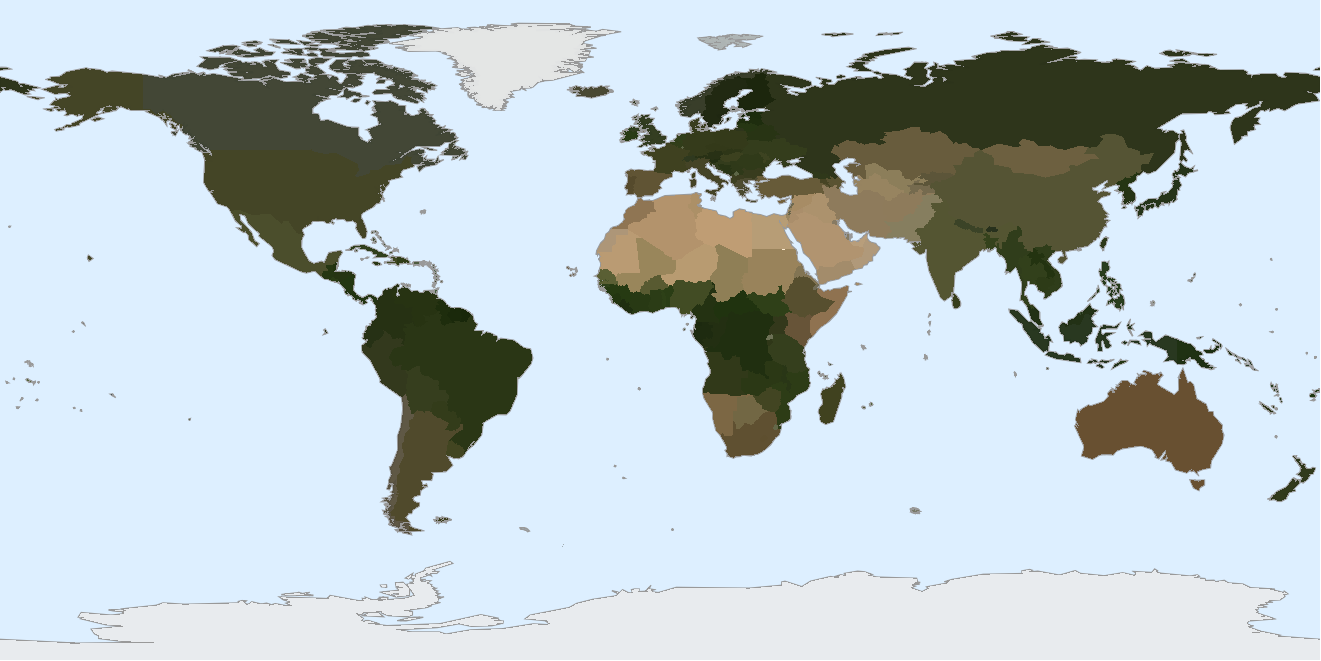
countryColor takes a country Entity and generates a satellite image of just that country before using ImageMeasurements to get the average color over only the country shape.
GeoGraphcs then makes the picture. The only complexity is that the United States Outlying Islands are too small to be visible, and so I have manually excluded them from the country list.
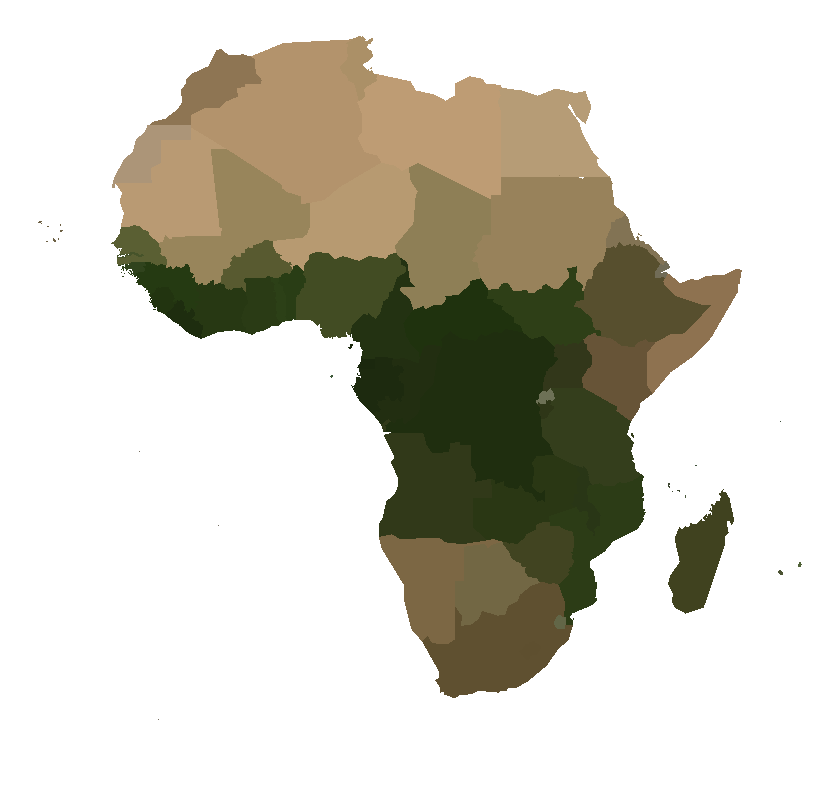
Here is the closeup on Africa
GeoGraphcs then makes the picture. The only complexity is that the United States Outlying Islands are too small to be visible, and so I have manually excluded them from the country list.
Here is the closeup on Africa
GeoGraphics[{GeoStyling[Once[countryColor[#]]],#["SchematicPolygon"]}&/@EntityList[EntityClass["Country","Africa"]],GeoBackgroundNone]