Lego Headlight Menger Cube
Considering how easy we can build out the 48 piece “LEGO voxel” in real life, we could naively expect a “computational build” of the same tiling-object to go just about as fast. To test this hypothesis, we need a button-clicking scheme that will help us branch through the multiway graph. First we can select an “in” or an “out”, then list all the possible next configurations, and choose one from those. The basic idea for interaction within a Graphics object is here:
In[]:=
DynamicModule[{recompute,off={},on={{0,0,0}}},recompute[on_,off_,one_]:={Append[DeleteCases[on,one],one+{1,0,0}],Append[off,one+{1,0,0}]};Dynamic[Graphics3D[{Red,Sphere[#,1/4]&/@off,Blue,Echo@EventHandler[Sphere[#,1/2],{"MouseClicked"Set[{on,off},recompute[on,off,#]]}]&/@on},Boxed->False]]]
Out[]=
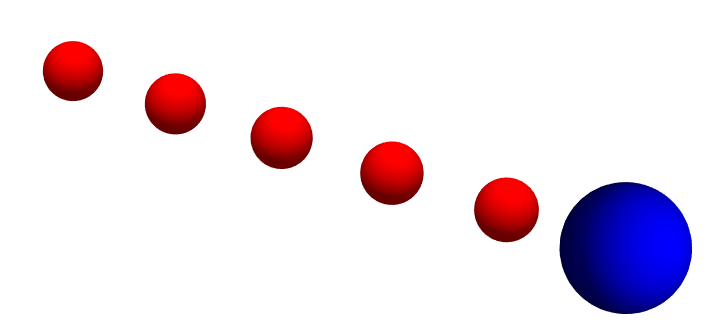
Whenever you click the blue sphere, it becomes red, then adds another blue sphere at a distance one along a particular vector direction. Our new HeadlightExplorer uses a similar method, plus a few extra buttons. Here it is at its initial condition:
In[]:=
HeadlightExplorer[InitializeHeadlight[]]
Out[]=
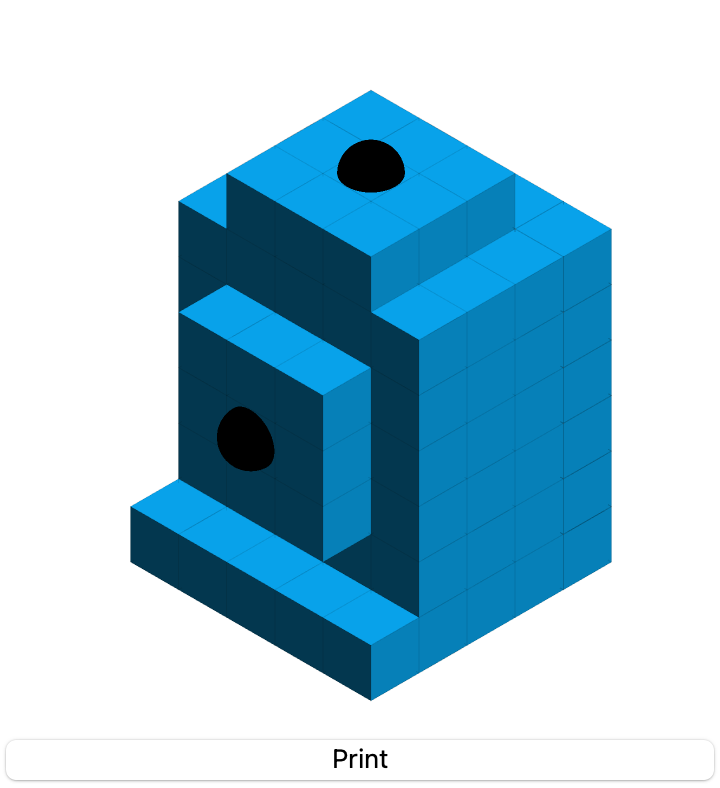
After one click on the top out, it looks like this:
In[]:=
HeadlightExplorer[InitializeHeadlight[]]
Out[]=
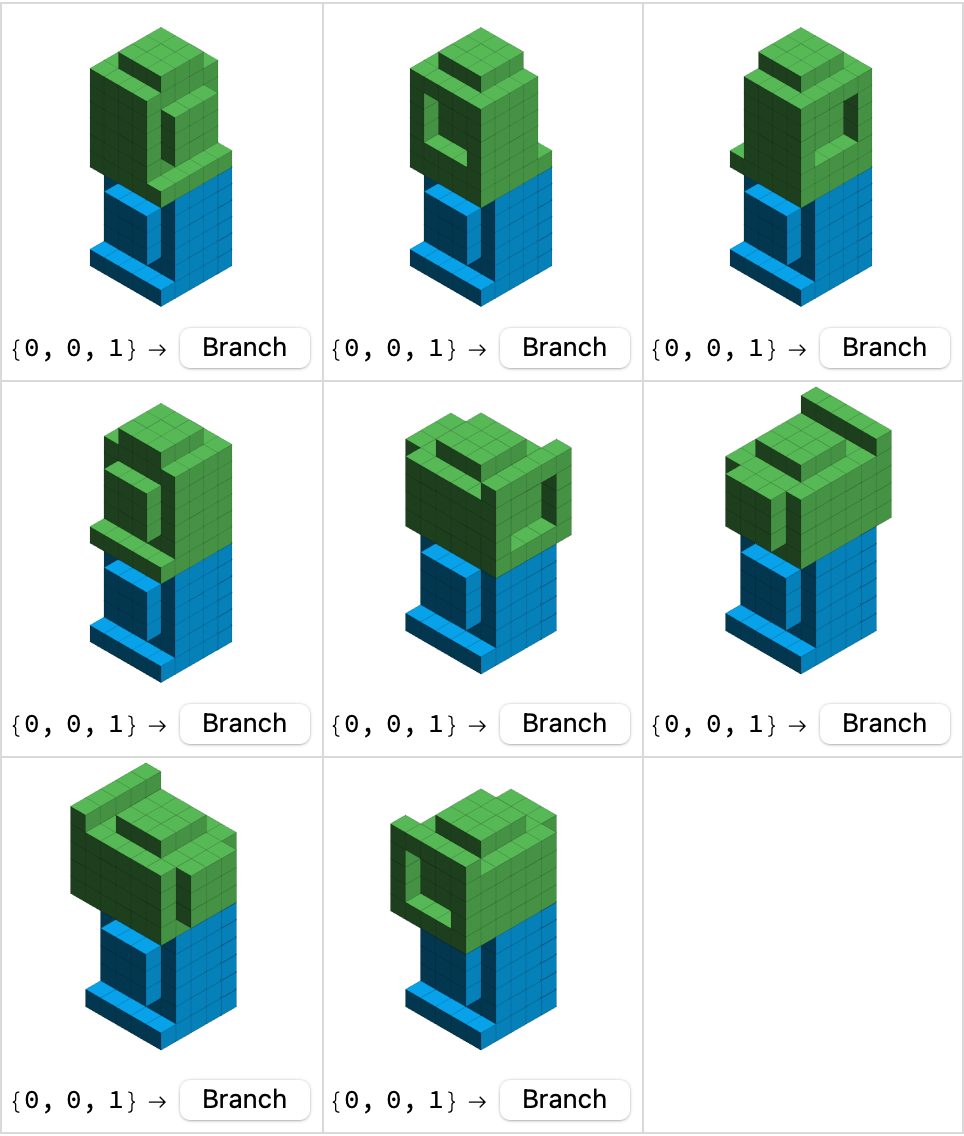
After choosing a branch, we get back to the first screen:
In[]:=
HeadlightExplorer[InitializeHeadlight[]]
Out[]=
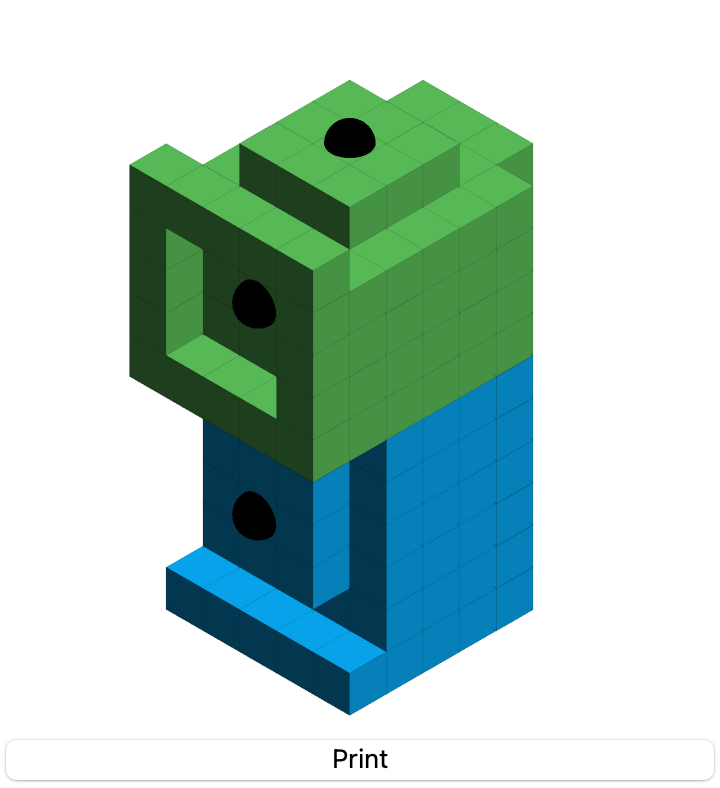
After four steps we get to a full face of the headlight voxel:
In[]:=
HeadlightExplorer[InitializeHeadlight[]]
Out[]=
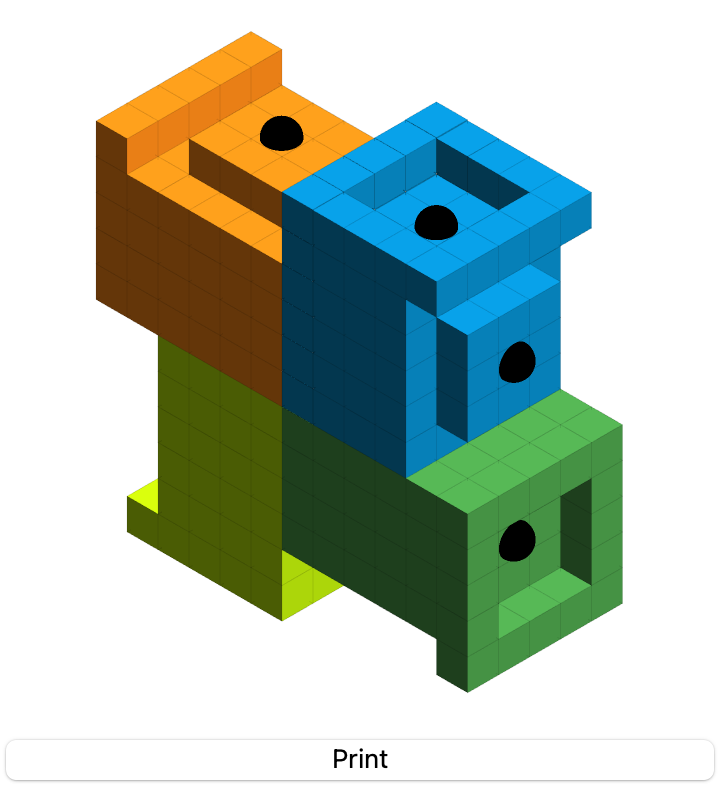
By clicking the print button at each complete step, we get iconized objects, and can plot them again in a row:
In[]:=
GraphicsRowDisplayHeadlights/@,,,,ImageSize->550
Out[]=
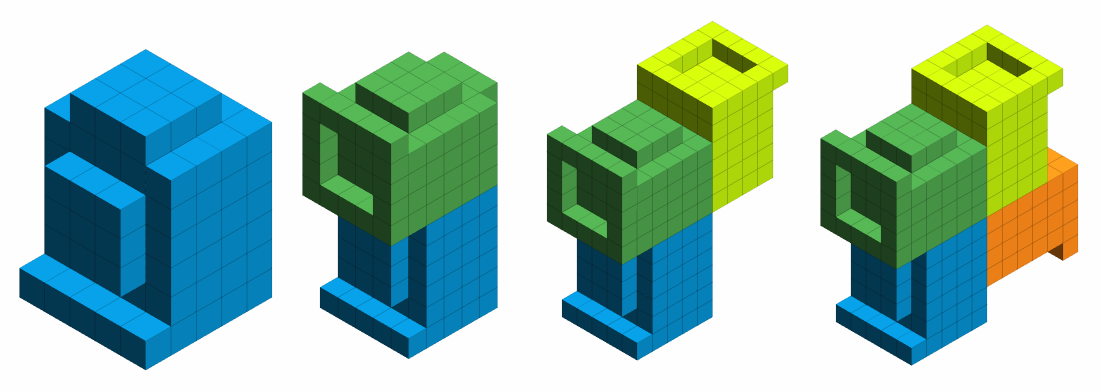
Really the last data icon should suffice, because the data is well-ordered:
From this icon, we can resume progress enumerating the partial tiling:
Put some music on, after listening to a song or two, clicking probably less than one-hundred times, we start to notice some front-end slow-downs around the half-way point:
Instead of fighting with the front end to do more, let’s just end here satisfied with what we’ve accomplished. The second half can be transformed into existence:
And then we put the two halves together quite easily:
The random seed here only affects colors. This unit matches after translation by twenty units in any direction on the Cartesian axes, so it can easily be mapped into the “Menger Sponge”. Unfortunately, the built in function MengerMesh is not as immediately helpful as what we could find on stack exchange, so we’re going with the hacker-code again:
If it work, it works, and it does, with again, an extra random seed just to set the colors:
The adjacency graph is then programmatic to compute, and looks about as we would expect it:
Or in a three-dimensional embedding:
If we try to go any higher, it is possible to get a larger data result in under a second:
There are 19,200 headlights and 2,400,000 voxels:
This is too much for Graphics to handle through a simple “quick depict” function such as DisplayHeadlights. Can anyone think of a better function that reduces the number of polygons needing to be drawn, and then outputs an image without crashing my desktop and sending me back to the Operating System’s login screen? Until then, here’s a side-on X-Ray plot of the next level up:
It looks right to me, but I’m still hoping someone can do better with a colored 3D plot.