The Sitnikov problem, a variation of the 3-body problem, concerns three celestial bodies and their interactions in Newtonian Mechanics. Although Sir Isaac Newton solved the 2-body problem in 1687, no general solution has been found to represent n bodies in a similar system. This system has been declared as ‘computationally irreducible’ because of an algorithm’s inefficiency to finding possible orbital patterns (Wolfram, 2002, p.313). The orbital oscillations fail to adhere to a common pattern. Other methods such as simulations must be used to find orbits that satisfy the parameters for n-bodies. An improved analysis on the properties of these three bodies and particularly the center mass can provide insightful data in predicting orbits of existing systems. This exploration observes the positions and velocities of various restricted 3-Body Systems through the manipulation of orbital parameters. Focusing on primarily creating a model that uses real world data, astrophysicists studying planetary trajectories in a 3-body System will benefit off of this paper. This paper covers methods used to solidify understanding in equating orbits and how to incorporate gravitational attraction in our models. After creating a highly sophisticated model, analysis has been conducted by declaring functions that parametrize control variables and only give the user one variable to modify. This is used to explain the effect changing one variable has on the z position/velocity of the center mass. Future researchers need to use advanced search algorithms to identify stable systems so they can predict trajectories with mathematical equations.
Introduction
Introduction
Before sharing our results, it is important to specify our variables with common names referenced various times throughout the paper. The two orbiting bodies will be referred as primaries and the oscillating center mass will be referred as a center.
◼
P1 = Primary 1
◼
P2 = Primary 2
◼
C1 = Center 1
In order to create a restricted system of the 3-body problem, I constrained both P1 and P2 to be exact copies of each other. The only difference between them is that they are on opposite sides of the orbit. They have the exact same, mass, velocity, and radius
The phenomenon I observed is an oscillating center mass that does not escape the 3-body system. This center mass has its movement dictated by the gravitational attractions from the two primaries. By placing both primaries with opposite signs in their x and y coordinates, the center mass is always equidistant from the two primaries.
The phenomenon I observed is an oscillating center mass that does not escape the 3-body system. This center mass has its movement dictated by the gravitational attractions from the two primaries. By placing both primaries with opposite signs in their x and y coordinates, the center mass is always equidistant from the two primaries.
◼
P1 = {x, y, z}
◼
P2 = {-x, -y, z}
The main goal for this project is to create a stable orbital pattern for three bodies with realistic values and Newtonian Dynamics. After creating a detailed model that accurately represented the interactions between bodies in a system, I analyzed patterns and drew conclusions from the z positions of the center mass and its changing velocity. This research is a stepping stone on the way to idealizing a definite pattern or algorithm that governs how a three body system works.
Model
Model
I began by isolating and specifying different parameters to find working orbital models. By studying the varied oscillations of the center mass, one can decipher potential mass and velocity relations of the three bodies that result in apparent relations and correlations. I started by exploring ways to create orbits, particularly circular, in Mathematica using various methods.
I began by isolating and specifying different parameters to find working orbital models. By studying the varied oscillations of the center mass, one can decipher potential mass and velocity relations of the three bodies that result in apparent relations and correlations. I started by exploring ways to create orbits, particularly circular, in Mathematica using various methods.
A.) Parametric Equations Model
A.) Parametric Equations Model
In[]:=
m1=1;m2=1;r1=20;r2=20;
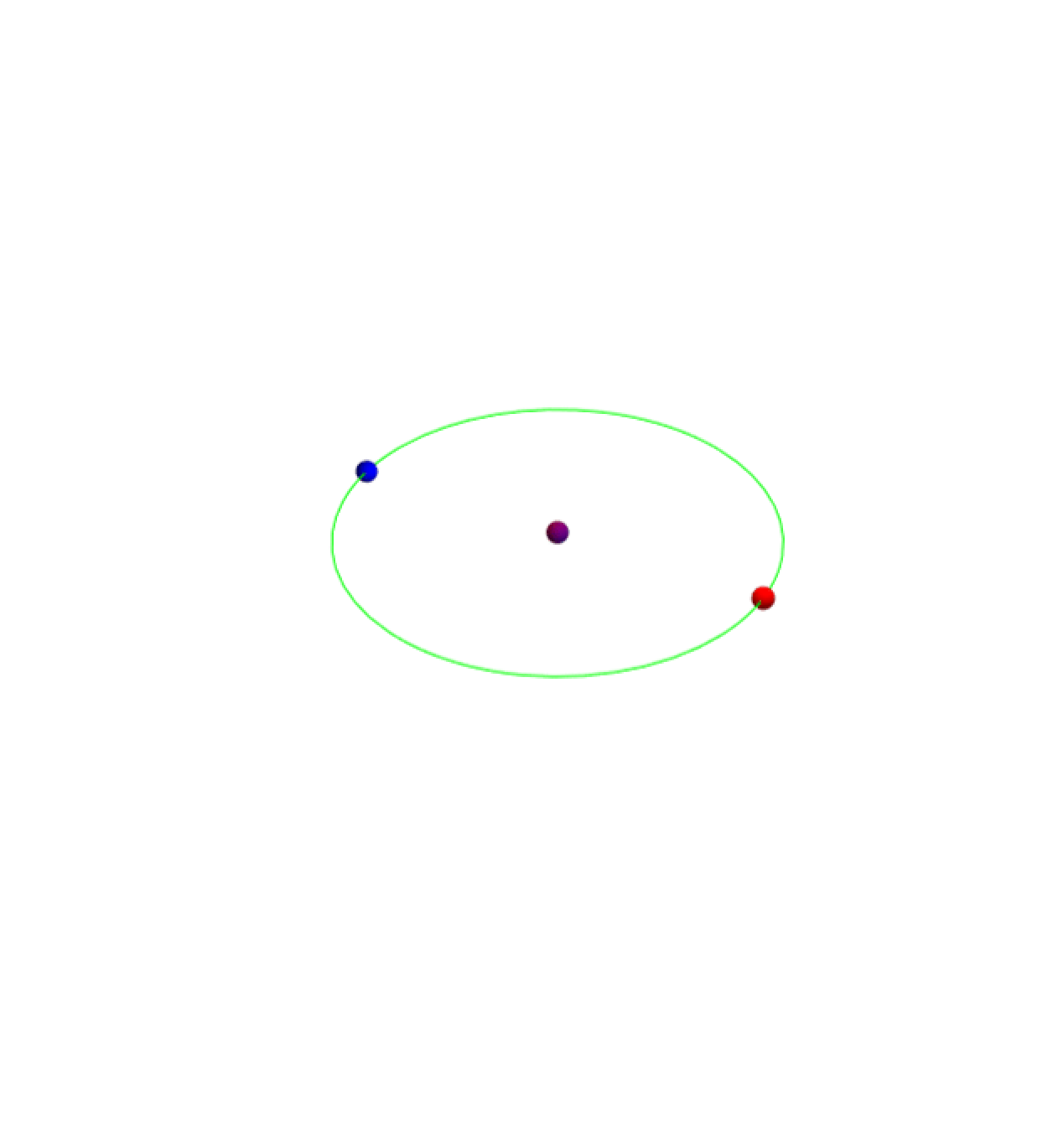
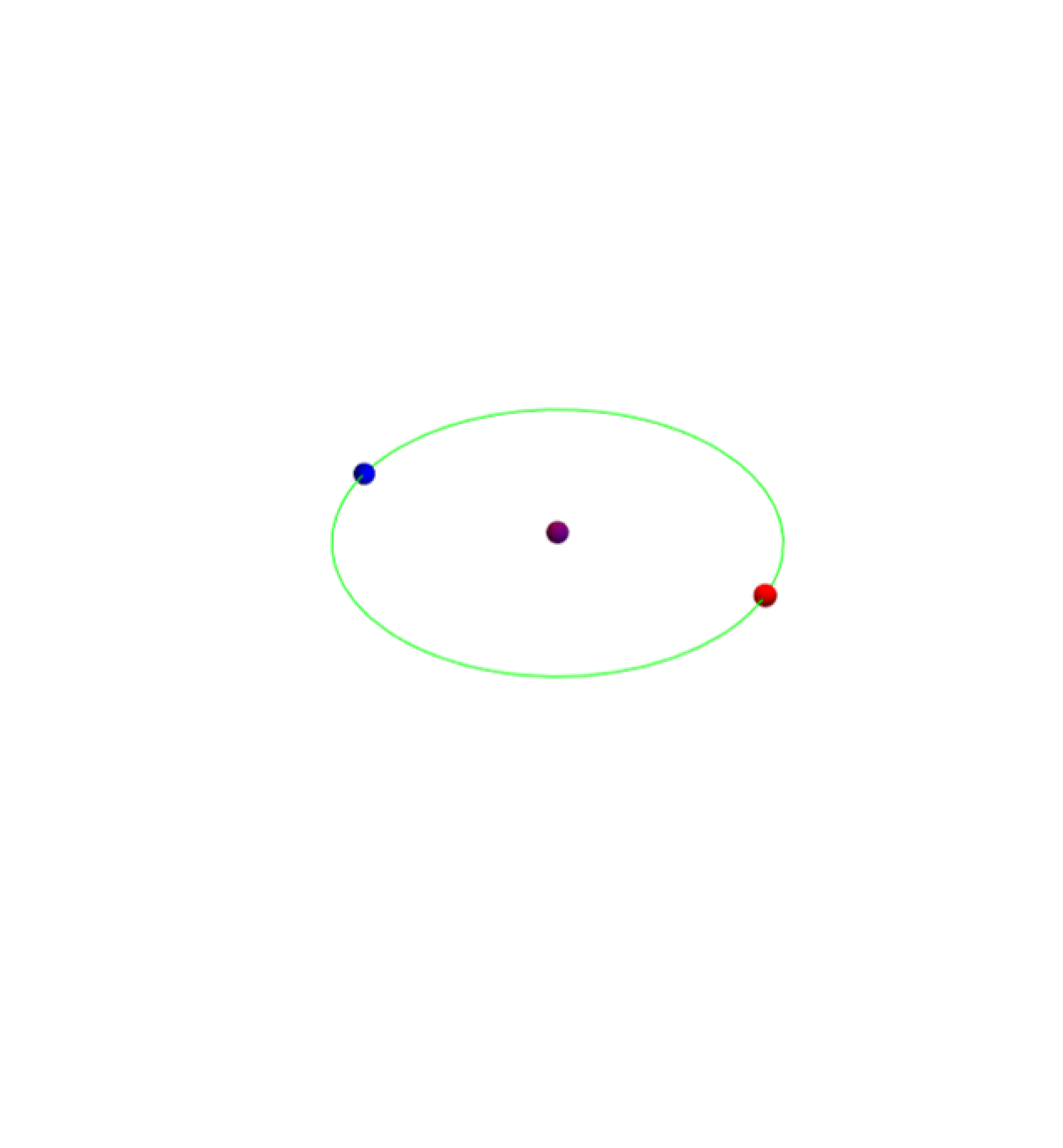
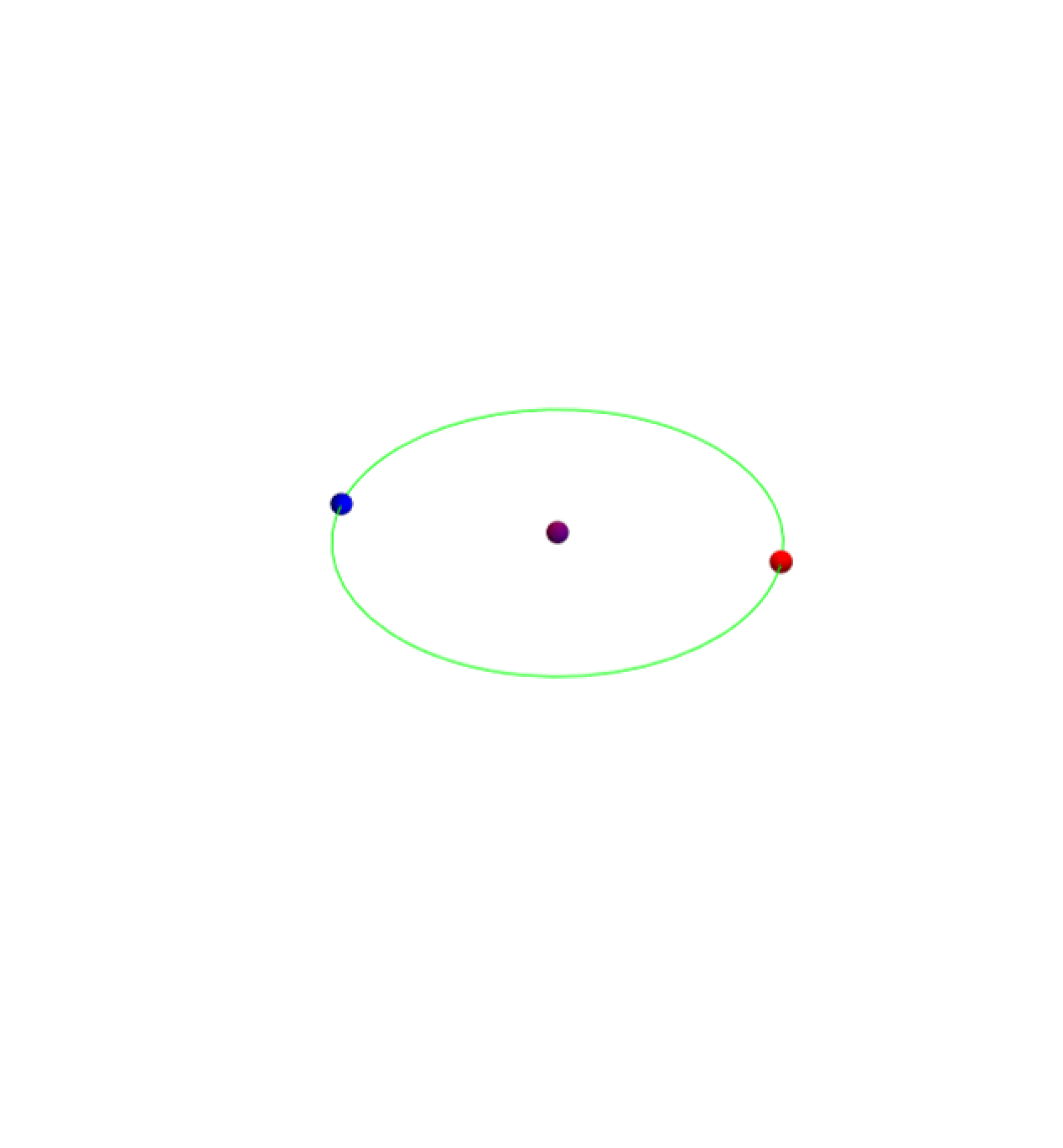
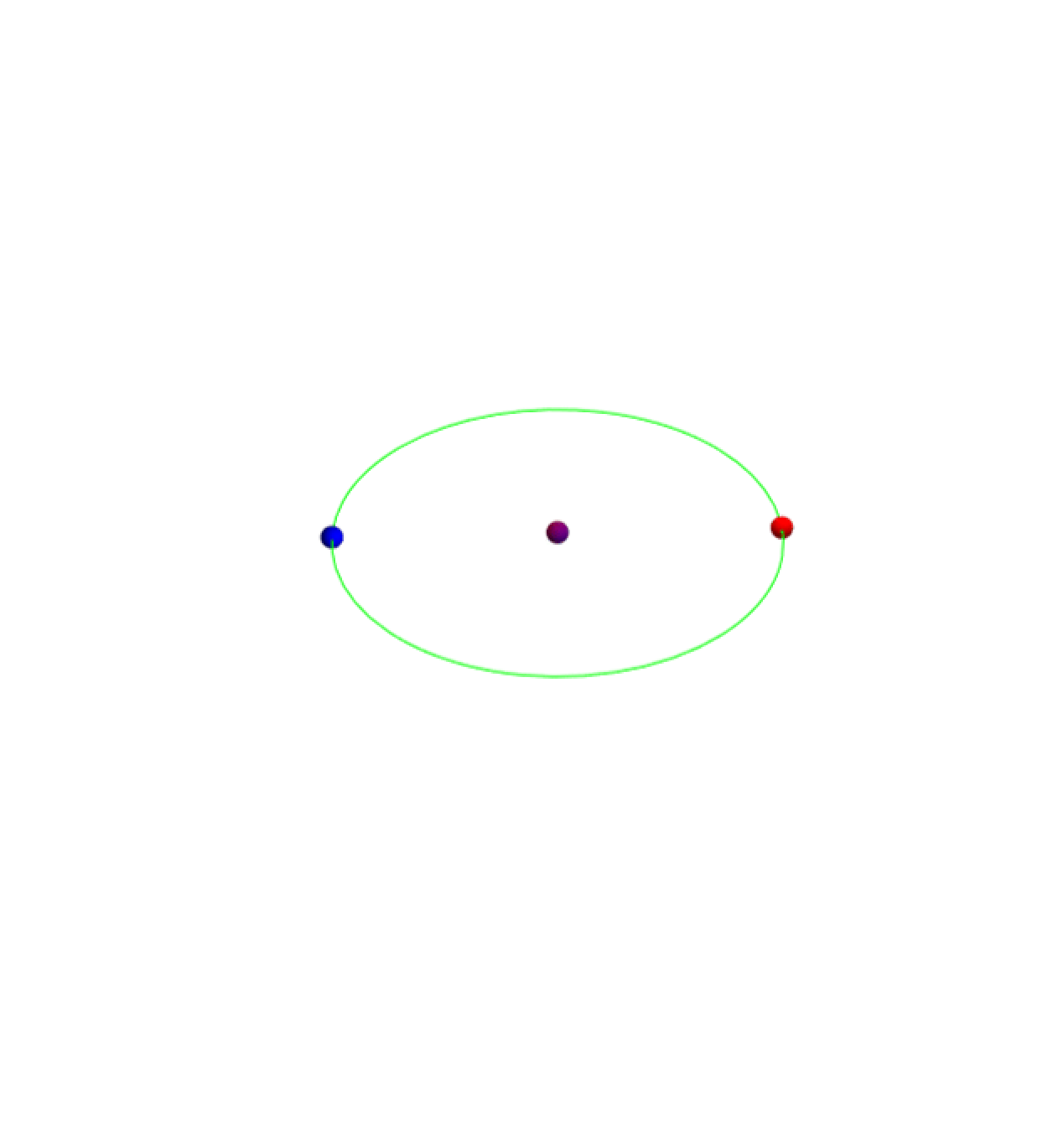
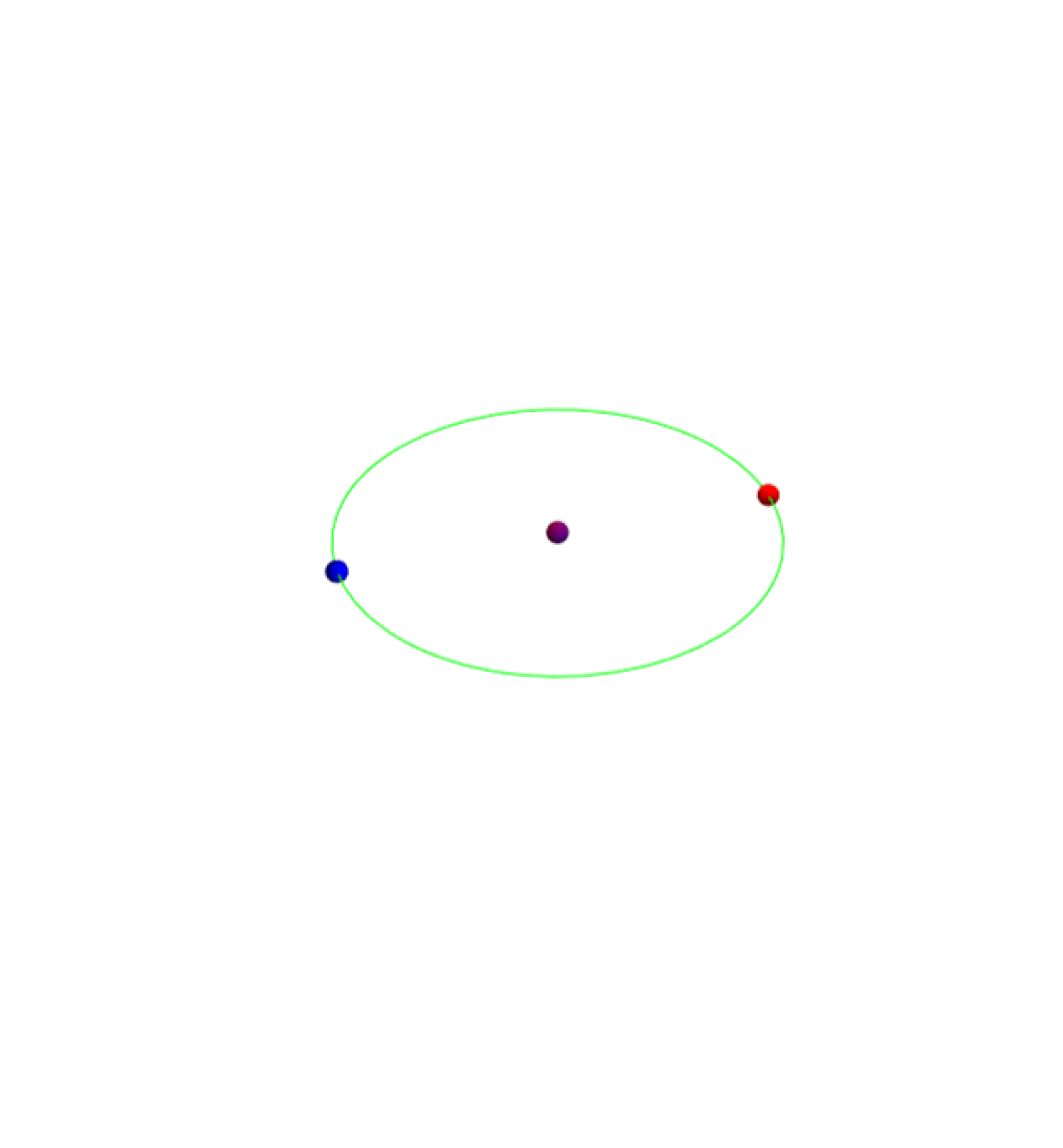
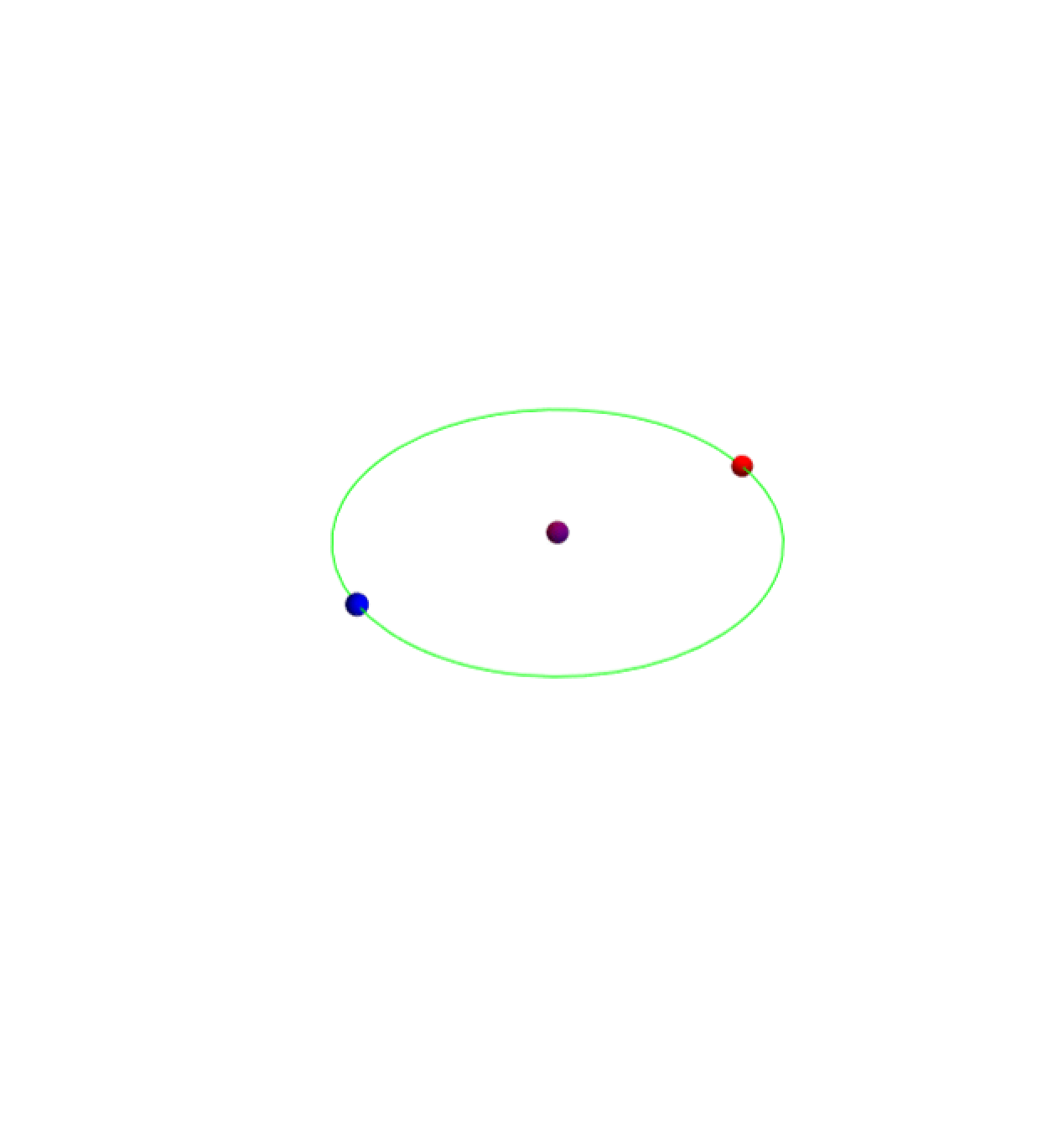
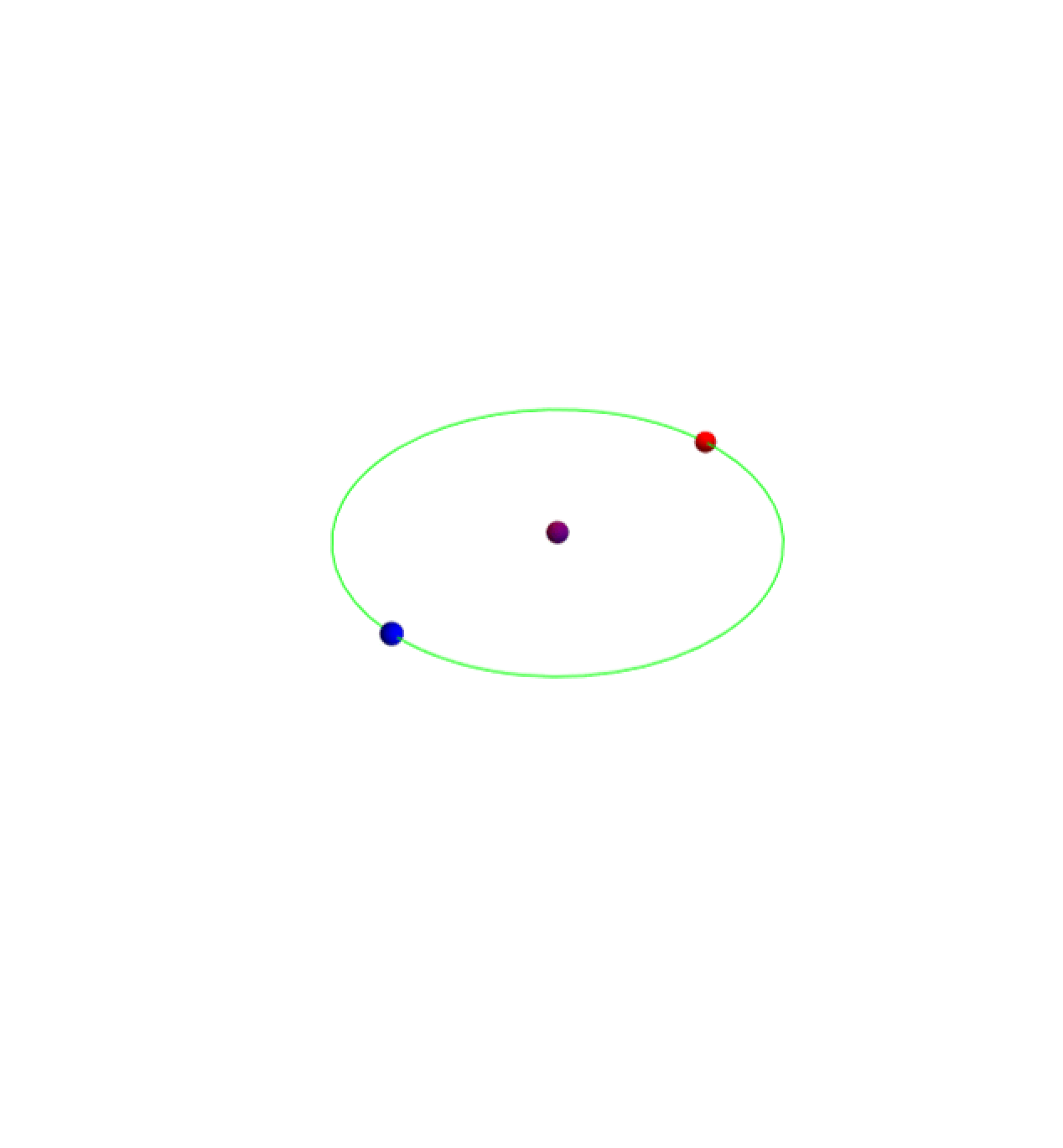
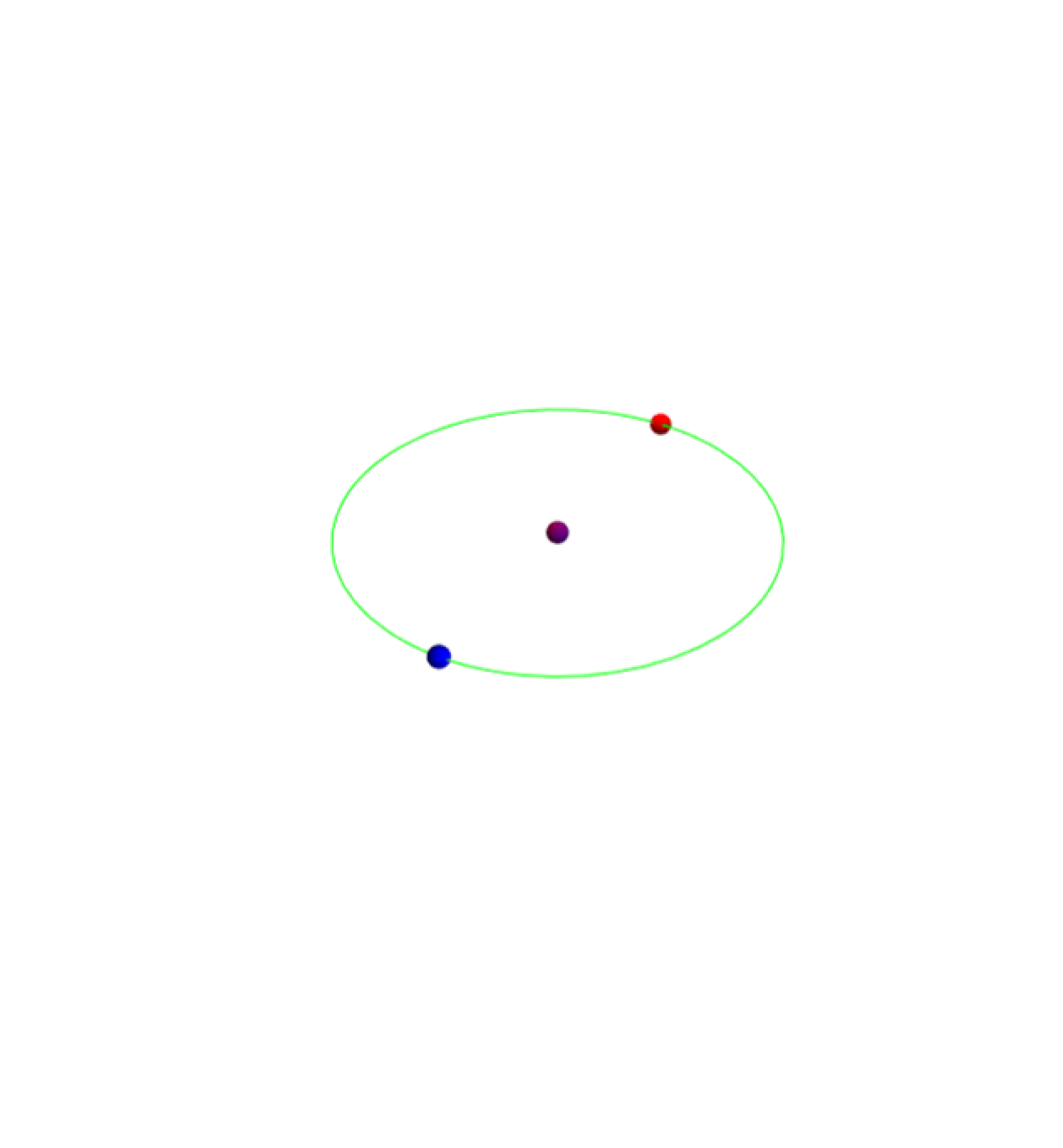
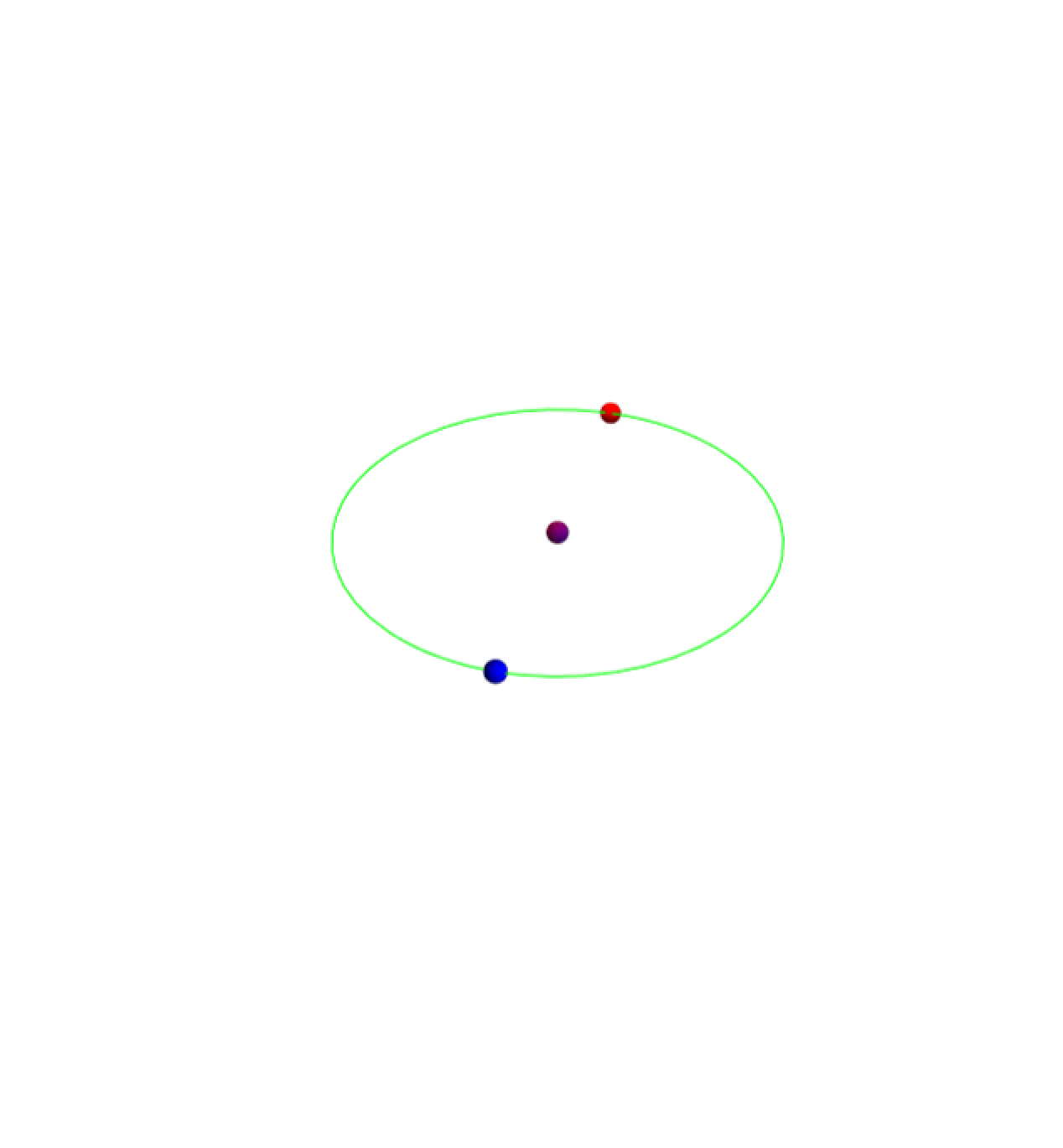
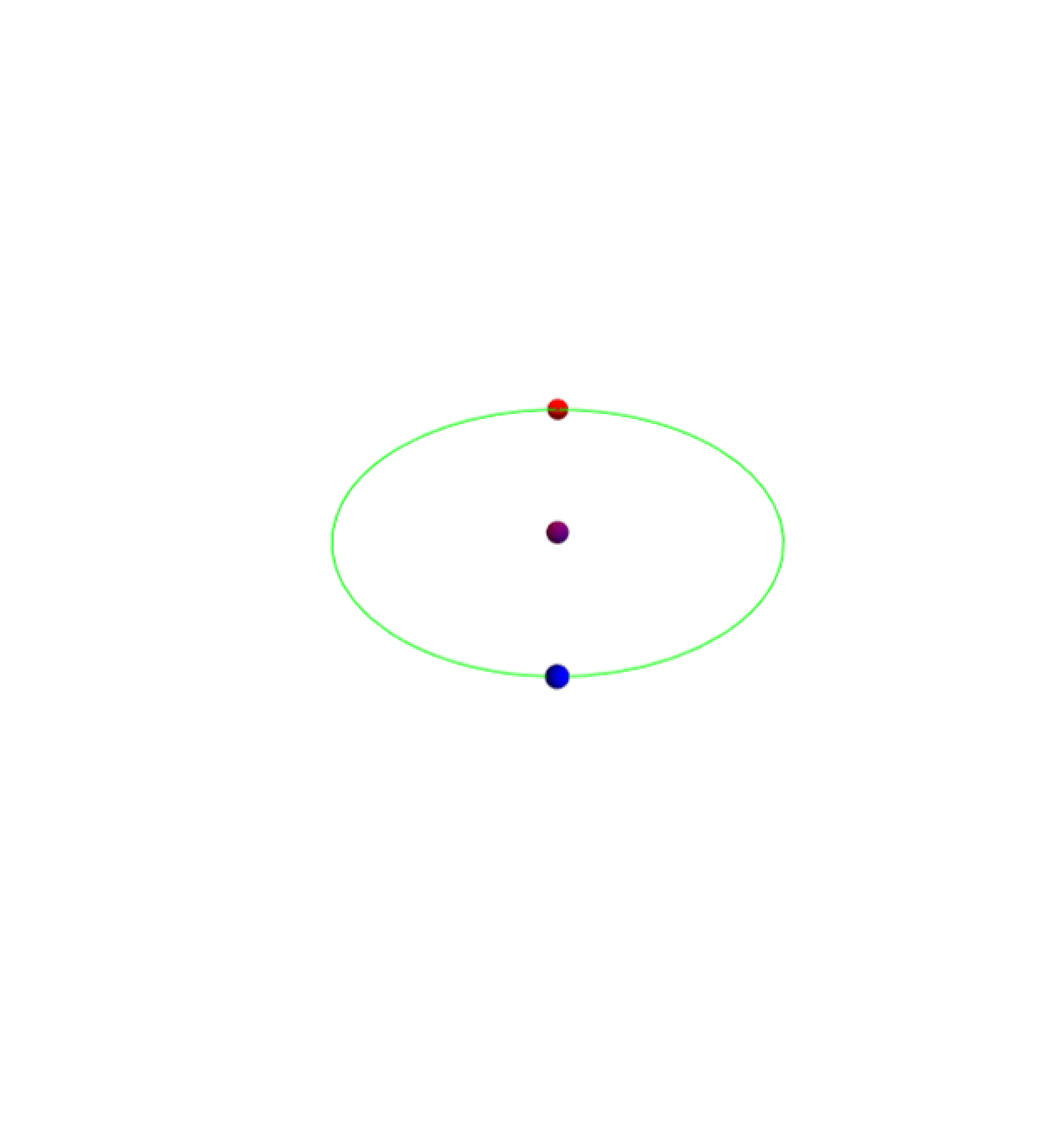
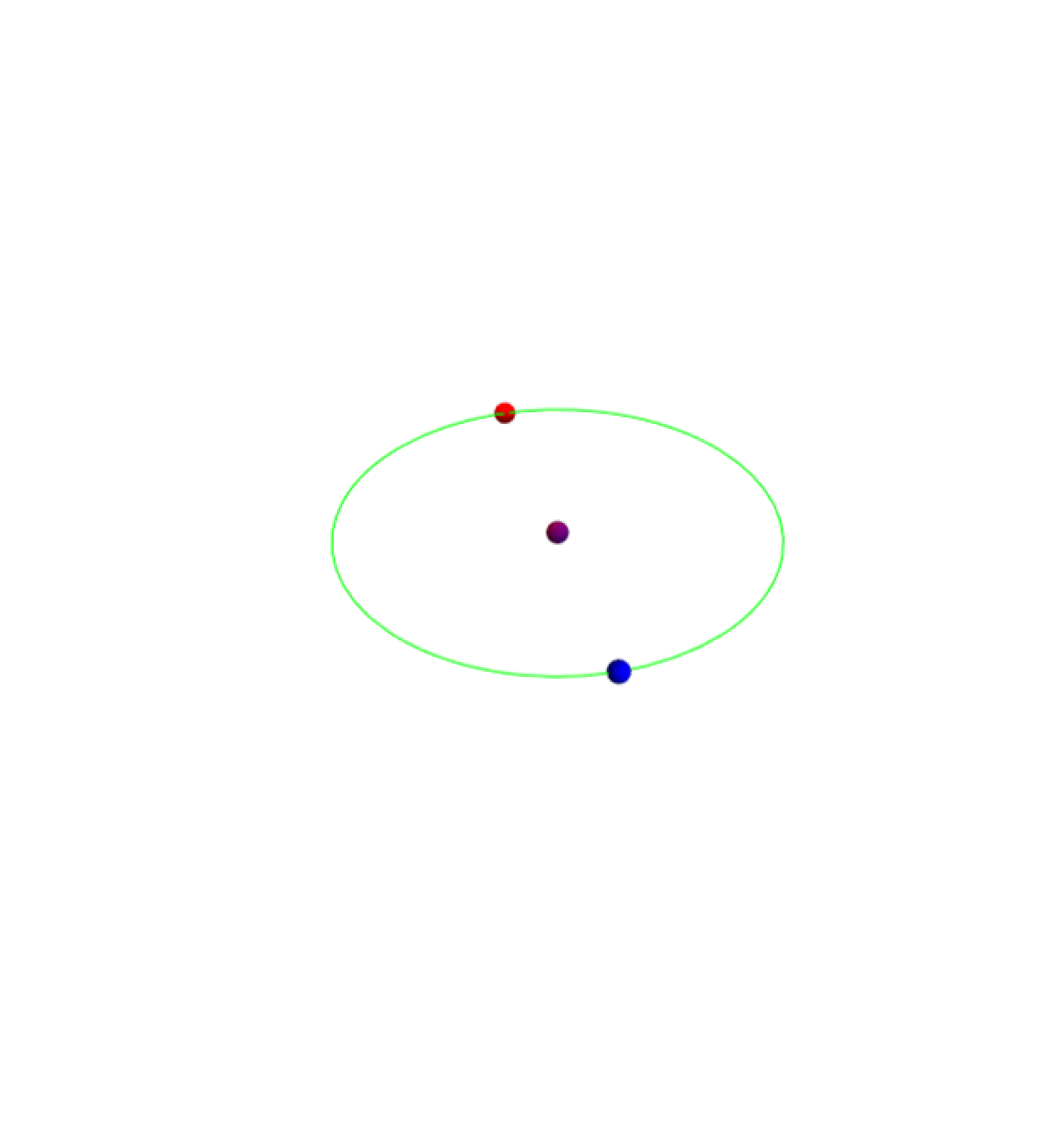
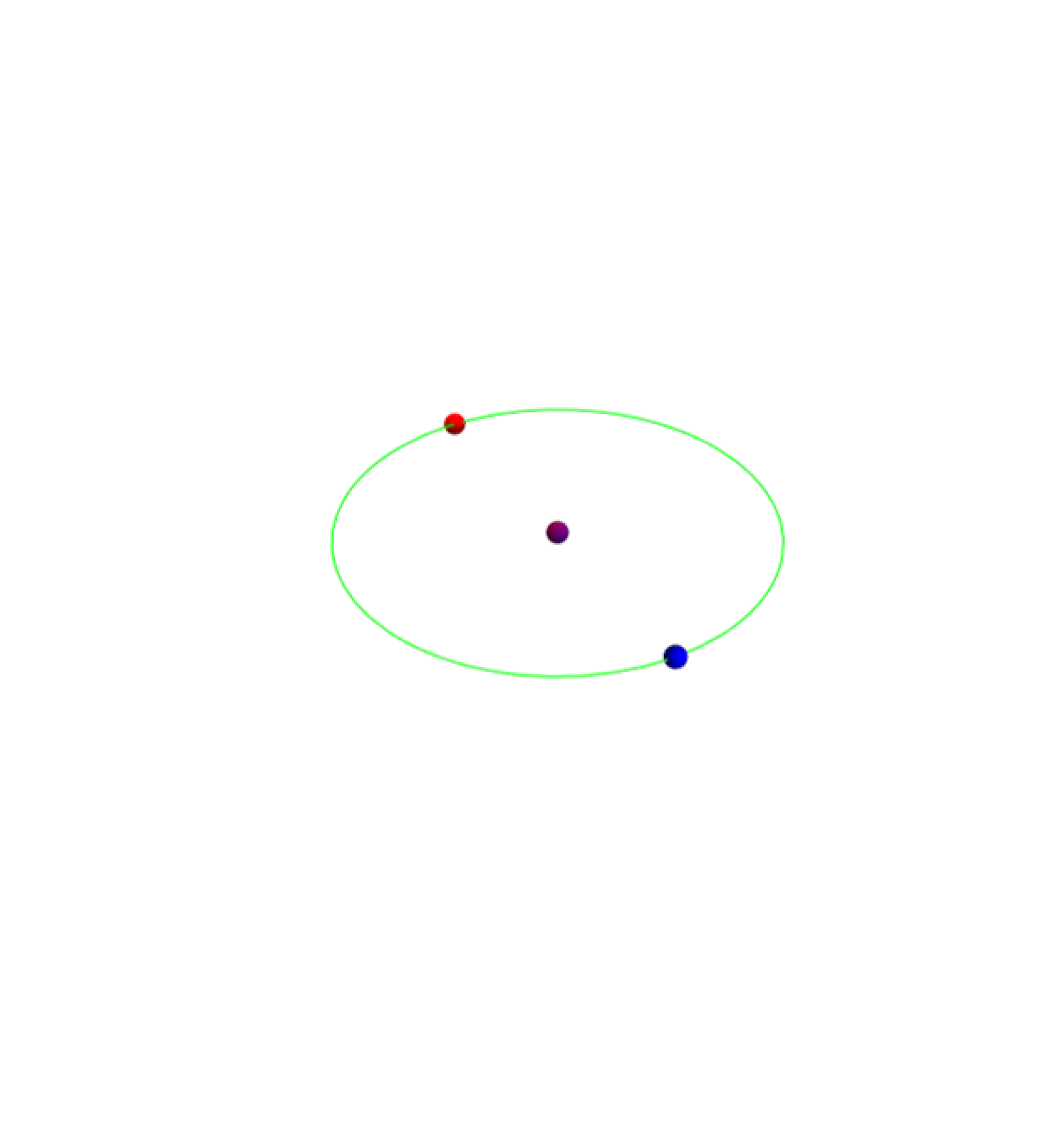
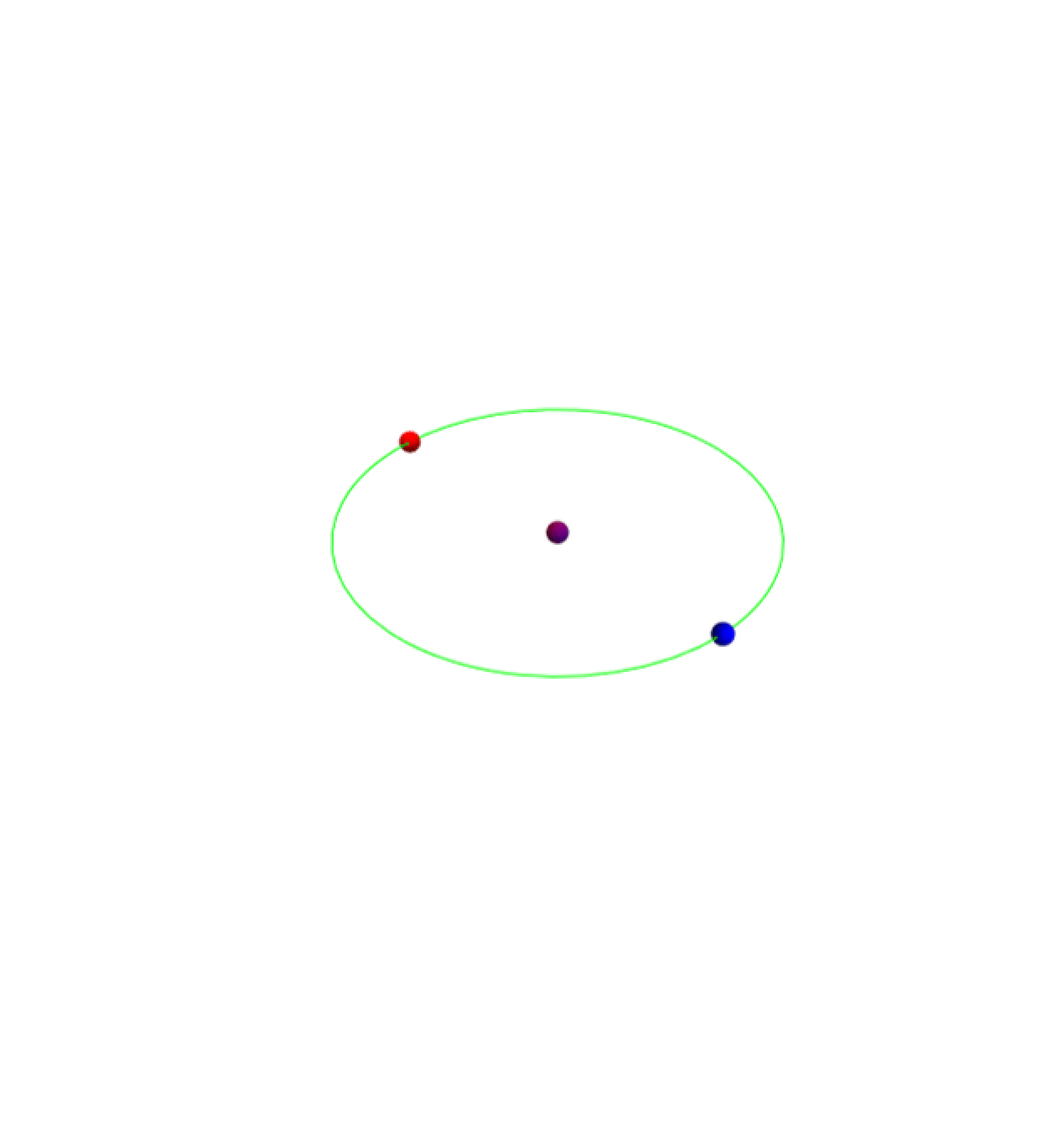
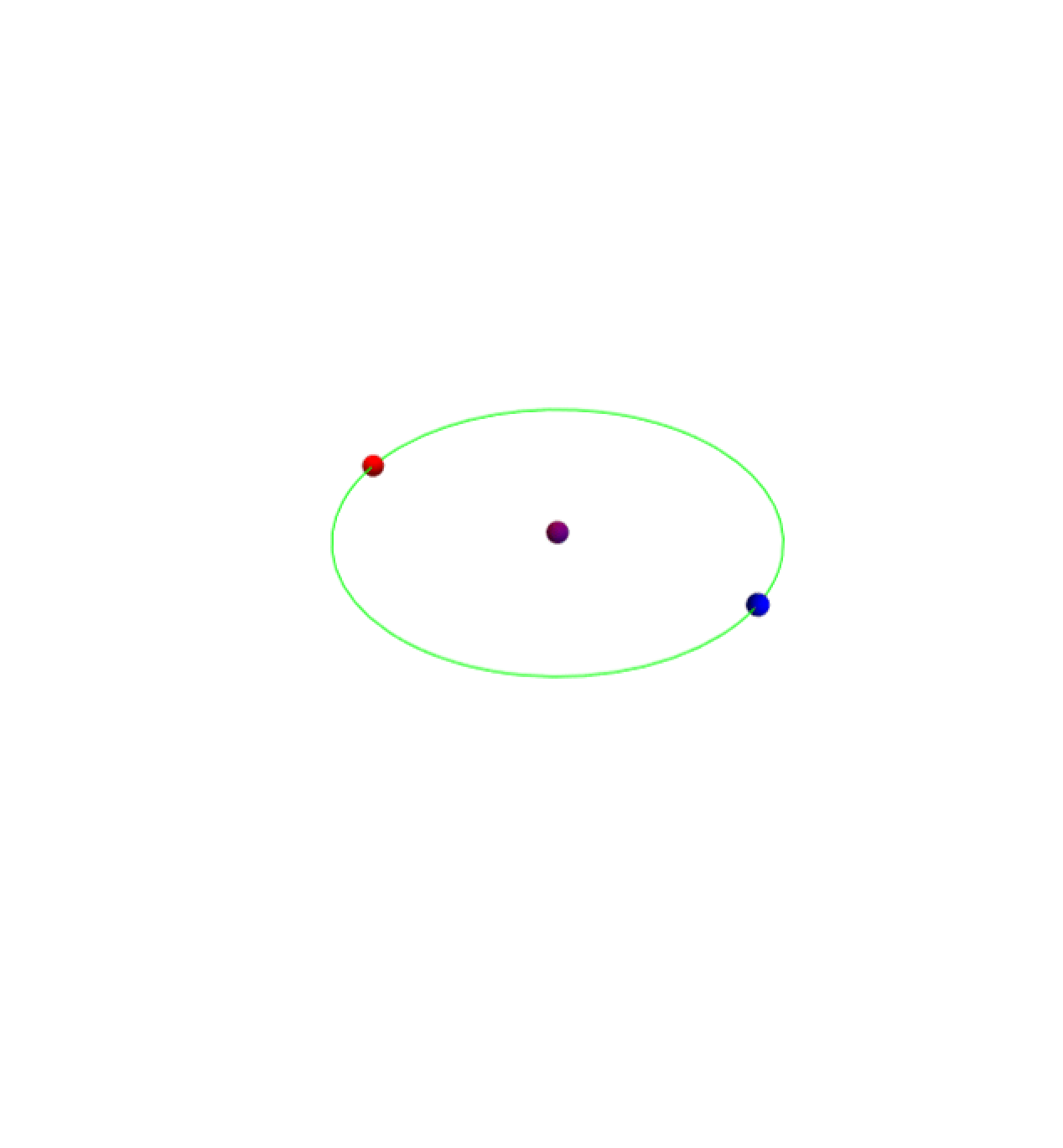
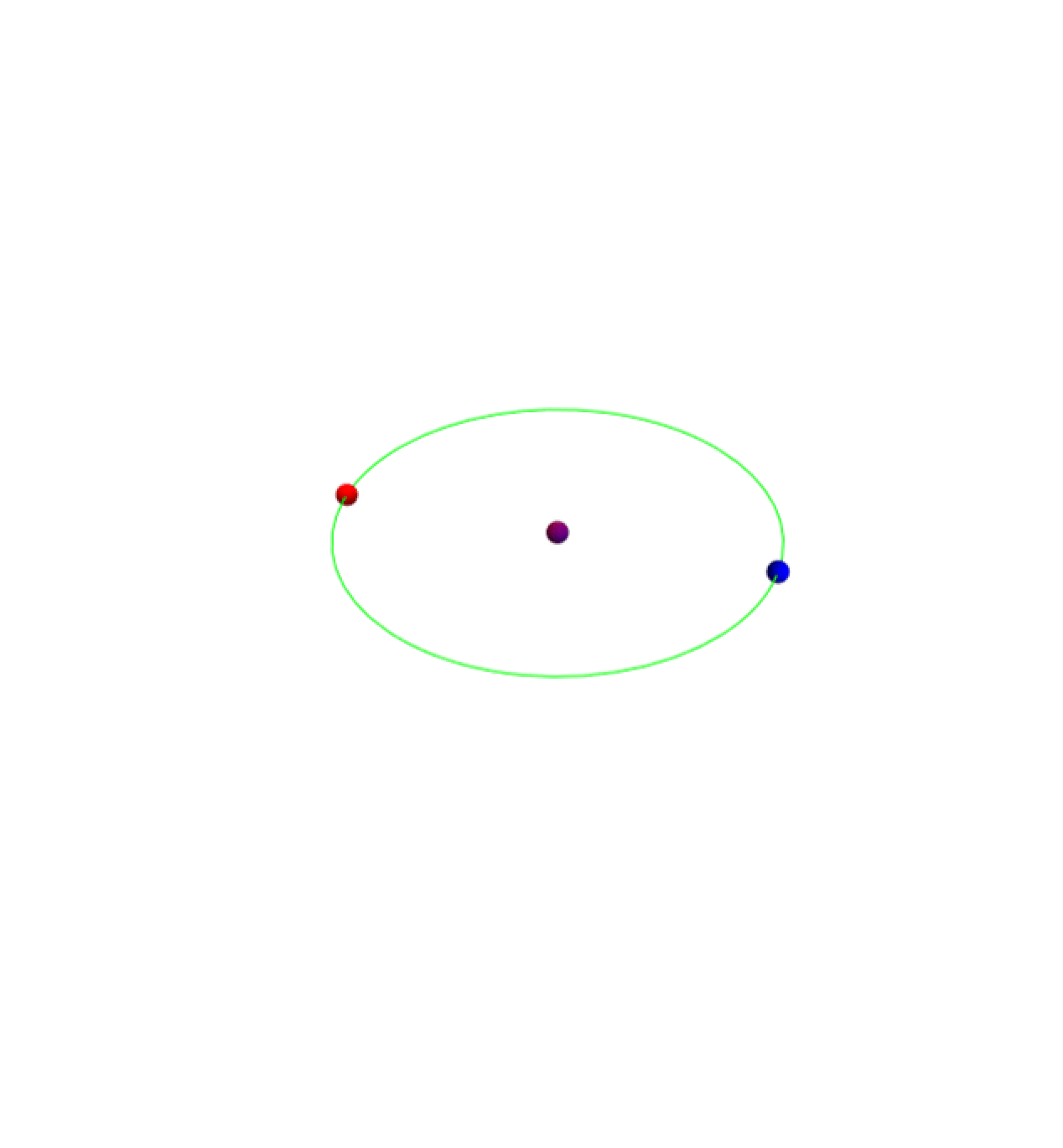
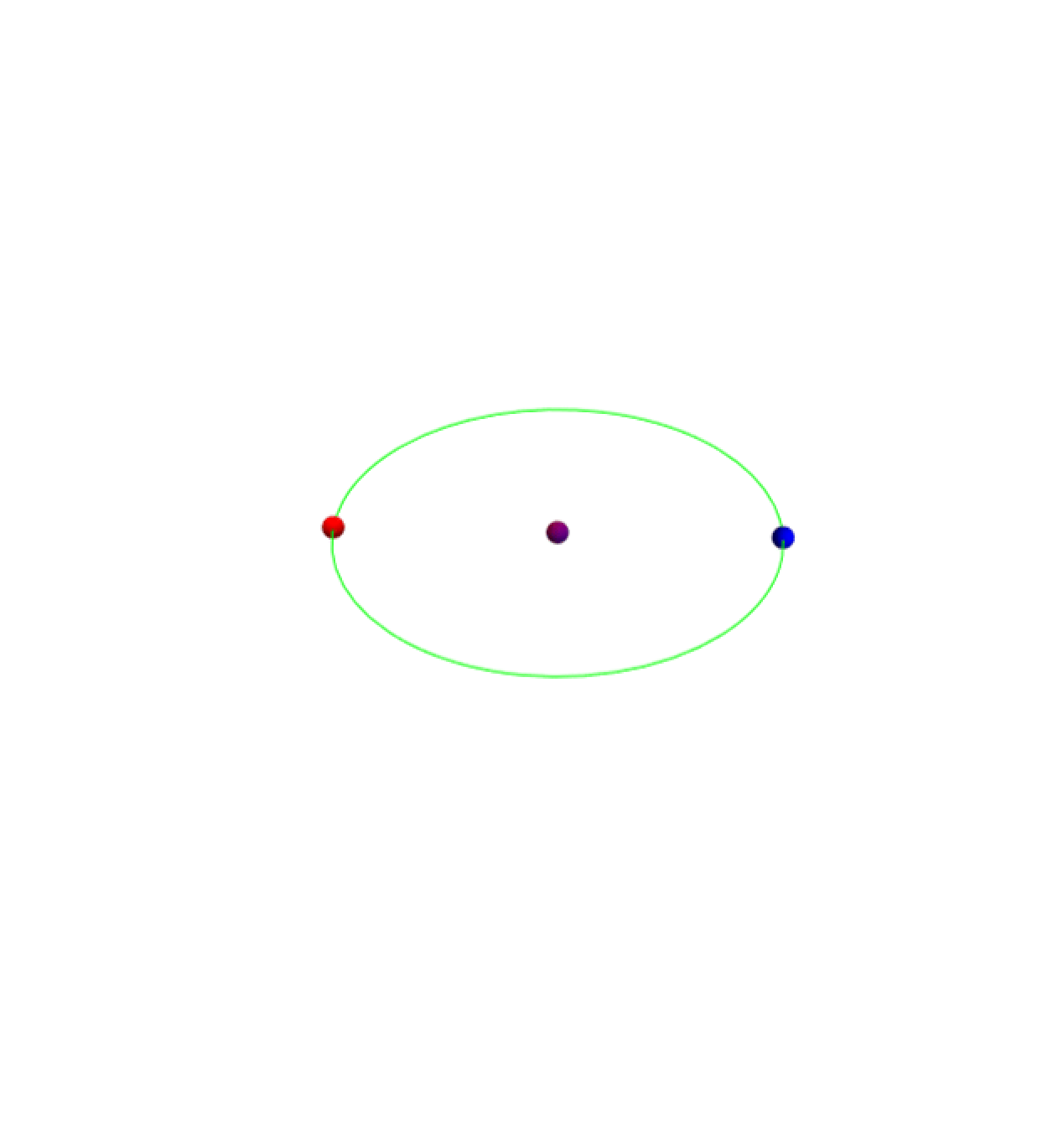
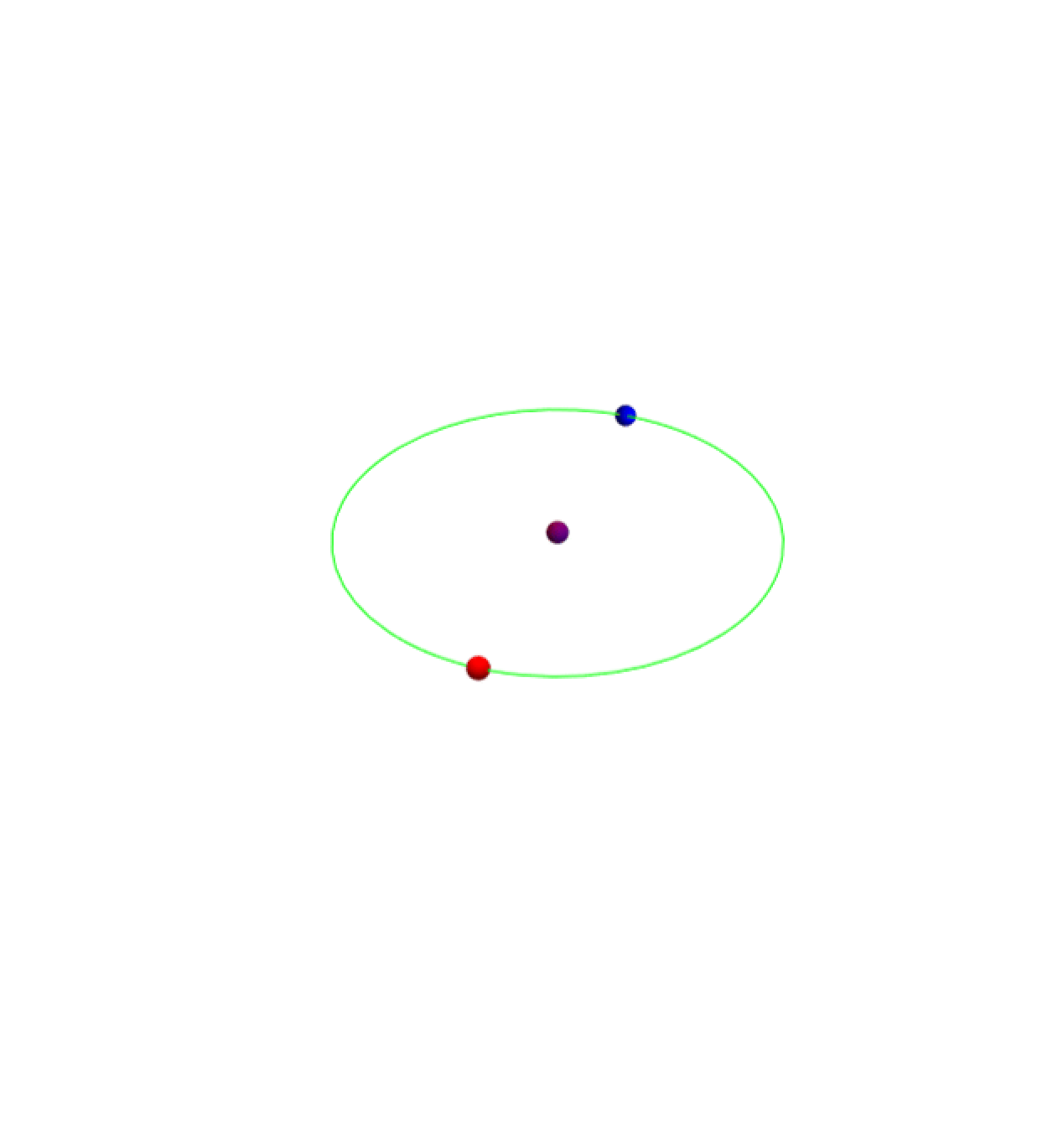
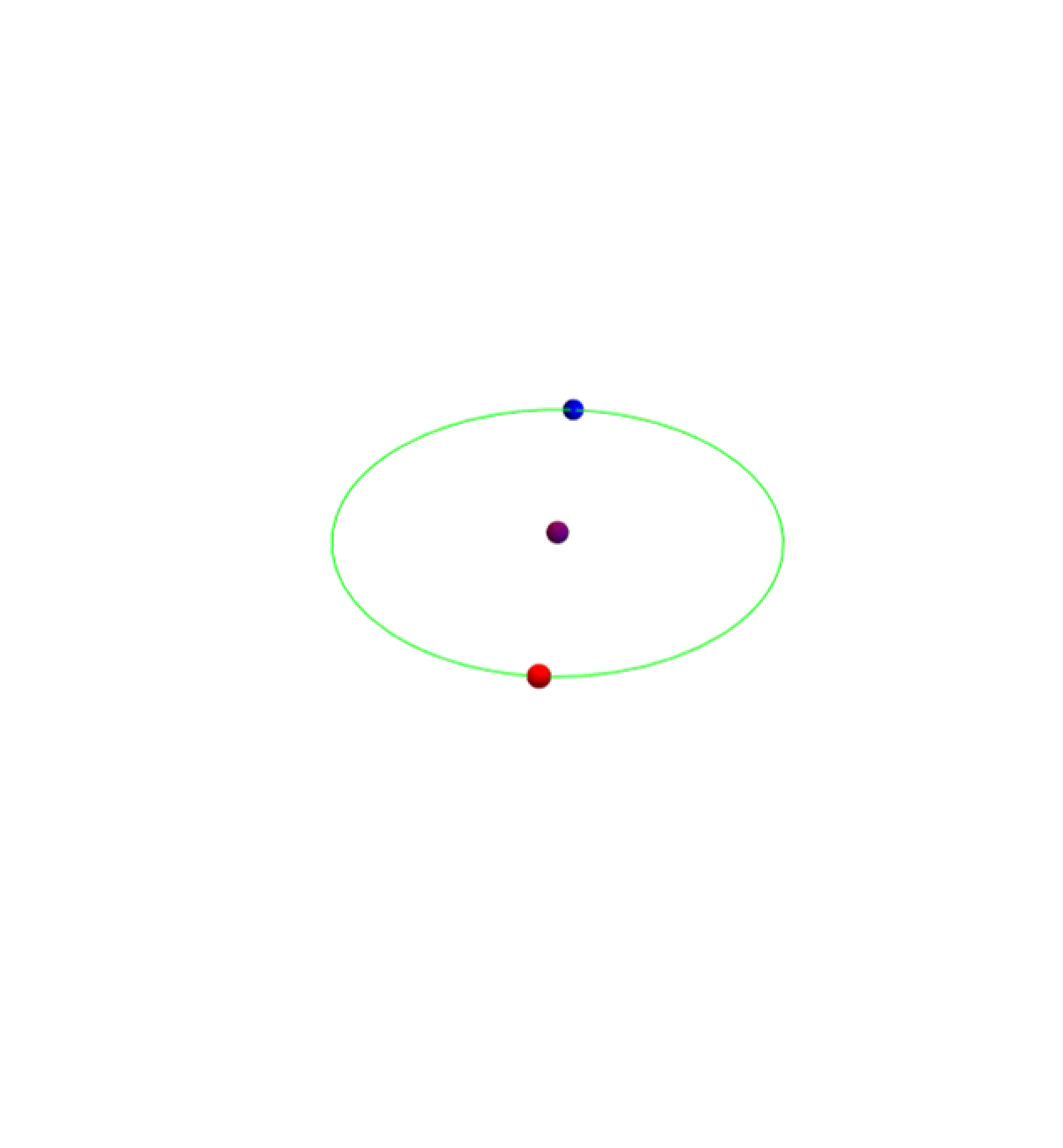
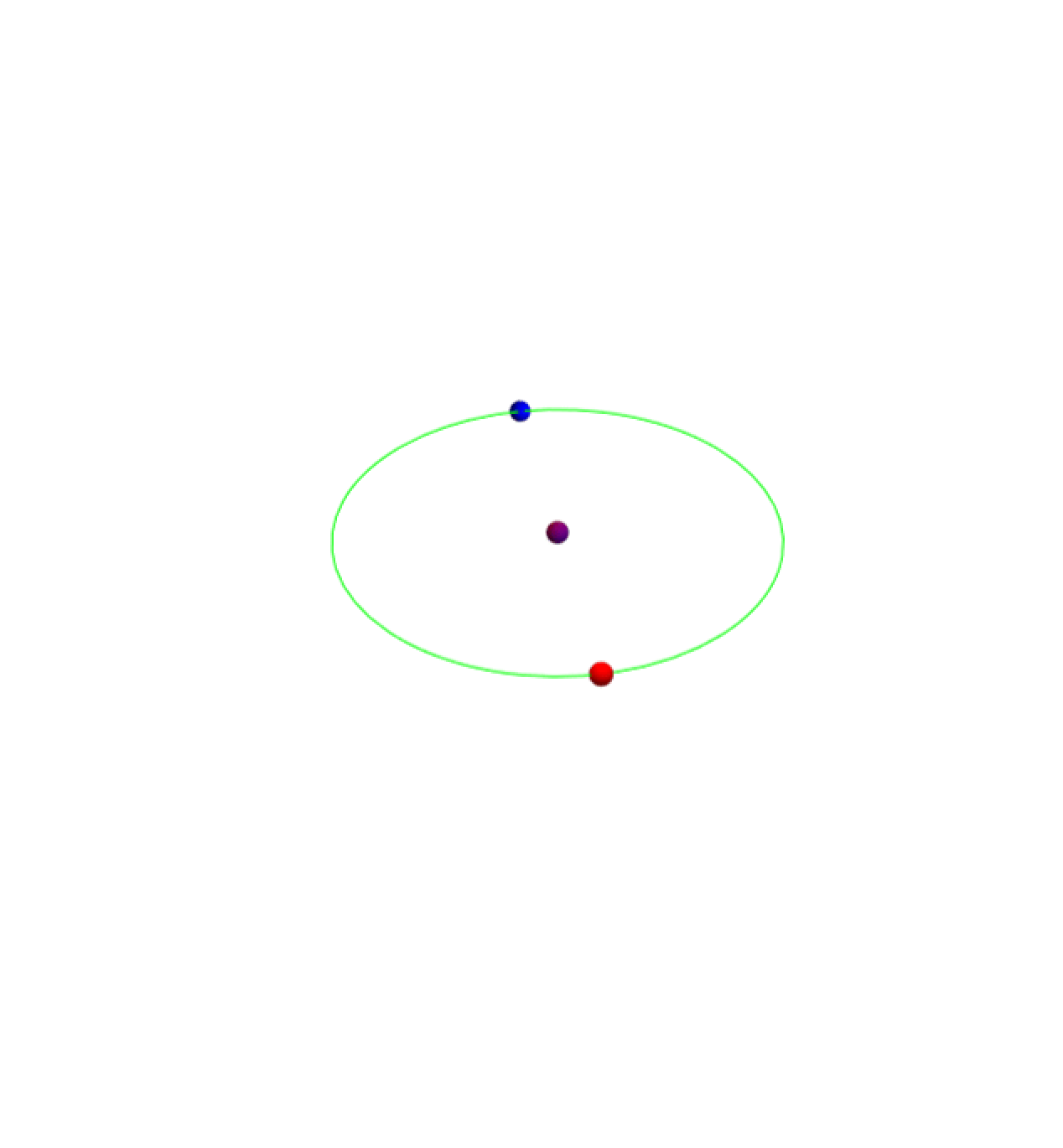
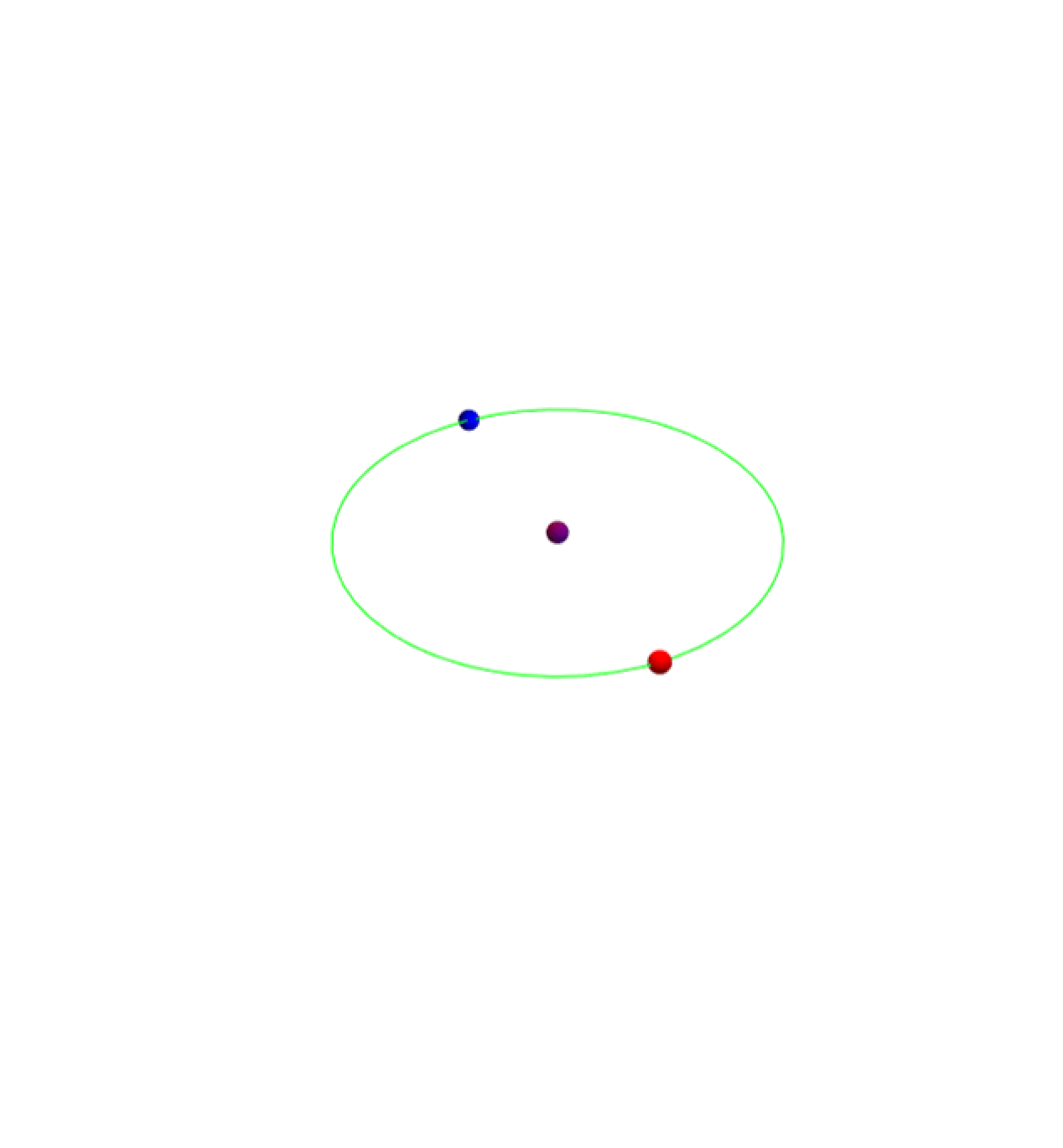
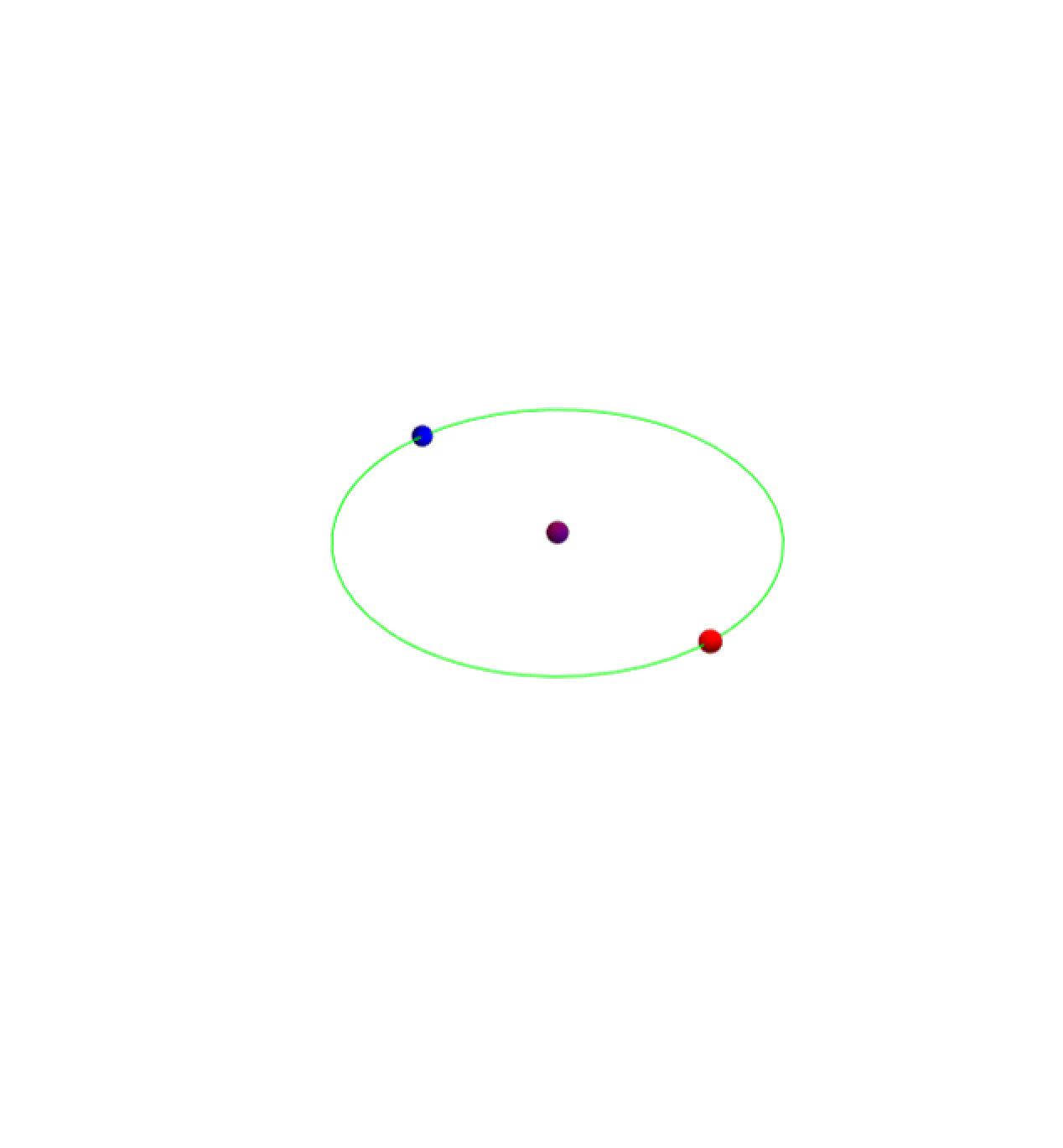
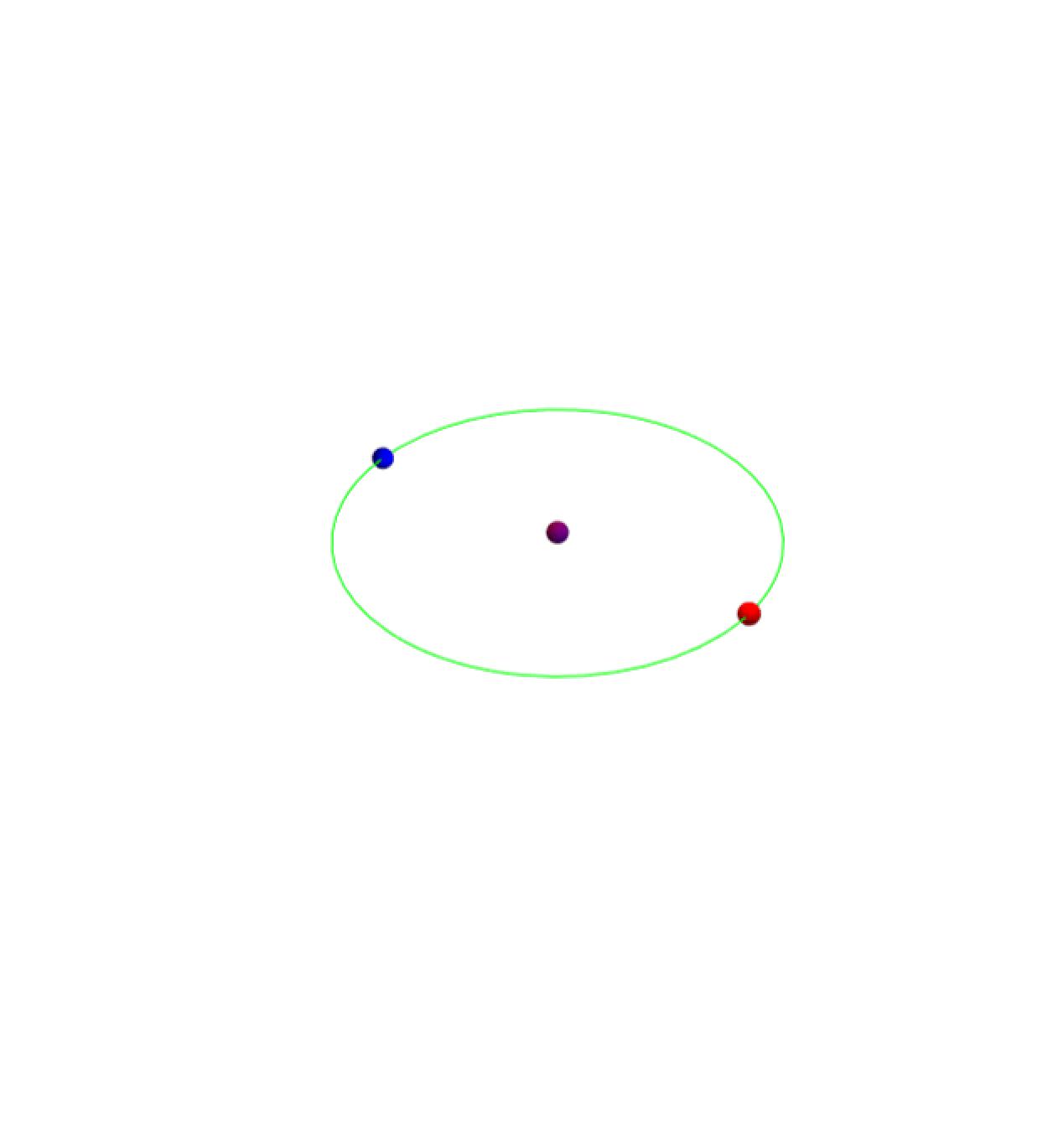
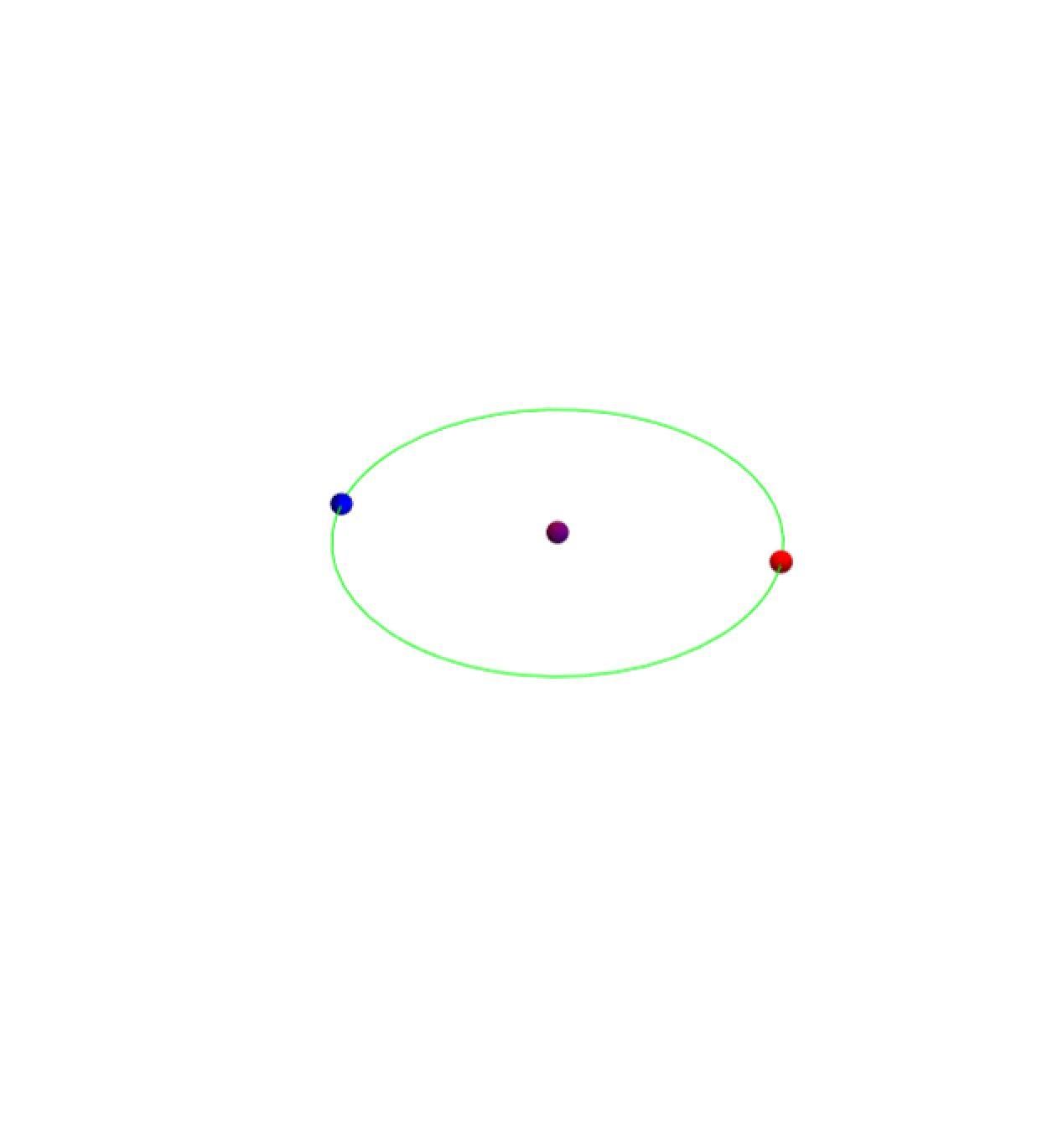
Orbit constructed using Parametric Equations and size can be manipulated
In[]:=
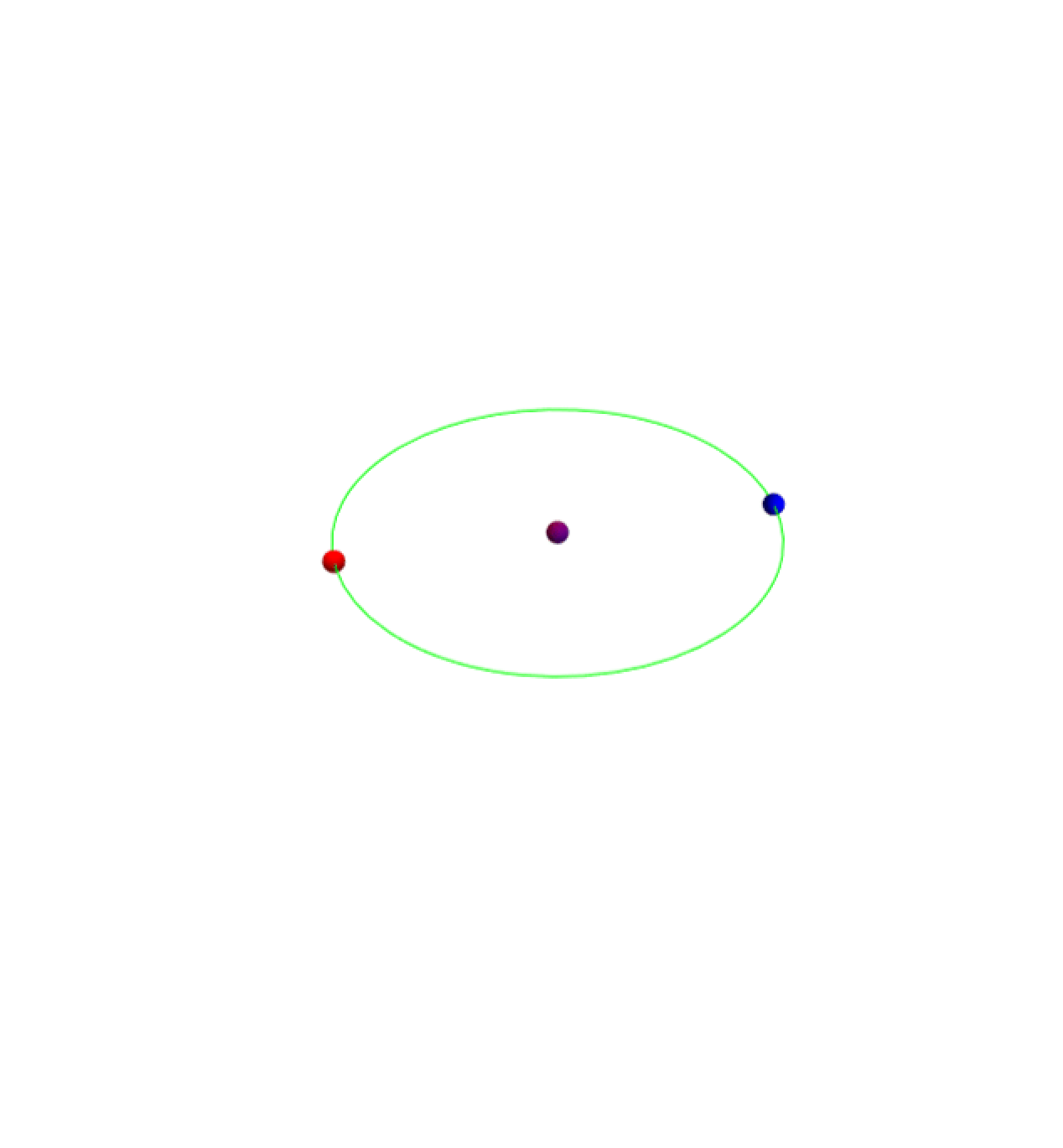
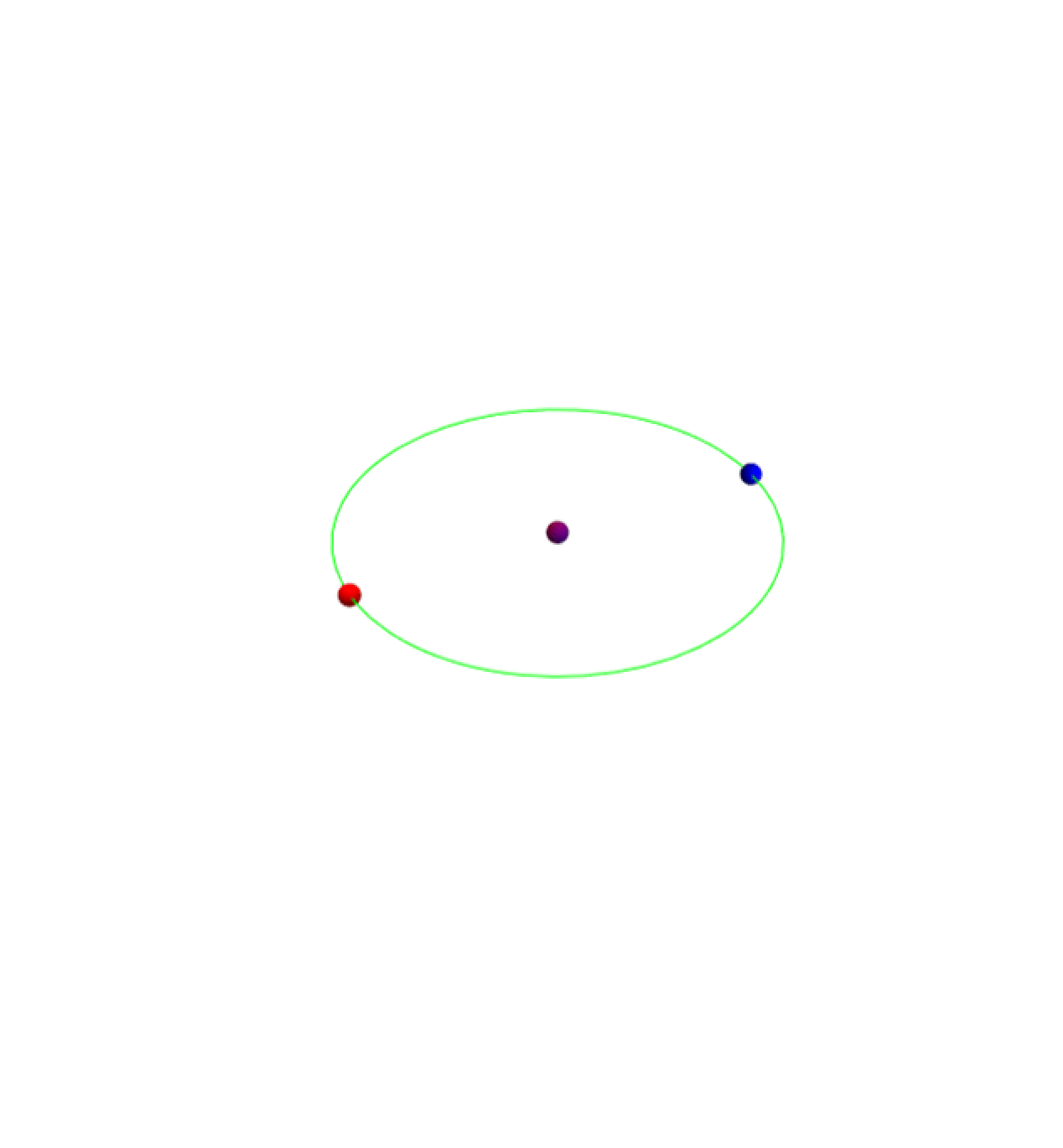
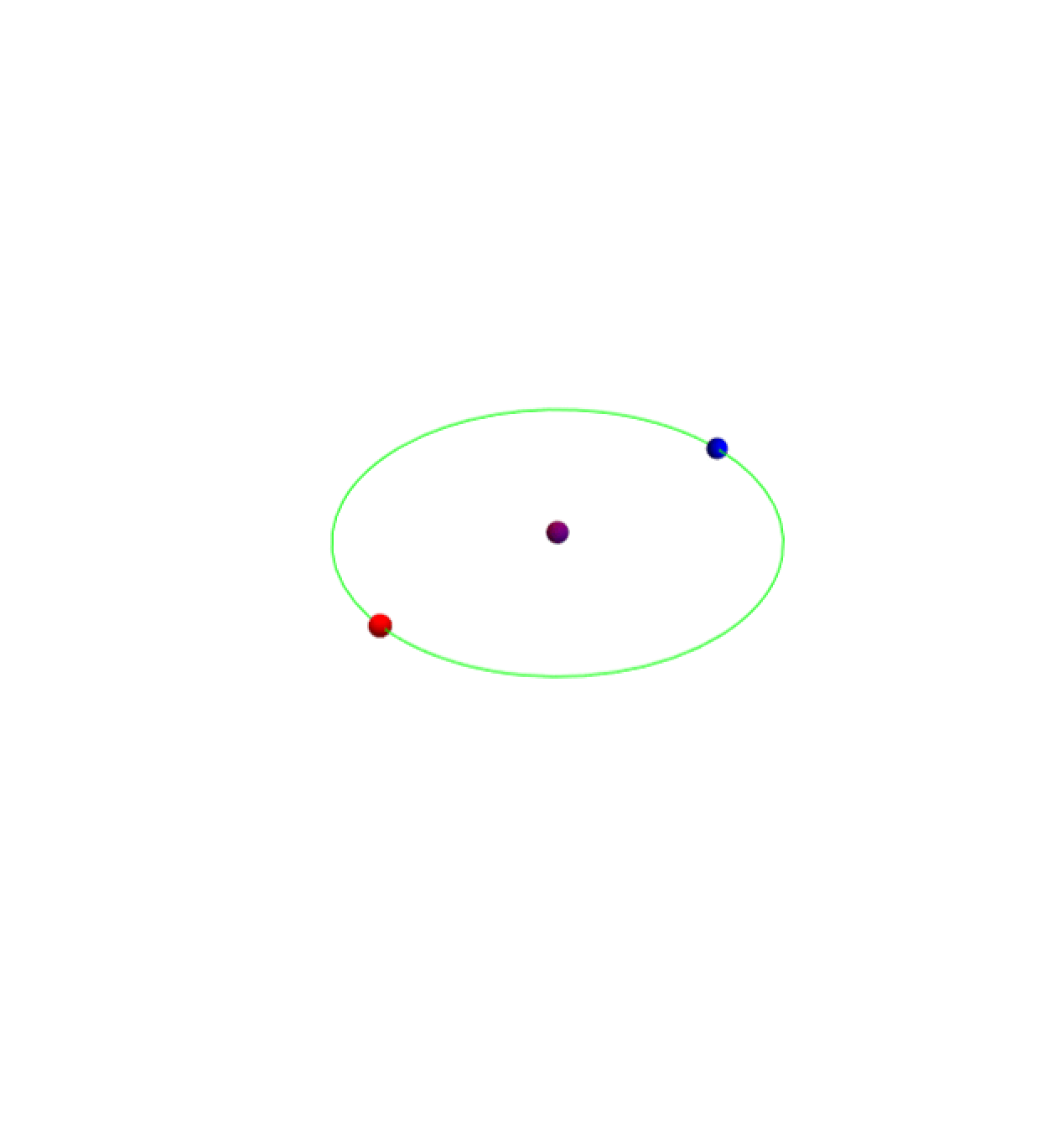
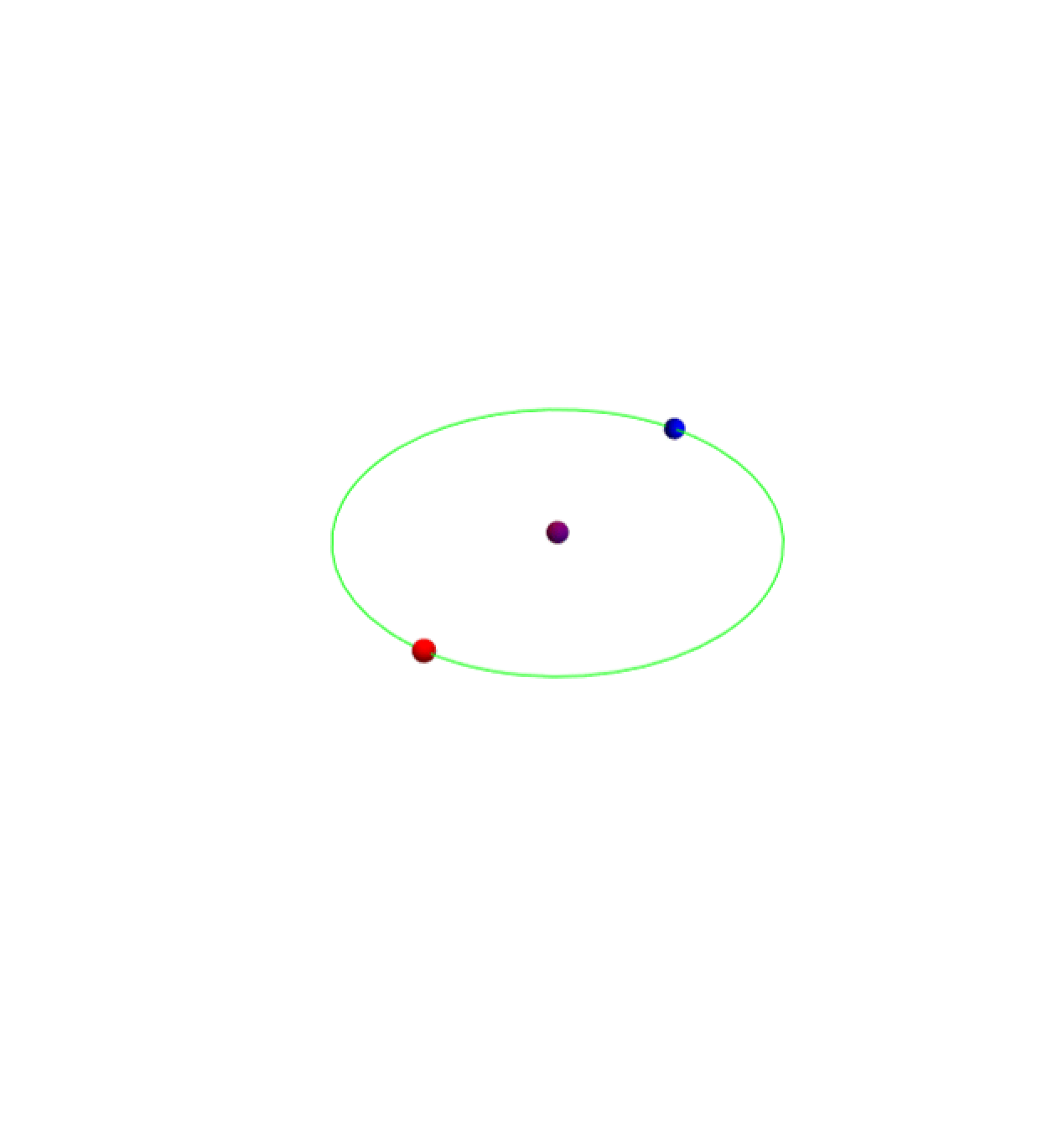
paraAnimate=Animate[Graphics3D[{Green,ResourceFunction["Circle3D"][{0,0,0},{20,20},Pi/2,0],Purple,Sphere[{0,0,0}],Blue,Sphere[Dynamic[{(-r2*Cos[t]),(-r2*Sin[t]),(0)}],Dynamic[m2]],Red,Sphere[Dynamic[{(r1*Cos[t]),(r1*Sin[t]),(0)}],Dynamic[m1]]},PlotRange->30,Boxed->False],{t,0,(2Pi)},SaveDefinitions->True,AnimationRate->1,ControlType->None,Paneled->Top,AnimationDirection->Forward]
In[]:=
Export["animation2.gif",paraAnimate]
Out[]=
animation2.gif
In[]:=
imported=
,
,
,
,
,
,
,
,
,
,
,
,
,
,
,
,
,
,
,
,
,
,
,
,
,
,
,
,
,
,
;
In[]:=
ListAnimate[imported,Paneled->Top,AnimationDirection->Forward,ImageSize->500]
Out[]=
After understanding the basics in orbital trajectories and the mathematical equations behind them, I transitioned to making these models through the incorporation of Dynamical Laws. Researching several functions to help me map bodies and their trajectories, I encountered NBodySimulation[]. This function allows one to simulate motion of bodies in a 3D space under specified dynamics. To start off simple, I ran the simulation using unitless ratios. Using the InverseSquare option in NBodySimulation, I was able to produce a simulation that ran based on specified parameters:
◼
Mass of Primary
◼
Mass of Center
◼
Velocity of Primary
◼
Velocity of Center
◼
Position of Primary
◼
Position of Center
B.) Inverse Square Law and Model
B.) Inverse Square Law and Model
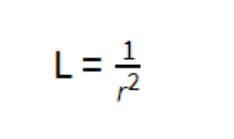
The Inverse Square Law dictates the influence of gravity on objects based on the distance between the two.By doubling the distance between the objects, the gravitational effect on the objects decrease by a factor of four.
I started by setting the relations between the mass, position and velocity. These are the three main parameters taken by NBodySimulation. How I came to these values came down to the usage of Newton’s gravitational equations.
C.) Circular Orbit: Inverse Square
C.) Circular Orbit: Inverse Square
To govern our orbit into a circular path, I used a combination of centripetal acceleration and gravitational acceleration. Since these are both the same thing in a circular orbit, we can equate them together and define the position at any time on the circle as a function of mass and velocity.
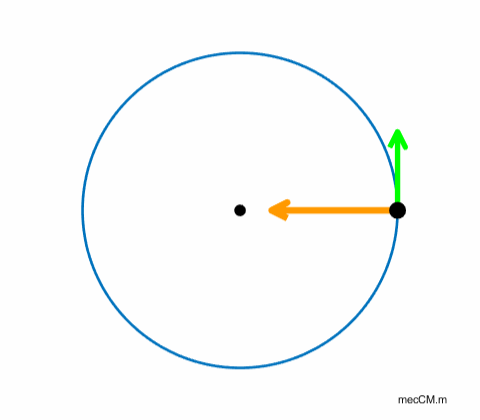
Equation for Gravitational Attraction:
It is important to note that since InverseSquare is unitless, the Gravitational constant ‘G’ is treated as 1.
It is important to note that since InverseSquare is unitless, the Gravitational constant ‘G’ is treated as 1.
We start by setting the equations for Gravitational Acceleration between two bodies and centripetal acceleration in a circular orbit equal to each other.
()()
m
1
m
2
2
r
()()
m
1
2
v
r
Rewritten to solve for r:
Hence, since the primaries are always opposite each other in the initial circular orbit, our positions are:
Orbital system constructed through InverseSquare
I initialized several test variables that were passed through my handmade function myNbody. This function provides an easy way to store data for each simulation. The resulting value is a list of positions, velocities and masses of each of the three bodies. Through trial and error I was able to achieve a stable orbit. I was able to reach a working model quickly because I based it off of a known gravitational interaction system (Earth-Sun) before modifying parameters slightly. This allowed me to fine tune an orbit.
It is important to note that manipulating the mass and velocity of either primaries or center may not get you a full orbit. Gridded below is a demonstration of the orbits for different masses for the primary bodies. Models that don’t show an orbit mean an object has escaped. This can also be seen in the 3D visualization.
It is important to note that manipulating the mass and velocity of either primaries or center may not get you a full orbit. Gridded below is a demonstration of the orbits for different masses for the primary bodies. Models that don’t show an orbit mean an object has escaped. This can also be seen in the 3D visualization.
A time of 5 is used; changing the simulation time can be vital in modeling interaction between the bodies.
Use Association Key-Value pair for Position to get all the position data and plot them as an orbit.
A grid showing the change in orbits for the increase in the mass of primaries by a factor of 10.
This model allows us to obtain a circular orbit and observe the pattern we were aiming for an oscillating third body. This is the pattern expected if the two primary bodies are exactly opposite each other in terms of being on a circle. As initialized in the code, we give the center mass a velocity of 0.2 in the z - axis. This produces the oscillation pattern.
An interesting pattern emerged in the oscillation of the center mass. Looking from a side view of these graphics, one can see that the mass of primary being 4 or 40 shows the center mass oscillating. We see it drop down to z-positions around
-0.0002 for Mass: 4
-0.005 for Mass: 40.
-0.005 for Mass: 40.
Notice the negative z position of the center mass.
Comparing this with the positions of the center mass for Mass: 400 and Mass: 4000, there are no negative readings for the z position of the green body at any time. This signifies that this ratio does not work. The reason a green line is present at all is because the center mass has a positive initial velocity. Hence, if we run this simulation for long enough, we will see the green body float away forever, or escape.
Notice that the z position of the center mass is always above 0.
D.) Why does the oscillation occur?
D.) Why does the oscillation occur?
The oscillation occurs because of the equal gravitational force vector applied from both primary bodies on the center mass. If we visualize the shape the center body creates with the two primary at any given time t, we get an isosceles triangle. This implies that there is always a balanced net force on the center body because the two primaries are symmetrical on all components. The initial Z-velocity we provide to the center mass allows it to move straight up before getting tugged equally from both primaries. This is what brings the center mass back down on the same path it took up. The same phenomenon happens when C1 falls below the two primaries. It gradually gets pulled back up and the sequence continues.
Isosceles Triangle that demonstrates C1 being equidistant from P1 and P2 at all times.
◼
P1: Primary 1
◼
P2: Primary 2
◼
C1: Center 1/ Third Body
Although this model turned out great, I needed to implement more realistic dynamics and astronomical values to stress test my model. After all, the goal of this project is to provide accurate data on potential 3-body systems that produce stable orbits that are observable. However, a main takeaway from the InverseSquare Model that allowed me to pursue the Newtonian alternative was the fact it was hard to visualize the magnitude of my initial conditions. Since they were all defined and based on ratios, I did not necessarily understand how great or minor my changes were in the overall picture.
E.) Newtonian Model
E.) Newtonian Model
The option 'Newtonian' in NBodySimulation uses Wolfram's most precise orbital modeling tool. The key distinguishable factor between using ‘Newtonian’ versus ‘InverseSquare’ is that our parameters must now be defined with units. This was achieved by using the Quantity function on my variables. This is necessary so NBodySimulation knows what units to compute calculations in.
Appending units to an integer
NBodySimulation takes on three parameters that allow the physics model to simulate Newtonian gravitational laws with units. These parameters are Position, Mass, and Velocity. NBodySimulation is defined as an association.
Another key function for passing our parameters for analysis and identification is QuantityMagnitude. This function allows one to strip the unit and get just the number’s magnitude. The intermediary functions used in this project take in numerical values without units. Hence, we use this function a lot to allow for our data to be used as inputs in analysis.
This important distinction between InverseSquare[] and NBodySimulation[] is that we move away from unitless ratios and into a more realistic simulation using the parameters and variables defined above. Finding the right initial values to provide an orbit was a difficult task. I decided to break down this problem by using the masses of objects that have confirmed orbits; namely the Earth and Sun. Using the mass of these two objects, I began modeling orbits. It took some trial and error with the variables to allow for a more stable orbit that ran for enough time to get adequate analysis.
F.) Circular Orbit Equation
F.) Circular Orbit Equation
I applied the same logic used earlier but this time while adding the Gravitational constant. I import it as an Entity because its precise numerical value is already available in Wolfram Databases.
3D Model using Newtonian Option
Since we have now defined this simulation to concern the movements of an orbit mathematically, we have to define the physical parameters in order to incorporate the physics effectively.
I used constants to prefix my variables so I could change them more efficiently.
The mass of the primary bodies are equal to the mass of Earth.
The mass of the primary bodies are equal to the mass of Earth.
Initial values for all parameters multiplied out:
P1 Mass: 1.25(5.97219*(10^24)) kg
P2 Mass: 1.25(5.97219*(10^24)) kg
C1 Mass: 0.14 kg
P1 Velocity: 41702.5 m/s
P2 Velocity: 41702.5 m/s
C1 Velocity: 100000 m/s
P2 Mass: 1.25(5.97219*(10^24)) kg
C1 Mass: 0.14 kg
P1 Velocity: 41702.5 m/s
P2 Velocity: 41702.5 m/s
C1 Velocity: 100000 m/s
I now set a variable ‘data’ to be equal to the result of calling the NBodySimulation.
I have collected data in association pairs using the Animate Function to show the planets and their movements over time ‘t’. The animate function uses the expression of our mathematically defined orbit and demonstrates the trajectories of each of the bodies as time moves on.
Analysis
Analysis
We will analyze the data from NBodySimulation in various ways:
A.) Z Positions Based on Initial Conditions
A.) Z Positions Based on Initial Conditions
We start by collecting the z positions for the center mass over time with no iterations to our initial variables. We can use these as control graphs to reference off of when we make manipulations to variables.
B.) Zeros of Z Positions Based on Initial Conditions
B.) Zeros of Z Positions Based on Initial Conditions
Now, we analyze the zeros of the z-position graph to see if any apparent pattern may be found.
Now we can plot the roots of this equation as a list to see the respective x-values.
We look at the increment to observe a sequential pattern.
Plotting the differences on a line plot should help with visualizing any major shifts.
An observation in this pattern is that we have this apparent triangle peak followed by a massive decline. This seems to continue and indicates that the difference in the x coordinates of the zeroes has a repeatable pattern of Small Increment, Large Increment.
C.) Local Extrema of the Z Positions Based on Initial Conditions
C.) Local Extrema of the Z Positions Based on Initial Conditions
Other than the zeroes of the scenario, we can also consider extrema to play a vital part in the pattern prediction task for the Z-Position governing the center mass. This is because C1 takes an oscillating, sinusoidal path that depends heavily on the amplitude. By looking for patterns in the local minima and maxima, we get a step closer to predicting this problem.
We set the first derivative of the position equal to 0 to solve for critical points
We can print the roots of the derivative to find critical points
Take the difference again to see the distance between consecutive extrema
Plotting the differences
Interestingly, we see that this follows a similar pattern to the difference between consecutive zeroes.
For this rest of the paper, we will be concerned about how changing one variable in NBodySimulation’s parameters affects the Z-Position of the center mass. We do this by creating a custom function to set fixed values for all parameters but one (which is the one we get to change). This allows us to have a set of control variables and only one independent variable. Hence, prevention from extraneous factors is achieved.
Changing Individual Parameters
Changing Individual Parameters
A.) Effect of Changing Velocity of Center on Z Position of Center
A.) Effect of Changing Velocity of Center on Z Position of Center
Setting the values for all but the velocity of the center mass. These are the control variables for this particular analysis.
realData that has the simulation running for the changing velocity of the center mass.
zFunc that stores the Z Positions for the center mass.
zFunc that stores the Z Positions for the center mass.
Plotting the line graphs of the changing velocity of center from 100,000 m/s to 124,000 m/s, incrementing 1,200 m/s each time.
B.) Effect of Changing Mass of Center on Z Position of Center
B.) Effect of Changing Mass of Center on Z Position of Center
Setting the values for all but the mass of the center mass. These are the control variables for this particular analysis.
Defining a variable called realData that has the simulation running for the changing mass of the center mass.
Defining a function called zFunc that stores the Z Positions for the center mass.
Defining a function called zFunc that stores the Z Positions for the center mass.
Plotting the line graphs of the changing velocity and making red marks on intersection with the x-axis
Plotting the line graphs of the changing mass of center from 0.09kg to 2.09kg, incrementing 0.1kg each time.
C.) Effect of Changing Velocity of Primary on Z Position of Center
C.) Effect of Changing Velocity of Primary on Z Position of Center
Setting the values for all but the velocity of the primary bodies. These are the control variables for this particular analysis.
Defining a variable called realData that has the simulation running for the changing velocity of the primary bodies.
Defining a function called zFunc that stores the Z Positions for the center mass.
Defining a function called zFunc that stores the Z Positions for the center mass.
Plotting the line graphs of the changing velocity and making red marks on intersection with the x-axis
Plotting the line graphs of the changing velocity of primary from 30,000 m/s to 45,000 m/s, incrementing 750 m/s each time.
D.) Effect of Changing Mass of Primary on Z Position of Center
D.) Effect of Changing Mass of Primary on Z Position of Center
Setting the values for all but the mass of the primary bodies. These are the control variables for this particular analysis.
Defining a variable called realData that has the simulation running for the changing mass of the primary bodies.
Defining a function called zFunc that stores the Z Positions for the center mass.
Defining a function called zFunc that stores the Z Positions for the center mass.
Plotting the line graphs of the changing velocity and making red marks on intersection with the x-axis
Plotting the line graphs of the changing mass of primary from 1.3*(5.97219*(10^24)) kg to 3*(5.97219*(10^24)) kg, incrementing ((3 - 1.3)*(5.97219*(10^24)))/20 kg each time.
Comparison through grids
Comparison through grids
To make it easier to make connections and understand how changing one parameter affects the whole 3-body system, I have created grids with three tests each. These tests increase by the same magnitude and model how increasing parameter # modifies the z-Position of the center body. Hence, there are four plots. The manipulating variables are:
◼
Primary Mass
◼
Center Mass
◼
Primary Velocity
◼
Center Velocity
Grid Setup
A.) Changing Velocity of Center Body
A.) Changing Velocity of Center Body
Initial Conditions:
B.) Changing Velocity of Primary Body
B.) Changing Velocity of Primary Body
Initial Conditions:
C.) Changing Mass of Primary Body
C.) Changing Mass of Primary Body
Initial Conditions:
D.) Changing Mass of Center Body
D.) Changing Mass of Center Body
Initial Conditions:
Conclusion
Conclusion
A.) Final Analysis & Future Directions
A.) Final Analysis & Future Directions
After I had viewed the grids, I truly began to understand what Wolfram meant when stating this problem as computationally irreducible. Even changing one parameter by a minute amount can result in drastic changes later on in the plot. This represents the fact that finding a unifying pattern or solution may be difficult in the sense of a simple, general equation. Instead the approach should concern a set of rules that govern the movements of the bodies in this system. For example, a pattern in “Changing Velocity of Primary Body” that seems apparent is increasing the velocity decreases the frequency of the waves in the plot. However, this is immediately disproved when concerning the last velocity stamp; the frequency suddenly spikes up again. One other intriguing pattern observed in the grid was seen in “Changing Velocity of Center Body”. I saw this by analyzing the trough and crests of each wave. I noticed that for this particular case, increasing the velocity of the center mass allows the first instance of the trough to appear more dominant and have a longer period. Dynamically, this makes sense because by increasing the initial upward velocity, the center mass gets pulled back later by the primaries; the acceleration of gravity takes time to overcome the rapid positive velocity. This results in the huge dip and change in trough period over increasing velocity. Future researchers need to prioritize creating algorithms that can hunt through potential stable orbits to find any patterns. The approach of looking for stable orbits is vital as one can then start to write mathematical equations to state the motion of the object.
B.) Notes & Limitations:
B.) Notes & Limitations:
One major limitation I encountered was the simulation not running after a certain time stamp for each variation of the initial code. Some of the specific error messages were,
◼
“Step Size effectively 0, stiff system or singularity detected”
◼
“Maximum step number of 10,000 reached at t = ___”
◼
“Convergence Test Failure”
Working with a mentor, I was able to pinpoint the error down to the fact that the units I used were incorrect for the scale of the metrics I was dealing with. I should have used Astronomical Units and Solar Masses to represent inputs. This would have cleaned up the calculations completed by NDSolve to simulate this model. Unfortunately, due to time constraints, I was not able to implement the use of better units in this project. This project is still effective and realistic but one can see where the errors from NDSolve kick in. Anywhere a graph retreats to the x-axis is where the simulation struggles to determine outcomes.
C.) Acknowledgements:
C.) Acknowledgements:
Special thanks to:
Mentors: Adam Millar, Bruno Tenorio, Dugan Hammock, Joseph Brennan, Lusine Sukiasyan
Directors: Rory Foulger, Megan Davis, Eryn Gillam, Cyrus Taylor, and Stephen Wolfram
Advocate Group: Jiaxuan Chen, Suvid Bordia
Mentor Group: Samarth Bhat, Saanvi Raghavendran, Shashank Bhasin
TA: Arnay Garhyan
Mentors: Adam Millar, Bruno Tenorio, Dugan Hammock, Joseph Brennan, Lusine Sukiasyan
Directors: Rory Foulger, Megan Davis, Eryn Gillam, Cyrus Taylor, and Stephen Wolfram
Advocate Group: Jiaxuan Chen, Suvid Bordia
Mentor Group: Samarth Bhat, Saanvi Raghavendran, Shashank Bhasin
TA: Arnay Garhyan
Thank you to all these amazing people for making this program truly special and allowing me to explore so much. To end it all, I would like to thank my family for providing me with this sensational opportunity and I am forever grateful.
Additional thanks to Stephen Wolfram for suggesting this project.
D.) References:
D.) References:
1. Cooper, I. (n.d.). Advanced Mechanics Circular Motion [Review of Advanced Mechanics Circular Motion]. Visual Physics Online. Retrieved July 9, 2026, from https://d-arora.github.io/VisualPhysics/mod5new/mod52B.htm
2. Dvorak, R., & Lhotka, C. (2014). Sitnikov problem. Scholarpedia, 9(12), 11096. https://doi.org/10.4249/scholarpedia.11096
3. King, K. (2020, September 27). Krista King Math. Krista King Math. https://www.kristakingmath.com/blog/isosceles-triangle-theorem
4. Wolfram, S. (2002). A New Kind of Science [Review of A New Kind of Science]. https://www.wolframscience.com/nks/p313--chaos-theory-and-randomness-from-initial-conditions/
CITE THIS NOTEBOOK
CITE THIS NOTEBOOK
Exploring chaotic dynamics in the three-body system with focus on the center mass
by Akilan Pandian
Wolfram Community, STAFF PICKS, July 9, 2026
https://community.wolfram.com/groups/-/m/t/3753141
by Akilan Pandian
Wolfram Community, STAFF PICKS, July 9, 2026
https://community.wolfram.com/groups/-/m/t/3753141