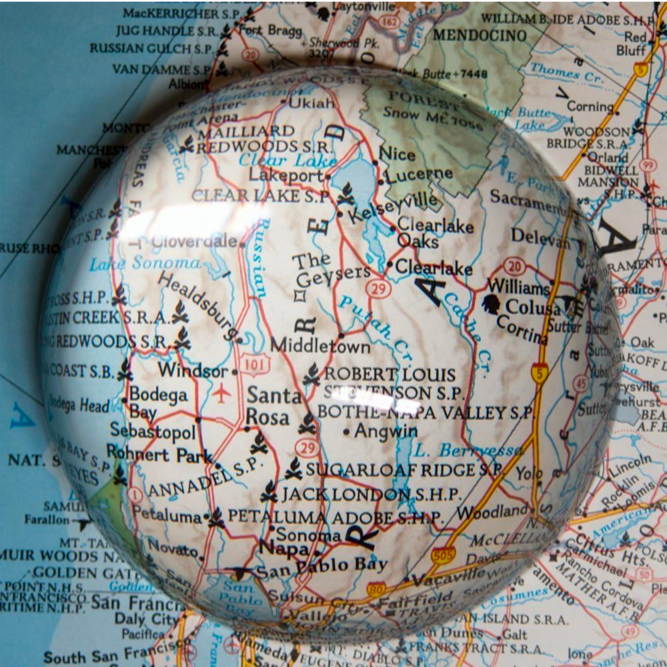
Magnifying glass (MG) is often used to look at small features of a map or other detailed print. To me photos like the one above look interesting and i wanted to reproduce the magnifying glass effect in digital images with image processing. Additionally, I wanted to go a bit further and use this effect to turn a static image into a video bringing dramatic focus to various parts of an image and imitating motion of real lens over a “print”. Here is the resulting .MP4 video I generated and I will discuss how-to below. Click play at the bottom of the video to see the lens move.
Using Wolfram Plugin in Open AI ChatGPT and some interesting ideas at our sister community the MG effect can be designed as the function defined below. It works in the following way. First get a data sample:
In[]:=
testIMG=ImageResize[Rasterize[StringTake[ExampleData[{"Text","DeclarationOfIndependence"}],5000]],800];
Apply magnifying glass (MG) function to it by placing the center of the lens with radius 300 pixels and strength 2.5 at image pixel {400,400}
In[]:=
MG[testIMG,300,{400,400},2.5]
Out[]=
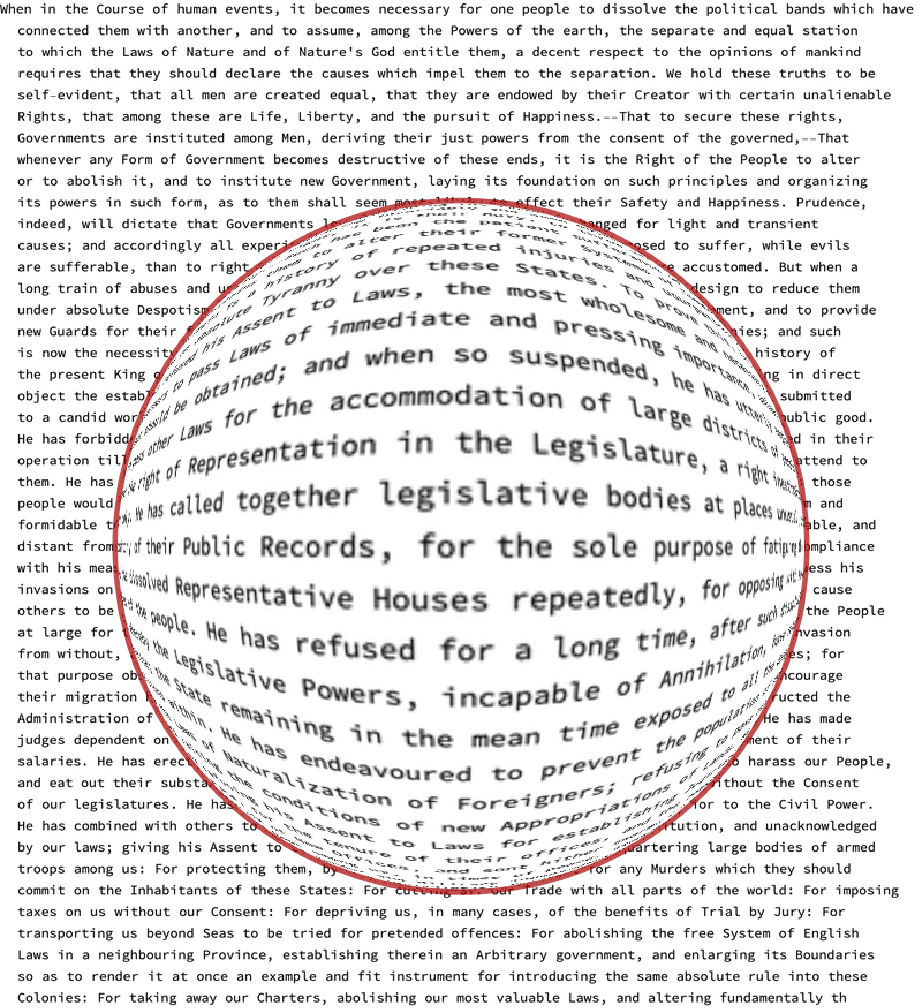
The function MG is a specif type of ImageTransformation :
In[]:=
ClearAll[MG];MG[img_, radius_, pos_, strength_] := Module {transform}, transform[pt_] := With { r = Norm[pt - pos], (* Distance from the center of the magnifying glass *) a = ArcTan @@ (pt - pos) (* Angle with respect to the center *) }, If r < radius, (* If the point is inside the magnifying glass *) pos + {Cos[a], Sin[a]}*r1+, (* Apply the magnifying effect *) pt (* Otherwise, keep the point unchanged *) ; (* Highlight the boundary of the magnifying glass using a black circle *) HighlightImage[ImageTransformation[img, transform, DataRange -> Full, Padding -> White], {Darker@Red,Opacity[.7],Circle[pos, radius]}];
-+
(-1+strength)2
r
2
radius
radius
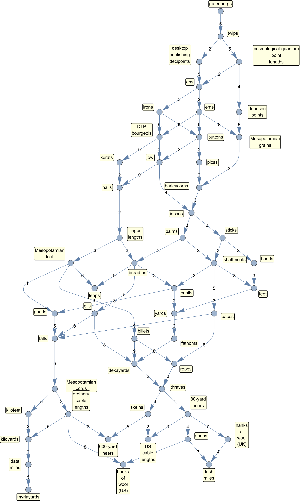
Now we have to select a static image for which a video can be built by moving magnifying glass over it. I have chosen Ed Pegg’s graph of length units that have integer relations with each other. I assign it to a variable gi. Because this graph have such interesting units as shaftment I decided to add a small illustration for some of the old units:
gi=
;hand=
;
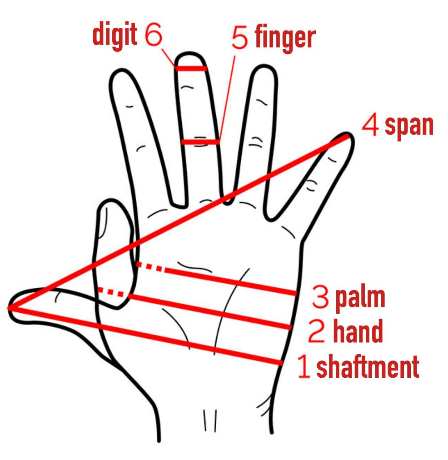
Adding the inset to the main image and resizing it:
Now it is an important moment, because I have to choose the path of lens movement. I decided to imitate motion of “hand” while “reading small print with a lens”. The goal is to read each single label by passing the lens from top to bottom. I traced a path passing through each label with interactive mask tool in the notebook:
Here is the resulting mask:
and positions of its white pixels
I used HighlightImage to visualize the lens path:
Now we just have to run through the list of these coordinates and place the lens center at each pixel thus creating the frames of the video. But there is slight complication. PixelValuePositions above does not necessarily return the properly order along the path list of coordinates, and hence the motion of the lens can be jumpy. To solve this we sort coordinates with FindShortestTour
It is still not perfect due to the presence of straight lines that can be removed by examining the path with Manipulate:
Now we can build a new sorting index that gives perfect path:
The following is an example of how a single frame of a video is built. Note the high quality of labels in the lens. This is because we use high resolution image to magnify the feature and only then resize it to make a smaller frame for the video.
Now we build all the frames of the video -- this might take many hours even on good computer using ParallelTable on several cores. Perhaps should be done not in one run for all 9045 frames but in several smaller batches.
Depending on the quality of the video you need, and also its byte size and speed of play, you might choose different FrameRate and skip some frames to make a smaller video. I went with every 4th frame which resulted in 2262 frames. I placed all images in the same directory as the working notebook.
The following finally generates the video you saw at the beginning:
By default, FrameListVideo places the new video under the “Video” directory in $WolframDocumentsDirectory.
CITE THIS NOTEBOOK
CITE THIS NOTEBOOK
Cinematically moving a lens over images: magnifying glass effect in videos
by Vitaliy Kaurov
Wolfram Community, STAFF PICKS, November 6, 2023
https://community.wolfram.com/groups/-/m/t/3061231
by Vitaliy Kaurov
Wolfram Community, STAFF PICKS, November 6, 2023
https://community.wolfram.com/groups/-/m/t/3061231