ABSTRACT (original article): Shaping the animal body plan is a complex process that involves the spatial organization and patterning of the different germ layers. Recent advances in live imaging have started to unravel the cellular choreography underlying this process in mammals, however, the sequence of events transforming an unpatterned cell ensemble into structured territories is largely unknown. Here, using gastruloids –3D aggregates of mouse embryonic stem cells- we study the formation of one of the three germ layers, the endoderm. We show that the endoderm is generated from an epiblast-like homogeneous state by a three-step mechanism: (i) a loss of E-cadherin mediated contacts in parts of the aggregate leading to the appearance of islands of E-cadherin expressing cells surrounded by cells devoid of E-cadherin, (ii) a separation of these two populations with islands of E-cadherin expressing cells flowing toward the aggregate tip, and (iii) their differentiation into an endoderm population. During the flow, the islands of E-cadherin expressing cells are surrounded by cells expressing T-Brachyury, reminiscent of the process occurring at the primitive streak. Consistent with recent in vivo observations, the endoderm formation in the gastruloids does not require an epithelial-to-mesenchymal transition, but rather a maintenance of an epithelial state for a subset of cells coupled with fragmentation of E-cadherin contacts in the vicinity, and a sorting process. Our data emphasize the role of signaling and tissue flows in the establishment of the body plan. CITATION (original article): Ali Hashmi, Sham Tlili, Pierre Perrin, Molly Lowndes, Hanna Peradziryi, Joshua M Brickman, Alfonso Martínez Arias, Pierre-François Lenne (2022) Cell-state transitions and collective cell movement generate an endoderm-like region in gastruloids eLife 11:e59371. DOI: https://doi.org/10.7554/eLife.59371
Gastruloid 1: segmenting gastruloids and quantifying morphology
Gastruloid 2: spatial organization of cell population at 72 hours of development
Gastruloid 1: segmenting gastruloids and quantifying morphology
Gastruloid 2: spatial organization of cell population at 72 hours of development
Rationale: During the formation of tissues and organs, cells need to divide and undergo large scale movements. These cellular displacements are necessary for shaping tissue and organs to their defined geometries. To characterize how the fate of the cells is specified in the gastruloid and where these cells are eventually localised, we took a time-series of fluorescence images of the gastruloid with a two-photon microscope. In the AnimatedImage below we see large scale movements of cells as the gastruloid alters its shape. The membranes of live cells are stained with a dye and the dead cells can be seen as small white blobs (that uptake a lot of dye) jostling around. Utilizing techniques from computer vision we can track the bulk movement and infer physical parameters from the flow.
Image Pyramid/Lukas Kanade
Image Pyramid/Lukas Kanade
Custom functions that enable object tracking
Custom Fn for pyramids
Custom Fn for pyramids
Built-in Fn for pyramids
Built-in Fn for pyramids
In[]:=
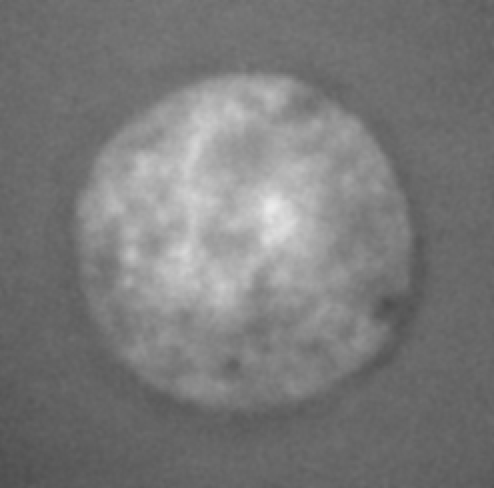
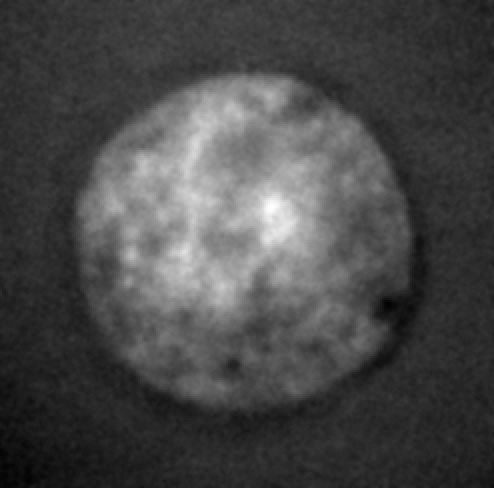
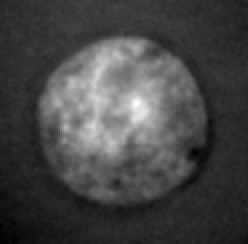
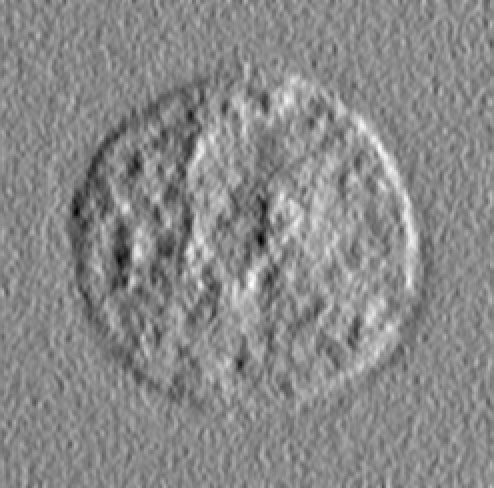
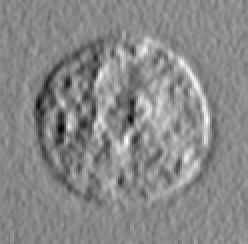
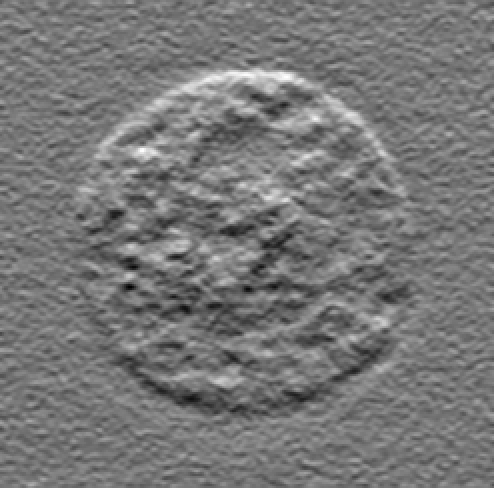
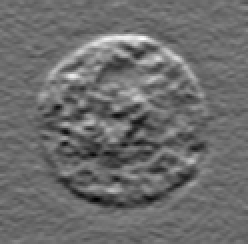
ClearAll[makePyramidBuiltin,fx,fy,makePyramidFunc];SetAttributes[makePyramidBuiltin,HoldAll];SetAttributes[makePyramidBuiltin,HoldAll];makePyramidFunc[key:1|2]:=Switch[key,1,SetDelayed@@Hold[fx,ImageConvolve[#,{{-1,0,1},{-1,0,1},{-1,0,1}}]&];SetDelayed@@Hold[fy,ImageConvolve[#,{{1,1,1},{0,0,0},{-1,-1,-1}}]&],2,SetDelayed@@Hold[fx,GaussianFilter[#,1,{0,1}]&];SetDelayed@@Hold[fy,GaussianFilter[#,1,{1,0}]&];];makePyramidBuiltin[image_,level_Integer,fx_,fy_]:=Module[{pyramids,pyrimgs,gradX,gradY},pyramids=ImagePyramid[image,"Gaussian",level];pyrimgs=Map[ImageAdjust]@*Normal[pyramids];gradX=ImagePyramidApply[fx,pyramids];gradY=ImagePyramidApply[fy,pyramids];{pyramids,gradX,gradY}];
In[]:=
makePyramidFunc[1];{pyramid,gradX,gradY}=makePyramidBuiltin
,2,fx,fy;
In[]:=
Map[ImageAdjust,Join[Normal@pyramid,Normal@gradX,Normal@gradY]]
Out[]=
,
,
,
,
,
Sparse optical flow Fn
Sparse optical flow Fn
Data Imports
Data Imports
Here we import the images and the corresponding masks/constraints such as spots (the dead cells) ..
In[]:=
dir="C:\\Users\\hashmial\\Downloads\\notebook3\\@optic flow\\";
binarymasks=Import[dir<>"masks.tif"];spotsmasks=Import[dir<>"spotmasks.tif"];imagedata=Import[dir<>"image.tif","Data"];
In[]:=
images=Image[#,"Byte"]&/@imagedata;imagedata=ImageData[#,Automatic]&/@images;
Inferring velocity field
Inferring velocity field
Borrowing an approach from computer vision, sparse optic flow technique with image pyramids, we infer velocity fields out of moving intensities in space. The intensities are essentially the membrane signal of the cells that are themselves moving. By tracking the intensities in bulk we can observe how the cells locally and globally move around in the gastruloid.
In[]:=
LaunchKernels[]
Out[]=
KernelObject,KernelObject,KernelObject,KernelObject,KernelObject,KernelObject

In[]:=
(*params*)dgrid=15;threshold=0.9;windowsFilter=35;(*paramsKLT*)pyramidNum=2;winSize={35,35};maxIterations={200,200};(*eachcorrespondstoapyramid*)kthreshold={0.1,0.1};blurRadius=1;(*generalparameters*)dt=1;istart=1;iend=lenImages=Length@images;
In[]:=
sim=Block[{index,istart=istart,iend=iend,time,nX,nY,dtime=dt,img1,img2,imdata1,imdata2,y,x,mask,spotmask1,spotpos1,spotmask2,spotpos2,gridpts,boxmeanvals,pyr1,pyr1X,pyr1Y,pyr2,pyr2X,pyr2Y,ptsToTrack,sol,warn},Monitor[time=Array[None&,lenImages];{nX,nY}=ImageDimensions[First@images];First@Last@Reap@Do[index=i-istart+1;time[[index]]=i;If[iistart,img1=images[[i]];x=Range[winSize[[i]],nX-winSize[[i]],dgrid];y=Range[winSize[[i]],nY-winSize[[i]],dgrid];gridpts=Flatten[meshgrid[x,y],1];];img1=images[[i]];mask=binarymasks[[i]];spotmask1=spotsmasks[[i]];spotpos1=PixelValuePositions[spotmask1,0];img1=ReplacePixelValue[img1,spotpos10];imdata1=ImageData[img1,"Byte"];(*definingfeaturestotrack*)With[{filtsize=Round[windowsFilter/2]},boxmeanvals=ParallelTable[Mean@ImageTake[mask,{pt[[2]]-filtsize,pt[[2]]+filtsize},{pt[[1]]-filtsize,pt[[1]]+filtsize}],{pt,gridpts}]];(*ptstotrack*)ptsToTrack=Reverse[Pick[gridpts,Boole[Thread[boxmeanvals>threshold]],1],2];(*createimagepyramidforthefirstimage*){pyr1,pyr1X,pyr1Y}=makePyramid[imdata1,pyramidNum,blurRadius];img2=images[[i+dtime]];spotmask2=spotsmasks[[i+dtime]];spotpos2=PixelValuePositions[spotmask2,0];img2=ReplacePixelValue[img2,spotpos20];imdata2=ImageData[img2,"Byte"];(*createimagepyramidforthesecondimage*){pyr2,pyr2X,pyr2Y}=makePyramid[imdata2,pyramidNum,blurRadius];{sol,warn}=pyrLK[{pyr1,pyr1X,pyr1Y},{pyr2,pyr2X,pyr2Y},mask,ptsToTrack,winSize,maxIterations,kthreshold];warn=Total/@warn;sol=sol/dtime;Sow[{ptsToTrack,sol}],{i,istart,iend-dtime}],"frame: "<>ToString@index]];
Save results
Save results
Load saved results
Load saved results
Sanity check
Sanity check
(0) The features that we were tracking were in the matrix indices system;
(1) Bring matrix indices to image space by (y,dim-x) and rotate vectors(u,v) by 90 degrees in all frames;
(2) Determine mean-field and superimpose on the image
(1) Bring matrix indices to image space by (y,dim-x) and rotate vectors(u,v) by 90 degrees in all frames;
(2) Determine mean-field and superimpose on the image
(1) Determine the mean flow-field first;
(2) Bring matrix indices to image space by doing (y, dim - x);
(3) rotate velocity vectors (u,v) by π/2 radians
(2) Bring matrix indices to image space by doing (y, dim - x);
(3) rotate velocity vectors (u,v) by π/2 radians
Alternatively the above is a rotation and translation transform
Mapping of matrix indices in the image space
Rotating the velocity vectors by π/2 radians
Time-averaged flow-field
Time-averaged flow-field
We can average the velocity field for a larger number of frames to obtain a mean field that delineates the tissue-scale flow
Adding dimensionality to the dataset
The velocity vector field can be used to compute different metrics for characterizing flow. Scalar fields can be computed using derivatives of the velocity field. One important metric is the amount of strain-rate the tissue experiences as a result of the tissue-scale motion. Another metric is the divergence field which measures the amount of expansion and contraction in a fluid.
Strain-rate map
Strain-rate map
Computing gradients from the velocity field
Computing components of the tensor
Determining the isotropic and the anisotropic components of the strain-rate tensor
The anisotropic components are delineated by lines with the orientation coloured whereas the circles represent the isotropic components of the strain-rate (positive values shown as green and negative as magenta) with the size representing the magnitude
Plot of divergence field
Total divergence value in the tissue
Growth-term in the tissue
CITE THIS NOTEBOOK
CITE THIS NOTEBOOK
Gastruloid 3: tracking bulk motion of cells
by Ali Hashmi
Wolfram Community, STAFF PICKS, October 11, 2023
https://community.wolfram.com/groups/-/m/t/3032397
by Ali Hashmi
Wolfram Community, STAFF PICKS, October 11, 2023
https://community.wolfram.com/groups/-/m/t/3032397