I have a function that adds tooltips to battles named DataToDisplay:
The function uses MapApply triple at @@@ introduced in 13.1 to add a tooltip at a position with a dataset of military data.
DataToDisplay[battles_]:=(Tooltip[GeoMarker[#1["Position"]],#2]&)@@@Transpose[{Select[!MissingQ[#1["Position"]]&][battles],Transpose[{Dataset/@EntityValue[Select[!MissingQ[#1["Position"]]&][battles],{"Name","ForcesTroops","StartDate","EndDate","MilitaryCasualties","OutcomeNotes","ParentConflict"},"PropertyAssociation"],Values[Dataset/@EntityValue[Select[!MissingQ[#1["Position"]]&][battles],{"Commanders"},"EntityAssociation"]]}]}]
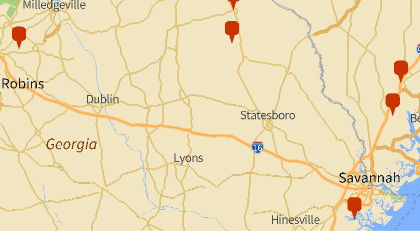
This is a normal sized plot but sometimes the tooltips go off the screen:
In[]:=
GeoGraphicsDataToDisplay["AllSubconflicts"],GeoBackground->"VectorWeb"
Out[]=
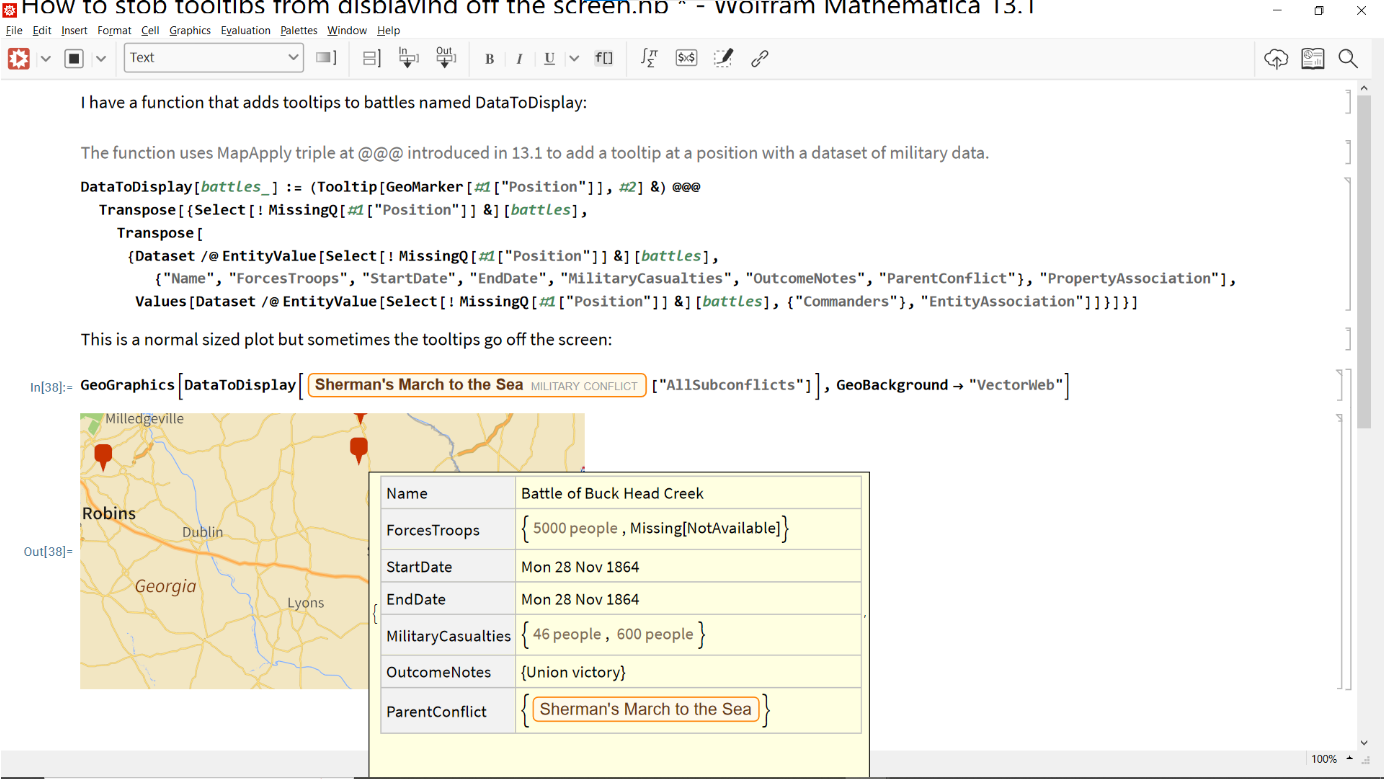
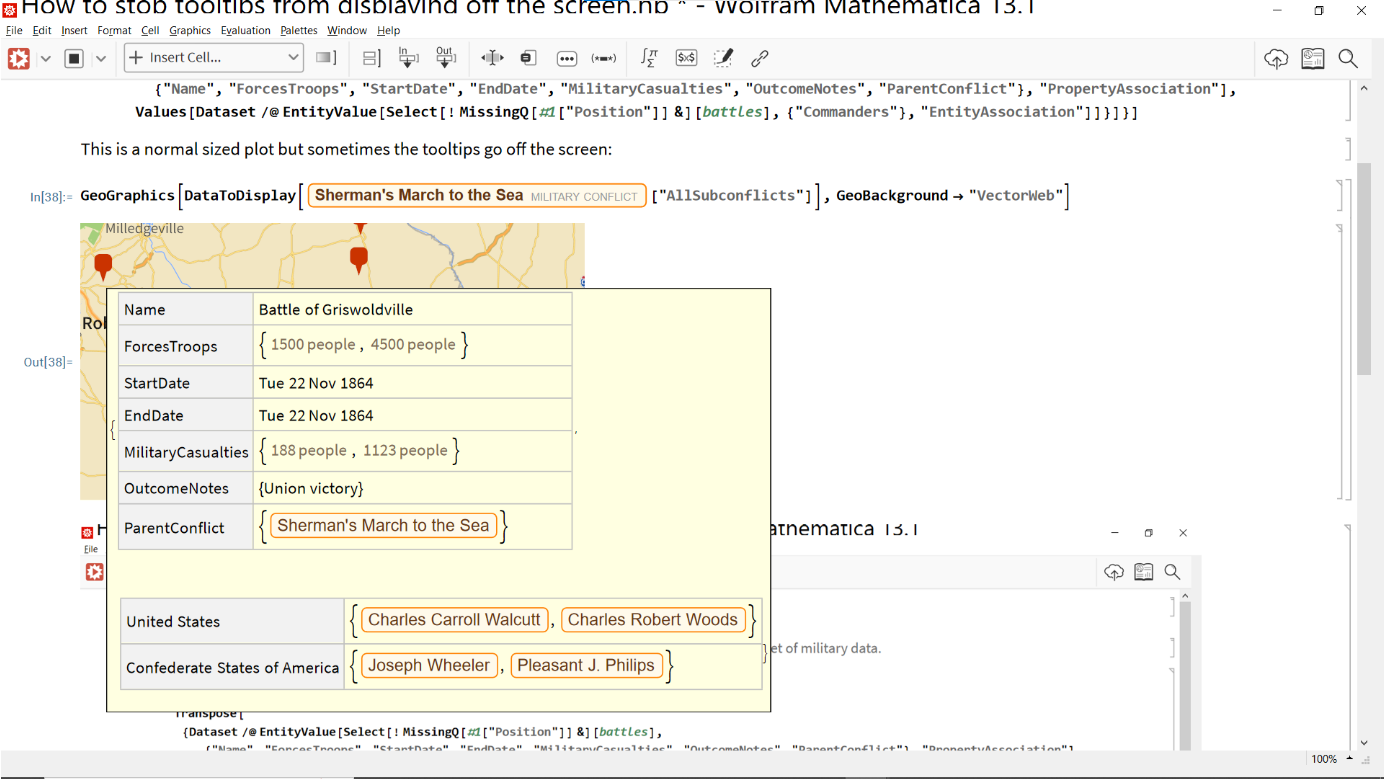
The tooltip above is missing a dataset. Here is a tooltip that displays both datasets correctly:
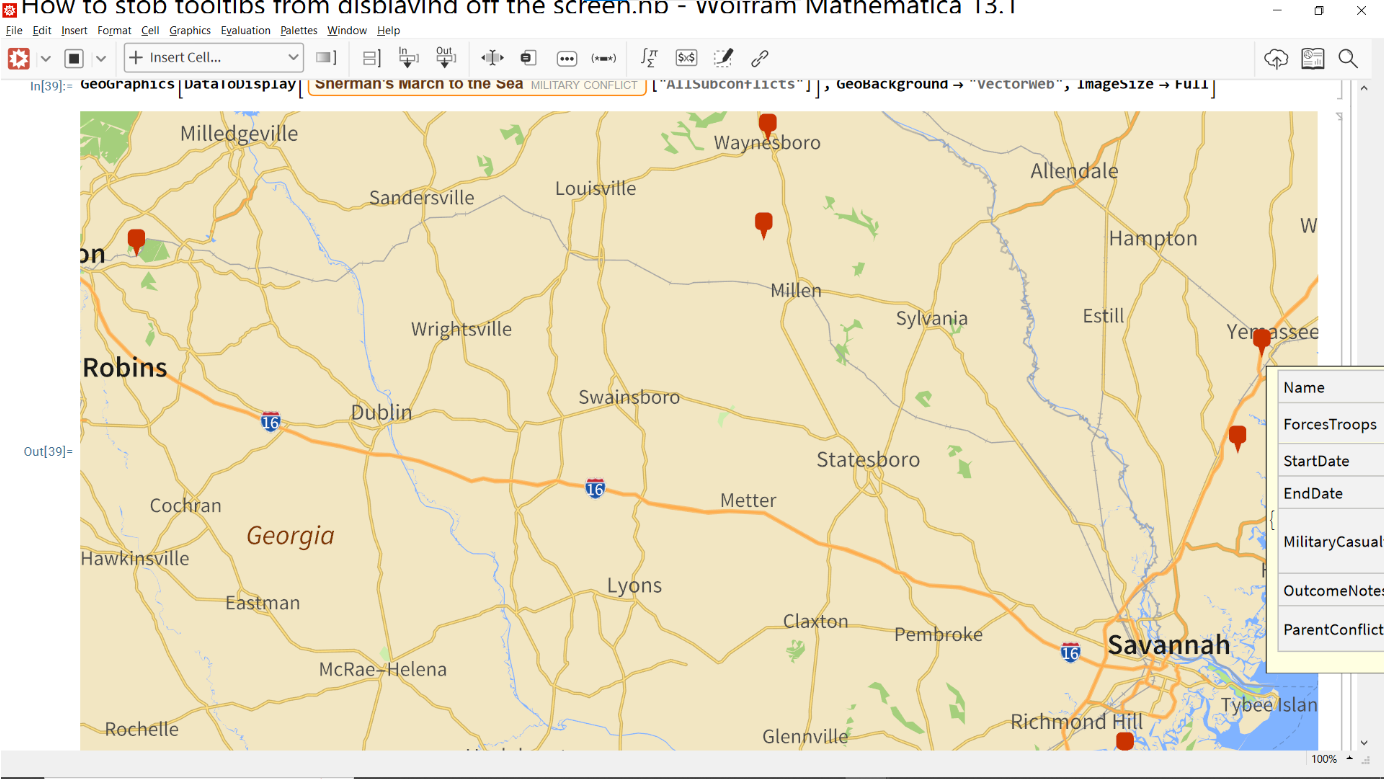
The issue is also present when the image is full-sized.
In[]:=
GeoGraphicsDataToDisplay["AllSubconflicts"],GeoBackground->"VectorWeb",ImageSize->Full
Out[]=
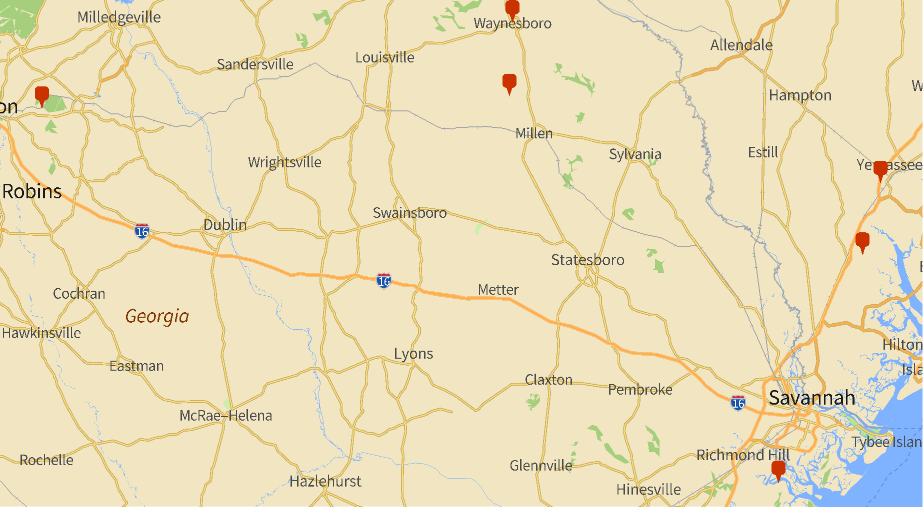
Notice the tooltip is not visible:
Is there a way to make the tooltips position themselves on the screen so I can see the whole thing? I think the solution is a low level setting for FrontEnd such as Dynamic, Placed, or another setting.