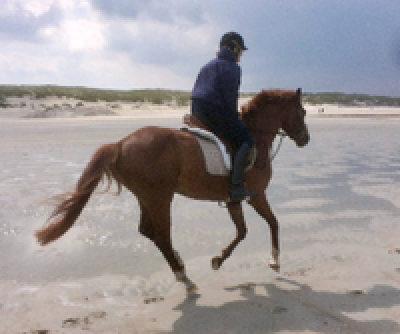
I just started experimenting with Mathematica’s functions for manipulating Gaussian and Laplacian image pyramids. With the following code I am able to:
A) Create an array of two image pyramids, then
B) Modify 3 of the levels of one of the pyramids, and then
C) Use InverseImagePyramid to get the modified image.
However, in order to make this work, I had to create an intermediate variable using this statement: lev1=pyr[[1]]
Having to create this intermediate variable seems “somewhat clumsy”. In an attempt to find a more elegant solution (i.e. one that does not require lev1), I tried the code below. Unfortunately the code does not work. Can someone please explain why this code doesn’t work? Additionally, is there a way to perform the calculation without the need to create the intermediate variable?
A) Create an array of two image pyramids, then
B) Modify 3 of the levels of one of the pyramids, and then
C) Use InverseImagePyramid to get the modified image.
However, in order to make this work, I had to create an intermediate variable using this statement: lev1=pyr[[1]]
Having to create this intermediate variable seems “somewhat clumsy”. In an attempt to find a more elegant solution (i.e. one that does not require lev1), I tried the code below. Unfortunately the code does not work. Can someone please explain why this code doesn’t work? Additionally, is there a way to perform the calculation without the need to create the intermediate variable?
In[]:=
a=
,
;Print["Original image:"]a[[1]]pyr=Table[ImagePyramid[a[[n]],"Laplacian",4,2],{n,1,Length[a]}];lev1=pyr[[1]];lev1[1]=-lev1[1];lev1[2]=-lev1[2];lev1[3]=-lev1[3];pyr[[1]]=lev1;a[[1]]=InverseImagePyramid[pyr[[1]]];Print["Desired result(i.e. filtered image of hourse with rider):"]a[[1]]

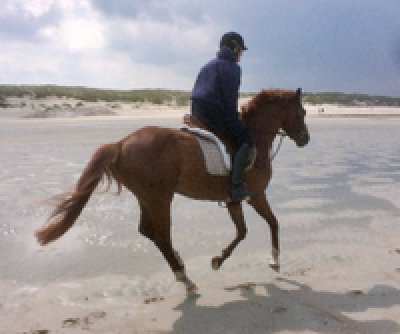
Original image:
Out[]=
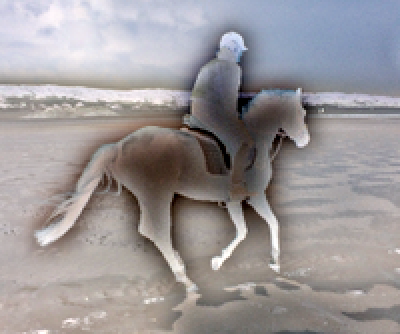
Desired result(i.e. filtered image of hourse with rider):
Out[]=
New code that does not work:
New code that does not work:
In[]:=
a=
,
;pyr=Table[ImagePyramid[a[[n]],"Laplacian",4,2],{n,1,Length[a]}];pyr[[1]][1]=-pyr[[1]][1];pyr[[1]][2]=-pyr[[1]][2];pyr[[1]][3]=-pyr[[1]][3];InverseImagePyramid[pyr[[1]]]
Out[]=