CITE THIS NOTEBOOK: Wolfram R&D LIVE:Tree Representation for XML, JSON and Symbolic Expressions by Ian Ford. Wolfram Community OCT 13 2022.
Outline
Outline
This talk will give an overview of features in Version 13.2:
Trees
Trees
◼
Trees are fundamental data structures in mathematics and science
◼
Tree represent hierarchies and nested structures
Example: Grammatical Text
Example: Grammatical Text
In[]:=
TextStructure["The quick brown fox jumped over the lazy dog. Time flies like an arrow."]
Out[]=
| |
| ||||||||||||||||||||
Sentence |
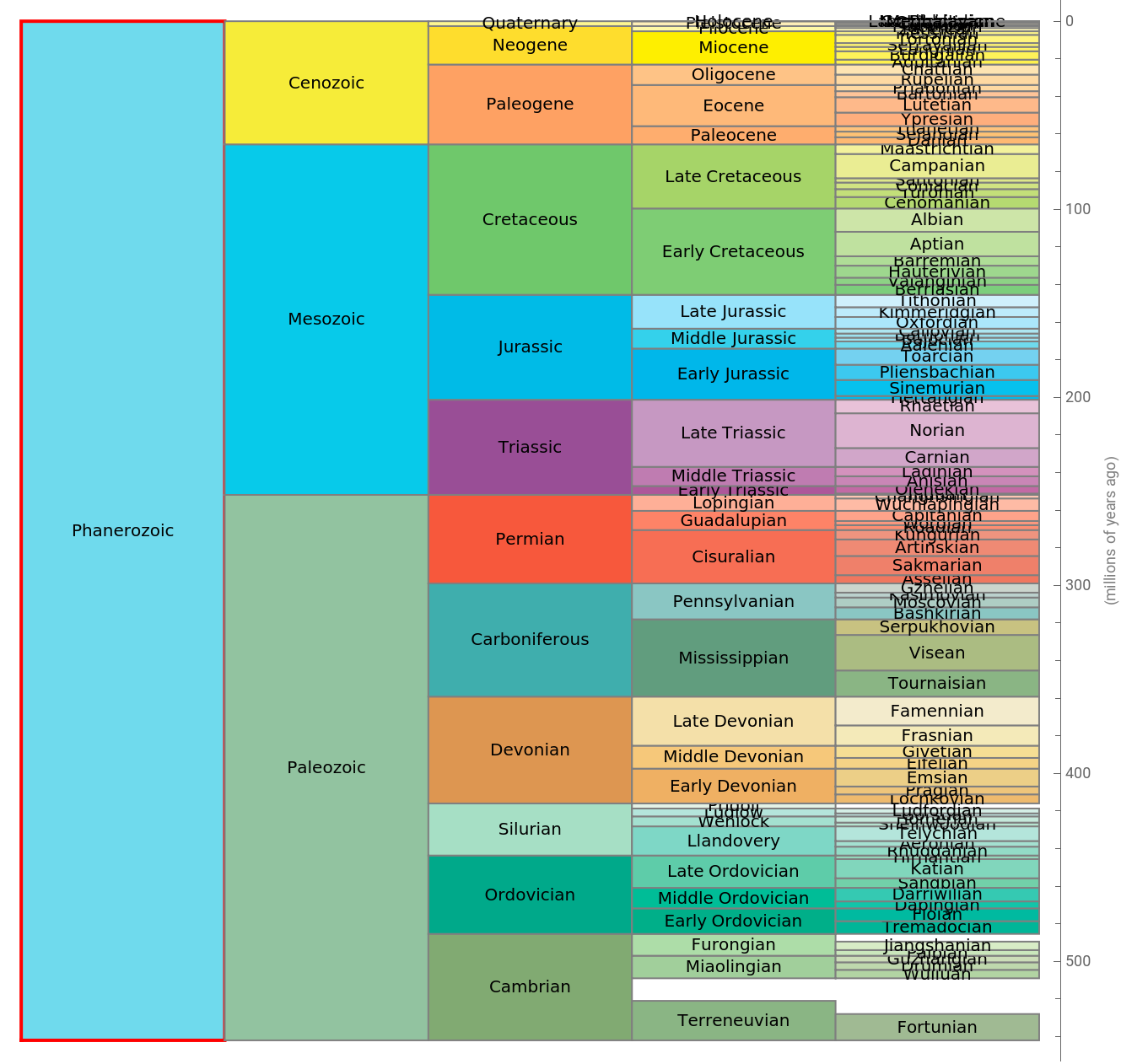
Example: Geological Periods
Example: Geological Periods
In[]:=
ResourceFunction["GeologicalPeriodChronologyChart"],4
Out[]=
Example: XML
Example: XML
Out[]=
<?xml version='1.0'?><PAINTINGS> <SALE> <TITLE>No.5, 1948</TITLE> <ARTIST>Jackson Pollock</ARTIST> <YEAR>1948</YEAR> <PRICE>$140,000,000</PRICE> </SALE> <SALE> <TITLE>Woman III</TITLE> <ARTIST>Willem de Kooning</ARTIST> <YEAR>1953</YEAR> <PRICE>$137,500,000</PRICE> </SALE> <SALE> <TITLE>Portrait of Adele Block-Bauer I</TITLE> <ARTIST>Gustav Klimt</ARTIST> <YEAR>1907</YEAR> <PRICE>$135,000,000</PRICE> </SALE> <SALE> <TITLE>Portrait of Dr. Gachet</TITLE> <ARTIST>Vincent van Gogh</ARTIST> <YEAR>1890</YEAR> <PRICE>$82,500,000</PRICE> </SALE> <SALE> <TITLE>Bal au moulin de la Galette, Montmartre</TITLE> <ARTIST>Pierre-Auguste Renoir</ARTIST> <YEAR>1876</YEAR> <PRICE>$78,100,000</PRICE> </SALE></PAINTINGS>
Tree Representation
Tree Representation
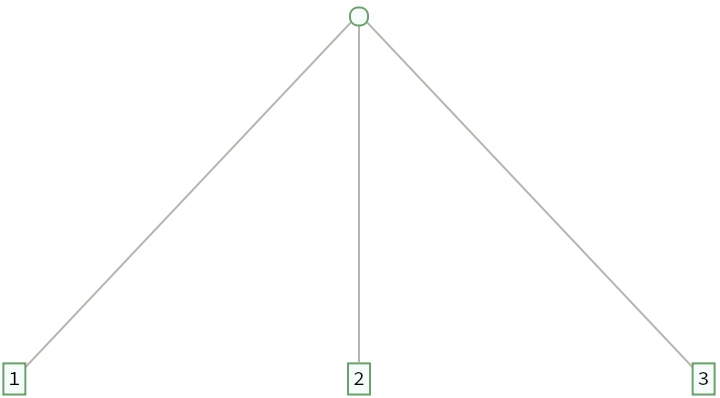
Tree represents rooted, ordered trees with leaves.
This represents a tree with three leaves:
In[]:=
Tree[{1,2,3}]
Out[]=
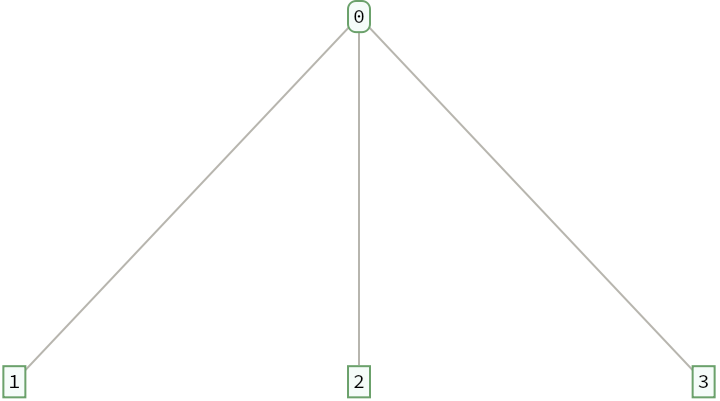
Non-leaf nodes can also be labeled by supplying the data:
In[]:=
Tree[0,{1,2,3}]
Out[]=
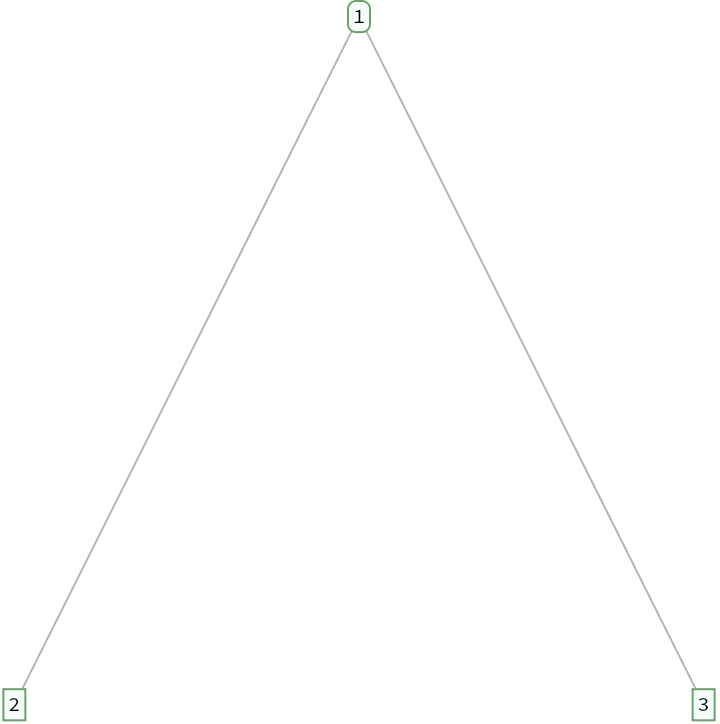
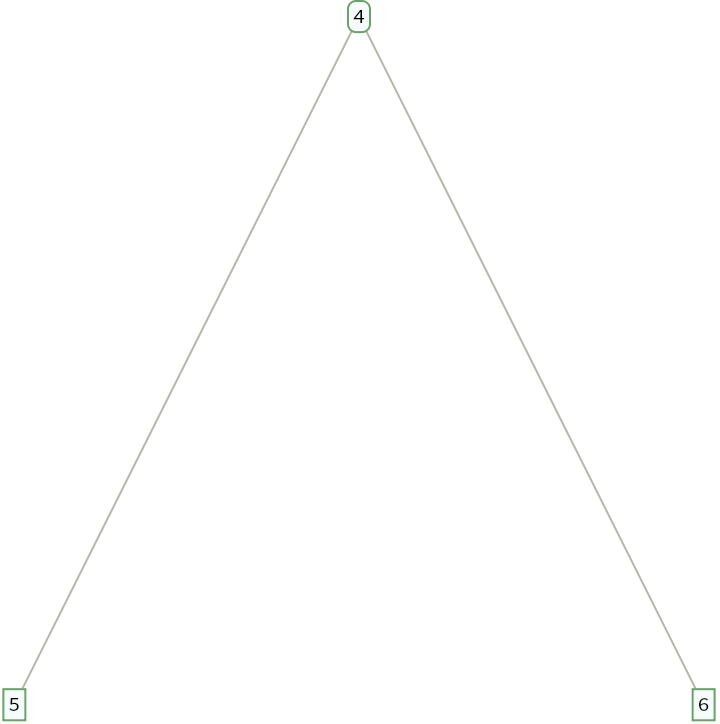
Tree expressions can be nested to represent hierarchies:
In[]:=
Tree0,
,
Associations
Associations
Version 13.1 added support for naming branches by giving an association between keys and children:
Keys can be used to specify positions in a tree of associations:
Expression Trees
Expression Trees
Everything in the Wolfram Language is represented as an expression:
Expression Trees
Expression Trees
The unevaluated expression also has a tree structure:
Expression Trees
Expression Trees
Using the head as the data is one way to represent expressions as trees:
Another way is to use the atoms as the data of the leaves:
Expression Trees
Expression Trees
There are several tree structures for arbitrary expressions:
XML
XML
XML documents are represented in the Wolfram Language as symbolic XML objects and elements:
JSON
JSON
JSON objects can be represented in the Wolfram Language as nested lists of rules:
ExpressionTree can convert nested rules into the tree of names and values of JSON objects:
RawJSON
RawJSON
JSON objects can also be represented as nested associations:
ExpressionTree can convert nested associations into the tree of JSON names and values:
Both forms support JSON objects and JSON arrays:
CSG Regions
CSG Regions
Constructive solid geometry regions are constructed using nested combinations of union, intersection and difference of simple geometric primitives:
CSGRegionTree can convert CSG regions into the tree of operations and regions:
NestTree
NestTree
ExpressionTree constructs trees from common tree-structured objects in the Wolfram Language.
NestTree can construct general trees using custom rules:
Construct a family tree:
Construct a tree from the hierarchy of subdirectories and files in a directory:
Labeling & Styling
Labeling & Styling
Version 13.0 added the TreeElementLabel and TreeElementStyle options to control labeling and styling:
Version 13.1 added detailed control of labeling and styling for both nodes and edges in a tree:
UnlabeledTree shows the overall structure of a tree without displaying labels:
TreeLayout
TreeLayout
Specify the orientation for the root vertex:
Specify a named embedding:
Elision
Elision
Trees with more than 10 children elided the remaining children by default:
TreeOutline
TreeOutline
TreeOutline displays a tree as an outline with openers:
Display an outline of an XML tree:
Specify labeling and styling options:
Livestream questions
Livestream questions
◼
◼
◼
Question: ParentEdgeShapeFunction is an odd name. I guess EdgeShapeFunction could not be reused because its signature/arity is different?
◼
Answer: Correct. Graphs are modeled using vertices and edges:
◼
◼
So one reason why the visualization options for Tree are different is because of the need to support these nested structures.
◼
Importantly, the data (unlike a vertex name) does not need to be unique:
◼
Options like VertexStyle that take a vertex name needed to be adapted to work for Tree to work with data instead of vertex names:
Basic Properties
Basic Properties
TreeData gives the data in the root node of a tree:
TreeChildren gives its children:
RootTree returns the root node of a tree with its children removed:
When given a positive level, RootTree gives a tree containing the nodes from the root down to that level in a breadth-first TreeTraversalOrder:
A negative level yields the nodes from the root down to that level in a leaves-first order:
Basic Properties
Basic Properties
A tree with an empty list of children is not a leaf:
TreeLeaves gives the list of leaves of a tree:
Basic Measurements
Basic Measurements
TreeSize gives the number of nodes of a tree:
TreeLeafCount gives the number of leaves of a tree:
TreeDepth gives the maximum level of a tree:
TreeDepth can also give the maximum level with data matching a pattern:
TreeFold
TreeFold
TreeFold accumulates the data in a tree using a binary operation:
Compute the sum of the data in a tree:
Construct the tree of King George II’s descendants and their birth dates (this can take some time):
Find the youngest first-time parent in the tree, together with their first child and their age when that child was born:
TreeMap
TreeMap
TreeMap applies an operator to the data in a tree:
Levels can be specified using standard level specifications:
TreeMap
TreeMap
GraphTree constructs a tree using the vertex names as the data:
TreeScan applies an operator to the data in a tree discarding the results:
TreeTraversalOrder
TreeTraversalOrder
Visit the nodes in a breadth-first order:
The vertical and horizontal order can also be specified for any base order:
Visit the nodes in a top-down, right-to-left, leaves-first traversal:
Twelve combinations of base order, vertical order and horizontal order are possible:
Element Specifications
Element Specifications
Version 13.1 added eleven new elements.
Apply an operator to the original subtrees themselves:
Multiple elements can be supplied using a list:
Pattern Matching
Pattern Matching
TreeCases gives the list of subtrees with data matching a pattern:
TreeCount gives just the length of this list:
TreePosition gives the positions of the matching nodes:
TreeExtract
TreeExtract
TreeExtract extracts subtrees specified by position:
Extract a list of subtrees at several positions:
Perform independent extractions at consecutive levels:
Extract subtrees from an XML tree:
Tree Modification
Tree Modification
TreeMapAt applies an operation to the data at the specified positions:
TreeInsert inserts a subtree at the specified positions:
TreeReplacePart replaces subtrees at the specified positions:
TreeDelete deletes subtrees at the specified positions:
Future of Trees
Future of Trees
◼
More structure conversions (notebooks, text elements, parse trees, ...)
◼
Queries and transformation rules
◼
New and improved visualization and interactivity
◼
Compiler integration
Summary
Summary