Bitmap-ify
Bitmap-ify
This was a project from about a year ago. The idea is to build a function that turns a normal image into bitmap artwork that you can put on your Printed Circuit Board (PCB).
I hope this is helpful to anyone who wants to know how they can deploy a function that returns a specific file format (the trick is to publish that file as a new cloud object).
EunHyun Park of WRI helped me figure out how to do this. Thanks EunHyun!
I hope this is helpful to anyone who wants to know how they can deploy a function that returns a specific file format (the trick is to publish that file as a new cloud object).
EunHyun Park of WRI helped me figure out how to do this. Thanks EunHyun!
Background
Background
A bitmap (.bmp extension) is a binary (black and white) image format. This simple image format is often used by PCB designers to add company logos or other artwork to circuit board designs:
WebImageSearch["PCB Silkscreen Artwork",4]
Out[]=
,
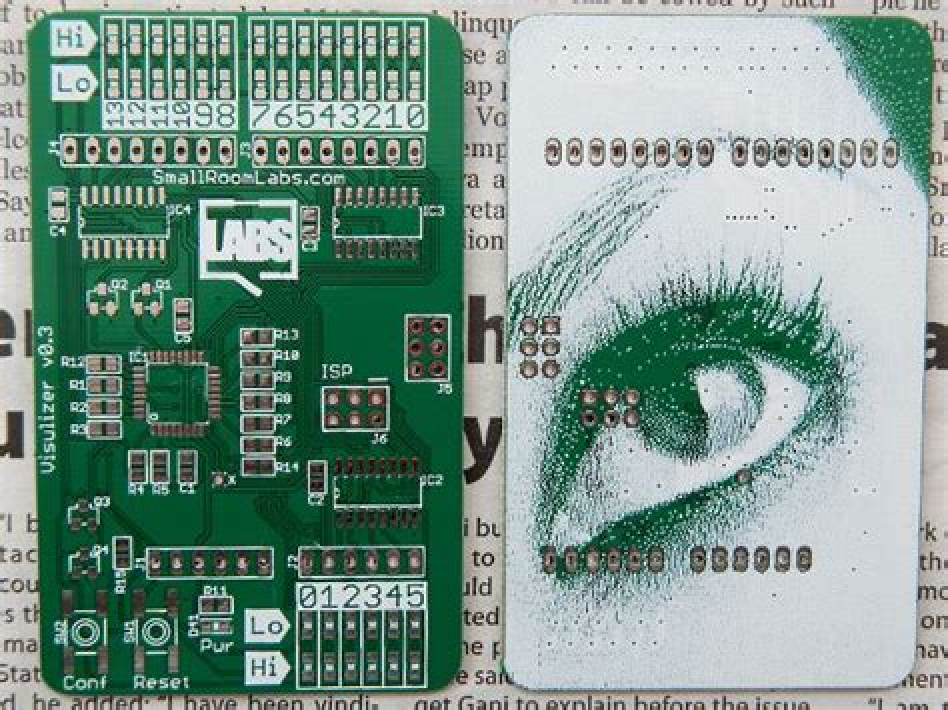
,
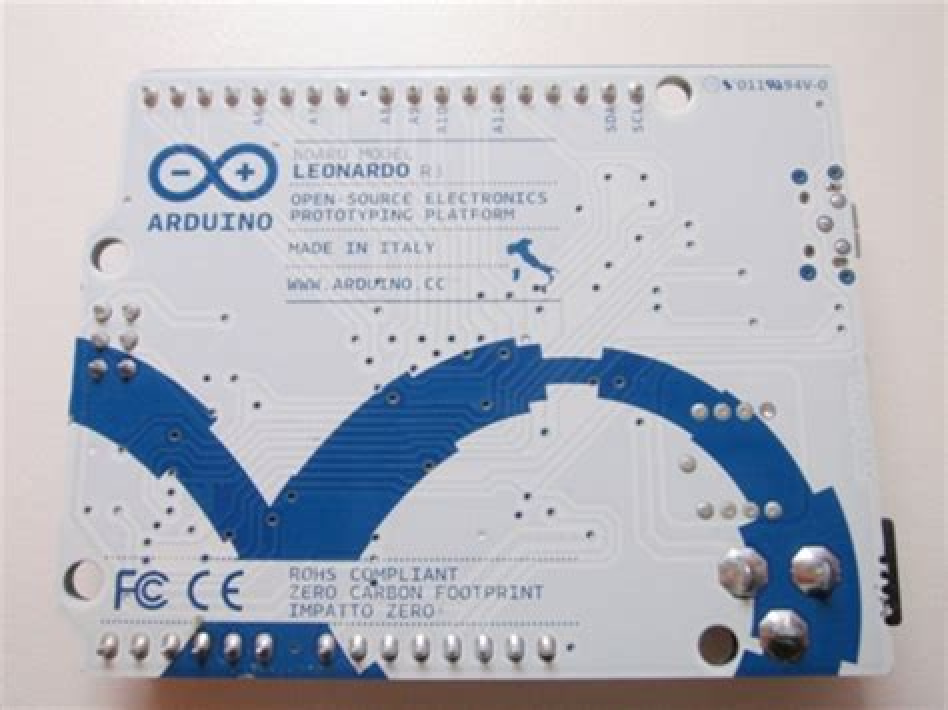
,
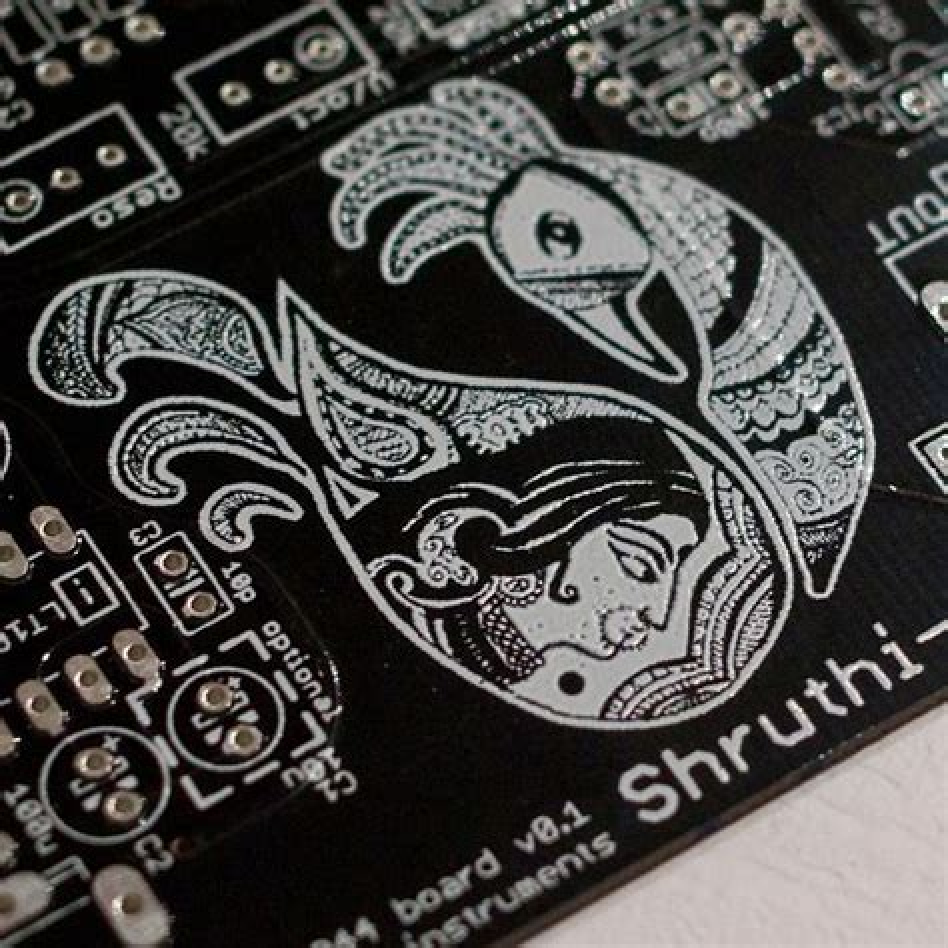
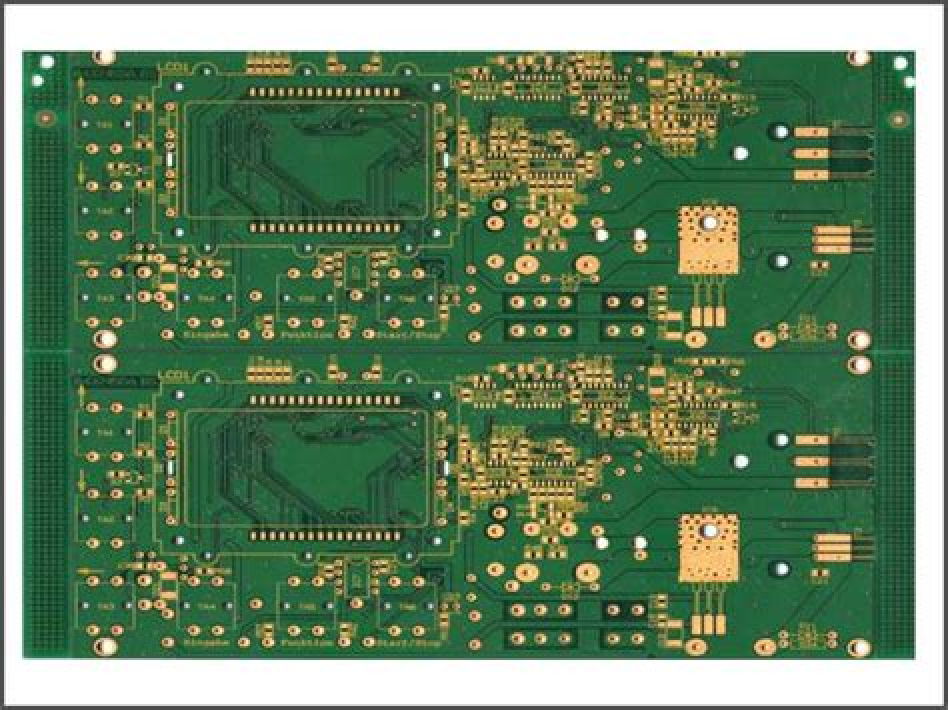
The function
The function
I thought the "Charcoal" effect in the Wolfram Language ImageEffect function would be perfect for creating this kind of stylized, binary art from normal images or logos.
After some experimentation, I came up with a few additional options and filters to help create the look I was after:
After some experimentation, I came up with a few additional options and filters to help create the look I was after:
In[]:=
bitmapify[image_,simplify_:False,thickness_:2]:=(image //ImageResize[#,{640}]& //ImageAdjust //If[simplify,Binarize,Identity] //ImageEffect[#,{"Charcoal",thickness}]& //Binarize //ColorNegate //FourierDCTFilter[#,1.0]&);
(*Thisimageis"Flower" by walmarc04 islicensedunder CC01.0:*)img=
;bitmapify[img]

Out[]=

Publishing
Publishing
Now, I am ready to share this function with the world. With the help of some nifty new WL functions and some cloud credits, I can create a minimal website that anyone can use to create their own BMP artworks by uploading their own images:
form=FormFunction[{"Image""Image","SuperSimplify""Boolean"},HTTPRedirect[ CloudPublish[ (*Here,weCloudPublishaBMPimageresultingfrom*) ExportForm[bitmapify[#[["Image"]],#[["SuperSimplify"]]],"BMP"], AutoRemoveTrue, Permissions"Public" ] ]&,AppearanceRules<| "Title""Bitmap Generator", "Description""Generate a binary bitmap from any image! - V1.0" |>, PageTheme"Black"]
Out[]=
FormFunction

CloudDeploy[form,"bitmap-generator",Permissions->"Public"]
Out[]=
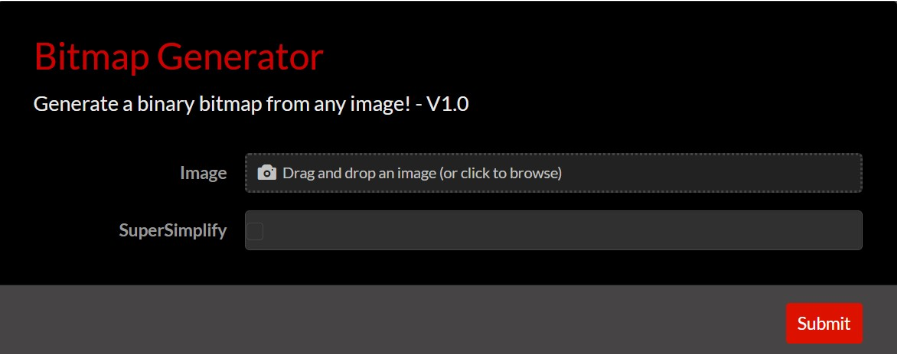
And here is the resulting webpage, accessible to anyone with an internet connection:
https://www.wolframcloud.com/obj/alecgraves/bitmap-generator
https://www.wolframcloud.com/obj/alecgraves/bitmap-generator
Favicon / Windows .ICO Converter
Favicon / Windows .ICO Converter
Favicons / Windows Icon files are commonly used on the web for those tiny logos you see on your browser tabs. There is no standard tool to make them in windows, so I have made them using Wolfram Language using the Export function in the past. Now, I have CloudDeployed a web form that easily allows you to make a .ico file from an image using your web browser and a few of my cloud credits:
https://www.wolframcloud.com/obj/alecgraves/ico-converter
https://www.wolframcloud.com/obj/alecgraves/ico-converter
Import["https://www.wolframcloud.com/favicon.ico"]
Out[]=
,

,


.ICO file creator
.ICO file creator
This is how we would normally create a .ico file with WL:
In[]:=
img=
;

Export["image.ico",img]
Out[]=
image.ico
Now, delete that file. We no longer need it:
In[]:=
DeleteFile["image.ico"]
Deployment
Deployment
Let's make a function that is more web-friendly:
In[]:=
iconify[img_]:=ImageResize[img,{64}]//ImageCrop[#,{64,64}]&
Next, let's publish the form:
form=FormFunction[{"Image""Image"},HTTPRedirect[ CloudPublish[ (*Here,weCloudPublishanicoimageusingtheExportFormformat*) ExportForm[iconify[#[["Image"]]],"ICO"], AutoRemoveTrue, Permissions"Public" ] ]&,AppearanceRules<| "Title"".ICO Converter", "Description""Upload your image to convert it to a .ico (windows icon / favicon) file!" |>, PageTheme"Blue"]