Creating a Chess Position OCR with the Wolfram Language
Diego Zviovich
The Wolfram Language has a powerful set of Image Processing functions that can be used to build a chess position OCR that will identify the board in the scanned picture, recognize the position of the different pieces on the board and generate a FEN string that can be used to set up the board in several online and computer chess software.
Introduction
Introduction
I took learning chess this year. This fascinating game has been with us at least since the century. Once the basic rules of the games are learned, there are many aspects of tactics and strategies that the novice player must learn to improve their game.
th
VII
There are many chess books that the player can refer to, in order to master the different aspects of the game. All of them will present the student with a diagram that shows the position of the pieces and then present several lines of play explaining a given concept to be explored by the reader.
In order to follow the author's presentation, the student must set up the board with the pieces and playing the lines on the board. This does require some setup time either in the physical board, or with any chess software either available in your computer or online.
How about using the power of Wolfram Mathematica to help speed up my learning curve?
Exploring the available functionality
Exploring the available functionality
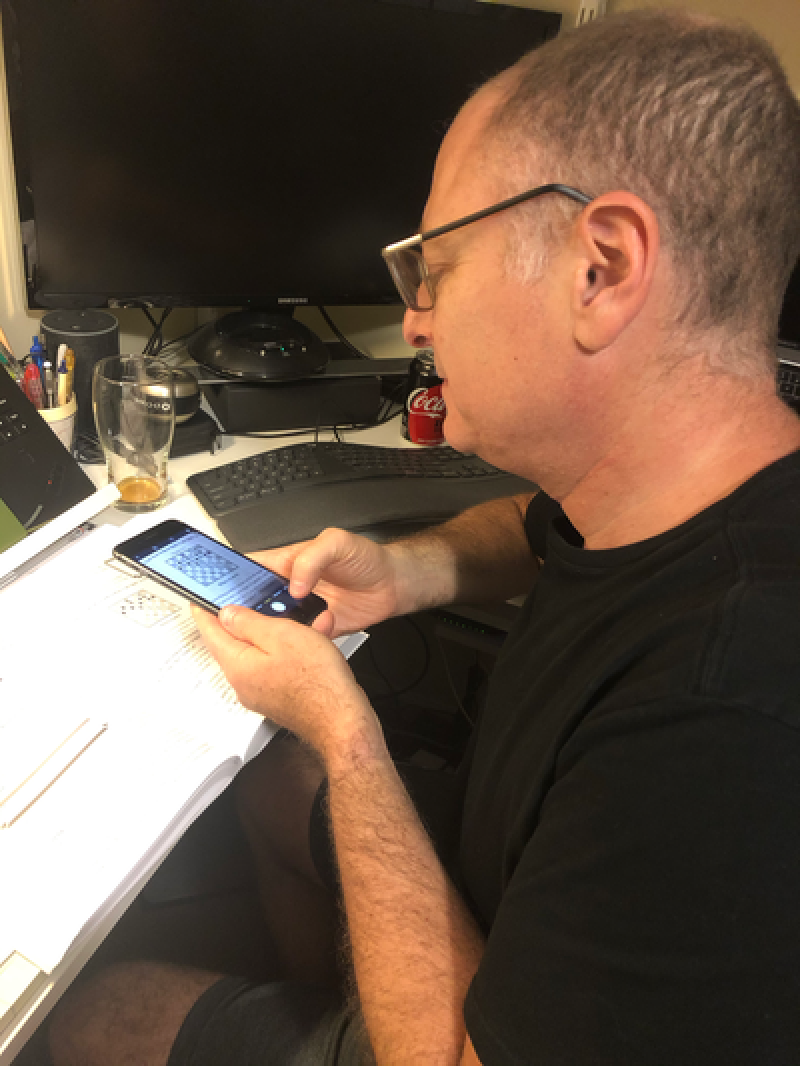
It is extremely easy to capture the chess diagram using the iPhone and immediately transfer the image to your Macbook using the AirDrop functionality.
Out[]=
In[]:=
SetDirectory[NotebookDirectory[]];
The first step is to import a sample image into the notebook.
(*i=Binarize[Import["IMG_8163.HEIC"]]*)
In[]:=
i=
;
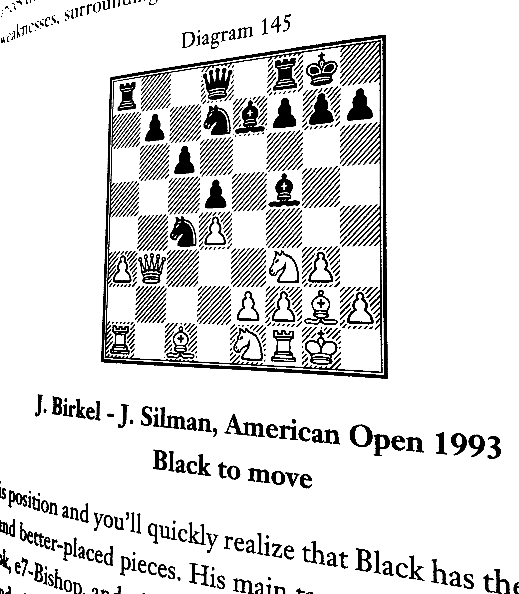
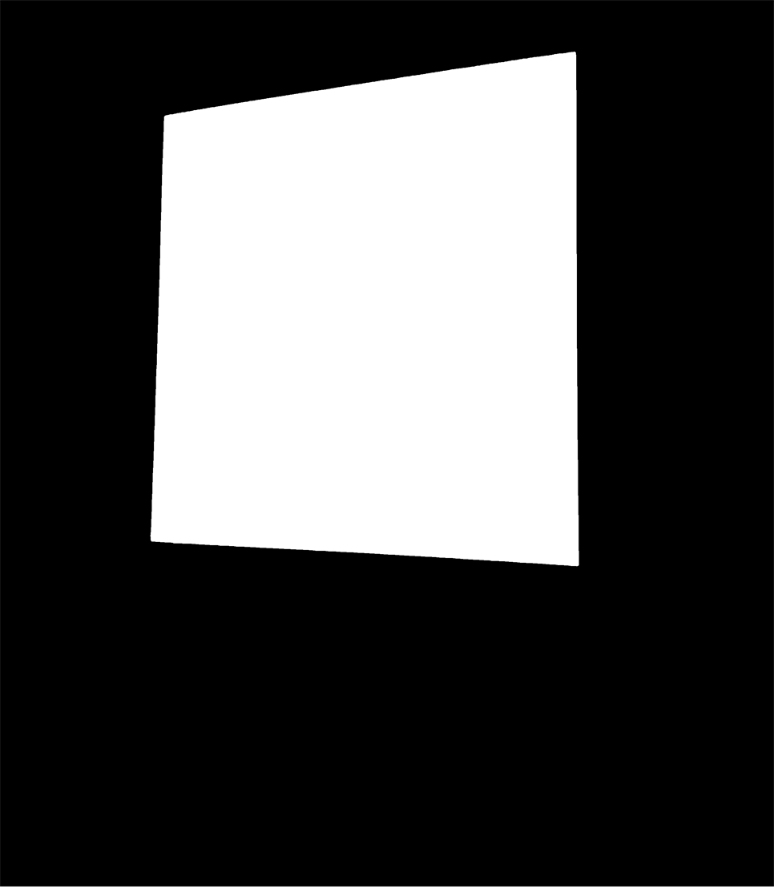
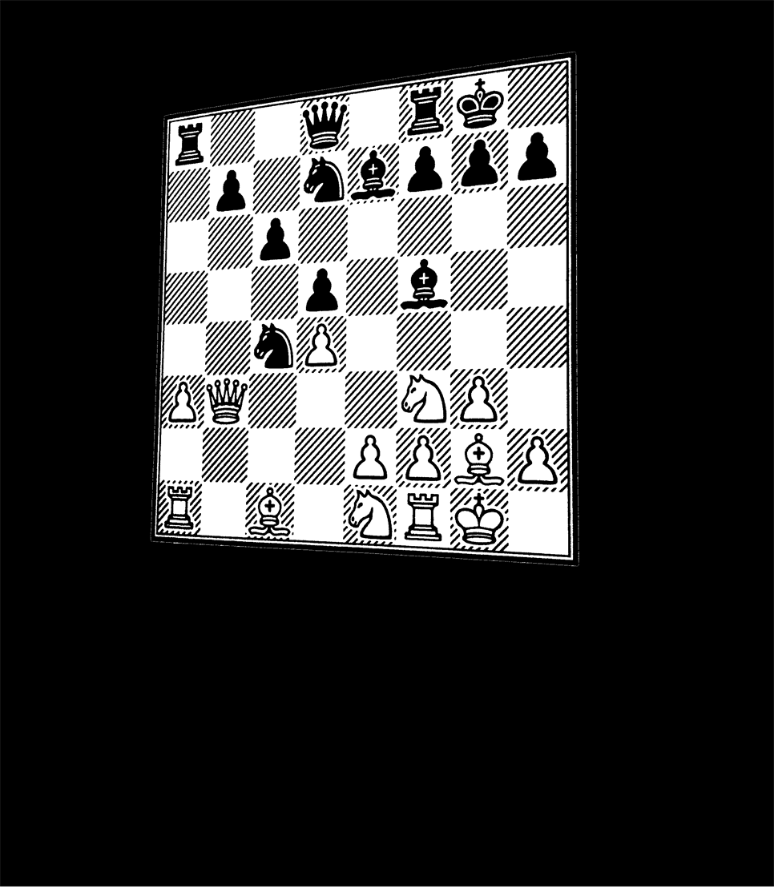
With Mathematica we can use the image processing functionality to identify the board and create a mask to extract it.
In[]:=
x=ImageAdjust[Erosion[Dilation[DeleteSmallComponents[Dilation[EdgeDetect[i],20]],BoxMatrix[100]],120]]
Out[]=
In[]:=
mask=Image@Last@First@ComponentMeasurements[SelectComponents[MorphologicalComponents[x],#Eccentricity<0.5&],"Mask"];
In[]:=
corners=Sort[ImageCorners[mask,10,0.01,10],Times[#1[[1]],#1[[2]]]<Times[#2[[1]],#2[[2]]]&]
Out[]=
{{510.5,1161.5},{555.5,2578.5},{1935.5,1079.5},{1925.5,2792.5}}
In[]:=
newCorners={{1,1},{1,800},{800,1},{800,800}};
In[]:=
t=Last@FindGeometricTransform[newCorners,corners]
Out[]=
TransformationFunction
0.709317 | -0.0225535 | -334.869 |
0.0326419 | 0.564507 | -671.297 |
0.000156095 | -0.0000324566 | 1. |
In[]:=
board=ImageMultiply[i,Image@Last@First@ComponentMeasurements[SelectComponents[MorphologicalComponents[x],#Eccentricity<0.5&],"Mask"]]
Out[]=
In[]:=
HighlightImage[board,{PointSize[Large],Point[corners],LightBlue,Point[newCorners]}]
Out[]=
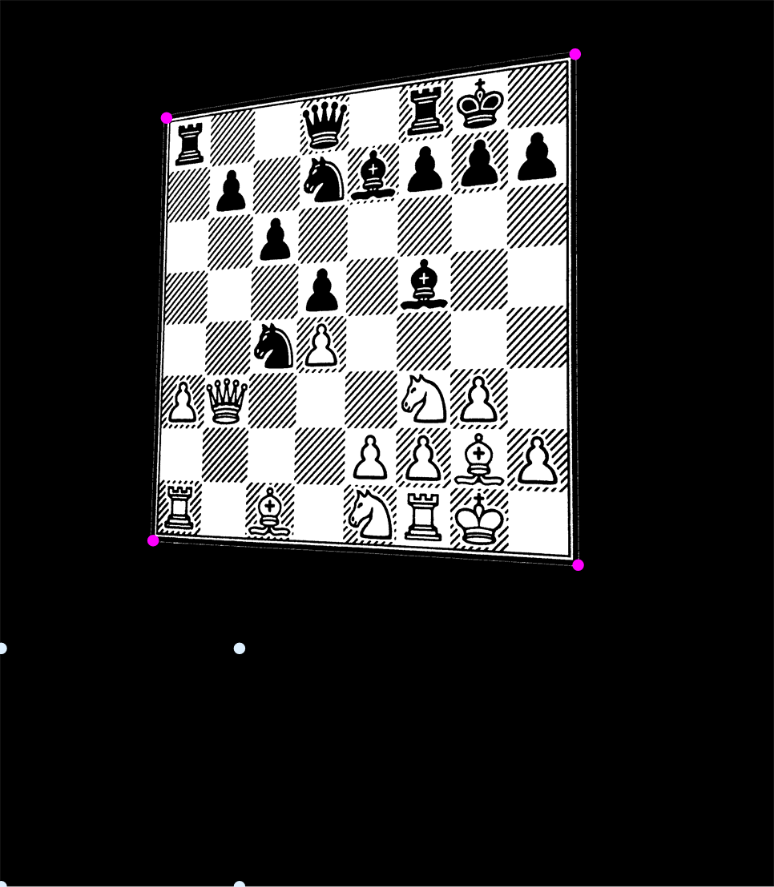
Components
Components
We can use the following images as kernels to extract the position of the chess pieces from the diagrams. These images were extracted from the book images. You may need to replace them for others as used in the book you are reading.
Functions
Functions
The following functions will be provide the functionality we are looking for.
Testing the functionality
Testing the functionality
Let' s test the extraction of the board by the function.
Side by side
Generating the FEN string to be used to import in a chess software.
Keywords
Keywords
◼
Image Processing