Abstract
Abstract
In this project, I analyse the groups and frequencies of emotions used by commercial makers to manipulate our purchases. I do this by breaking them down to video and transcript and further to frames of images and texts signifying dialogues. Then the faces of the most prominent characters are segmented and sentiment is analysed (using the Classify “emotion” function in Wolfram Language) based on the images. Similarly text is analysed (using the Classify “sentiment” function in Wolfram Language) and finally all of the information is plotted on a timeline plot to visualise the progression of the commercial.
Introduction
Introduction
Television commercials are a very quintessential part of our daily lives. They are responsible for manipulating our emotions and making us relate to the character which further makes us buy the product or service being pushed. By analysing the frames and dialogues and creating a timeline, we can better understand certain mixtures of emotion which make us buy the product or service so as to reduce bias in making purchases.The following basic example shows the progression of emotions of different characters in a commercial:
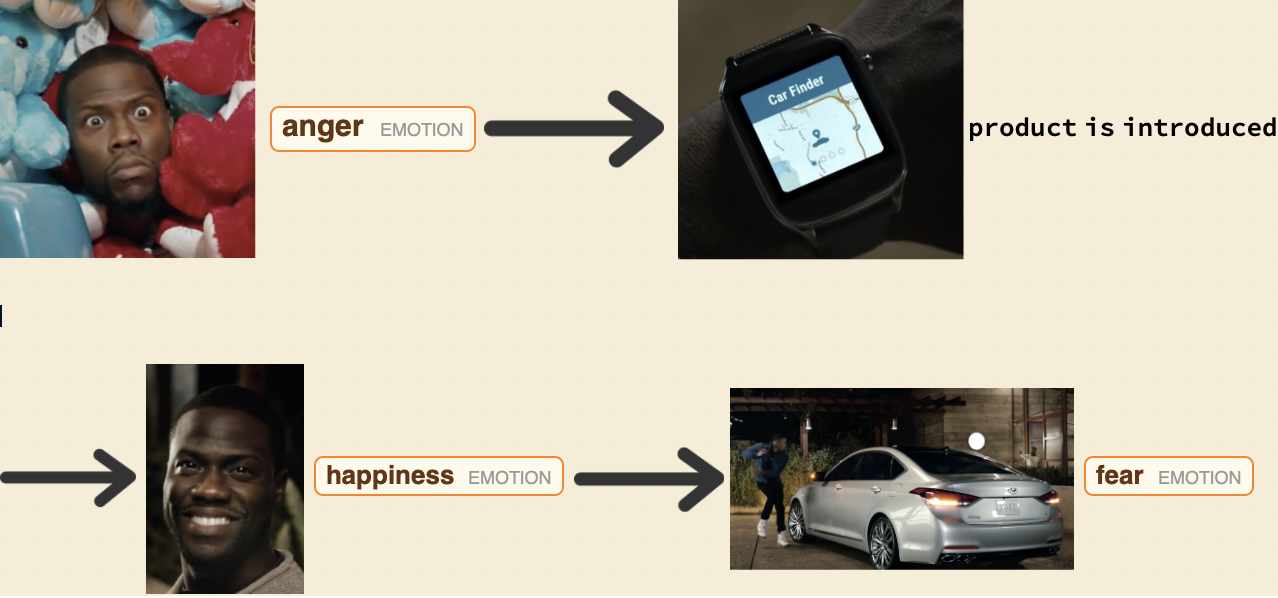
Image Sentiment Analysis
Image Sentiment Analysis
First off the video is loaded for processing:
To start off, we convert the video into a list of frames of images and further processed the images to receive data in input format for the Classify operation.
Extracting all the frames in the video and assigning them a frame number in an Association[]
In[]:=
frameList = AssociationThread[Range[Length[VideoFrameList[video, All]]]->VideoFrameList[video, All]];
Since a very important part of the project is to analyse the separate emotional journeys of the characters, I needed to separate them. Now there were many frames where 2 or 3 characters appeared together, this data was equally important and could not be eliminated even when considering the vast magnitude of images. So I decided to further separate the faces within the frames and used a custom rule function to save them using the same keys for frame numbers.
Finding Faces within the extracted frames and using custom rule to assign similar frame numbers
In[]:=
faceList = DeleteCases[FindFaces[#, "Image"]&/@frameList,{}];
In[]:=
splitValues[key_,values_]:=key->#&/@valuesfaceList = Flatten[KeyValueMap[splitValues,faceList]];
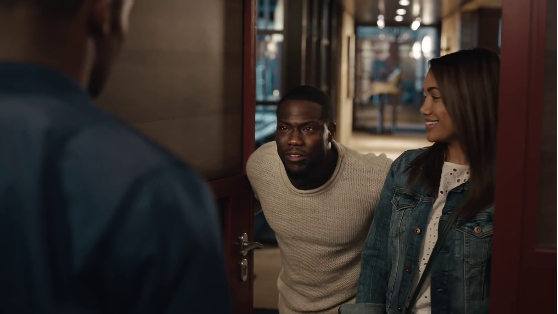

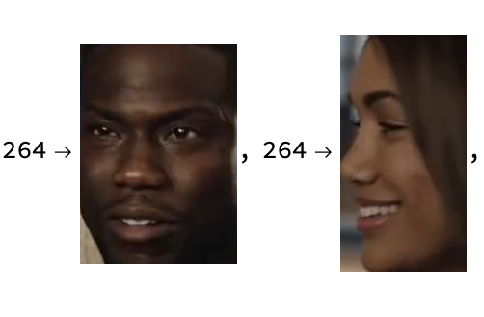
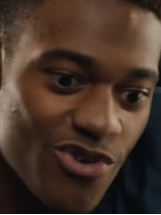
Now, the facial recognition model is to be trained to identify the three most prominent characters in the commercials. This is the only part of the program where user entry of a list of characters faces is required. A pixel image distance approach was taken as well but it didn't ensure the most prominent characters to be identified, thus it is a better option for the users to themselves enter the characters who they want to analyse.
Creating classifier function to segment frames based on faces
In[]:=
chars =
,
,
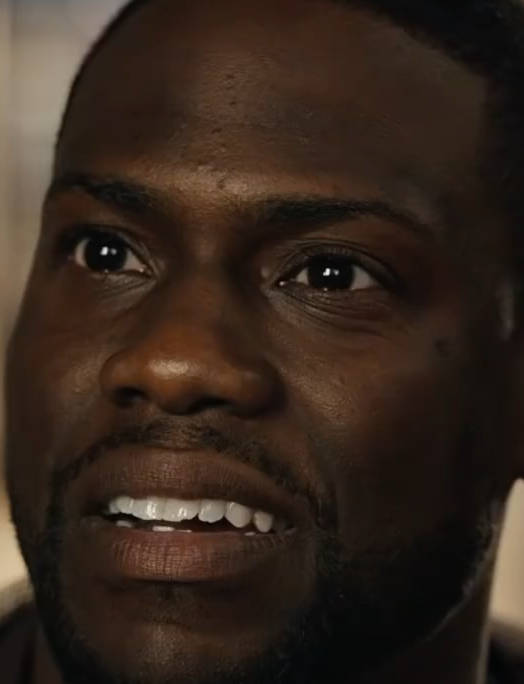
;fr = FaceRecognize[{chars[[1]]->"char1",chars[[2]]-> "char2",chars[[3]]->"char3"}]
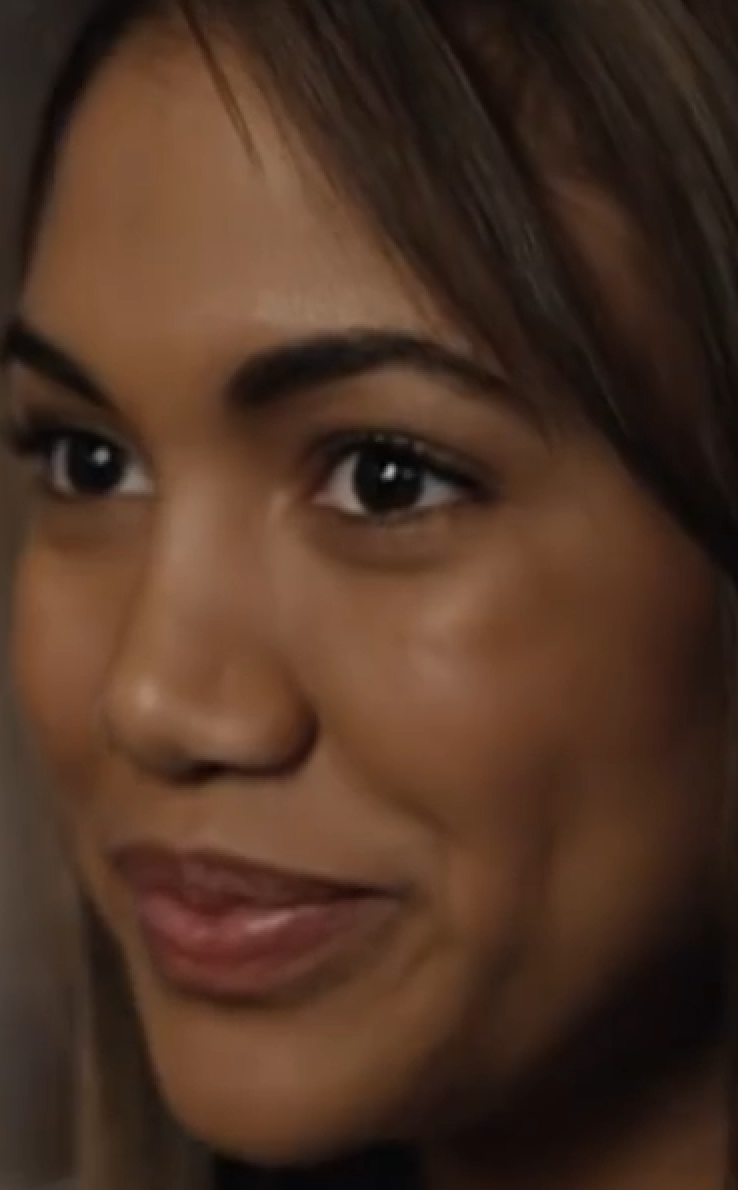
In order to create a separate timeline for each of the characters and then plotting it, they are separated into a list of associations containing all the frames they appeared in.
In[]:=
seperateFaceList = KeyDrop[(GroupBy[faceList,fr[Last[#]]&]),Missing["Anomalous"]];
I dealt with another problem here, the user input of the characters is random, however, when these characters are identified by the function, their associations are stored in the order of frame occurrence in the commercial. So this bit of code is the logic to make sure that we get data (for further steps in the right order).
In[]:=
order = Last/@Characters/@Keys[seperateFaceList];expressionsKeys = ToExpression["char"<>ToString[#]<>"Faces"]&/@order;expressionsVals = Table[Table[seperateFaceList[[n]][[x]][[2]],{x,1,Length[seperateFaceList[[n]]]}],{n,1,3}];expressions = AssociationThread[expressionsKeys->expressionsVals];
Since it wont be efficient to do sentiment analysis on all data points, it would be just as useful if it is implemented on places where the scene changes as it gives us a good representation of the whole commercial. Thus I designed a function to choose near 10 images for each character in the commercial.
Function to get shortened version of images
In[]:=
lisOfFrames[characterFaceList_] := Table[characterFaceList[[x]],{x,1,Length[characterFaceList],Round[Length[characterFaceList]/10]}]
Further to get the list in the correct order of characters:
In[]:=
char1List = lisOfFrames[expressions[char1Faces]];char2List = lisOfFrames[expressions[char2Faces]];char3List = lisOfFrames[expressions[char3Faces]];
Now it is time to use all the gathered data and perform sentiment analysis on it through the Classify function in Wolfram Language and then putting it in the right form to create three EmoClouds for all three characters.
In[]:=
initial = (Classify["FacialExpression"][#,"TopProbabilities"->All])&/@{char1List,char2List,char3List};ppl = GroupBy[#//Flatten,First[#]&]&/@initial;eppl = Total[Last/@#]&/@#&/@ppl;final = KeyDrop#,&/@eppl;emoClouds = WordCloud/@final;
Presenting EmoClouds along with character images
In[]:=
AssociationThread[Thumbnail/@chars->emoClouds]
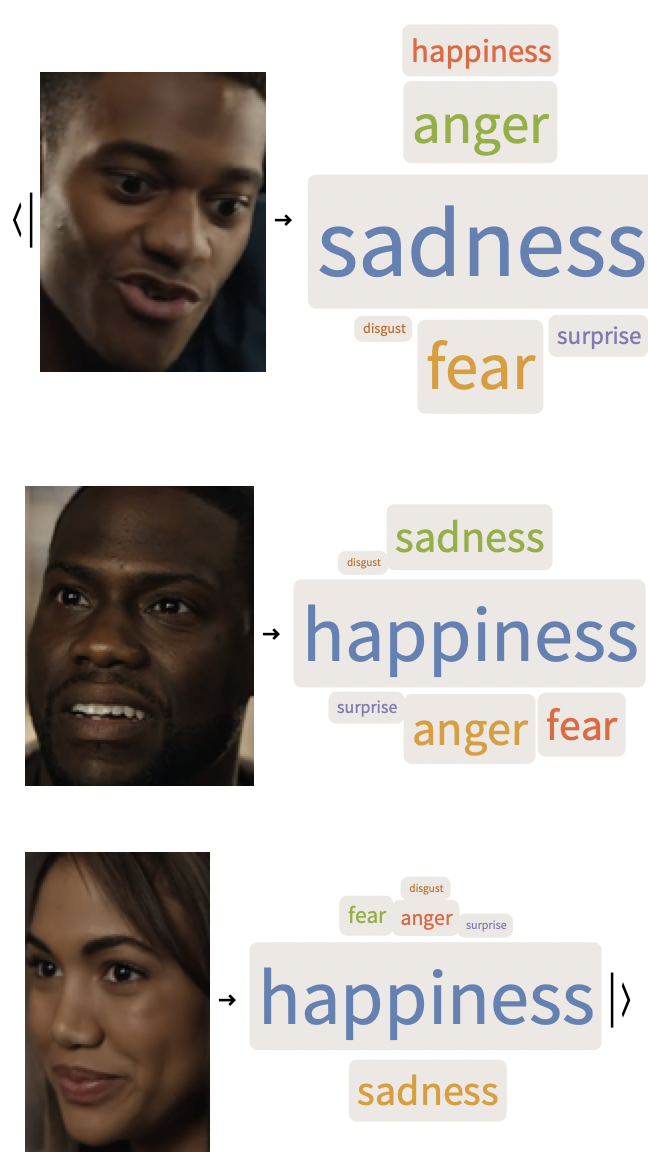
While this is a good representation of the emotions portrayed by actors throughout the commercial and opens many doors for analyses, it doesn’t tell us anything about the progression of these emotions. For that we need to plot a timeline plot and the data processing steps for that are given below
Associating face image with emotion identified and character labels
In[]:=
{init1,init2,init3}= initial;FaceEmotionConnect = AssociationThread({char1List,char2List,char3List}//Flatten)->KeysFirst/@NormalKeyDropJoin[init1,init2,init3],;lisFaceEmotionConnect = Normal[FaceEmotionConnect];labelAppen [a_->b_]:= (x = fr[a];{x,a->b});valueListForTime = labelAppen/@lisFaceEmotionConnect;
Calculating timestamps by dividing frame number by frame rate
Creating nested associations for easy data storage and access
Example of the format the data is in:
Data had to be gathered for each individual character in order to show different timelines, within these, image frames had to be separated into clusters of different emotions in order to plot each emotion with a different colour on the timeline plot. The code for all this preprocessing is shown below:
Creating a function to use the gather data to make timeline plots for each character
List with Timeline Emotion Plots of all characters individual and mixed
Individual
Grouped
Text Sentiment Analysis
Text Sentiment Analysis
The text file is loaded onto the notebook for processing:
As observable, the transcript is in Web Video Text Tracks (WebVTT) format or in simpler words, as one giant string. The string needs to be converted into lists of dialogues along with the time intervals they were said between.
Functions to preprocess transcript
Storing preprocessing output
Performing sentiment analysis on text
Gathering all intervals based on sentiment represented and finding legend list
Presenting Text Sentiment Analysis Timeline
Presenting Text Sentiment Analysis Timeline
Image-Text Integration
Image-Text Integration
Text-Image Timeline Plot
Text-Image Timeline Plot
Commercial Sentiment Visualiser
Commercial Sentiment Visualiser
This is the final product of my research: a fun dynamic visualisation which lets you set the timing yourself and check out sentiments in dialogues and facial expressions at that certain point in time.
Conclusion
Conclusion
Results and Discussions
Results and Discussions
The study was gave both anticipated and unanticipated results. The patten of the commercial like most commercials was pretty apparent in the timelines created. The text timeline showed positive dialogues in the beginning, negative in the middle and positive at the end, while showing the product they were pushing. Similarly in the image analysis, the lead actor, the person using the product was shown to have felt the most emotions throughout the commercial and his emotional timeline also followed a {happy -> sad/angry/fear -> happy} pattern. The commercial makers, through this pattern portray that the product led to this happiness in the end. The most interesting part is the way they created conflict in the commercial which is through a mix of anger, fear and fear, sadness in the protagonist as well as the antagonist alike. This correlation possibly is another attempt by psychologists to create a feeling of relatability in our minds.
Acknowledgements
Acknowledgements
I would like to chiefly thank my mentor for this project: Aaron Enright, who helped enormously with various Wolfram Language issues, especially data extraction, and who always offered feedback when needed. I would also like to thank the mentor, TA, and admin team as a whole which, among helping out with various issues and offering guidance, also made the entire experience additionally enjoyable.
Keywords
Keywords
◼
Image Sentiment Analysis
◼
Natural Language Processing
◼
Image Recognition
◼
Psychology
◼
Content Creation