See generative designs with mathematical marbling here: https://community.wolfram.com/groups/-/m/t/3258063
Code:
Code:
Make a Marbling Image:
Make a Marbling Image:
SeedRandom[1];Module{canvas,dropPositions,nForegroundDrops=50,nColors=3,cfIndex=42,colors,verticalTeethPositions,horizontalTeethPositions},(*Definepositionsatwhichtodripink,anddrippingorder:*)dropPositions=;colors=;(*Dripdropsonacanvas:*)canvas=(*@*)dripDrops[{},dropPositions,0.5`,"InkDropDetail"1000(*5000*)];(*Combtheinkhorizontally(verticalteeth):*)verticalTeethPositions=;canvas=combLinecanvas,verticalTeethPositions,{1,0},2*,.1;(*Combtheinkvertically(horizontalteeth):*)horizontalTeethPositions=;canvas=combLinecanvas,horizontalTeethPositions,{0,1},2*,.1;(*Driptwofinallayersofdrops:*)canvas=;(*Threadcolorsandgraphics:*)Thread[{colors,canvas}]//(*Plottheresult:*)&
Out[]=
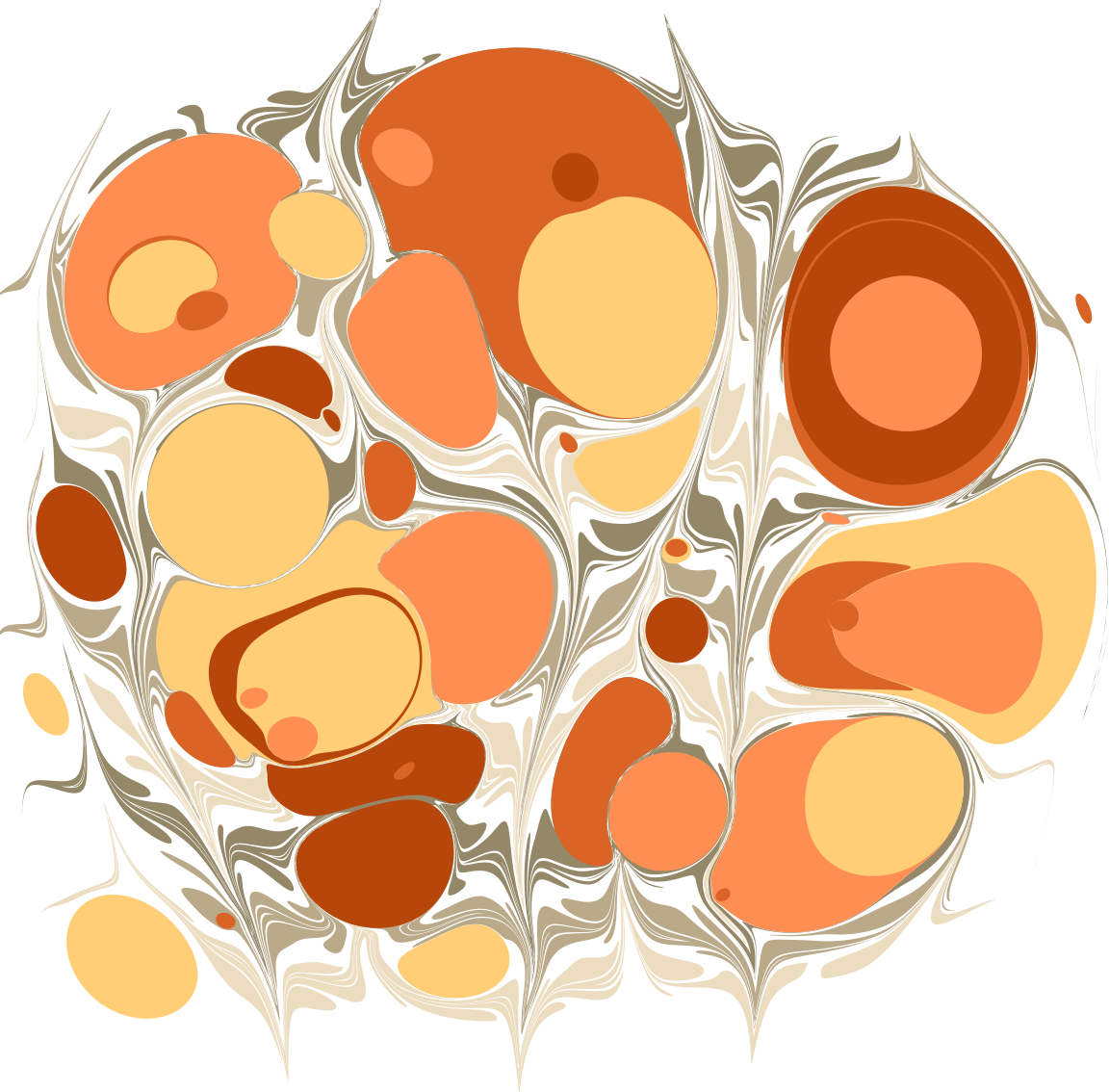
Make an Animation of the Same Marbling:
Make an Animation of the Same Marbling:
In[]:=
SeedRandom[1];Module{frames,dropPositions,nForegroundDrops=50,nColors=3,cfIndex=42,colors,verticalTeethPositions,horizontalTeethPositions},(*Definepositionsatwhichtodripink,anddrippingorder:*)dropPositions=;colors=;(*Dripdropsonacanvas:*)frames=(*@*)drippingAnimation[{},dropPositions,0.5`,15,"InkDropDetail"1000];(*Combtheinkhorizontally(verticalteeth):*)verticalTeethPositions=;frames=Joinframes,RestcombLineAnimationLast[frames],verticalTeethPositions,{1,0},2*,.1,25;(*Combtheinkvertically(horizontalteeth):*)horizontalTeethPositions=;frames=Joinframes,RestcombLineAnimationLast[frames],horizontalTeethPositions,{0,1},2*,.1,25;(*Driptwofinallayersofdrops:*)frames=Join[frames,Rest[drippingAnimation[Last[frames],RandomPoint[RegionUnion[(Rectangle@@CoordinateBoundingBox[#1]&)/@Last[frames]],nForegroundDrops],RandomReal[{0.1`,2},nForegroundDrops],15]]];(*Threadcolorsandgraphics,andanimatetheresult:*)(*ListAnimate[Map[Graphics[Thread[{Take[colors,Length[#]],#}],ImageSize->Tiny]&,frames]]*)Export[FileNameJoin[{NotebookDirectory[],"marbling animation.mp4"}],Map[Graphics[Thread[{Take[colors,Length[#]],#}],ImageSize->Large,PlotRange->{{-10.702765716294685`,10.062713395272153`},{-9.99418210498422`,10.446402584606584`}}]&,frames],FrameRate30]
Setup:
Setup:
Marbling Functions:
Marbling Functions:
Helper Functions Implementation: pointQ and pointListQ
Helper Functions Implementation: pointQ and pointListQ
Implementation: inkDrop, marbleDisplace, and dripDrops
Implementation: inkDrop, marbleDisplace, and dripDrops
Implementation: tineLine and combLine
Implementation: tineLine and combLine
Implementation: tineCircle and combCircle
Implementation: tineCircle and combCircle
Animation Functions:
Animation Functions:
🌟 Implementation: drippingAnimation
🌟 Implementation: drippingAnimation
🌟 Implementation: combLineAnimation
🌟 Implementation: combLineAnimation
🌟 Implementation: combCircleAnimation
🌟 Implementation: combCircleAnimation
CITE THIS NOTEBOOK
CITE THIS NOTEBOOK
Mathematical marbling animation
by Phileas Dazeley-Gaist
Wolfram Community, STAFF PICKS, September 10, 2024
https://community.wolfram.com/groups/-/m/t/3271633
by Phileas Dazeley-Gaist
Wolfram Community, STAFF PICKS, September 10, 2024
https://community.wolfram.com/groups/-/m/t/3271633