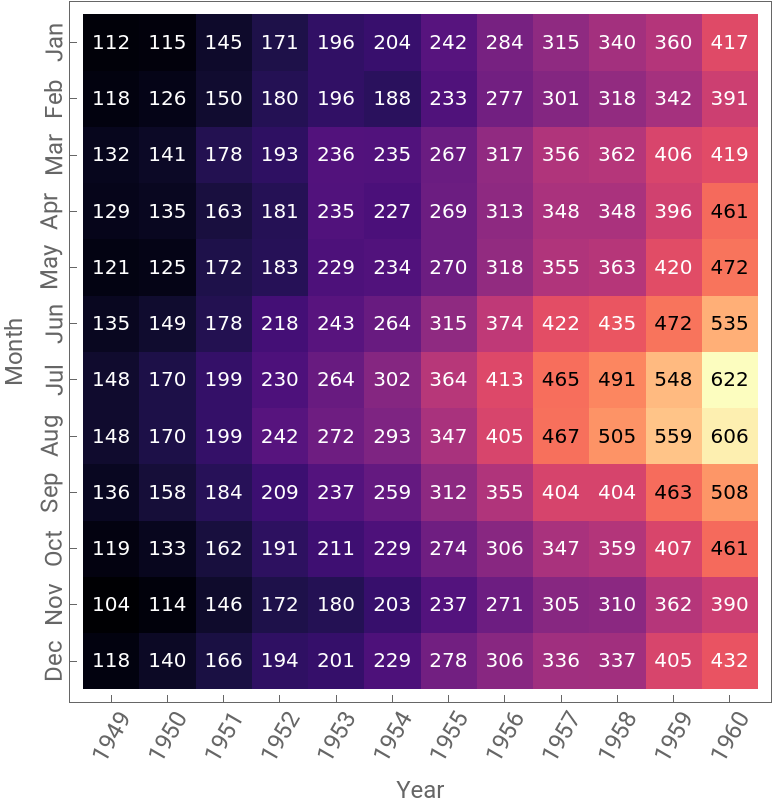
The purpose is to remix the sample graph on Seaborn doc page with ArrayPlot so you can twitch every detail you need with basic WL graphics function and their options. The data is from python Seaborn package if you have it installed on your local machine and the workflow is documented here for configuration:
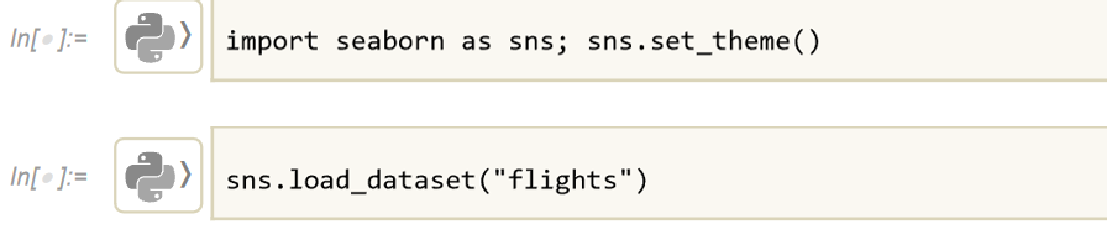
I have saved the sample data in this notebook so you can use it directly (in the inline iconized object):
In[]:=
originData=Dataset
Out[]=
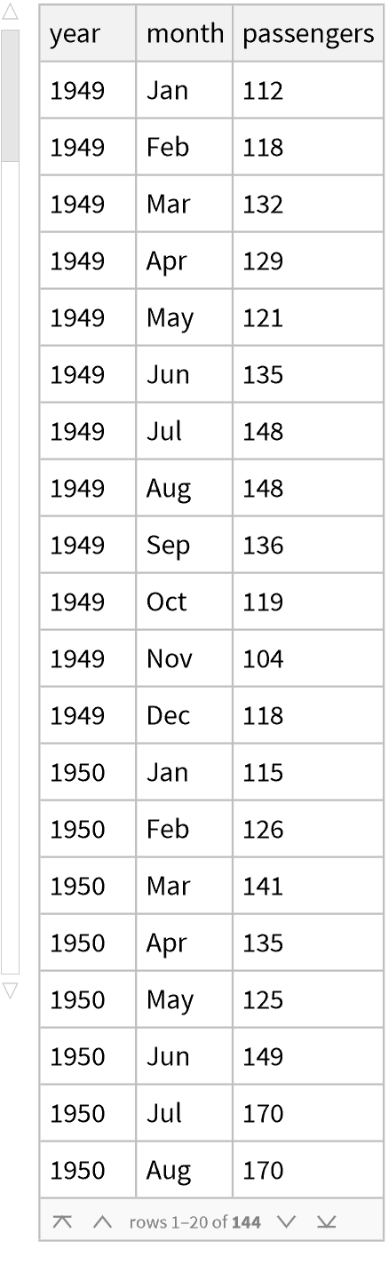
Extract the third column and group by month:
In[]:=
counts=Map[#["passengers"]&,Values[GroupBy[originData,(#[[2]]&)]//Normal],{2}]
Out[]=
{{112,115,145,171,196,204,242,284,315,340,360,417},{118,126,150,180,196,188,233,277,301,318,342,391},{132,141,178,193,236,235,267,317,356,362,406,419},{129,135,163,181,235,227,269,313,348,348,396,461},{121,125,172,183,229,234,270,318,355,363,420,472},{135,149,178,218,243,264,315,374,422,435,472,535},{148,170,199,230,264,302,364,413,465,491,548,622},{148,170,199,242,272,293,347,405,467,505,559,606},{136,158,184,209,237,259,312,355,404,404,463,508},{119,133,162,191,211,229,274,306,347,359,407,461},{104,114,146,172,180,203,237,271,305,310,362,390},{118,140,166,194,201,229,278,306,336,337,405,432}}
It is a 12 by 12 array:
In[]:=
Dimensions[counts]
Out[]=
{12,12}
Add proper ticks to the array plot. You may choose proper rotation value to have slant aligned ticks:
In[]:=
yticks=Transpose[{Range[12],Rotate[#,90Degree]&/@{"Jan","Feb","Mar","Apr","May","Jun","Jul","Aug","Sep","Oct","Nov","Dec"}}];
In[]:=
xticks=With[{yearRange=Range[1949,1960]},Transpose[{Range[Length[yearRange]],Rotate[#,60Degree]&/@yearRange}]];
Add customized annotation layer. Use Quantile to set a threshold to flip text color for easy reading:
annotationLayer=With[{quantile=Quantile[Flatten[counts],0.9]},MapThread[Inset[Style[#1,FontColorIf[#1<quantile,White,Black]],#2]&,{Reverse/@Transpose[counts],Table[{i-1/2,j-1/2},{i,1,12},{j,1,12}]},2]];
Use color scheme from WFR:
matplotlib
In[]:=
Out[]=
{Magma,Inferno,Plasma,Viridis,EricsRdBuGnYl,EricsRdBuGnYl2,EricsPuBuGnYl,FakeParula,JoesBluGrnPnk2}
Now we can use Magma color scheme:
In[]:=
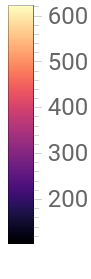
ArrayPlot[counts,ColorFunction->"Magma",FrameTicks{yticks,xticks},PlotLegendsAutomatic,FrameLabel{"Month","Year"},LabelStyle12,EpilogannotationLayer]//Framed
Out[]=