Version 0.5
Introduction
Introduction
In this notebook we show how by using Latent Semantic Analysis (LSA) and a Nearest Neighbors (NNs) classifier we can get better classification results than the convolutional neural network LeNet over handwritten Arabic characters.
Here is an outline of notebook's content:
◼
Get image of handwritten Arabic characters
◼
Process the data
◼
Crop-&-resize images
◼
Turn images into vectors
◼
Apply LSA workflow
◼
Make and measure a NNs classifier over the reduced dimension image data
◼
Search systematically for the best number of NNs
◼
Make and measure a LeNet classifier with the original image data
◼
Make and measure a LeNet classifier with crop-&-resized image data
Here are the accuracy and precision statistics of the best NNs classifier:
Out[]=
Accuracy0.791071,Summary
,
1 Precision | ||||||||||||
|
2 Recall | ||||||||||||
|
Here are the accuracy and precision statistics of the better LeNet classifier:
Out[]=
Accuracy0.777381,Precision
1 column 1 | ||||||||||||
|
Remark: Although the classifier timings are relatively small (say, less than 12 minutes) the neural network classifiers are between 15 and 25 times slower.
The LSA and classification software monads used are described in detail in [AA1] and [AA2] respectively. For LSA applications to handwritten (arabic) digits see [AA3]. For application of LSA to Chinese characters see [AA4].
Get data
Get data
Here we make training and testing image-to-label associations using data taken from the GitHub repository: https://github.com/mloey/Arabic-Handwritten-Characters-Dataset.
Training dataset
Training dataset
In[]:=
aImageVecToLabelInt=AssociationThread[Import["~/GitHub/mloey/Arabic-Handwritten-Characters-Dataset/Arabic Handwritten Characters Dataset CSV/csvTrainImages 13440x1024.csv"],Flatten@Import["~/GitHub/mloey/Arabic-Handwritten-Characters-Dataset/Arabic Handwritten Characters Dataset CSV/csvTrainLabel 13440x1.csv"]];
In[]:=
aImageToLabelInt=KeyMap[Image[Transpose[Partition[#,Sqrt[Length[#]]]]]&,aImageVecToLabelInt];
In[]:=
Magnify[Alphabet["Arabic"],3]
Out[]=
ا,ب,ت,ث,ج,ح,خ,د,ذ,ر,ز,س,ش,ص,ض,ط,ظ,ع,غ,ف,ق,ك,ل,م,ن,ه,و,ي
In[]:=
aImageToLabel=Map[Alphabet["Arabic"]〚#〛&,aImageToLabelInt];
In[]:=
SeedRandom[322];Magnify[#,3]&/@RandomSample[aImageToLabel,6]
Out[]=
ز,

د,

و,

ك,

ظ,

ص

Testing dataset
Testing dataset
In[]:=
aTestImageVecToLabelInt=AssociationThread[Import["~/GitHub/mloey/Arabic-Handwritten-Characters-Dataset/Arabic Handwritten Characters Dataset CSV/csvTestImages 3360x1024.csv"],Flatten@Import["~/GitHub/mloey/Arabic-Handwritten-Characters-Dataset/Arabic Handwritten Characters Dataset CSV/csvTestLabel 3360x1.csv"]];
In[]:=
aTestImageToLabelInt=KeyMap[Image[Transpose[Partition[#,Sqrt[Length[#]]]]]&,aTestImageVecToLabelInt];
In[]:=
aTestImageToLabel=Map[Alphabet["Arabic"]〚#〛&,aTestImageToLabelInt];
In[]:=
SeedRandom[19];Magnify[#,3]&/@RandomSample[aTestImageToLabel,6]
Out[]=
ت,

ز,

س,

ض,

ظ,

ل

Data preparation
Data preparation
In this section we represent the images into a linear vector space. (In which each pixel is a basis vector.)
Here we set an data preparation parameter for cropping (and resizing) the images:
In[]:=
cropResizeQ=True;
Here are examples of the crop-&-resize transformation:
In[]:=
SeedRandom[99];Magnify[#,3]&/@KeyMap[ImageResize[ImageCrop[#],ImageDimensions[#]]&,RandomSample[aImageToLabel,7]]
Out[]=
ظ,

و,

ص,

س,

ذ,

ح,

ل

Make an association with images:
In[]:=
AbsoluteTiming[aPImageToLabel=aImageToLabel;If[cropResizeQ,aPImageToLabel=KeyMap[ImageResize[ImageCrop[#],ImageDimensions[#]]&,aImageToLabel];];]
Out[]=
{11.7833,Null}
In[]:=
AbsoluteTiming[aPTestImageToLabel=aTestImageToLabel;If[cropResizeQ,aPTestImageToLabel=KeyMap[ImageResize[ImageCrop[#],ImageDimensions[#]]&,aTestImageToLabel];];]
Out[]=
{3.01627,Null}
Make flat vectors with the images:
In[]:=
AbsoluteTiming[aPImageVecToLabel=AssociationThread[ParallelMap[ImageToVector,Keys[aPImageToLabel]],Values[aPImageToLabel]];]
Out[]=
{2.59891,Null}
In[]:=
AbsoluteTiming[aPTestImageVecToLabel=AssociationThread[ParallelMap[ImageToVector,Keys[aPTestImageToLabel]],Values[aPTestImageToLabel]];]
Out[]=
{0.459351,Null}
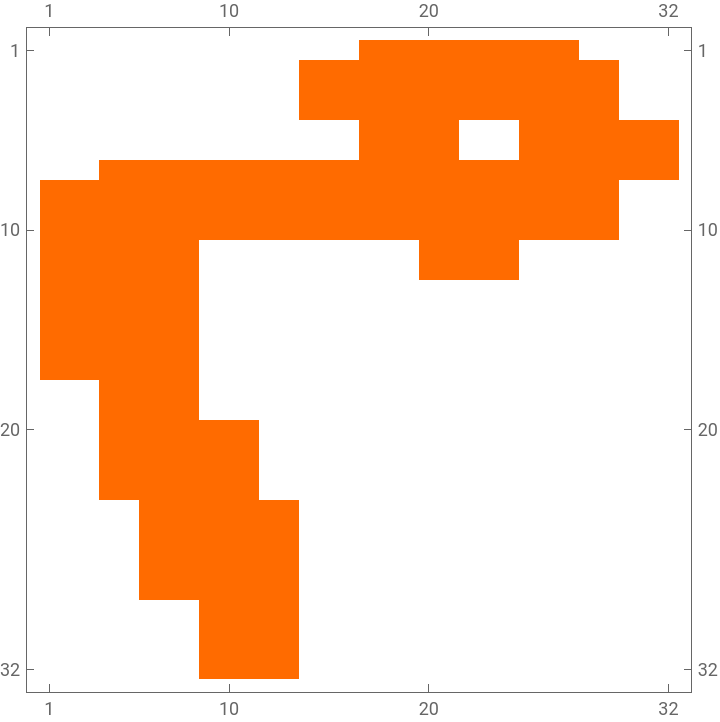
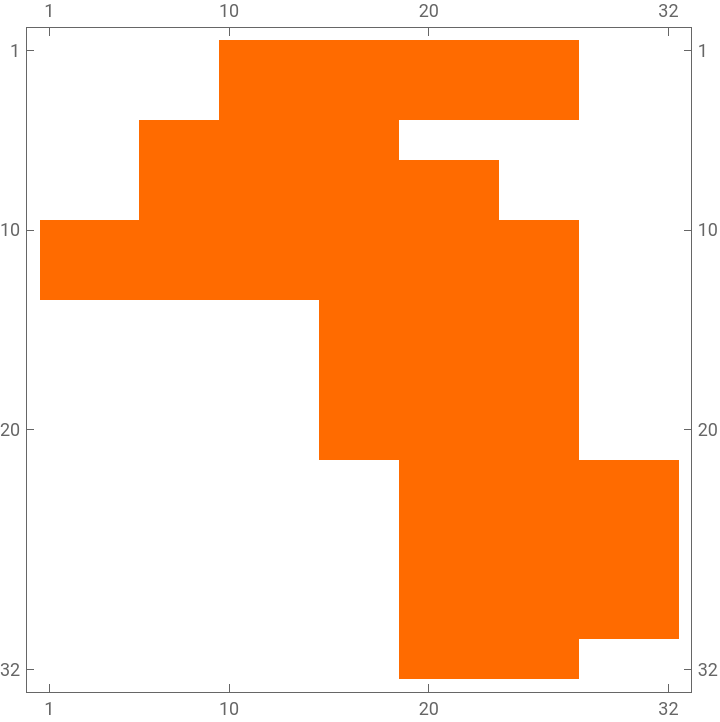
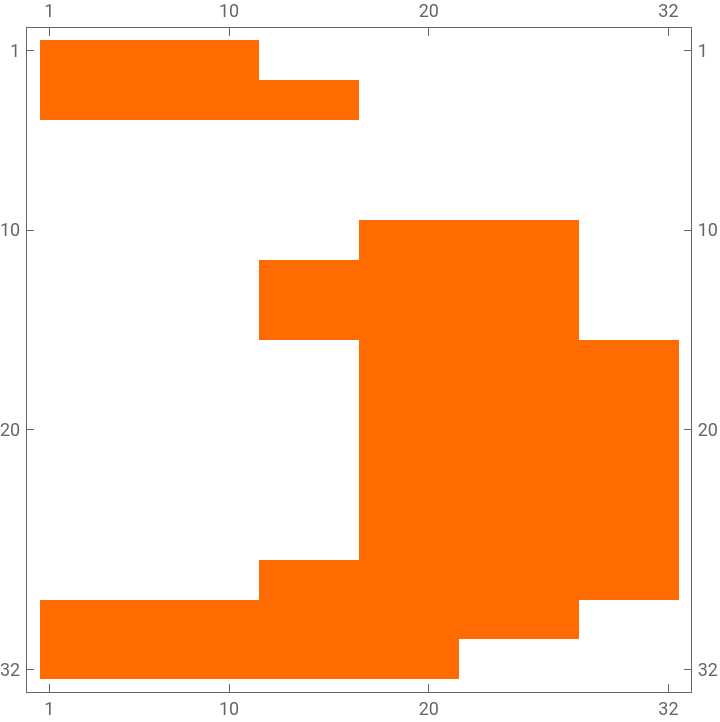
Do matrix plots a random sample of the image vectors:
In[]:=
RandomSample[aPImageToLabel,6]
Out[]=
خ,

ث,

ق,

ق,

ذ,

ن

In[]:=
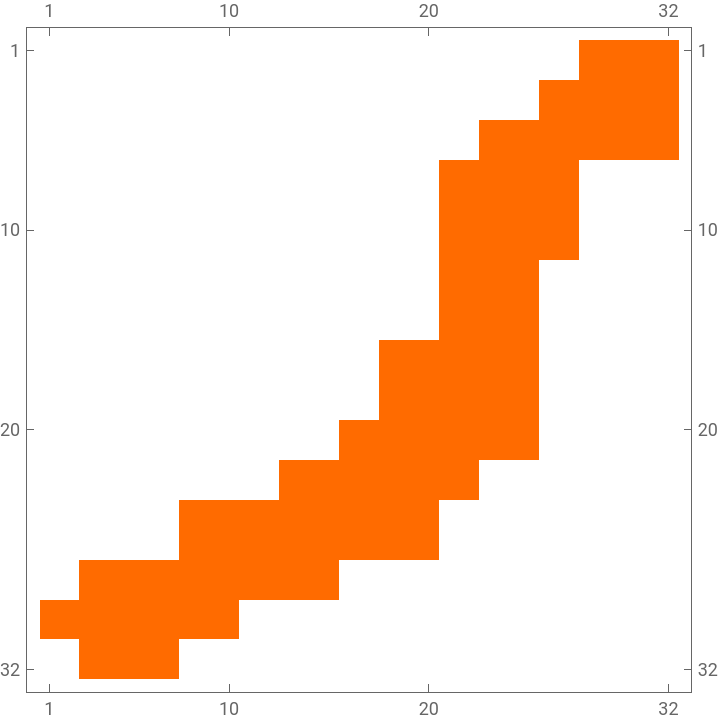
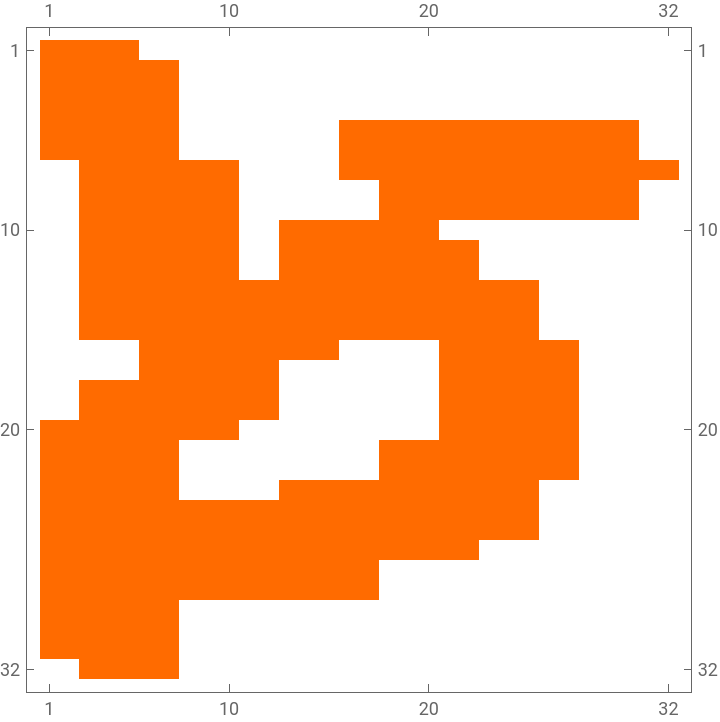
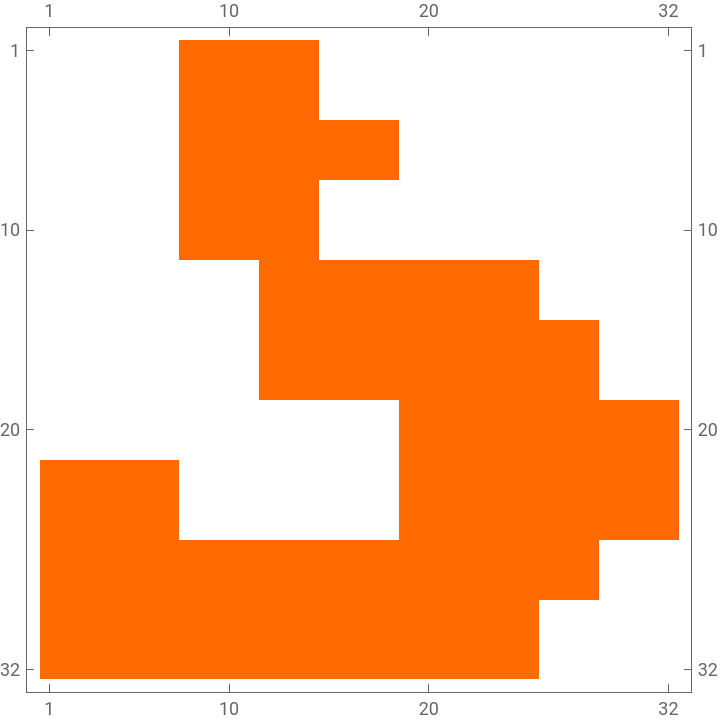
SeedRandom[32];Block[{size=ImageDimensions[Keys[aPImageToLabel]〚1〛]〚2〛},KeyMap[MatrixPlot[Partition[#,size]]&,RandomSample[aPImageVecToLabel,6]]]
Out[]=
م,
ر,
ظ,
ذ,
ا,
ز
Show three characters for each label:
LSAMon application
LSAMon application
In this section we apply the "standard" LSA workflow, [AA1, AA4].
Make a matrix with named rows and columns from the image vectors:
The following Latent Semantic Analysis (LSA) monadic pipeline is used in [AA2, AA2]:
Remark: LSAMon's corresponding theory and design are discussed in [AA1, AA4]:
Get the representation matrix:
Get the topics matrix:
Get basis interpretation of the extracted image topics:
Classify over reduced dimension representation
Classify over reduced dimension representation
In this section we apply the "standard" classification workflow, [AA2].
Prepare training and testing data
Prepare training and testing data
Classification workflow -- single run
Classification workflow -- single run
Systematic parameter search
Systematic parameter search
Here we execute the standard classification workflow over a range of nearest neighbor values in order to find later which number of nearest neighbors gives best classification results:
Classifiers measurements
Classifiers measurements
Here we summarize the data from the systematic parameter search runs:
Confusion matrix for the best classifier
Confusion matrix for the best classifier
We pick the classifier with best results:
Get the labels of the test data:
Make the confusion matrix:
Magnify the labels in confusion matrix:
Show the confusion matrix together with classifier measurements:
Comparison with neural network classifier
Comparison with neural network classifier
In this section following [MKAE1] we make a convolutional neural networks classifier -- LeNet -- and derive the corresponding measurements in order to compare with the LSA-based nearest neighbors classifier above.
Remark: Note that we do not search for the best number of layers, neurons, etc for the LeNets used.
Define neural network:
Train the neural network:
Classification examples:
Derive the confusion matrix:
Show the neural net classifier confusion matrix together with classifier measurements:
Using the processed images
Using the processed images
Let us redo the experiment with images to which we applied the crop-&-resize transformation:
Train the neural network (with the transformed images):
Classification examples:
Derive the confusion matrix:
Show the neural net classifier confusion matrix together with classifier measurements:
Observations
Observations
◼
The combination of crop-&-resize, LSA, and NNs classifier give better results than a certain, typical LeNet.
◼
No "best parameters" search for the LeNet classifiers was done.
◼
Training a LeNet classifiers is slow -- between 10 and 30 times slower than using LSA and NNs.
Setup
Setup
References
References
[AA2] Anton Antonov, "A monad for classification workflows", (2018), MathematicaForPrediction at WordPress.
[AA3] Anton Antonov, "[Mathematica-vs-R] Handwritten digits recognition by matrix factorization", (2016), Wolfram Community.
[AA4] Anton Antonov, "Re-exploring the structure of Chinese character images", (2022), Wolfram Community.