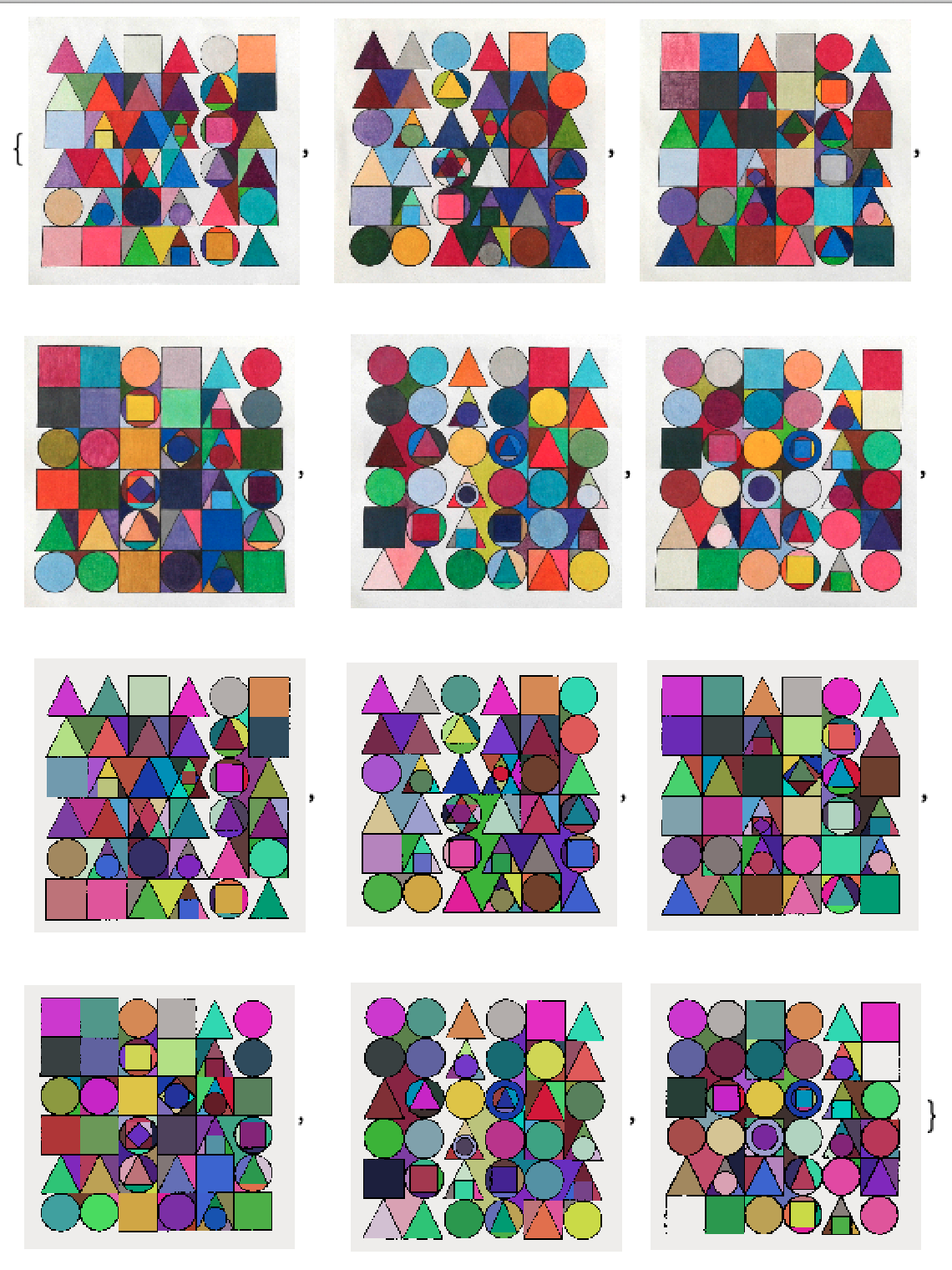
Form Lamdoma: transcribing visual elements into tonal elements
Collaborating with Mathematica
by Drew Lesso
Collaborating with Mathematica
by Drew Lesso
For some background on the Lambdoma click the following links at Wolfram Demonstrations:
I’ve worked with the entity of the lambdoma since the 1970’s. Most of this work deals with transcribing visual elements into tonal elements that are not necessarily perceived as being musical. The lambdoma is primarily a number system, so I had an idea to cast a lambdoma based upon form. I figured the simplest example would use the basic forms of triangle, square and circle. I chose a 6x6 configuration in order to keep its symbols from becoming too complex. The three basic forms yield six lambdomae. I sketched each of these on 20x20 inch white paper using a black wax pencil.
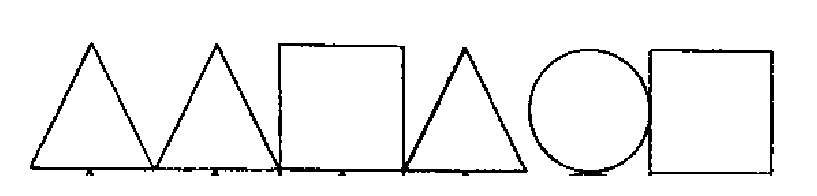
This is the kernel key and that gets transposed for both the top row and left hand columns.
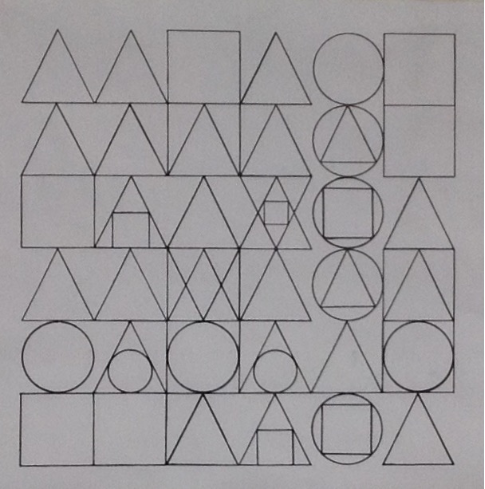
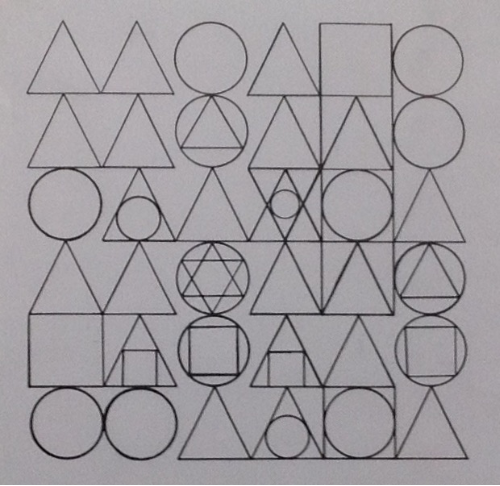
Next I thought it would be great to color the series. This is a rather complex task because of overlapping colors. I'd been working with Mathematica for quite some time and I liked its color schemes. So.. I decided to collaborate with Mathematica to color the artwork. I photographed the original drawings using an iPad. You can see below that the imported photos were not ready to color. Using Binarize was the quick solution.
In[]:=
MapBinarize,
,
,
,
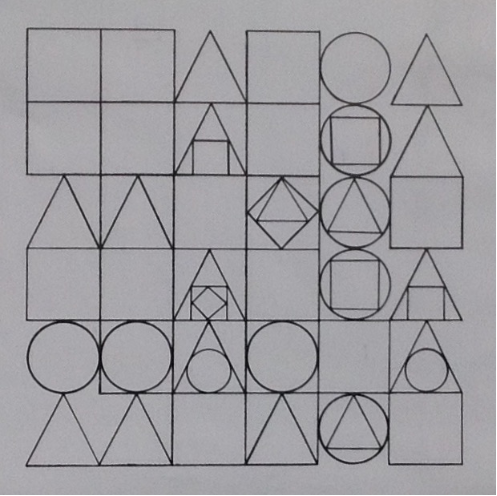
,
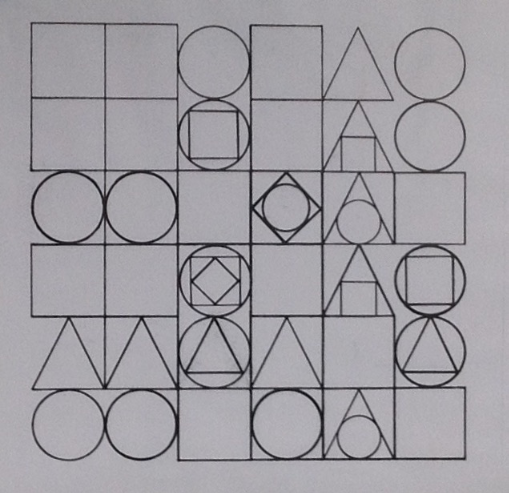
,
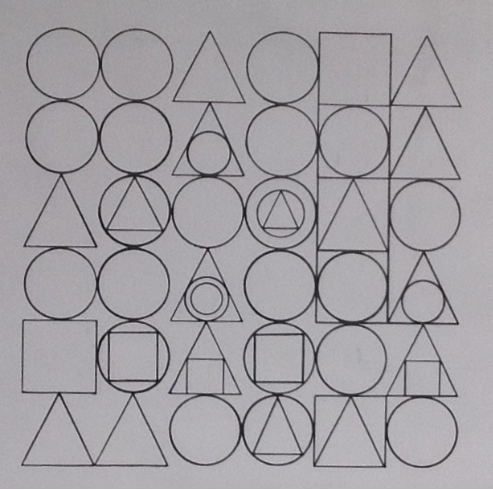
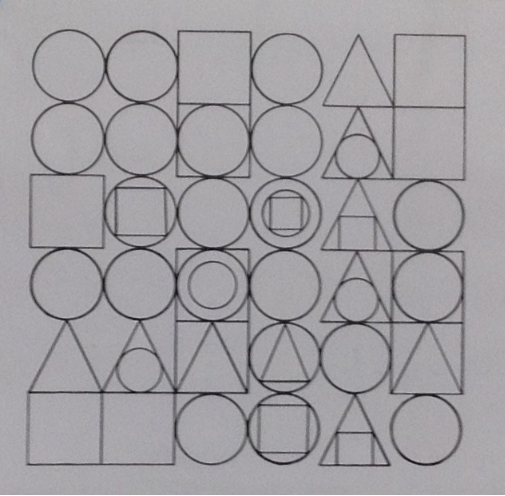
Out[]=
,
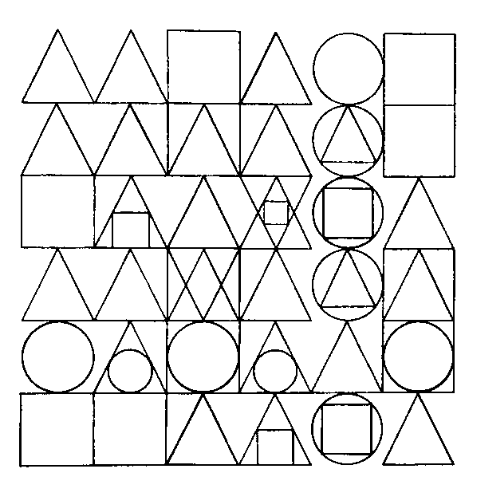
,
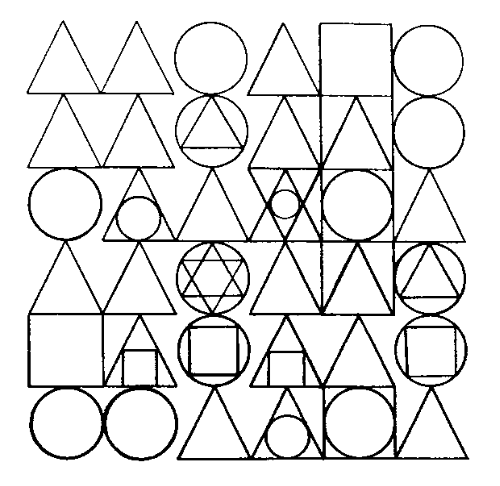
,
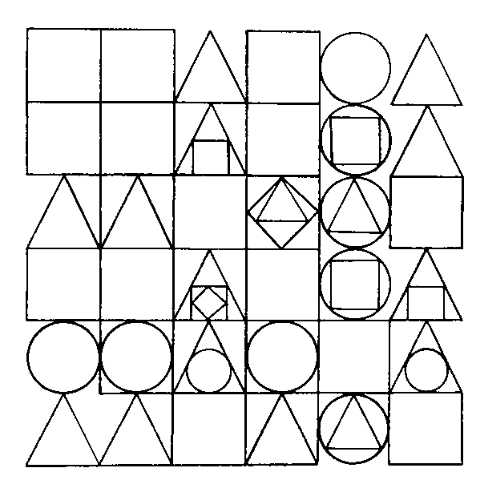
,
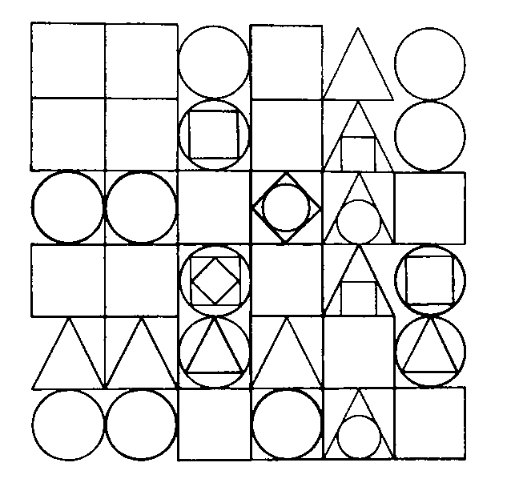
,
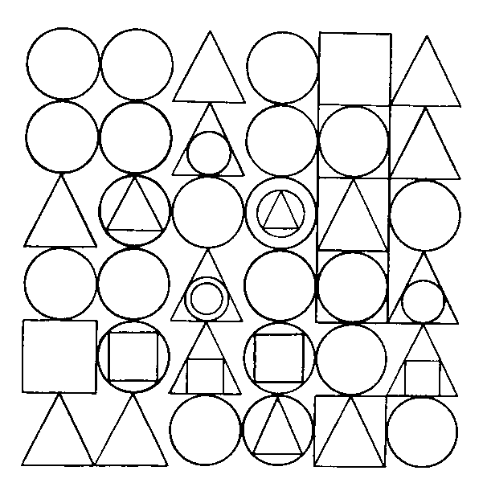
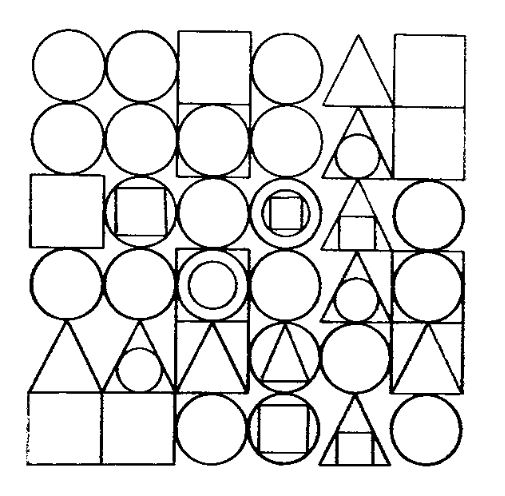
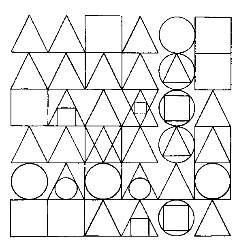
While browzing through the miriad visual functions in Mathematica, I found the function MorphologicalComponents that suited my process. MorphologicalComponents will colorize based upon form and map without overlapping colors. Well! That was quick, sort of.. as you can see below, Mathematica was quick to colorize the first lambdoma.
In[]:=
fL1=MorphologicalComponents
//Colorize
Out[]=
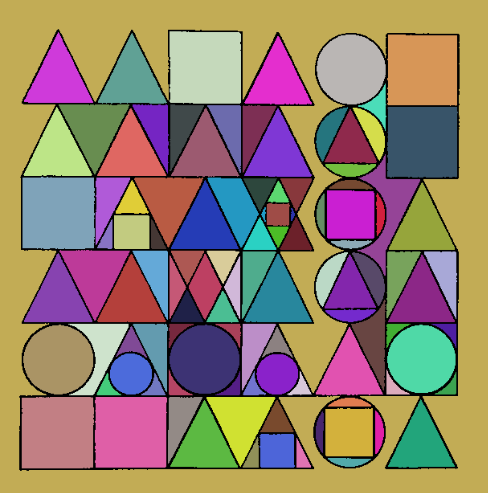
The problem with this first lambdoma and the following five was that their perimeters were colored in. I wanted the perimeters to be white. So.. picking out the DominantColors and finding a match for the perimeter color was a snap. Then ColorReplace could exchange the perimeter color for white. That is, after playing with a range of highs and lows for values within a distance d from color. Here d=.01
One final step, for this presentation, was to add the grey perimeter color from the photographs to the Mathematica graphics. It was not possible to remove the grey perimeters from the photographs without the elimination of certain necessary pixels. Actually, I’m sure it would be possible to do further f scans and eliminate unwanted pixels entirely while preserving others, but that would be redundant here.
• • •
The finished Form Lambdoma is shown at the top of this presentation. As shown above, the first two rows of six lambdomae are photographs of my work, where I attempt to find color matches congruous to the next six lambdomae that were colorized by Mathematica; with some matches more successful than others.
I decided early on to use wax color pencils as the medium. As the work commenced I found that certain violet colors and some others were not available using color pencils. Pantone colors could have been a solution, but I wanted the look of wax pencil. The current work consists of 4 sets of 6 panels each. Only three sets are shown here. Working mainly in the evening, the finished work took about ten months to complete and around 100 wax color pencils. Once framed the work is suitable for public or corporate display. Contact the artist for more information.
© DrewLesso 2022