CITE THIS NOTEBOOK: Computational modeling of chain mail: design and visualization by Isabel Skidmore. Wolfram Community OCT 21 2022.
CITE THIS NOTEBOOK: Computational modeling of chain mail: design and visualization by Isabel Skidmore. Wolfram Community OCT 21 2022.
Starting in 2D
Starting in 2D
Chain mail
Chain mail
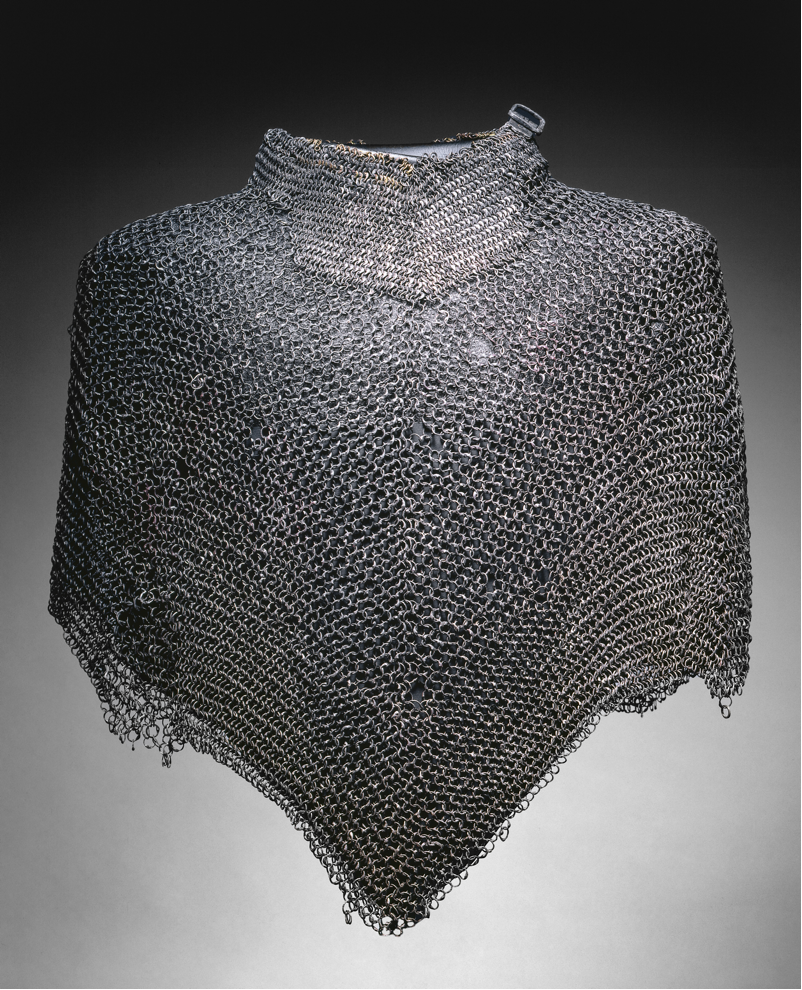
Chain mail is a type of armor which is created by weaving together metal rings into a sheet. The image below is of a cape made of chain mail that is currently on exhibition at the Cleveland Museum of Art, and is thought to be of European origin from the early 16th century.
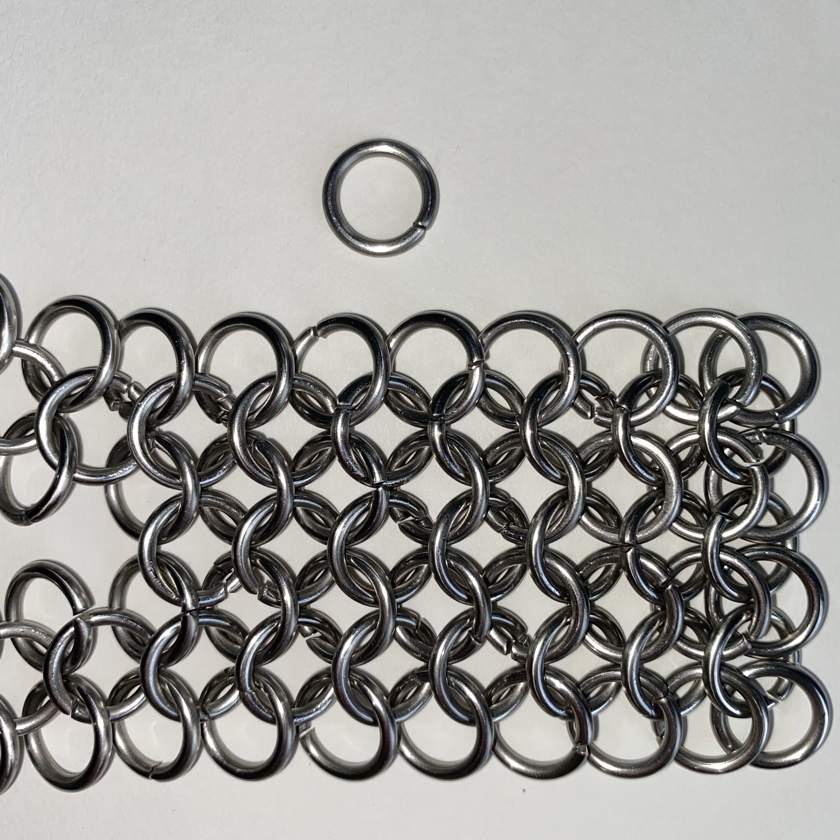
The specific weave focused on in this project is called “European 4-in-1”, referring to its European origin and the fact that in this pattern each ring has 4 other rings passing through it. The rings used in the piece below (woven and photographed by me!) are made from wrapping 14 gauge stainless steel wire (0.08” diameter) around a form that is 3/8” in diameter:
The aim of this project is to model this collection of rings in 3D in order to perform computations on it. Some potential useful computations could involve finding out how many rings would need to go into creating something like the cape pictured above, how heavy the garment would be, etc.
What do we need to know to model this in 3D?
What do we need to know to model this in 3D?
Each ring can be represented by a solid torus, colloquially known as a “donut” shape. In this project, I will use a torus (technically, the surface of a solid torus) to model each ring in the chainmail weave, since visually it appears the same as a solid torus. Given that, there are two main questions to answer in order to model this chain mail weave in Wolfram Language:
1. What are the dimensions of one ring? In Wolfram Language, a torus needs a center point, an inner radius, and an outer radius.
2. How do the rings fit together in 3D space?
2. How do the rings fit together in 3D space?
We can use a variety of image processing tools available to us in WL to answer these questions, each coming with its own strengths and weaknesses. Starting in the 2D space will also allow us to take measurements more easily, and we can build on this 2D information when we move into the 3D space.
Dimensions of one ring - photograph
Dimensions of one ring - photograph
Using a top-down photograph of one of the rings, we can try to determine the relative measurements of each of its components.
In[]:=
oneRing=
;
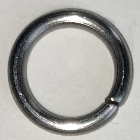
Processing this photograph into a more simple image allows EdgeDetect and other image processing functions to find features in the image more easily:
In[]:=
edges=EdgeDetect[ImageAdjust[oneRing,1]];circles=SelectComponents[MorphologicalComponents[Binarize[edges,0.60],0.0056`],"Count",#>800&];
In[]:=
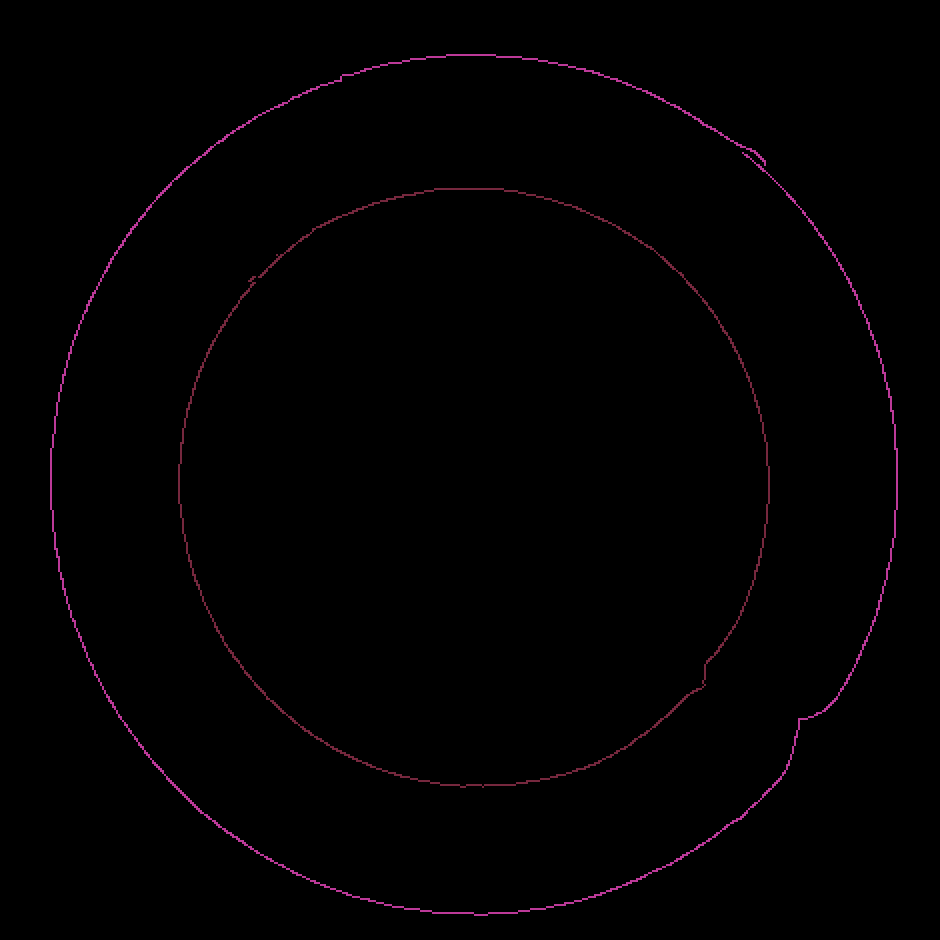
Colorize[circles]measurements=ComponentMeasurements[circles,"MeanCentroidDistance"]
Out[]=
Out[]=
{47212.867,70148.556}
We can take the radii given to us by ComponentMeasurements and find the relationship between them, so that we can create a torus of any size that is proportionally the same as the ring we are using to weave the chain mail.
In[]:=
{inner,outer}=Sort[measurements[[All,2]]];difference=outer-inner;torusRadius=difference/2;centerOfRingRadius=inner+torusRadius;torusRadiusFactor=torusRadius/centerOfRingRadius
Out[]=
0.177937
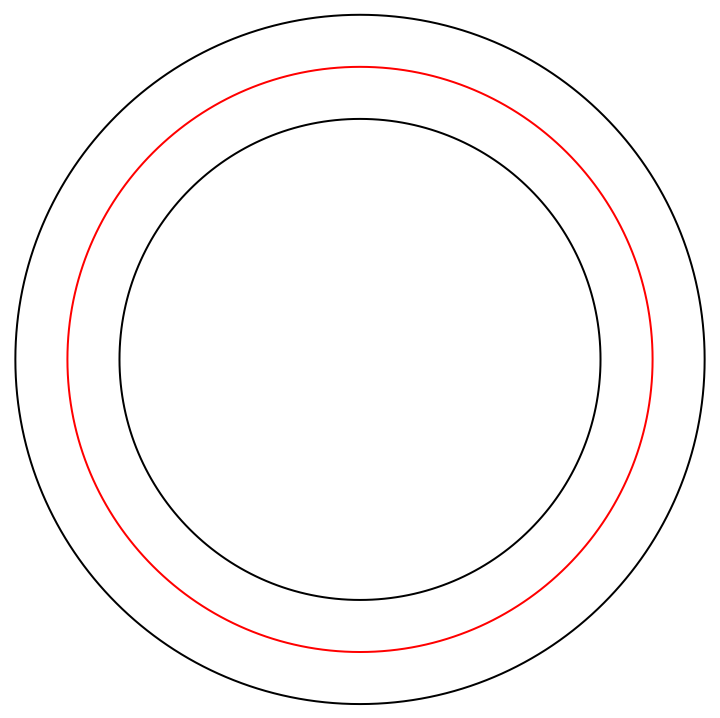
We can create a diagram that shows us one of these rings in cross-section in order to visually determine if it is approximately accurate:
In[]:=
With[{ringRadius=9},Show[{Graphics/@{Red,Circle[{0,0},ringRadius],Black,Circle[{0,0},ringRadius+(torusRadiusFactor*ringRadius)],Circle[{0,0},ringRadius-(torusRadiusFactor*ringRadius)]}}]]
Out[]=
Dimensions of one ring - manufacturer’s specifications
Dimensions of one ring - manufacturer’s specifications
The manufacturer says the rings are made from 14 gauge stainless steel wire (0.08” diameter), wrapped around a form that is 3/8” in diameter. We can use these to get the same information as we computed above:
How the rings fit together - ImageLines
How the rings fit together - ImageLines
Similarly to how we analyzed a photograph of a singular ring, we can try using a photograph of the weave in order to determine the relationship between two rings when woven together in the “European 4-in-1” pattern:
Again, we can use image processing to give EdgeDetect and ImageLines the best shot at finding the angle between two rings:
Using the differences between all of the lines found by ImageLines and excluding any two lines that are too similarly angled to be a comparison between two different rings, we can find an approximation of the angle between two adjacent rings:
How the rings fit together - drawing tools
How the rings fit together - drawing tools
If we don’t trust ImageLines to find an accurate angle between the two rings and we think we could do a better job ourselves, we can use Wolfram Language’s drawing tools to create a shape that fits the weave more faithfully:
We can use the same computations to find the rotation angle:
To check the accuracy of our two methods, we can diagram the values we computed and visually assess the results. Here, the blue line is the baseline, the red one is the first attempt, and the green one is the second attempt:
Finalizing our measurements
Finalizing our measurements
Since in this project we are only trying to approximate these measurements, we can take the the Mean of the two sets of results in order to hopefully offset any error from either method. Below, we take the Mean for both the torus radius factor and the rotation angle:
Moving to 3D
Moving to 3D
With the move to 3D comes increased difficulty in finding our way around, so I opted to start with laying down some landmarks. This will allow us to make adjustments to our model in relation to an unchanging set of axes.
Visual landmarks
Visual landmarks
Using unit vectors, we can create a simple set of axes, making sure to label them so we know which is which:
Create chainmail building “blocks”
Create chainmail building “blocks”
The chain mail weave is built up of single rings, so we will begin by modeling one single ring in 3D. I opted to use ParametricPlot3D instead of the Torus function to have more freedom in placing and rotating the rings.
Conveniently, the "Parametric Equation of a Circle in 3D" Wolfram Demonstrations project uses this method to create a torus in its visualization. I adapted this code for my own purposes below:
Conveniently, the "Parametric Equation of a Circle in 3D" Wolfram Demonstrations project uses this method to create a torus in its visualization. I adapted this code for my own purposes below:
Since we calculated a factor that would give us a proportionally correct torus for any inner radius, the radius we choose is arbitrary for now.
Weave the rings together
Weave the rings together
In order to create the weave, we can calculate some useful measurements that will help us situate the rings in relation to each other:
Using our rotation angle that we computed and the measurements above, we can use Translate to visualize two rings in 3D which have a relationship to each other that approximates the relationship between rings in our chainmail weave.
Build the mail
Build the mail
European 4-in-1 is essentially this relationship between two rings repeated as many times as needed, so we can think of these two rings as one “building block” or unit of our overall weave.
Using a bit of trial and error, we can find a reasonable translation for each unit in relation to the original first unit. Using Table allows us to create a collection of these rings all offset by the same translation.
Manipulate!
Manipulate!
We can now create a way for us to see how increasing the number of rows/columns in our weave can build sheets of mail with different dimensions:
Future ideas?
Future ideas?
This project shows the very basic idea for creating chain mail visualizations in Wolfram Language. Using the techniques that we defined here, there are many possibilities of what to explore:
◼
Visualizing a sheet of mail on a non-flat surface
◼
Creating a “knitting chart” for chain mail garments
◼
Visualizing other weave patterns: