CITE THIS NOTEBOOK: Inner Workings of ImageStitch: Image Registration, Projection and Blending by Markus van Almsick. Wolfram Community DEC 20 2022.
I will be showing all the steps needed to merge photos of a scene or panorama into a single coherent image. We will discuss the subtleties of image registration, form a graph of images connected via projective transformations, derive a projection onto a common canvas, and eventually blend all the image parts into a large panorama. It’s an entertaining tour through many domains of image processing.
Image Registration
Image Registration
In[]:=
{img1,img2}=
,
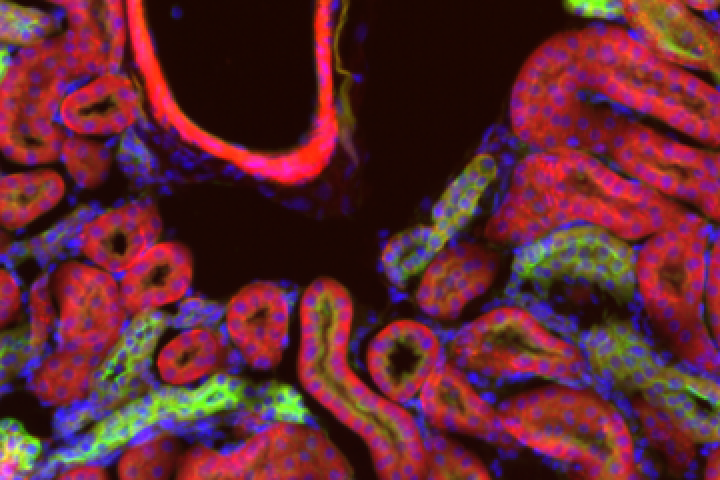
;
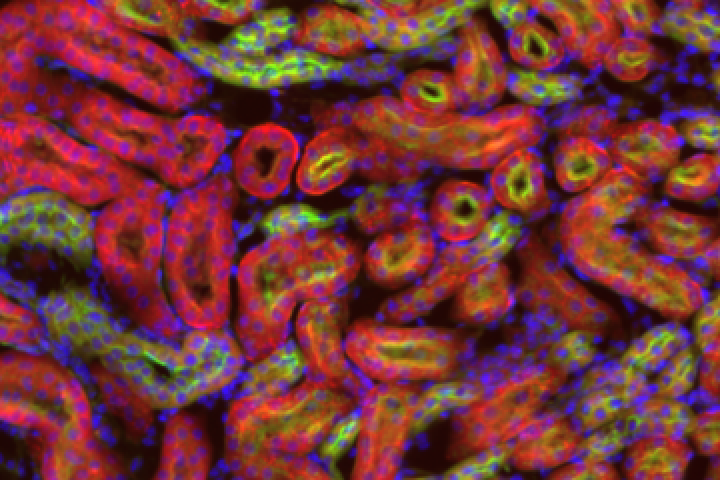
In[]:=
LocatorPane[{360,180},ImagePad[img1,{{0,240},{160,80}},White],Appearance->Mouseover[img2,SetAlphaChannel[img2,0.75]]]
Out[]=
Sparse Registration
Sparse Registration
In[]:=
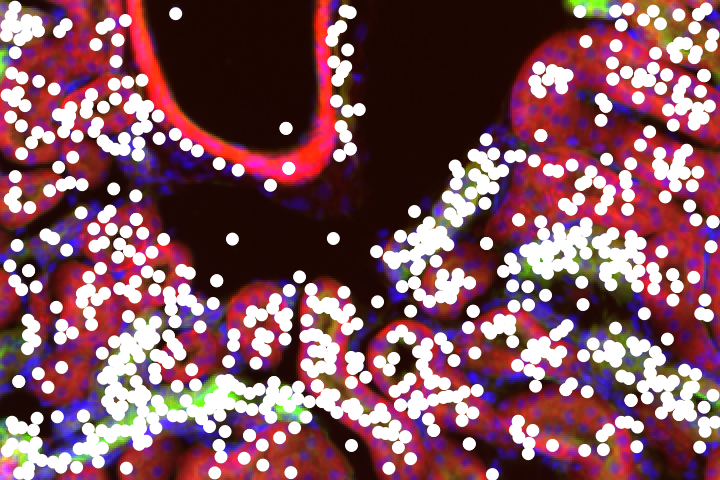
FlipView[Map[imgHighlightImage[img,{White,ImageKeypoints[img,Method->"RootSIFT"]}],{img1,img2}]]
Out[]=
In[]:=
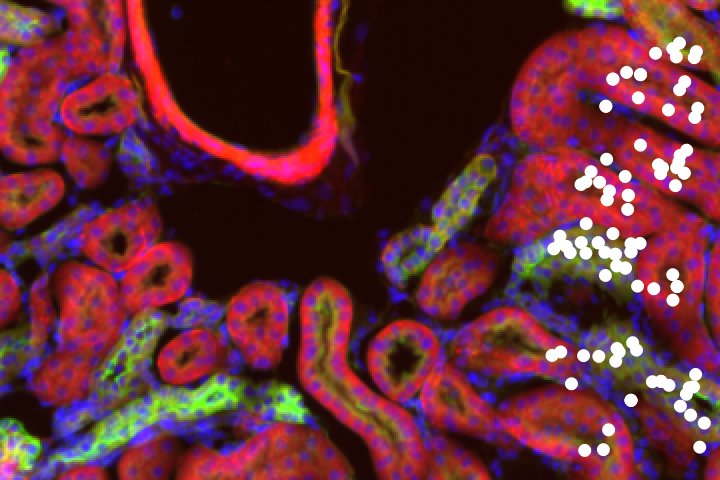
{pts1,pts2}=ImageCorrespondingPoints[img1,img2,Method->"RootSIFT",TransformationClass->"Translation"];FlipView[{HighlightImage[img1,{White,pts1}],HighlightImage[img2,{White,pts2}]}]
Out[]=
In[]:=
{error,trafo}=FindGeometricTransform[pts2,pts1,TransformationClass->"Translation"]
Out[]=
0.0332758,TransformationFunction
1. | 0. | -271.005 |
0. | 1. | 16.9923 |
0. | 0. | 1. |
In[]:=
ImageTransformation[img2,trafo,DataRange->All]
In[]:=
aligned=ImageAlign[img1,img2,Method->{"Keypoints","RootSIFT"}]
In[]:=
bounds=BorderDimensions[aligned]
Out[]=
{{271,0},{0,17}}
In[]:=
RemoveAlphaChannel@ImageCompose[ImagePad[img1,Map[Reverse,bounds],White],ImagePad[img2,bounds,Transparent]]
In[]:=
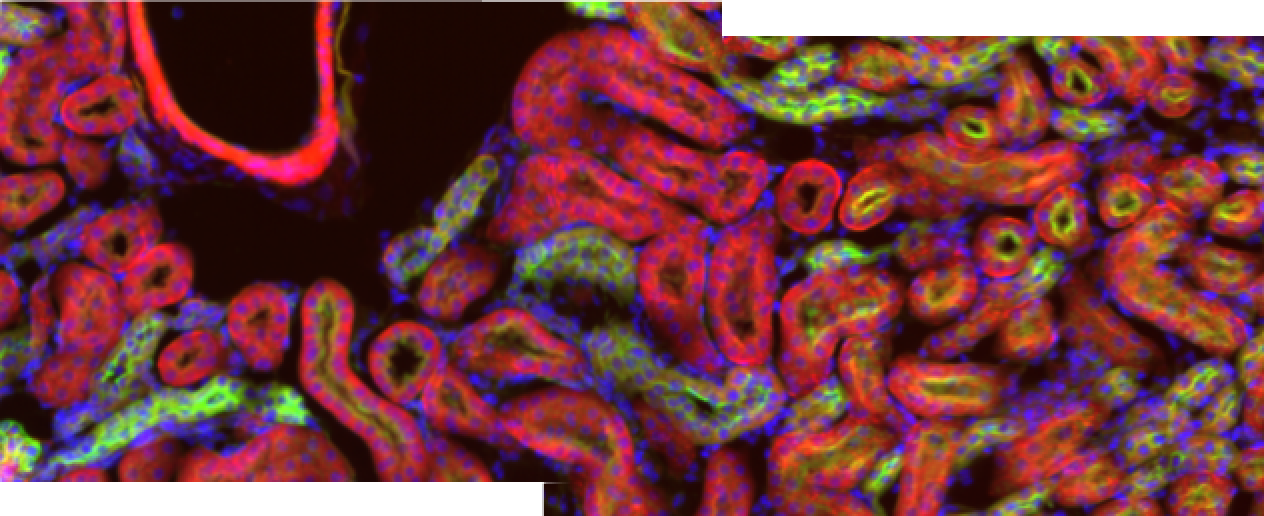
ImageStitch[{img1,img2}]
Out[]=
Dense Registration
Dense Registration
In[]:=
simg1=ImageCrop[img1,{120,240},Left];simg2=ImageCrop[img2,{120,240},Right];GraphicsRow[{simg1,simg2}]
In[]:=
saligned=ImageAlign[simg1,simg2,Method->"MeanSquareGradientDescent",TransformationClass->"Translation"]
In[]:=
sbounds=BorderDimensions[saligned]
Out[]=
{{31,0},{0,17}}
In[]:=
RemoveAlphaChannel@ImageCompose[ImagePad[simg1,Map[Reverse,sbounds],White],ImagePad[simg2,sbounds,Transparent]]
In[]:=
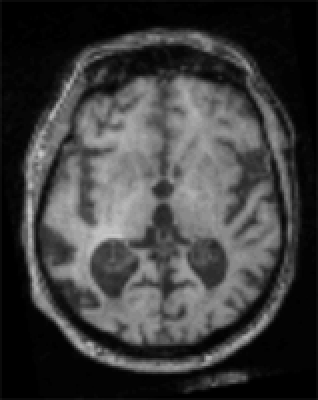
CT=
;PET=
;
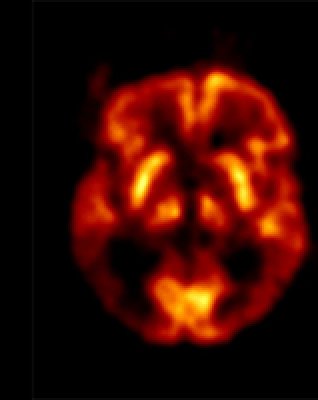
In[]:=
Plot[ImageDistance[CT,ImagePerspectiveTransformation[PET,TranslationTransform[{x,0}]],DistanceFunction->"NormalizedMutualInformationVariation"],{x,-0.2,0.2},PlotPoints->15,MaxRecursion->2,AxesLabel->{"x","mutual entropy"}]
Image Stitch Scenarios
Image Stitch Scenarios
Parallax of Objects of a 3D Scenery
Parallax of Objects of a 3D Scenery
Looking at a cow from different view points.
Looking at a cow from the same view points, but in different directions.
Images taken from the same view point can be stitched into a panorama.
Images of a 2D Surfaces
Images of a 2D Surfaces
Image Color Transformations
Image Color Transformations
Transfer colors between images:
Image Connection Graph
Image Connection Graph