Synthesizing what I have learned
Synthesizing what I have learned
I have learned how to make it work.
Get the values of all bordering countries:
In[]:=
BorderingCountries=EntityValue,"BorderingCountries","EntityAssociation";

Make a graph where bordering countries share an edge:
In[]:=
AllCountriesRelationGraph=RelationGraphMemberQ[#1][BorderingCountries[#2]]&,EntityValue,"Entities",EntityValue,"Entities",VertexLabelsPlaced["Name",Tooltip]
Out[]=
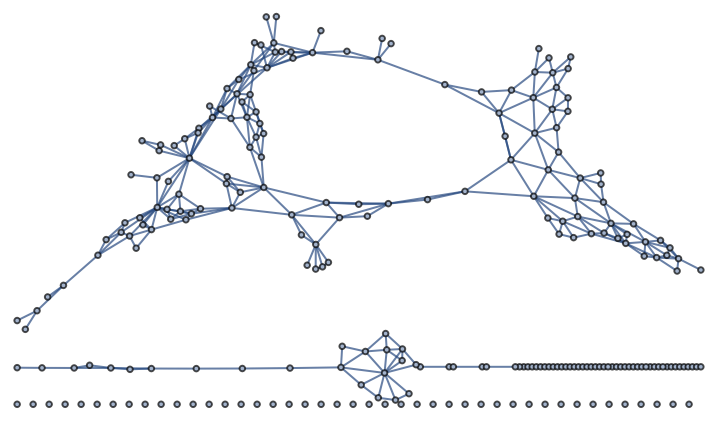
I was going to use this to demonstrate the four color theorem but this map isn’t planar, unfortunately.
In[]:=
PlanarGraphQ[AllCountriesRelationGraph]
Out[]=
False
The graph can still be colored with four colors though.
In[]:=
VertexChromaticNumber[AllCountriesRelationGraph]
Out[]=
4
Now I will work on building Donald Knuth’s Contiguous Contiguous USA Graph. The graph I build below isn’t planar partly because Rhode Island is considered sharing a water border with New York.
In[]:=
AlaskaAndHawaiiClass=FilteredEntityClass"AdministrativeDivision",EntityFunctionstate,EntityValuestate,=="Alaska, United States"||EntityValuestate,=="Hawaii, United States";
In[]:=
AllUSStatesWithDC=;
In[]:=
ContiguousUSStatesWithDCClass=ComplementedEntityClass[AllUSStatesWithDC,AlaskaAndHawaiiClass];
Storing borderingStates makes building the relation graph faster.
In[]:=
borderingStates=EntityValue,"BorderingStates","EntityAssociation";
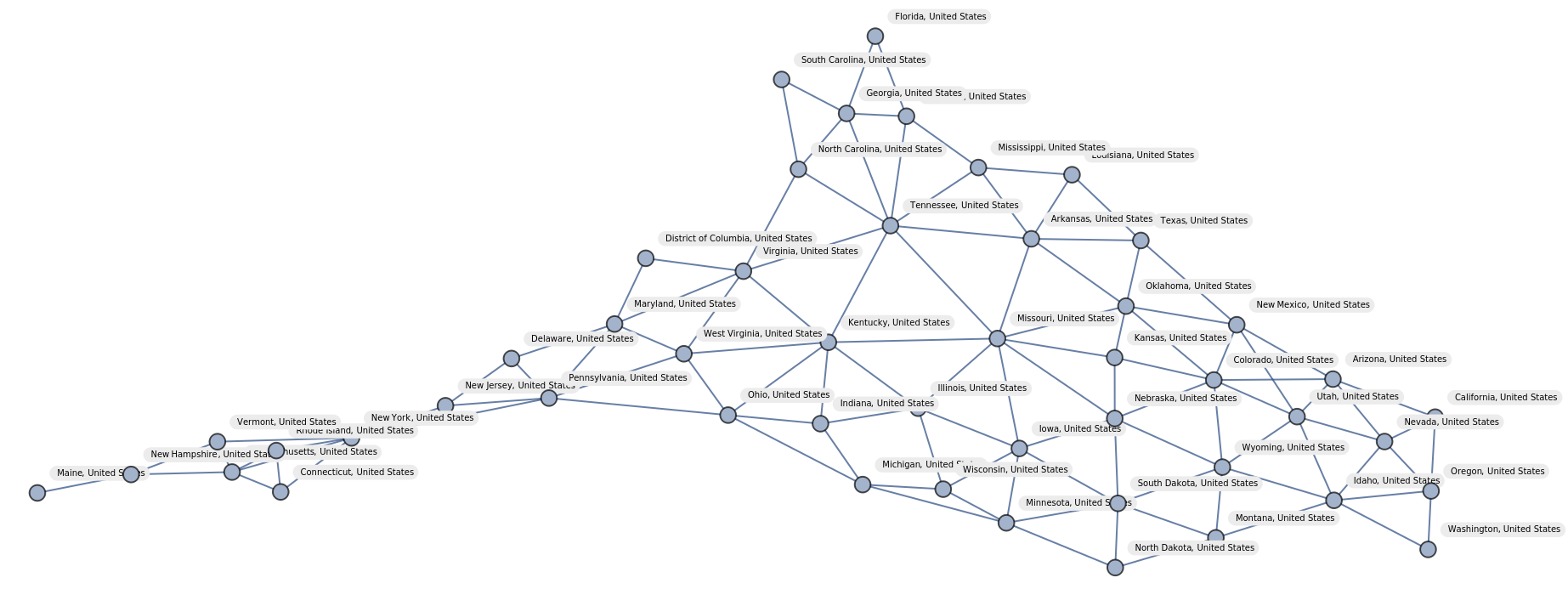
Unfortunately the graph of the contiguous United States isn’t planar either.
In[]:=
ContiguousUSStatesWithDCClassGraph=RelationGraph[MemberQ[#1][borderingStates[#2]]&,EntityValue[ContiguousUSStatesWithDCClass,"Entities"],VertexLabels->"Name",ImageSize->Full,VertexLabelStyle->Directive[FontSize->5]]
Out[]=
In[]:=
PlanarGraphQ[ContiguousUSStatesWithDCClassGraph]
Out[]=
False
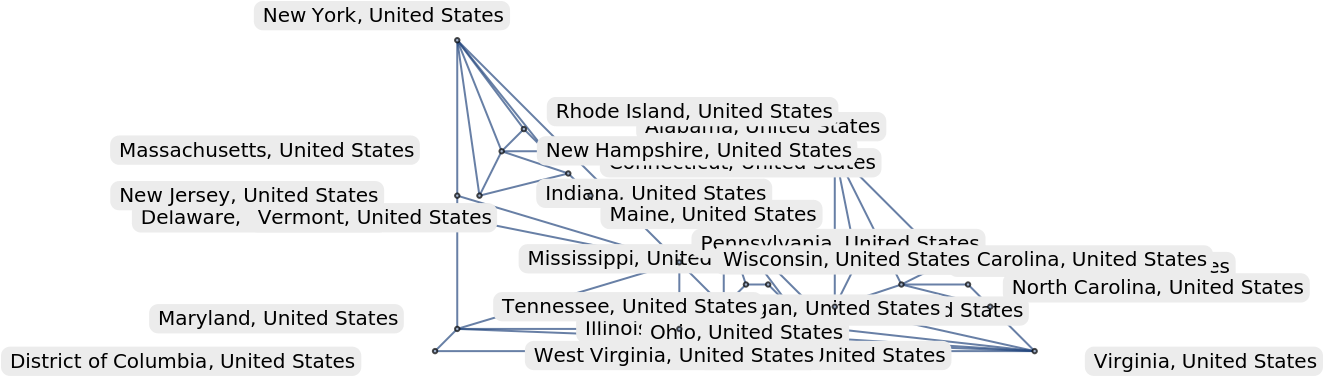
This is a smaller graph that is planar.
In[]:=
ContiguousUSStatesEastoftheMississippiRiverWithDCGraph=RelationGraphMemberQ[#1][borderingStates[#2]]&,Join,EntityValue,"Entities",VertexLabels->"Name",ImageSize->Medium,GraphLayout->"PlanarEmbedding"
Out[]=
In[]:=
PlanarGraphQ[ContiguousUSStatesNewEnglandWithDCClassGraph]
Out[]=
True
I use PlanarGraphQ because the four color theorem says four colors suffice when the graph is planar
I’m not sure about how to do optional arguments so the color list is optional. If you don’t specify colors ColorData[106,”ColorList”] will be used. You can also specify options for GeoRegionValuePlot but the default will be GeoLabels->True, ImageSize->Small so I can post this on Wolfram Community. I think vector is better than raster backgrounds so I’ve chosen the VectorBusiness background. The function FindVertexColoring is key to function, which was introduced in 13.
I’ve stopped using PlanarGraphQ and started using just GraphQ because otherwise graphs like the states graph won’t be mapped.
In[]:=
GraphToFourColorMap//ClearAllGraphToFourColorMap[graph_?GraphQ,options:OptionsPattern[{GeoLabels->True,GeoBackground->"VectorBusiness",ImageSize->Full,GeoRegionValuePlot}]]:=GraphToFourColorMap[graph,ColorData[106,"ColorList"],options]GraphToFourColorMap[graph_?GraphQ,color_:ColorData[106,"ColorList"],options:OptionsPattern[{GeoLabels->True,GeoBackground->"VectorBusiness",ImageSize->Full,GeoRegionValuePlot}]]:=GeoRegionValuePlot[Thread[VertexList[graph]->FindVertexColoring[graph,color]],options,GeoBackground->OptionValue[GeoBackground],ImageSize->OptionValue[ImageSize],GeoLabels->OptionValue[GeoLabels]]
Making a map of US states east of the Mississippi and DC
Making a map of US states east of the Mississippi and DC
In[]:=
ContiguousUSStatesEastoftheMississippiRiverWithDCGraph=RelationGraphMemberQ[#1][borderingStates[#2]]&,Join,EntityValue,"Entities",VertexLabels->"Name",ImageSize->Medium,GraphLayout->"PlanarEmbedding"
Out[]=

In[]:=
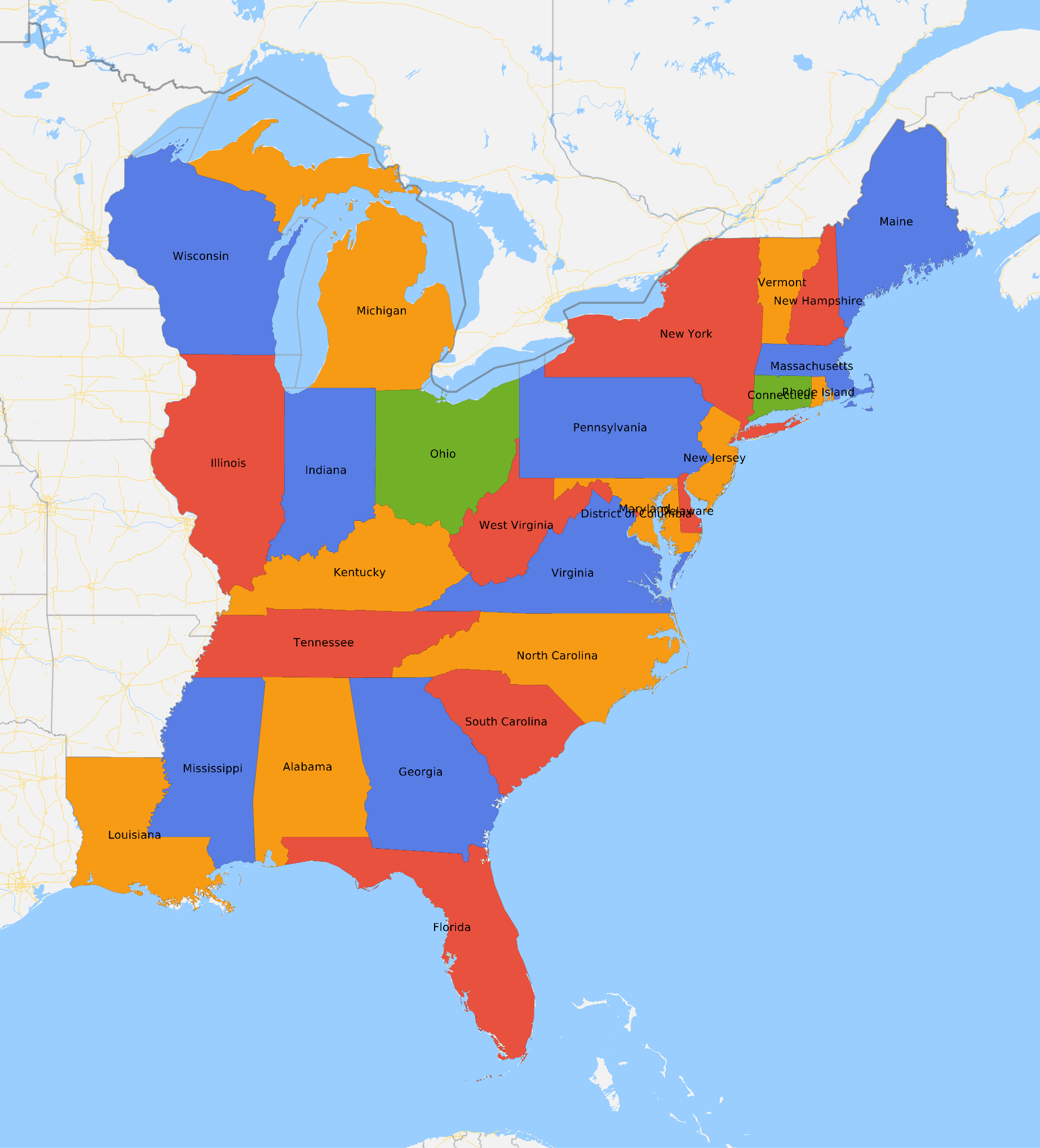
GraphToFourColorMap[ContiguousUSStatesEastoftheMississippiRiverWithDCGraph]
Out[]=
Making a map of US states west of the Mississippi
Making a map of US states west of the Mississippi
It looks Arizona, New Mexico, Utah, and Colorado might be the issue.
I found the issue! In the Contiguous USA Graph, Arizona is not bordering Colorado but in the entity framework Arizona is bordering Colorado.
They border at the point Four Corners but I don’t count this as bordering and neither does the Four Color Theorem. The Wikipedia article for the Four color theorem states, “Adjacent means that two regions share a common boundary curve segment, not merely a corner where three or more regions meet”
Cite Note 1 states, “From Gonthier (2008): “Definitions: A planar map is a set of pairwise disjoint subsets of the plane, called regions. A simple map is one whose regions are connected open sets. Two regions of a map are adjacent if their respective closures have a common point that is not a corner of the map. A point is a corner of a map if and only if it belongs to the closures of at least three regions. Theorem: The regions of any simple planar map can be colored with only four colors, in such a way that any two adjacent regions have different colors.””
So the Four Corners is whats causing problems.
Now the graph is planar when Colorado is not bordering Arizona.
I’m wondering if the graph is now a subgraph of the contiguous USA graph.
I give up trying to fix the issues.
I think it might be better to try to put entities in the vertices for GraphData[“ContiguousUSAGraph”].
This will make it easier.
This is another way to make it work.
These are the edges that are causing problems.
Michigan has a water border with Minnesota and Rhode Island has a water border with New York. The case with Arizona and Colorado and New Mexico and Utah deals with if the Four Points counts as border, which I don’t think it does.