Lesson 21. Measuring Images
Lesson 21. Measuring Images
Section 3: Handwriting
Section 3: Handwriting
Earlier we learned about using optical character recognition (OCR) for detecting printed or typed words in page images. The recognition of handwritten words from page images is less well-developed, although continual progress continues to be made. In the meantime, if you need to work with scans of handwriting, one technique is word spotting (Manmatha & Srimal 1999; Rath & Manmatha 2002a, 2002b). The basic idea is to use image processing to find parts of the image that may represent a word of interest.
Finding rows of handwriting
Finding rows of handwriting
Here is a sample of (my) handwriting. It is a quote from James Clifford’s book On the Edges of Anthropology: Interviews (Prickly Paradigm Press, 2003).
In[]:=
handwritingSample=
;
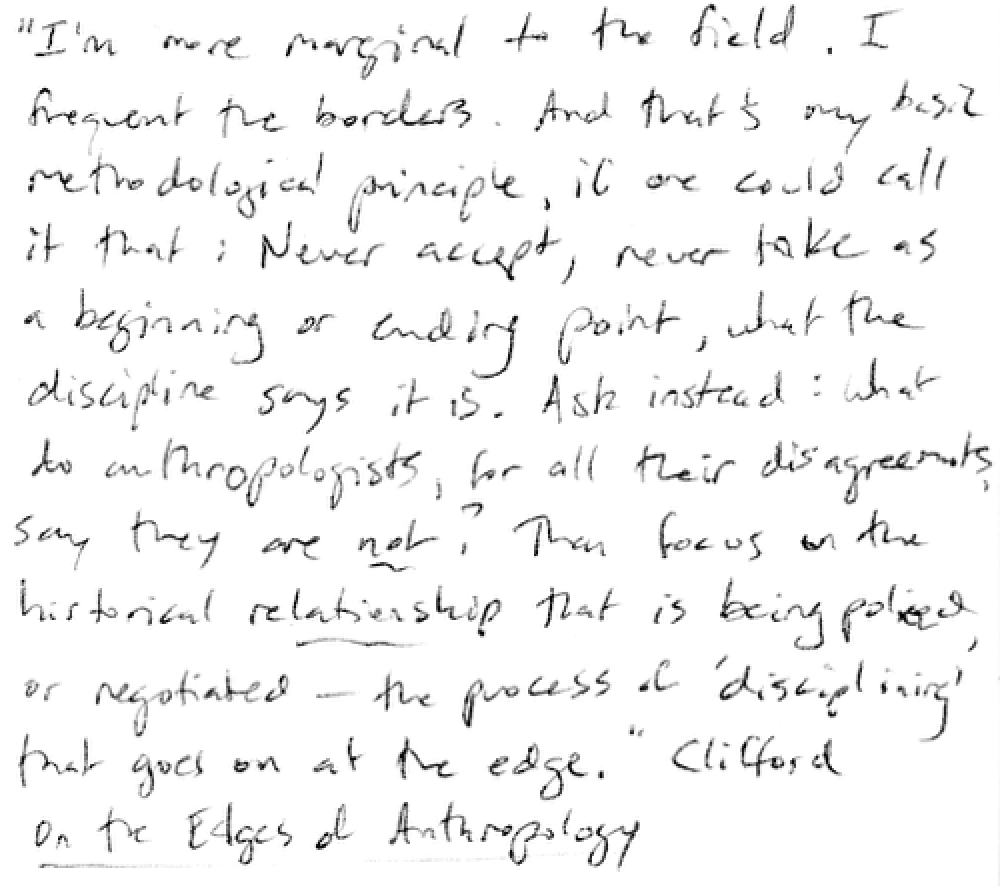
The first thing we want to do is identify regions of the image that correspond to rows of handwriting. Suppose we rotate the image 90 degrees counterclockwise. Now imagine drawing a vertical line from the bottom edge to the top somewhere in the image. If the line runs through one of the rows of handwriting, it will hit a lot of dark ink. If it runs through one of the spaces between the rows of handwriting, it will hit mostly blank space.
In[]:=
Show[ImageRotate[handwritingSample],ImageSizeSmall]
Out[]=
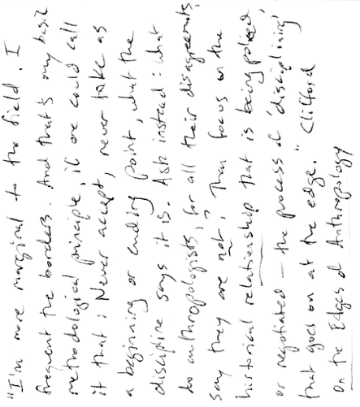
We use the following function to do exactly that. It runs through each column in the image and sums the lightness of pixels in that column.
In[]:=
columnPixelSum[img_]:=Sum[First/@ImageData[img]〚i〛,{i,Length[ImageData[img]]}]
In[]:=
handwritingSampleColumnPixels=columnPixelSum[ImageRotate[handwritingSample]];
Next we smooth the resulting curve and find the peaks. That looks like this.
In[]:=
ListLinePlot[{GaussianFilter[handwritingSampleColumnPixels,10],FindPeaks[GaussianFilter[handwritingSampleColumnPixels,10]]},Joined{True,False},PlotStyle{Automatic,PointSize[.02]}]
Out[]=
Each one of the peaks corresponds to the center of the blank space between rows of handwriting. Let’s bundle our work so far into another function. This one takes an image of handwriting and returns a list of coordinate pairs. Each pair corresponds to the top and bottom of one row of handwriting in the image.
In[]:=
handwritingImageToRows[img_]:=Partition[FindPeaks[GaussianFilter[columnPixelSum[ImageRotate[img]],10]]〚All,1〛,2,1]
In[]:=
handwritingImageToRows[handwritingSample]
Out[]=
{{1,38},{38,74},{74,108},{108,144},{144,180},{180,216},{216,253},{253,288},{288,329},{329,362},{362,399},{399,443}}
Here is how we extract a row of handwriting.
In[]:=
firstRow=ImageTake[handwritingSample,{1,38}]
Out[]=

The second row.
In[]:=
ImageTake[handwritingSample,{38,74}]
Out[]=

Finding word bounding boxes
Finding word bounding boxes
Given a row of handwriting, the next step is to find the bounding boxes of all of the words in the row. We use the Erosion command to ‘smear’ the ink, so the individual characters run together.
In[]:=
Erosion[firstRow,DiskMatrix[4]]
Out[]=

We extract the morphological components to get the bounding boxes.
In[]:=
firstRowComponents=MorphologicalComponents[ColorNegate@Binarize@Erosion[firstRow,DiskMatrix[5]],Method"BoundingBox"];
We can visualize this step with the Colorize command.
In[]:=
Colorize[firstRowComponents]
Out[]=

We can extract the actual bounding boxes with the next expression.
In[]:=
firstRowMeasurements=ComponentMeasurements[firstRowComponents,"BoundingBox"]
Out[]=
{1{{341.,9.},{402.,38.}},2{{427.,9.},{449.,37.}},3{{248.,8.},{279.,36.}},4{{4.,5.},{62.,33.}},5{{291.,8.},{330.,38.}},6{{77.,4.},{125.,25.}},7{{138.,0.},{237.,31.}},8{{409.,6.},{421.,19.}}}
Visualize the results.
In[]:=
HighlightImage[firstRow,Rectangle@@@Last/@firstRowMeasurements]
Out[]=

A function for extracting words from page images
A function for extracting words from page images
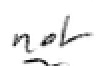
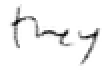
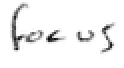
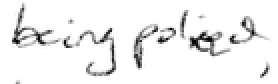
We can wrap these computations up into a single function. Given an image of a page of handwriting, the next function returns a nested list of word images (but not in their original order).
In[]:=
handwritingImageToWordImageList[img_]:=Module[{rowlist},rowlist=Table[ImageTake[img,row],{row,handwritingImageToRows[img]}];Return[Table[Table[ImageTake[r,a〚All,2〛,a〚All,1〛],{a,Association[ComponentMeasurements[MorphologicalComponents[ColorNegate@Binarize@Erosion[r,DiskMatrix[5]],Method"BoundingBox"],"BoundingBox"]]}],{r,rowlist}]]]
In[]:=
handwritingWords=handwritingImageToWordImageList[handwritingSample];
Here is what the output list looks like. I mapped the Framed command across the lists of word images to make it easier to see what was extracted.
In[]:=
Map[Framed,handwritingWords,{2}]
Out[]=
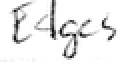
,,,,,,,,,,,,,,,,,,,,,,,,,,,,,,,,,,,,,,,,,,,,,,,,,,,,,,,,,,,,,,,,,,,,,,,,,,,,,,,,,,,,,,,,,,,,,












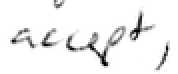
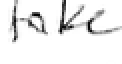


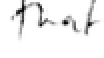
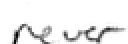

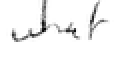
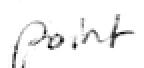

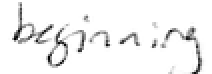
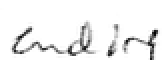





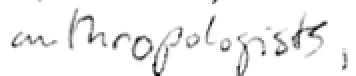
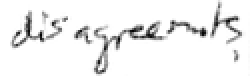


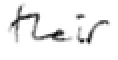


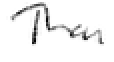




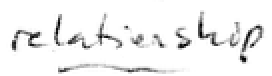
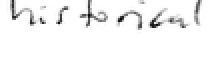

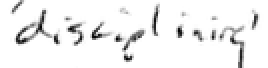
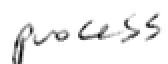
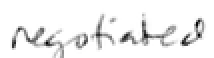


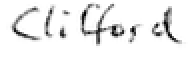
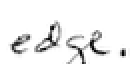


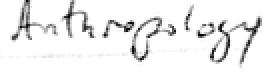


Comparing word shapes
Comparing word shapes
Now that we have word images, we want some way of comparing their shapes. To do that, we need to extract features from the images that can be compared to one another. One way to do this is to use the same algorithm we used to find handwriting rows. We pass a vertical line through each column of the image and measure the pixel brightness.
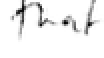
Here are examples of the word ‘that’.
In[]:=
thatList={handwritingWords〚2,8〛,handwritingWords〚4,7〛,handwritingWords〚9,2〛,handwritingWords〚11,6〛}
Out[]=
,

,
,


When we compute the brightness of each column of pixels, we get a graph. Ideally, graphs for the same word are similar to one another.
Let’s compare the curves of the first and second instance of the word ‘that’. If we plot them on top of one another, we see that the shapes are similar although warped with respect to one another. As we write the same word again and again, some characters are stretched or compressed a bit.
The WarpingDistance command measures the similarity or difference of the two curves in terms of this stretching or compression. The lower the number, the closer they are to one another. These two are pretty close.
The WarpingCorrespondence command finds the best correspondence between the two curves. We can see with a bit of adjustment, the two curves correspond nicely.
Here is a completely different word.
If we plot this curve with the first curve for ‘that’ we see they are very different.
The WarpingDistance between the two is much higher.
Attempts to find a correspondence between the two curves are unsatisfactory.
In the research papers that I cited, Manmatha and colleagues developed dozens of different word image features. Using these, they are able to automatically cluster related words and spot them in handwritten documents. We will learn more about clustering in a future lesson.