As you indicated, the automatic animation of GIFs is not directly supported in notebooks , but you can simulate it if the size of your GIFs is small enough.
GIF image list
GIF image list
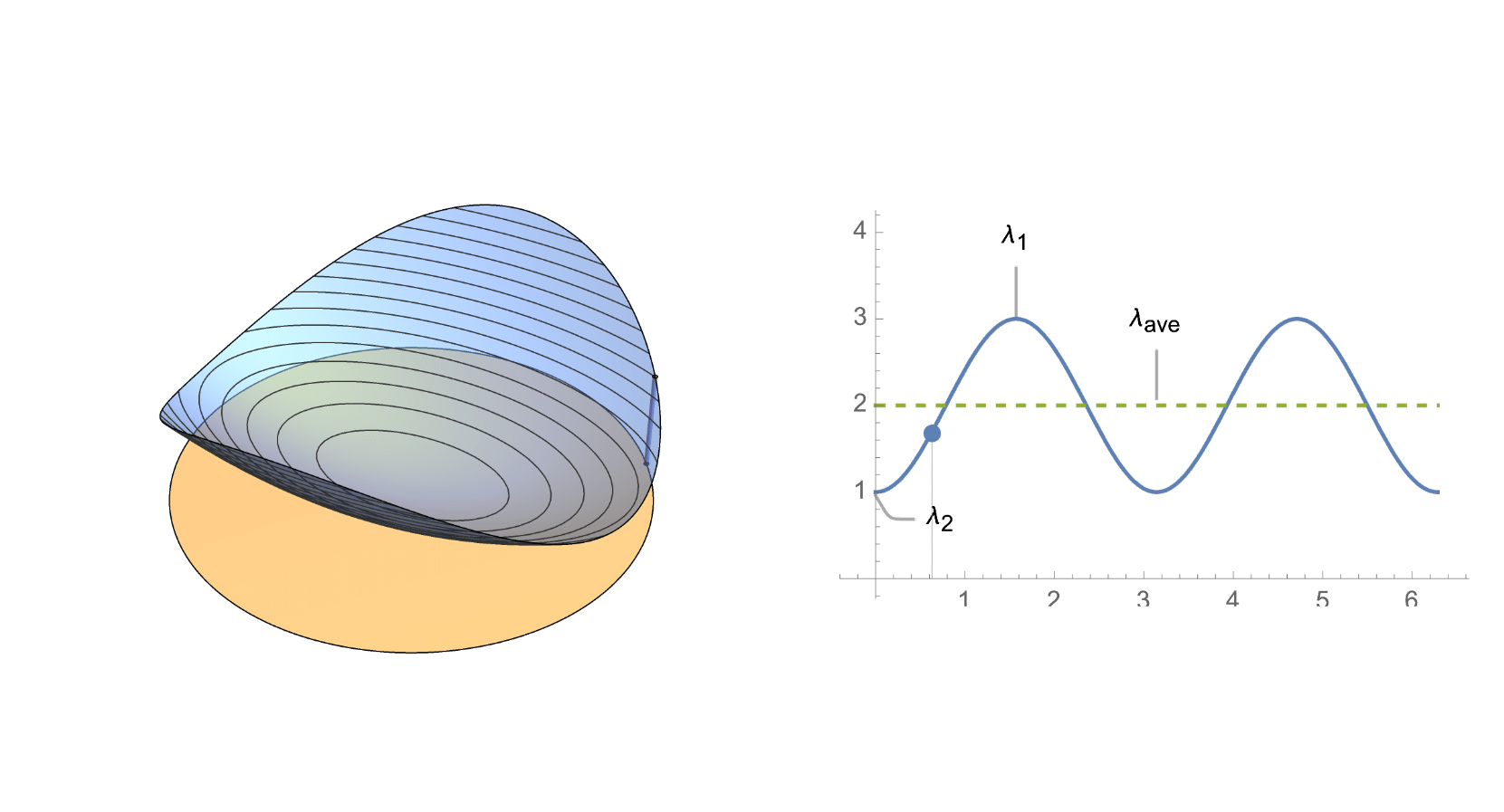
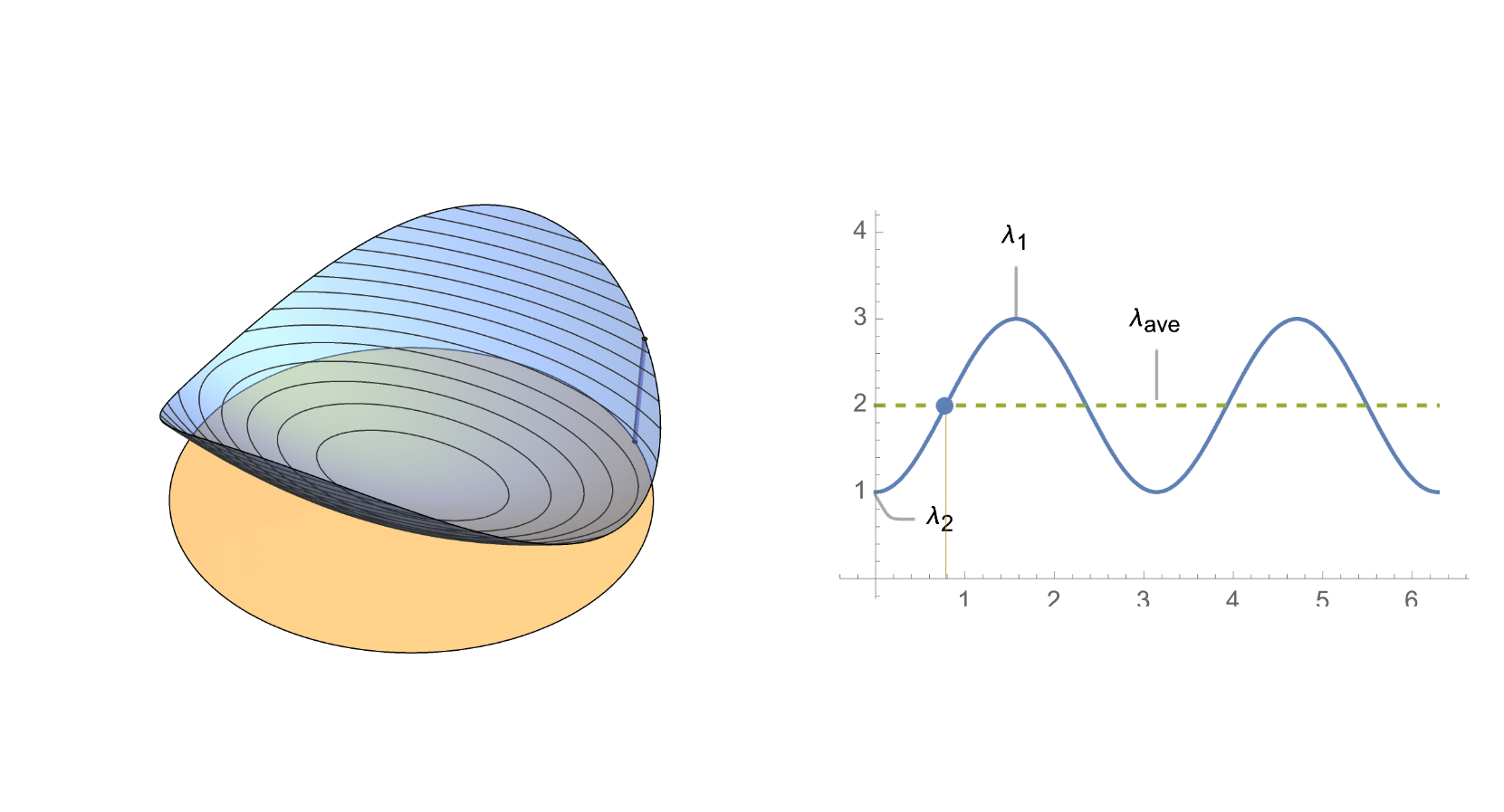
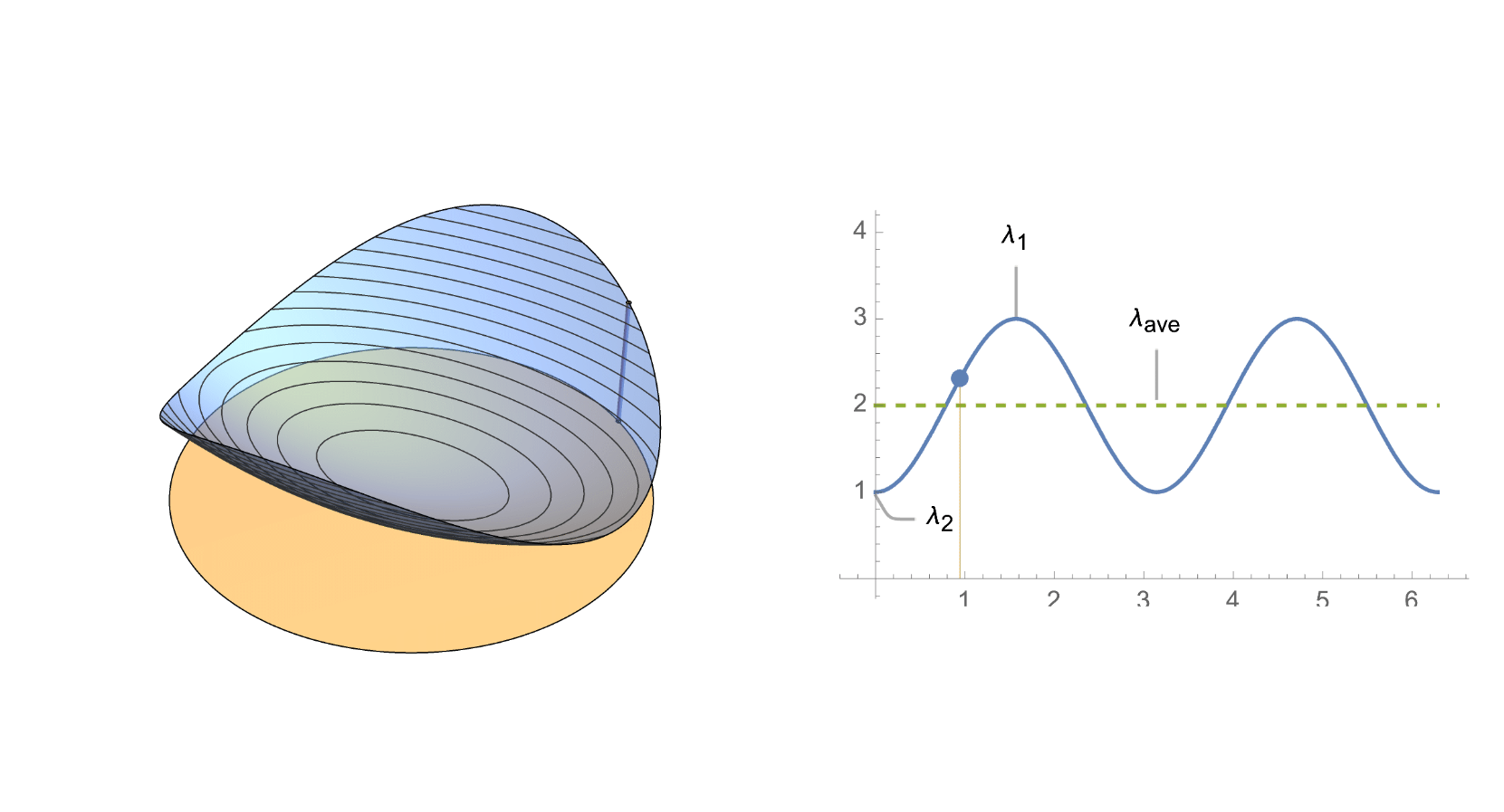
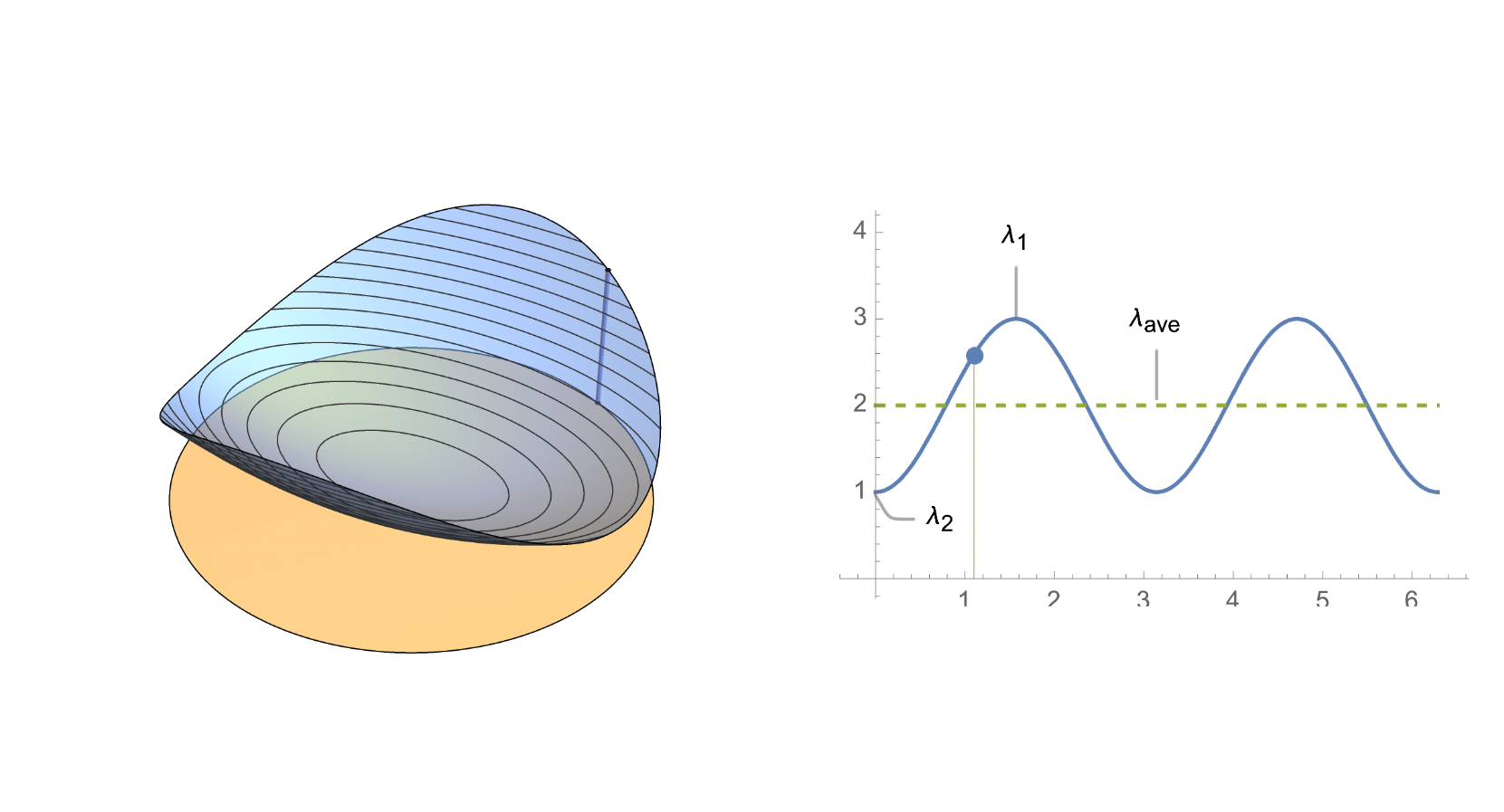
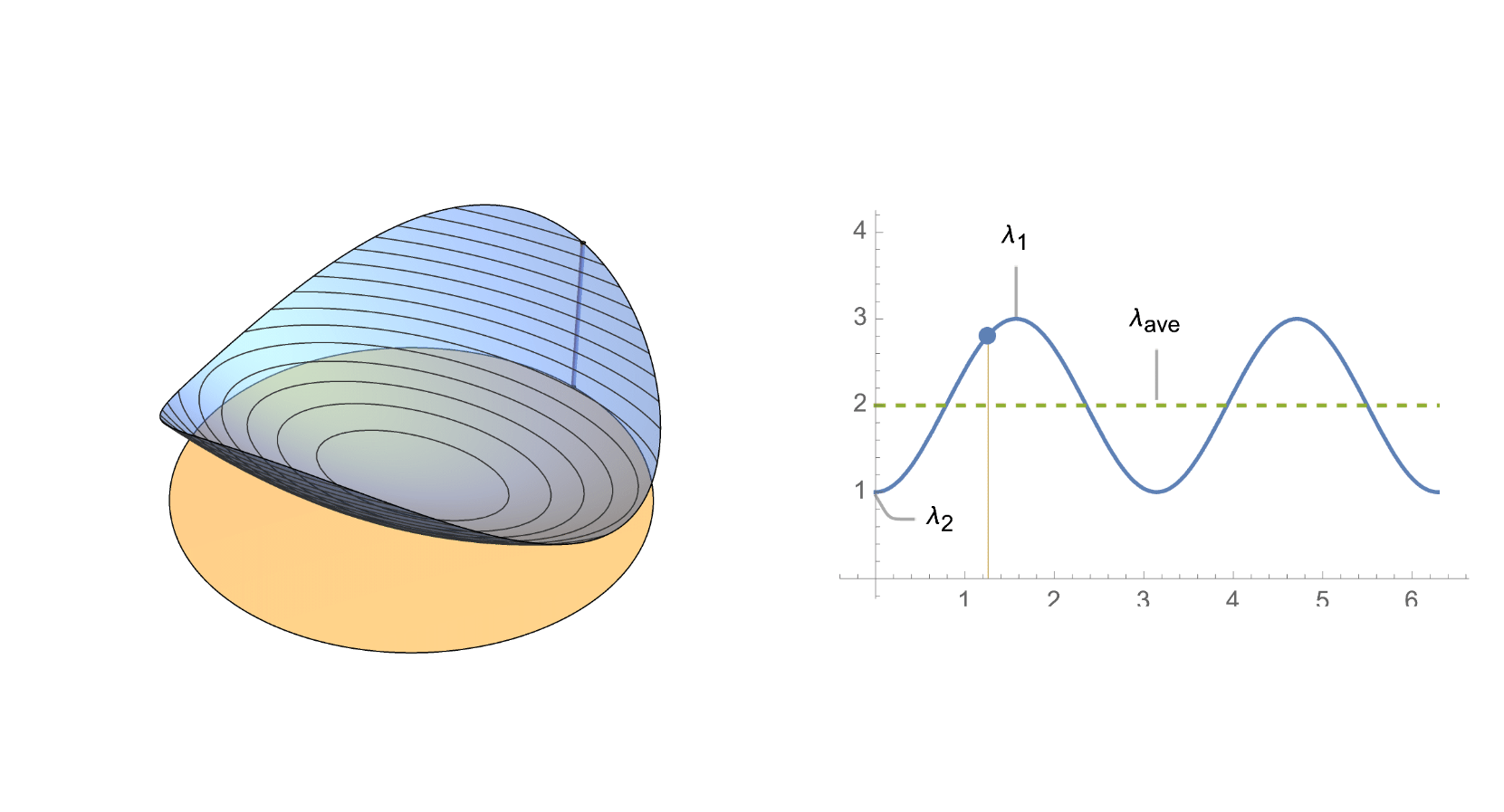
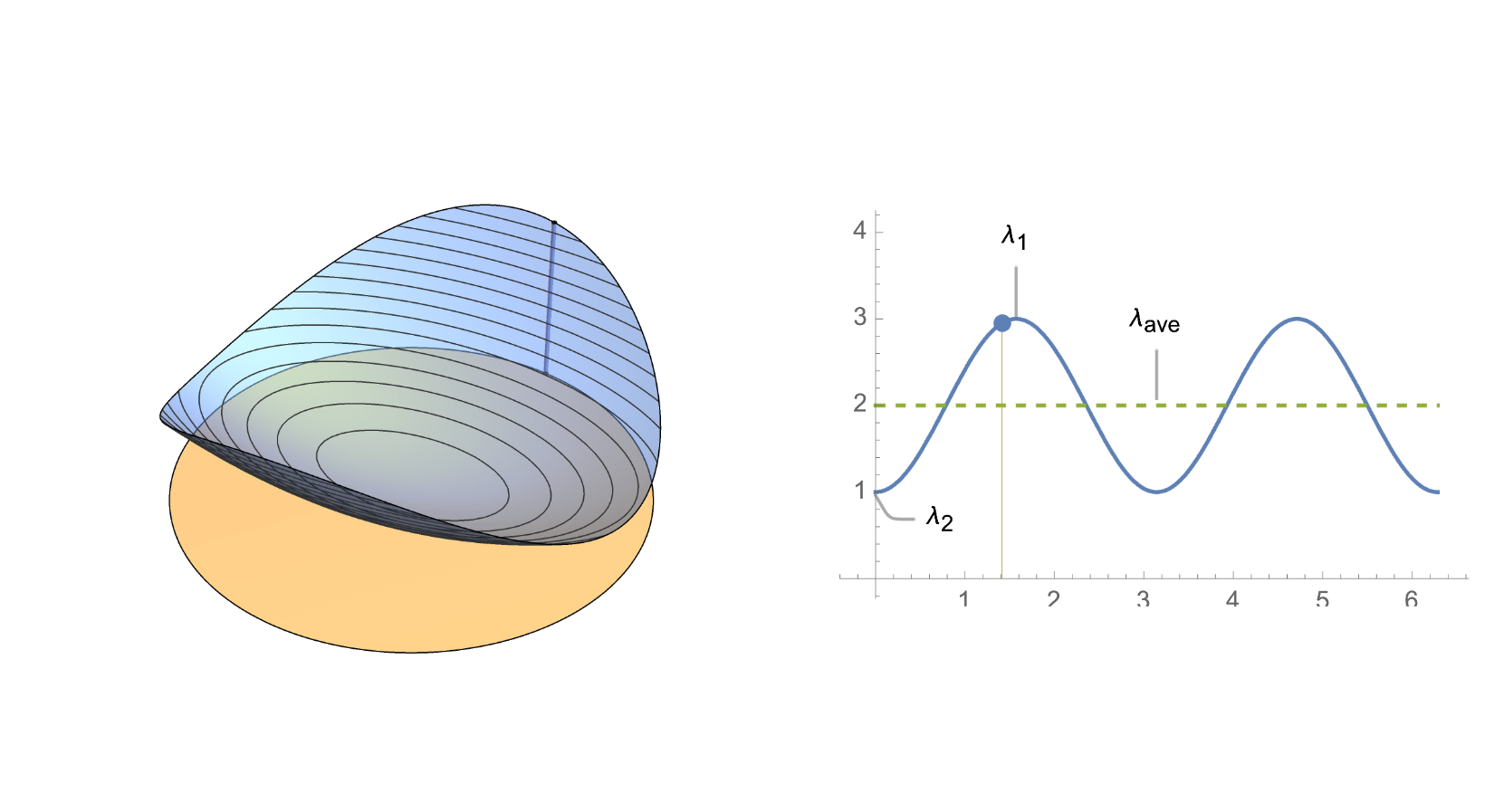
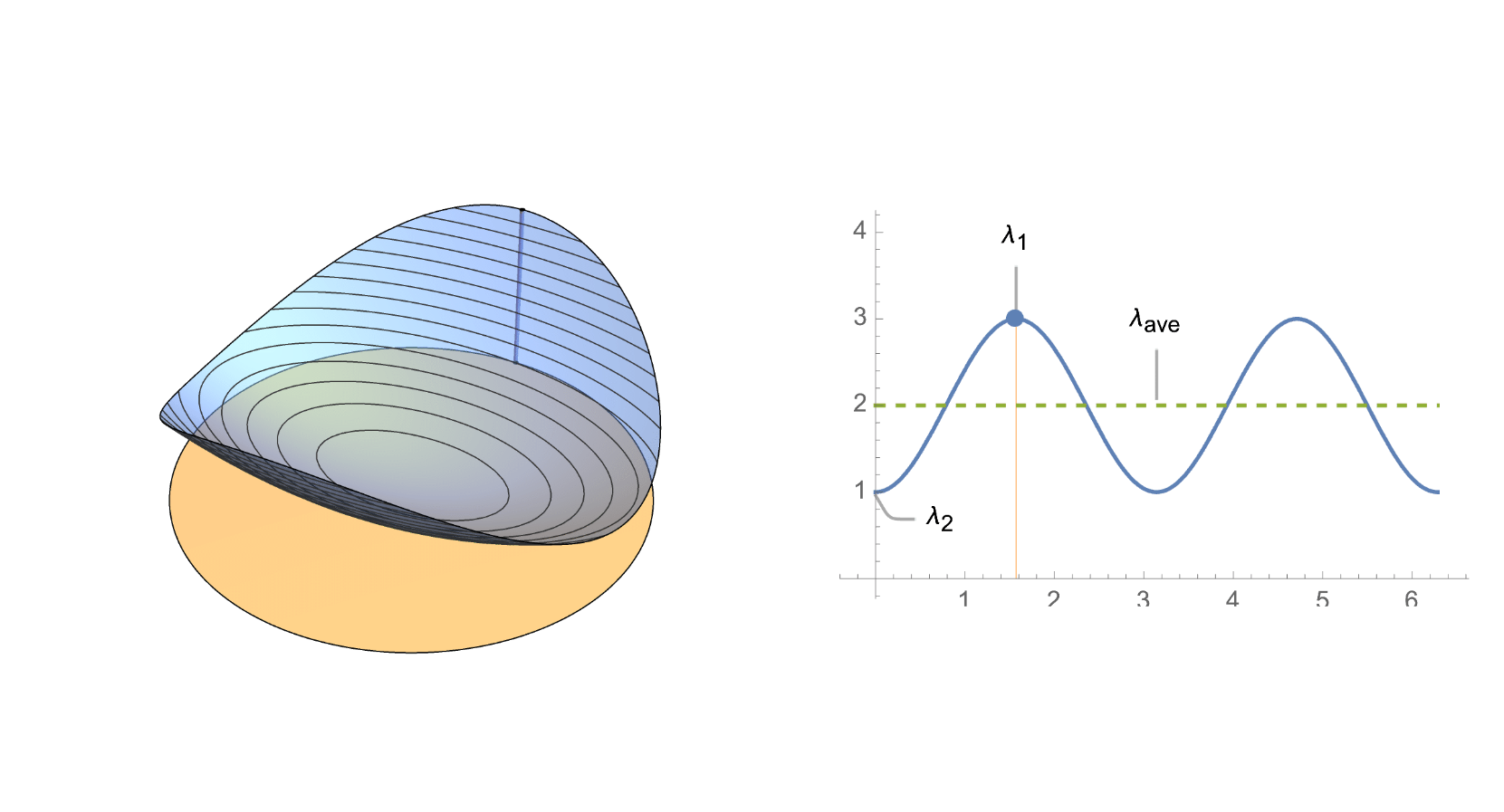
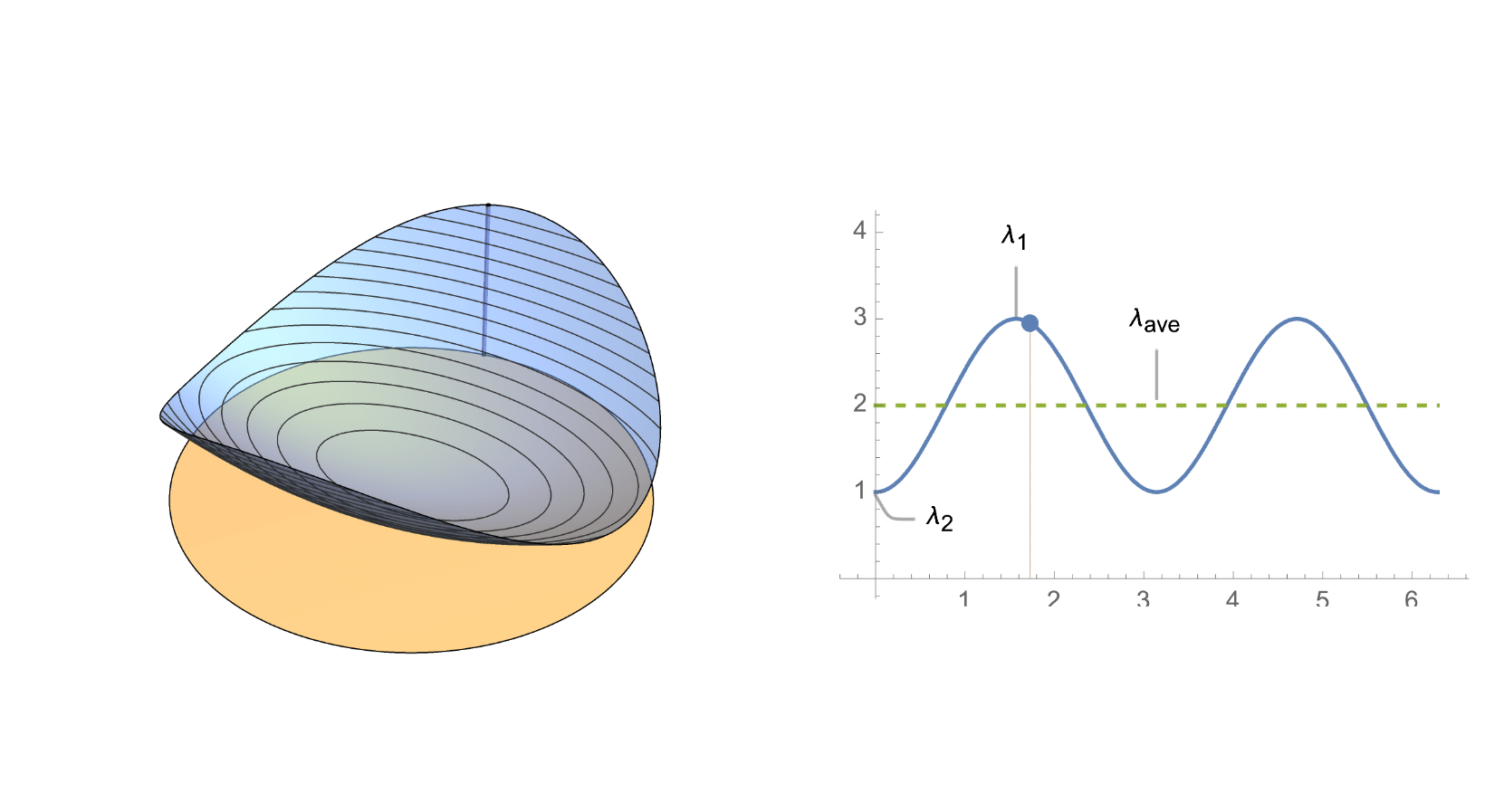
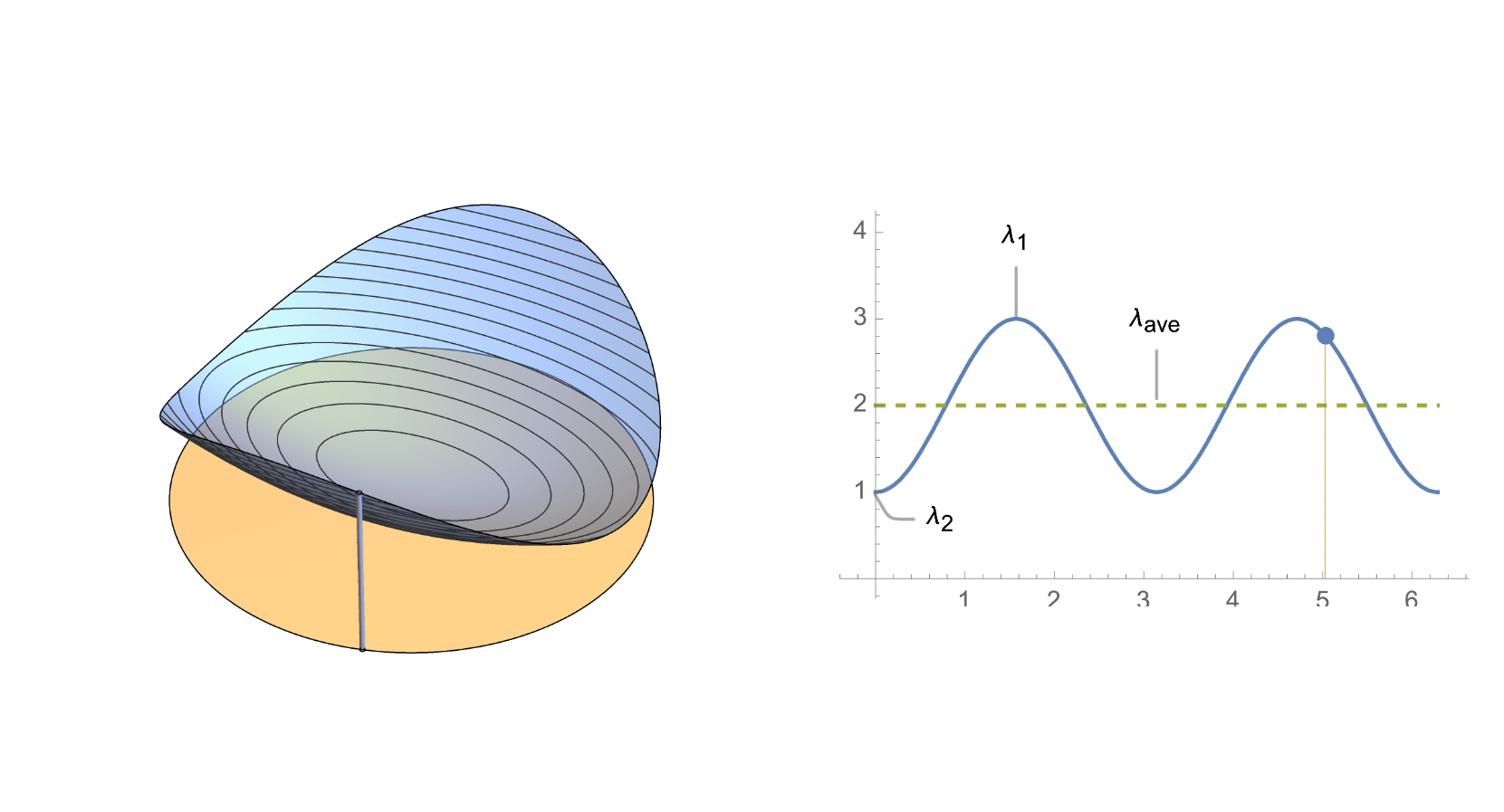
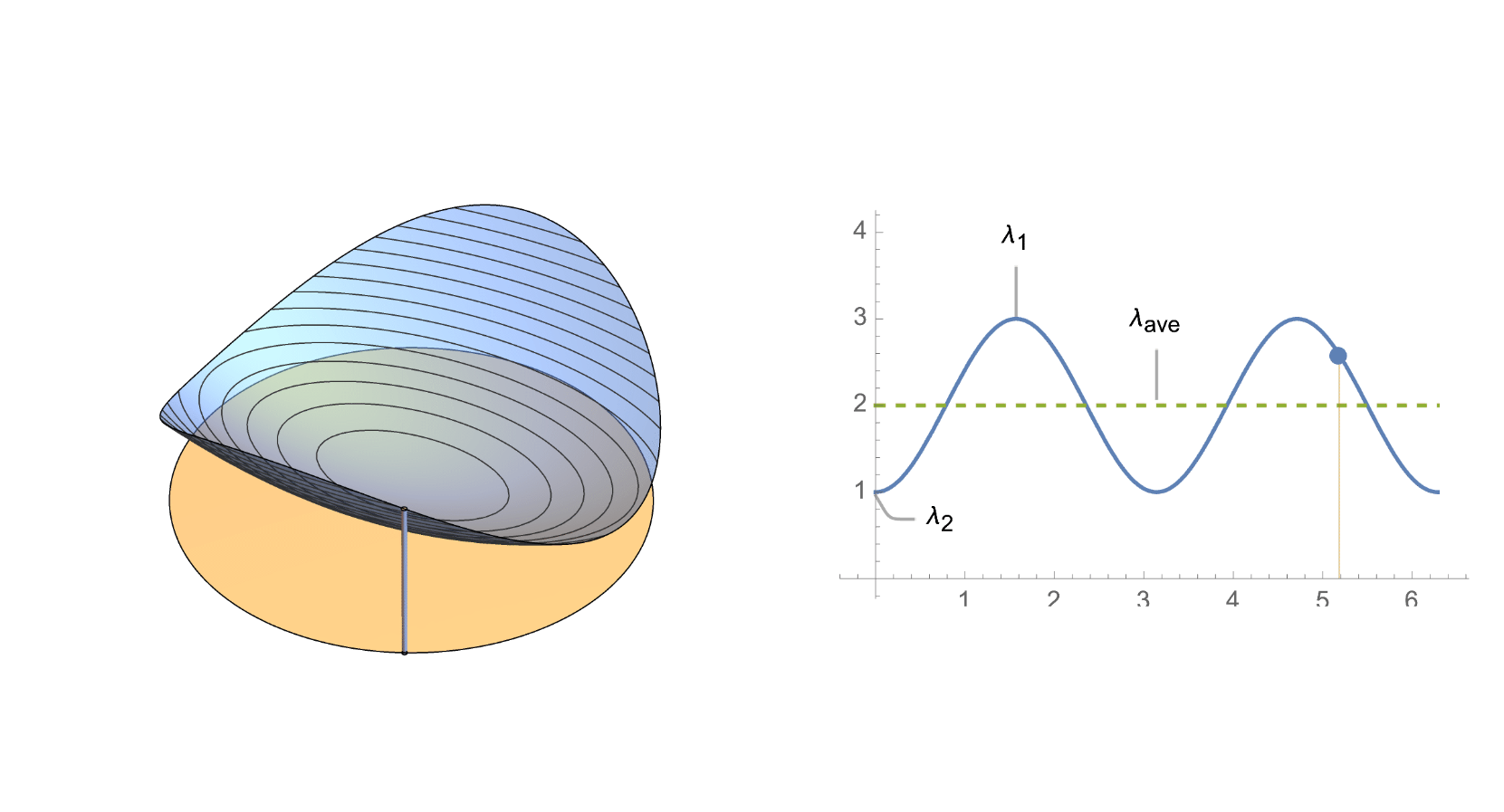
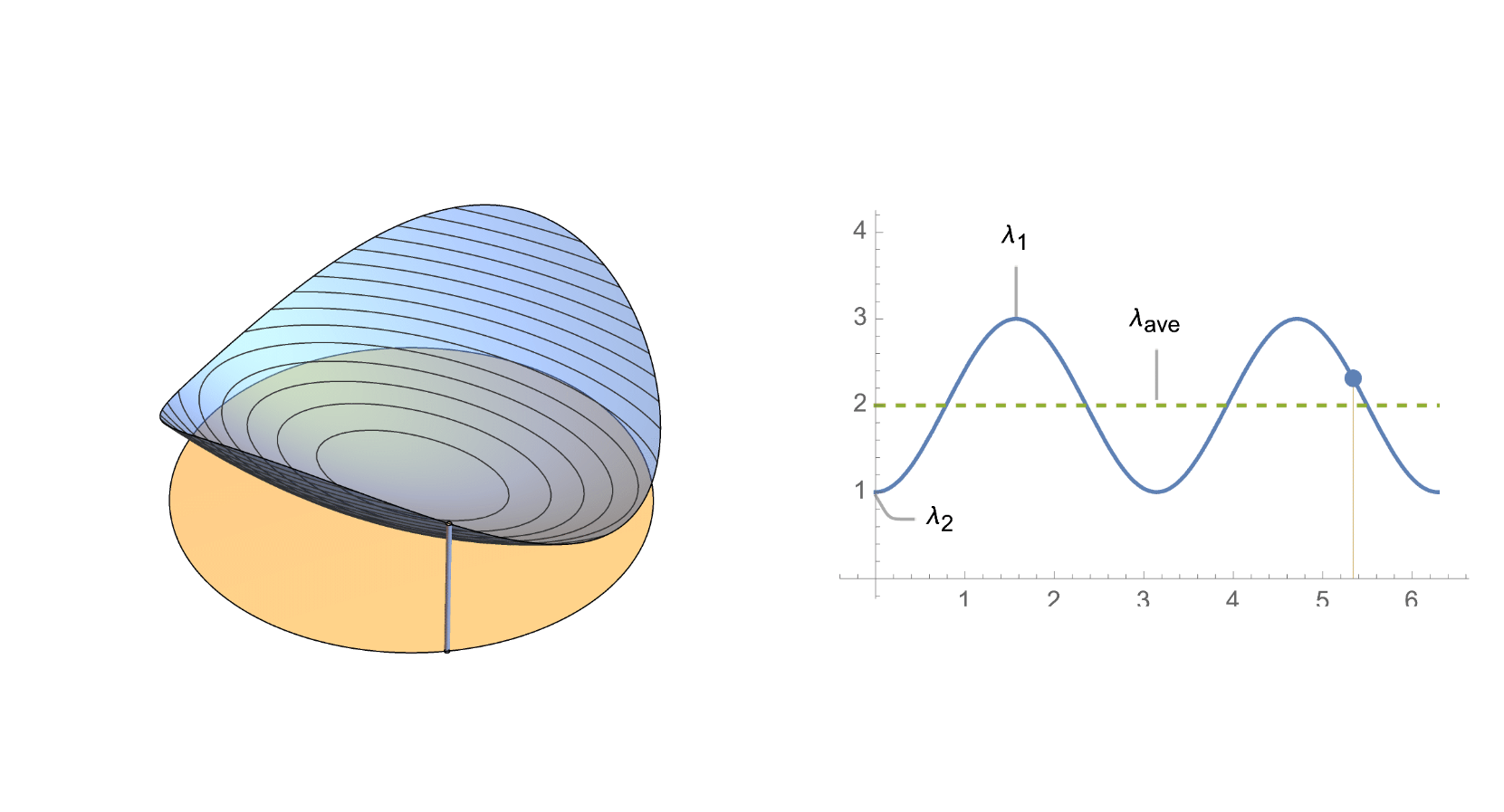
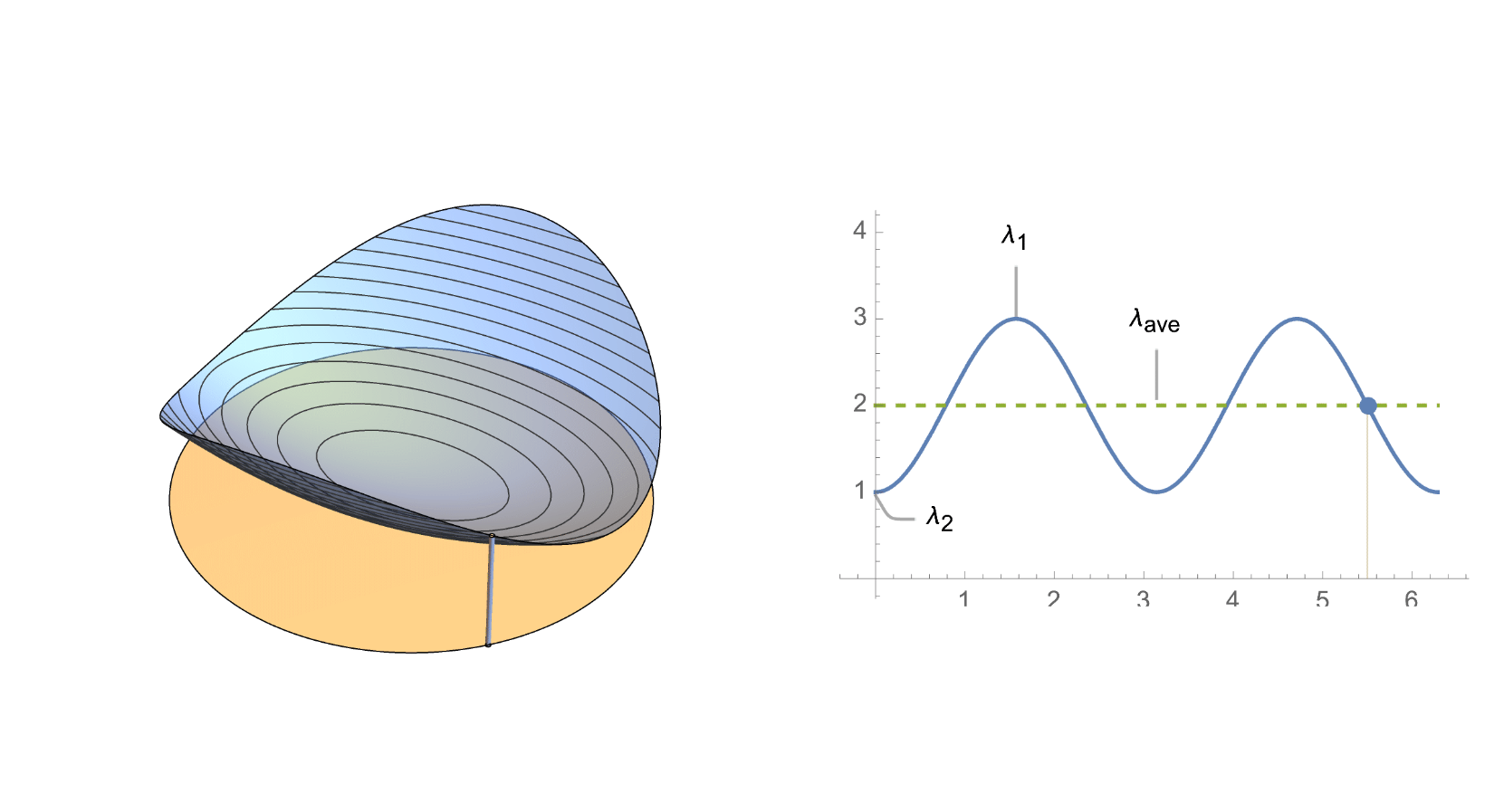
Just dropping a GIF in a notebook creates a list of images. The key factor here is to avoid GIFs with large byte size, otherwise it will overload the frontend of the notebook if you will include several animations. There are several websites that can compress GIFs easily.
list=
,
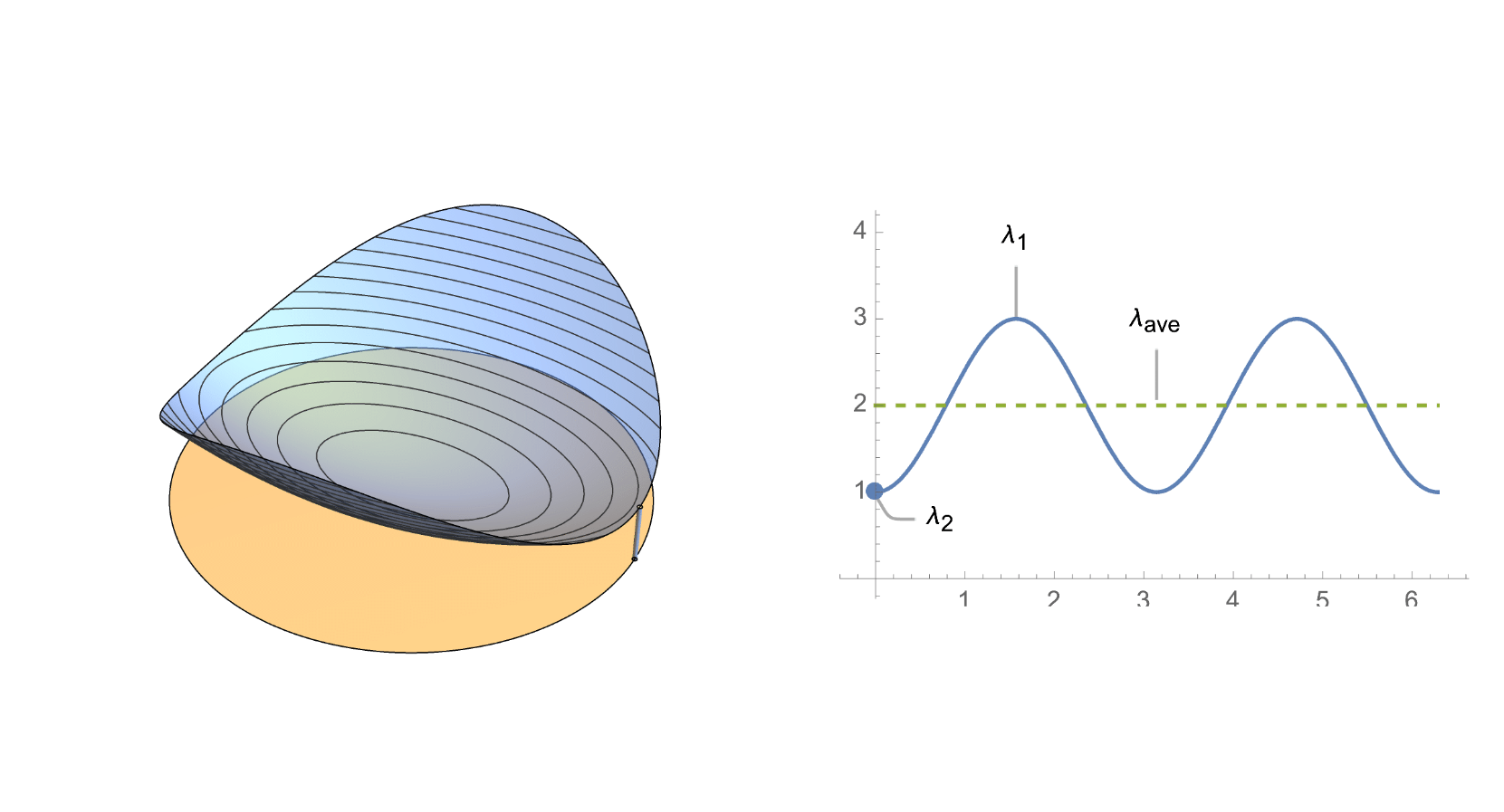
,
,
,
,
,
,
,
,
,
,
,
,
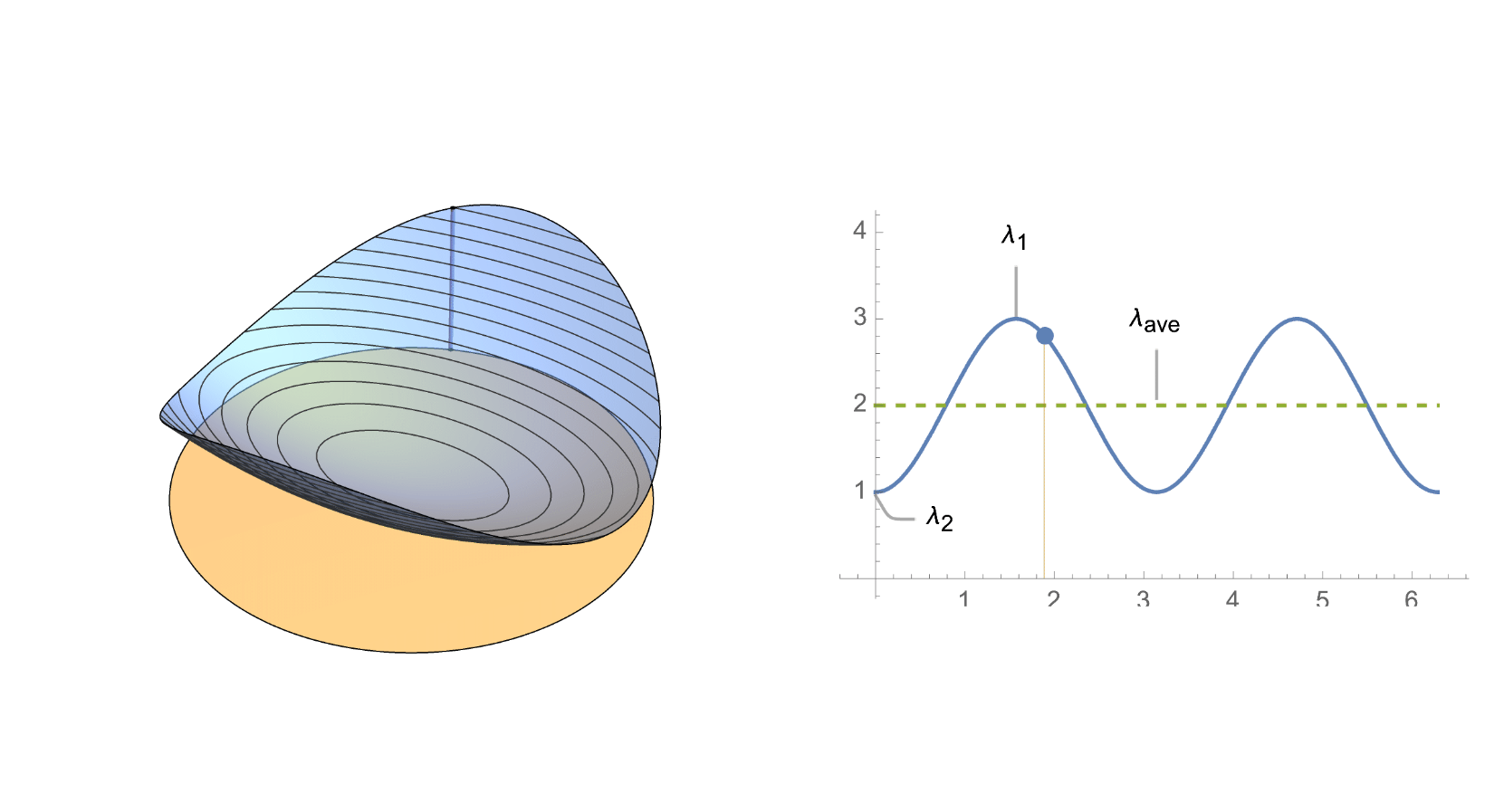
,
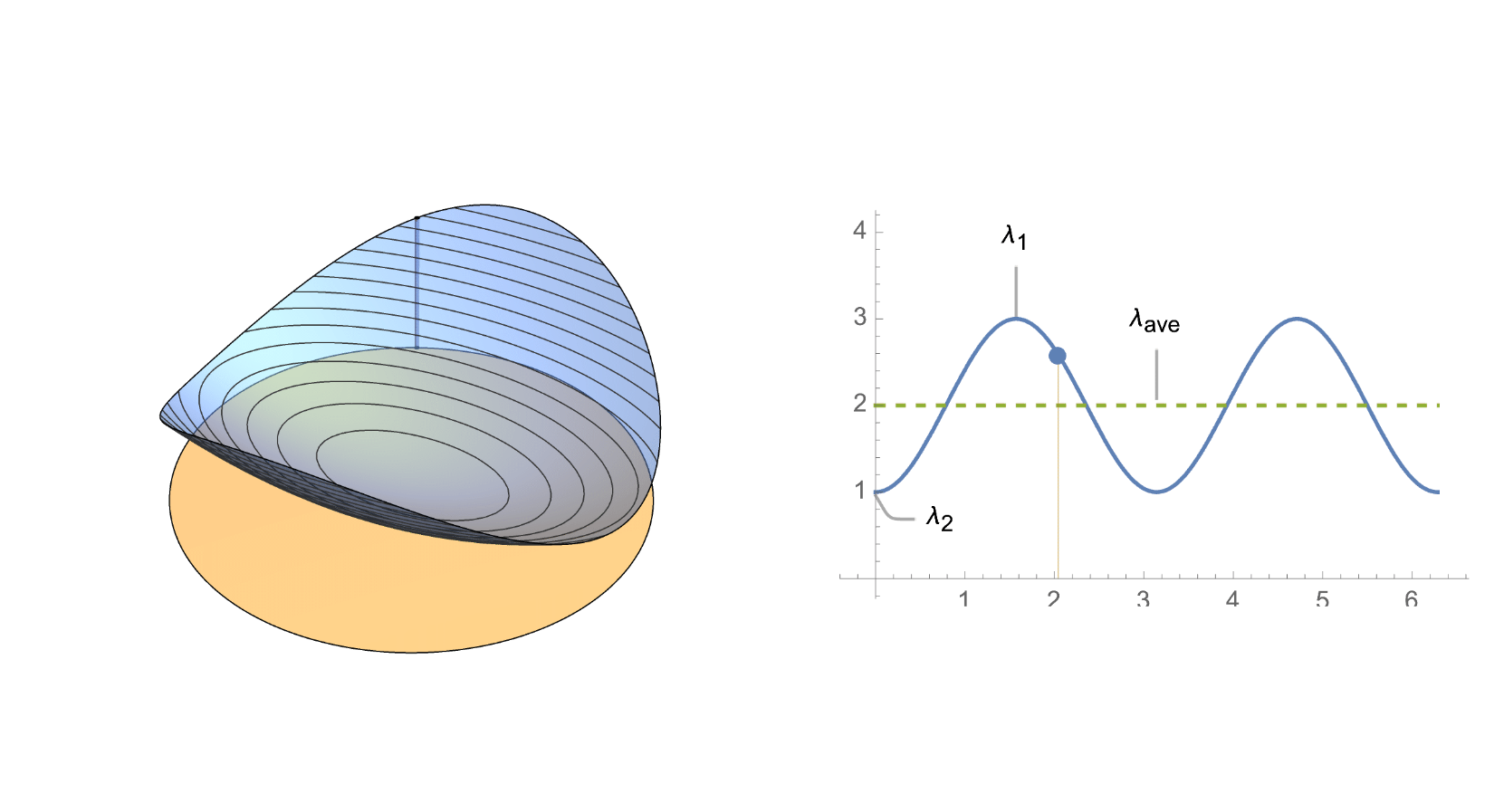
,
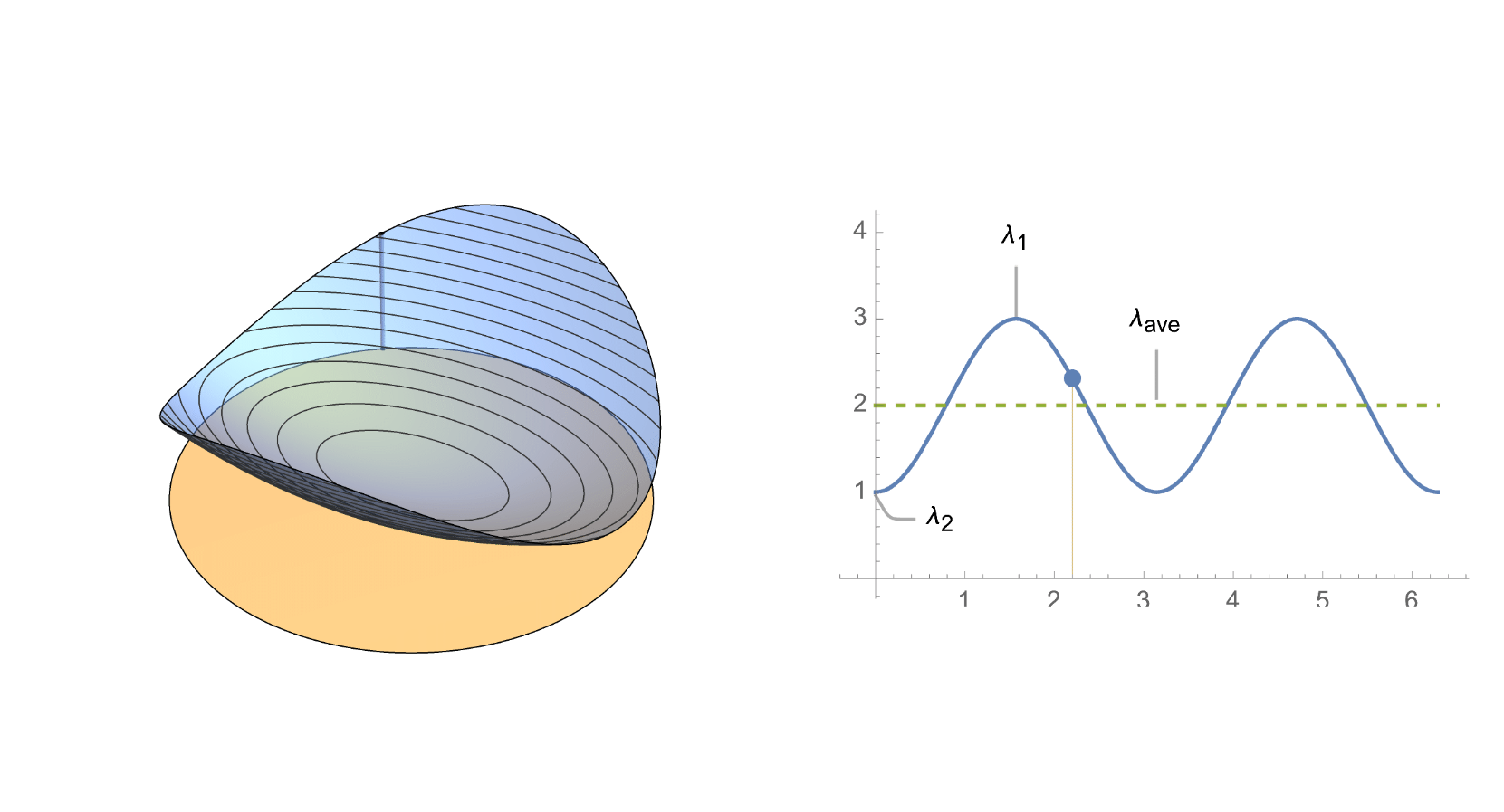
,
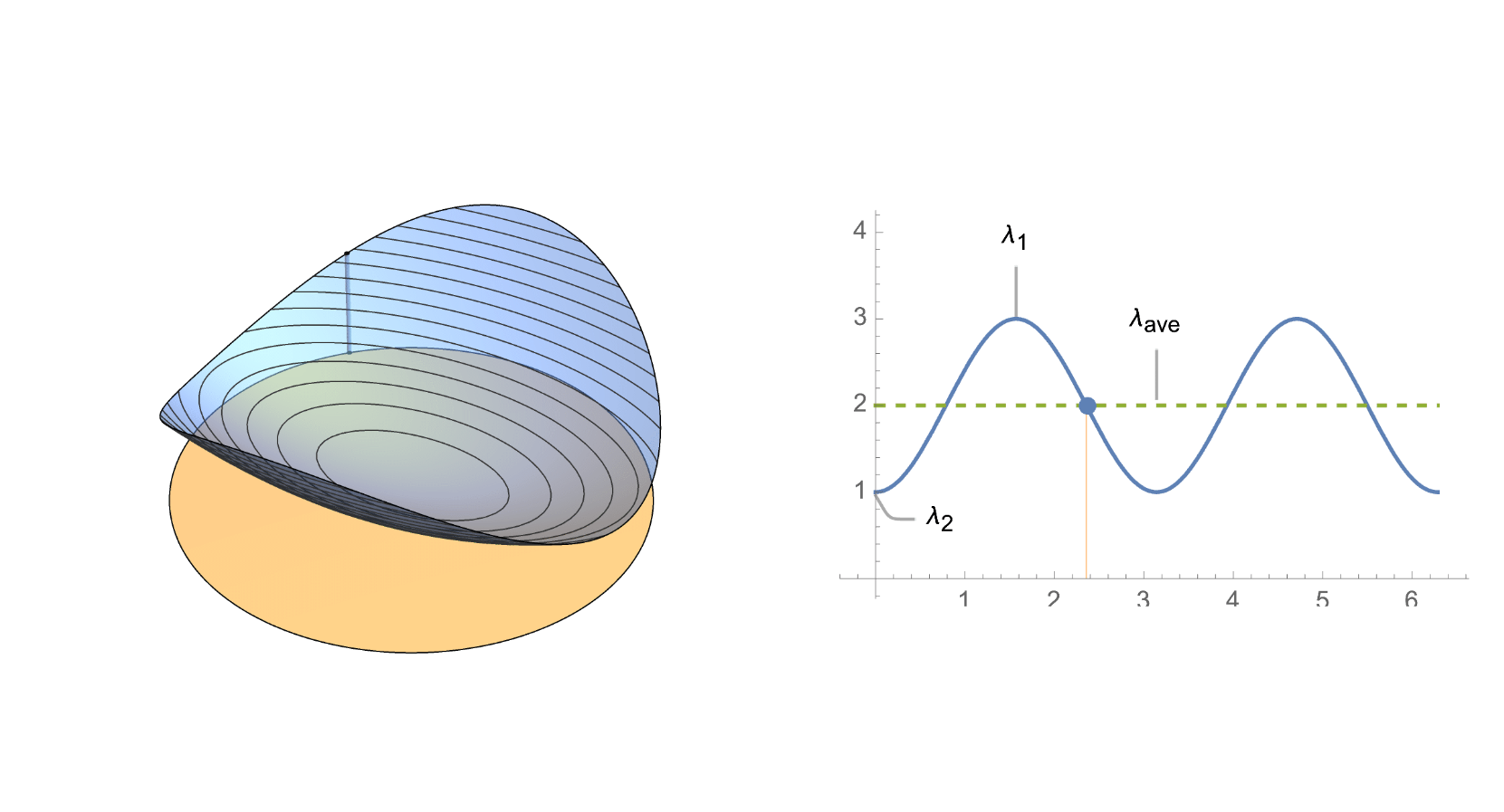
,
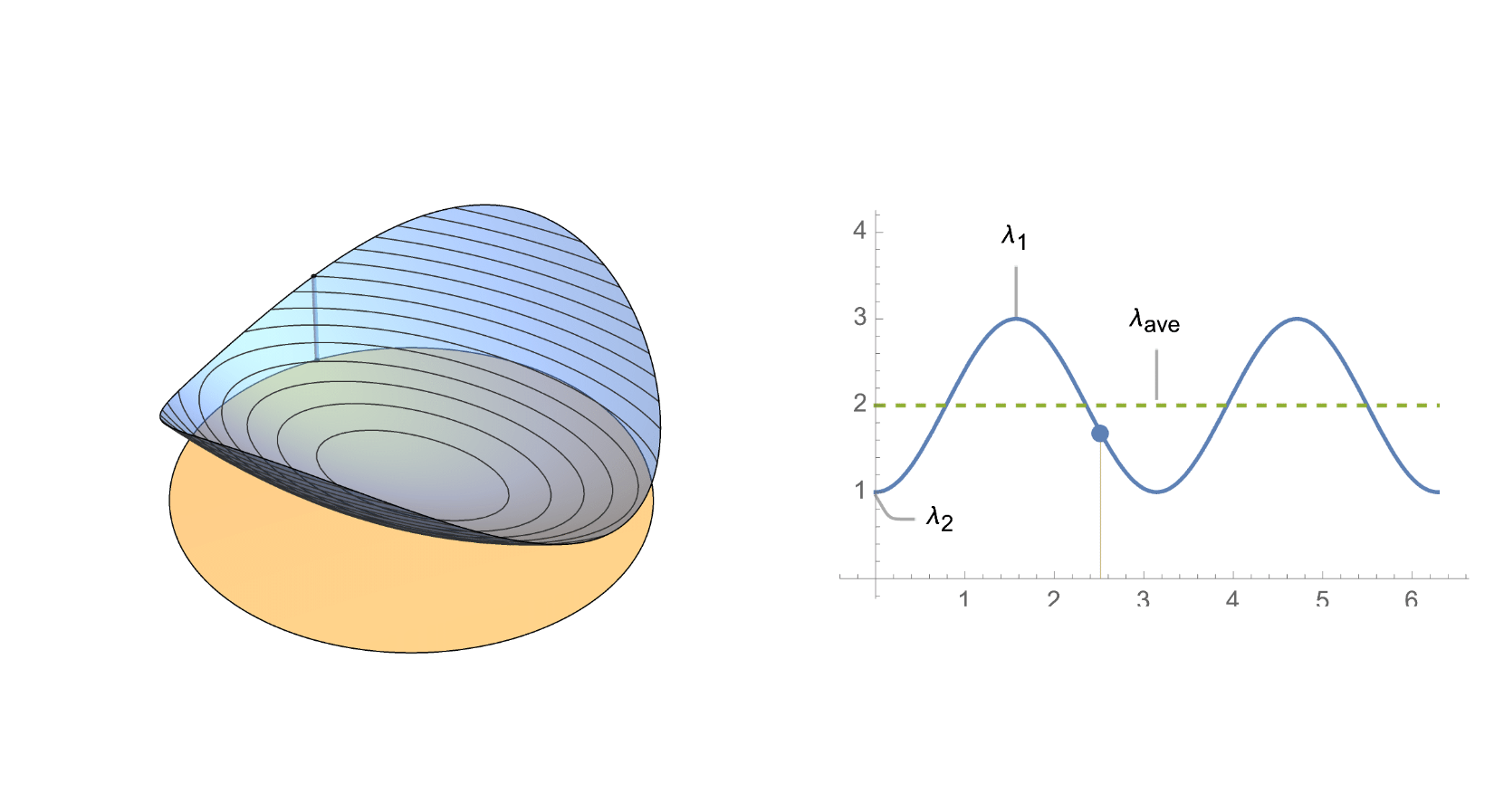
,
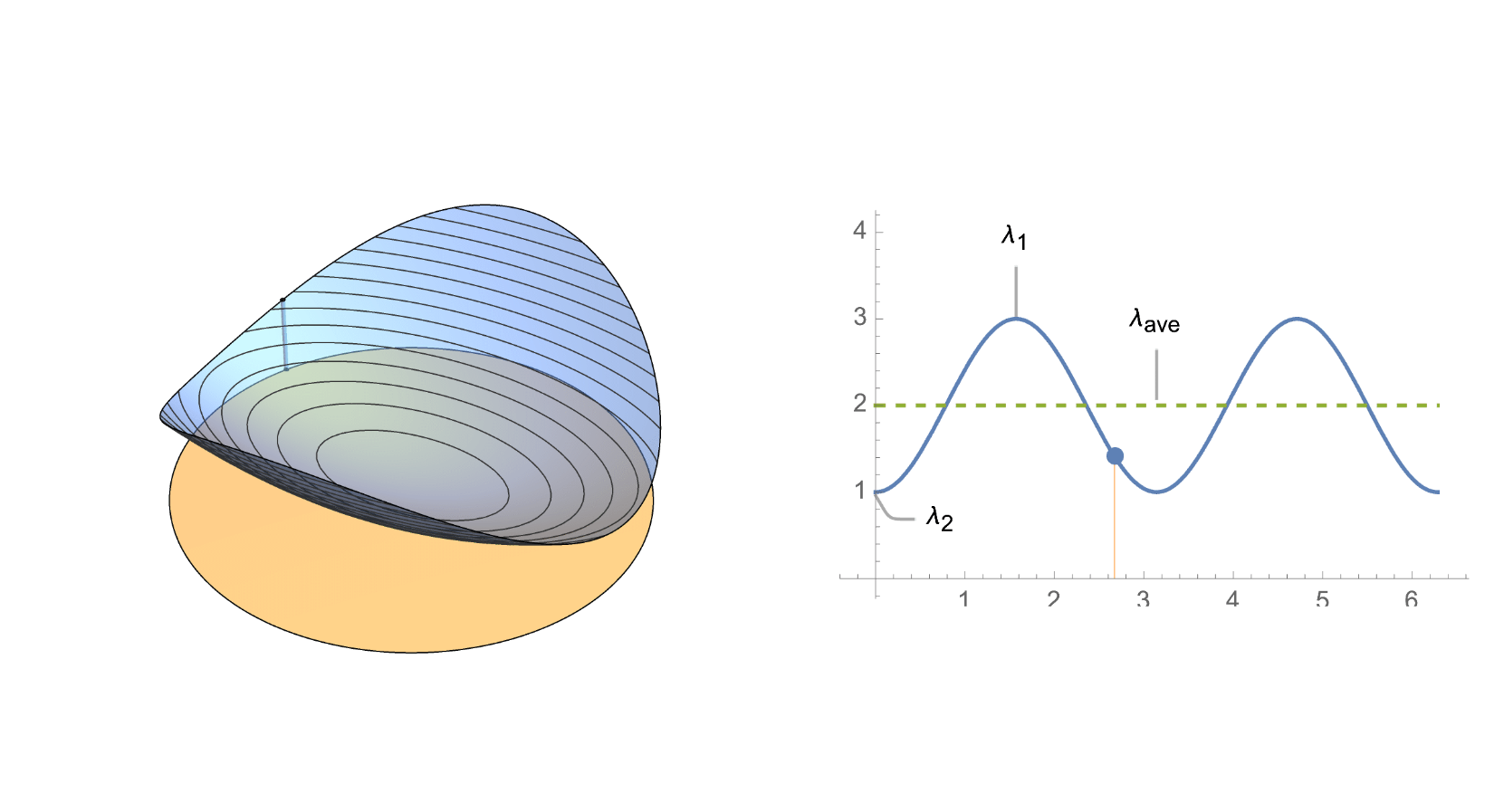
,
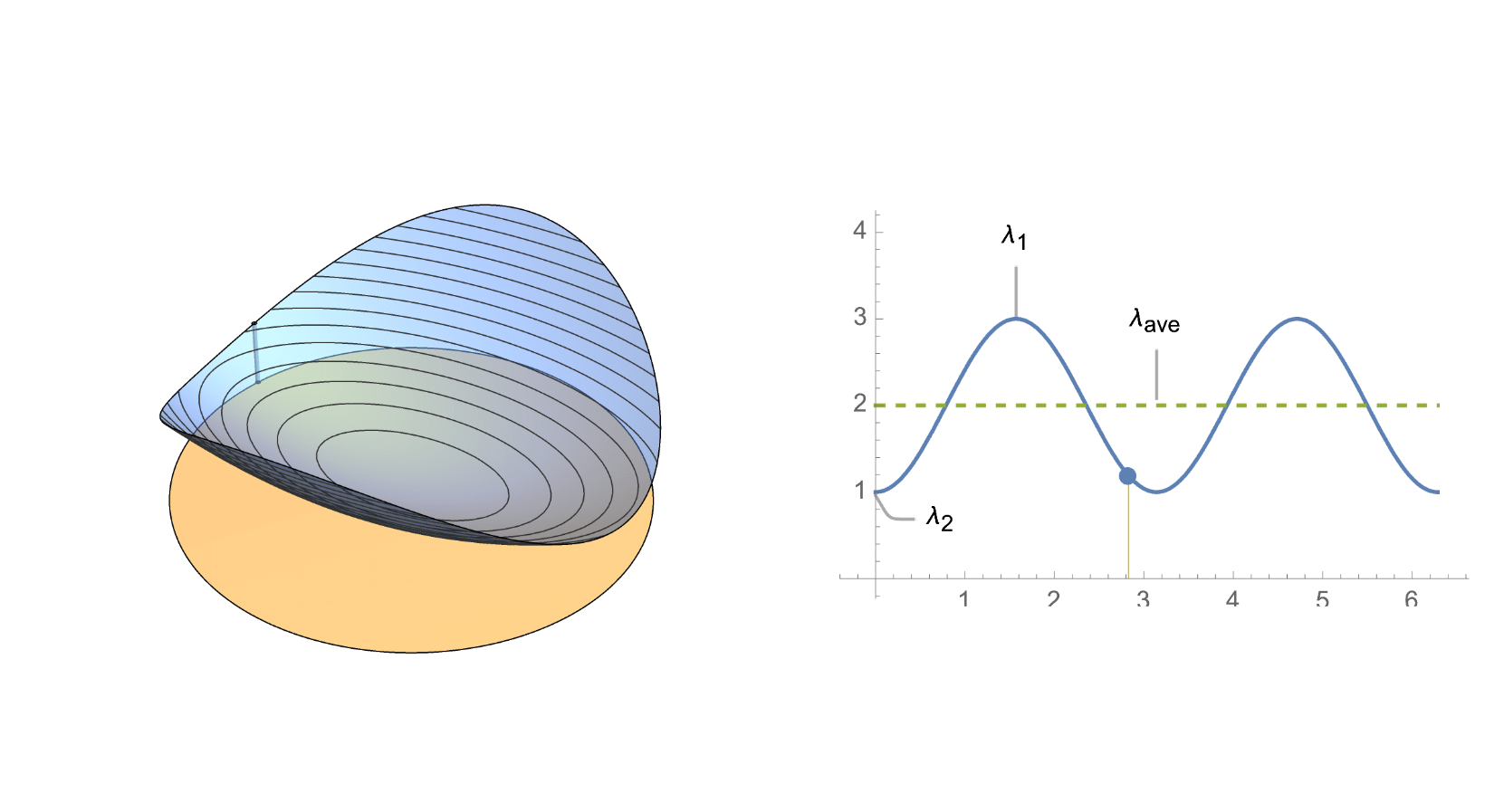
,
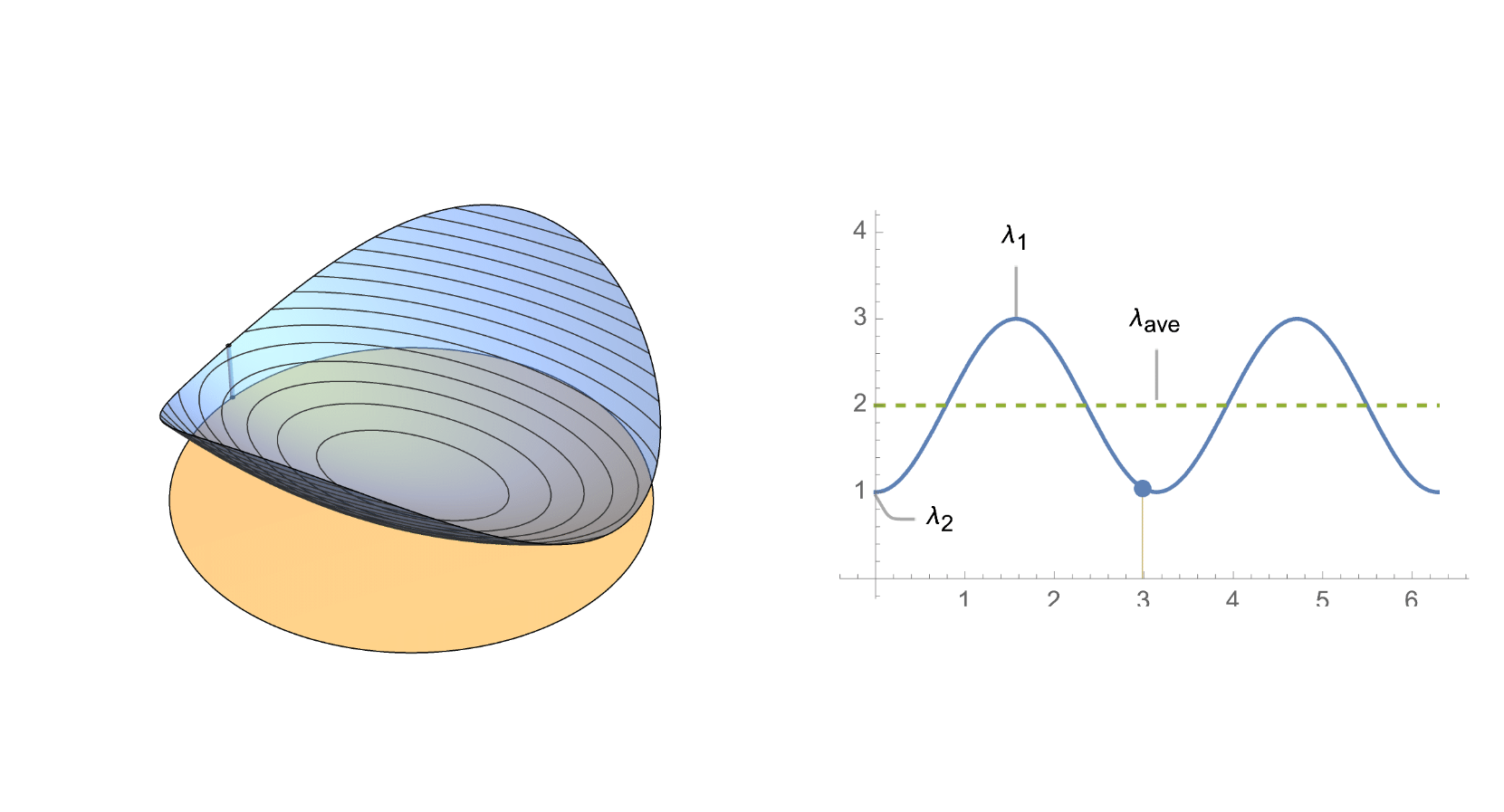
,
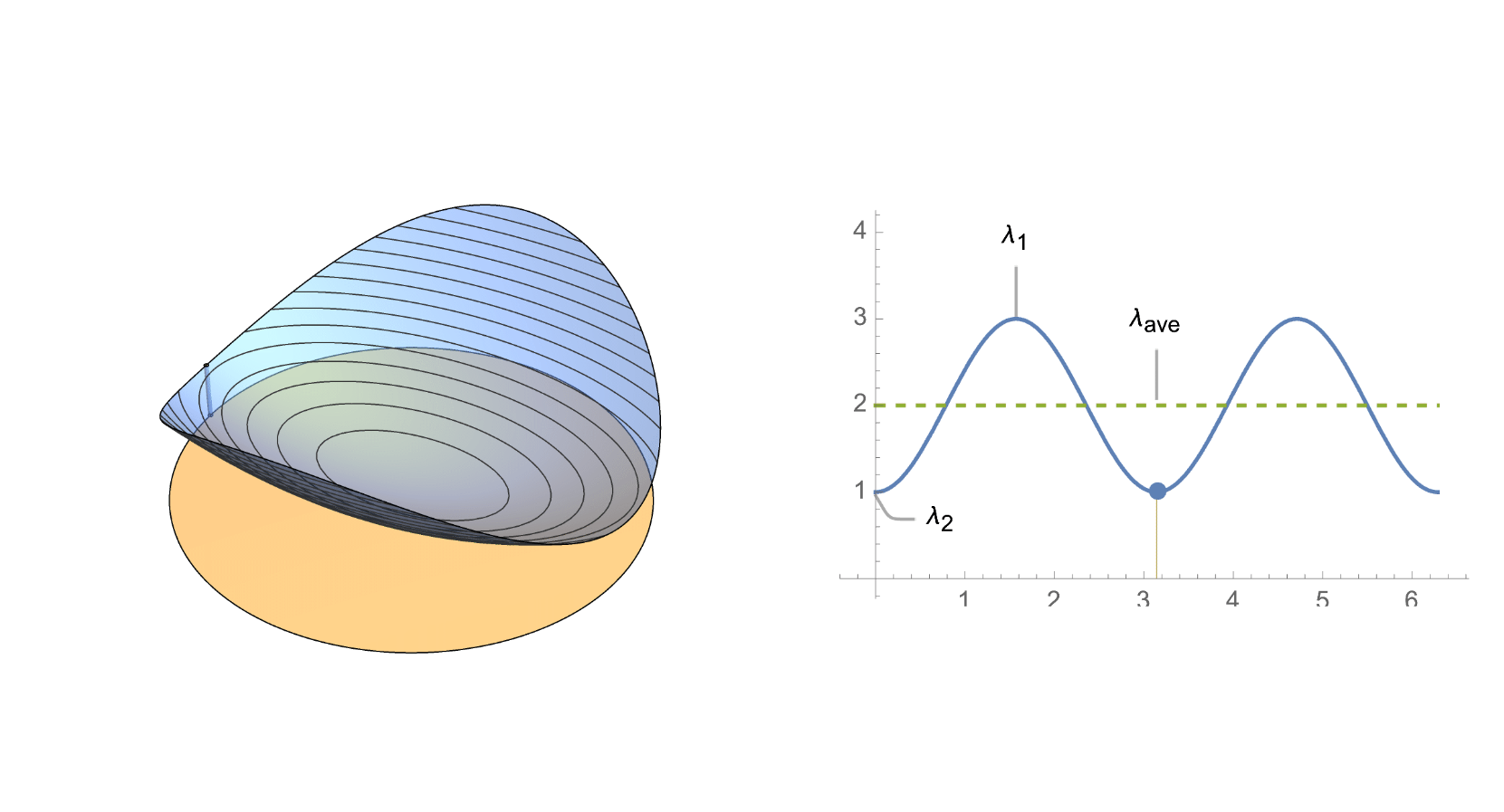
,
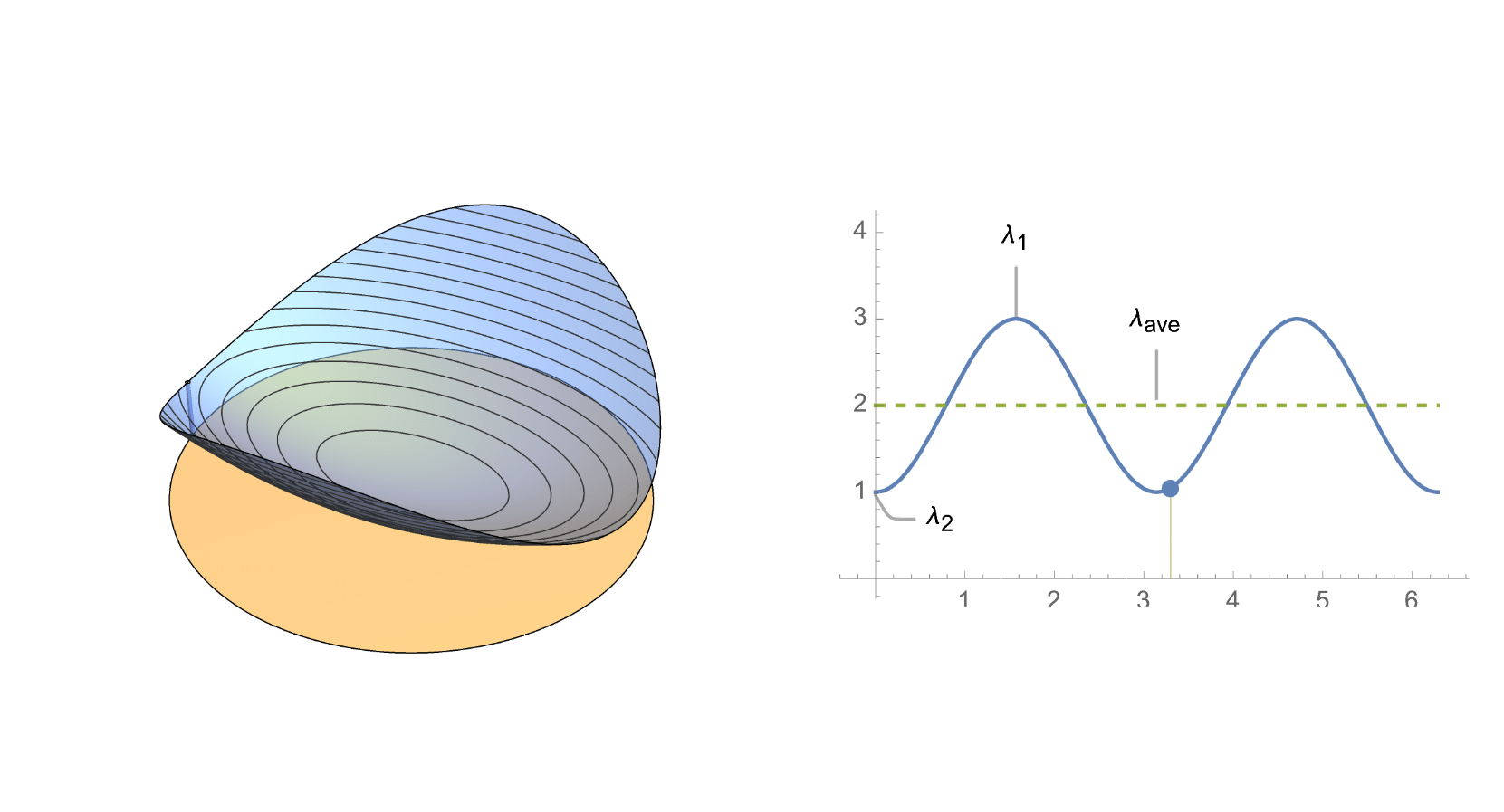
,
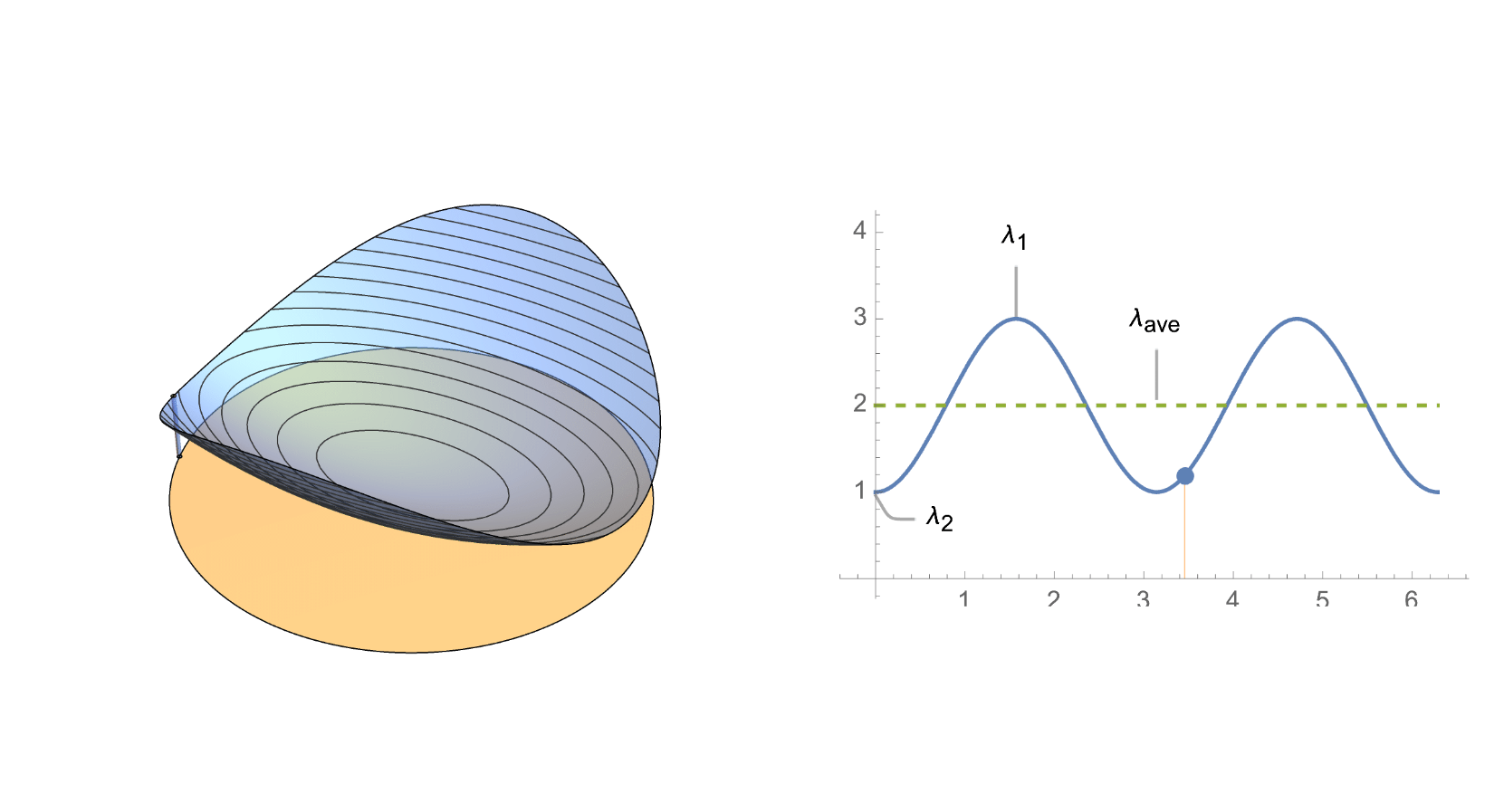
,
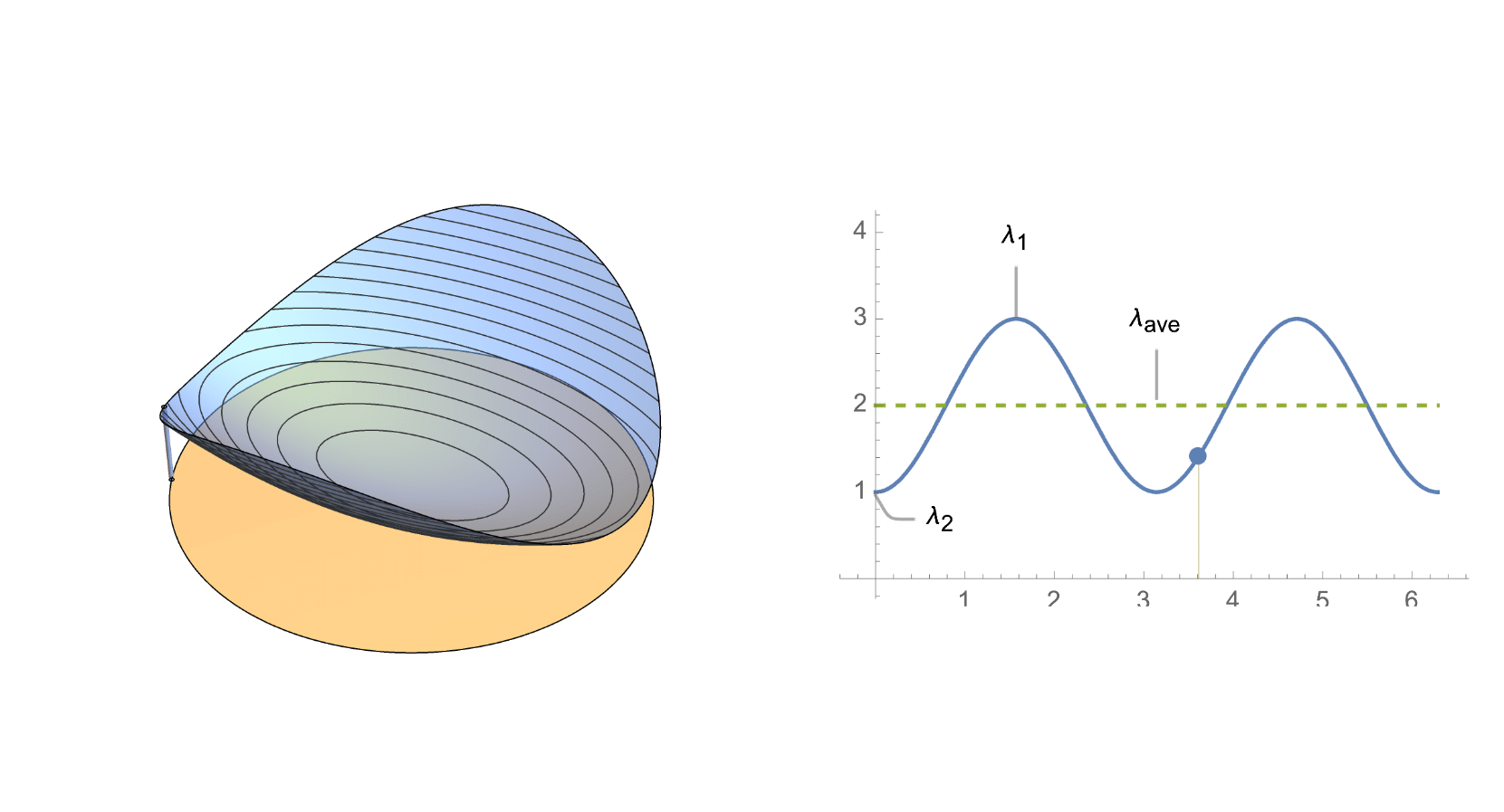
,
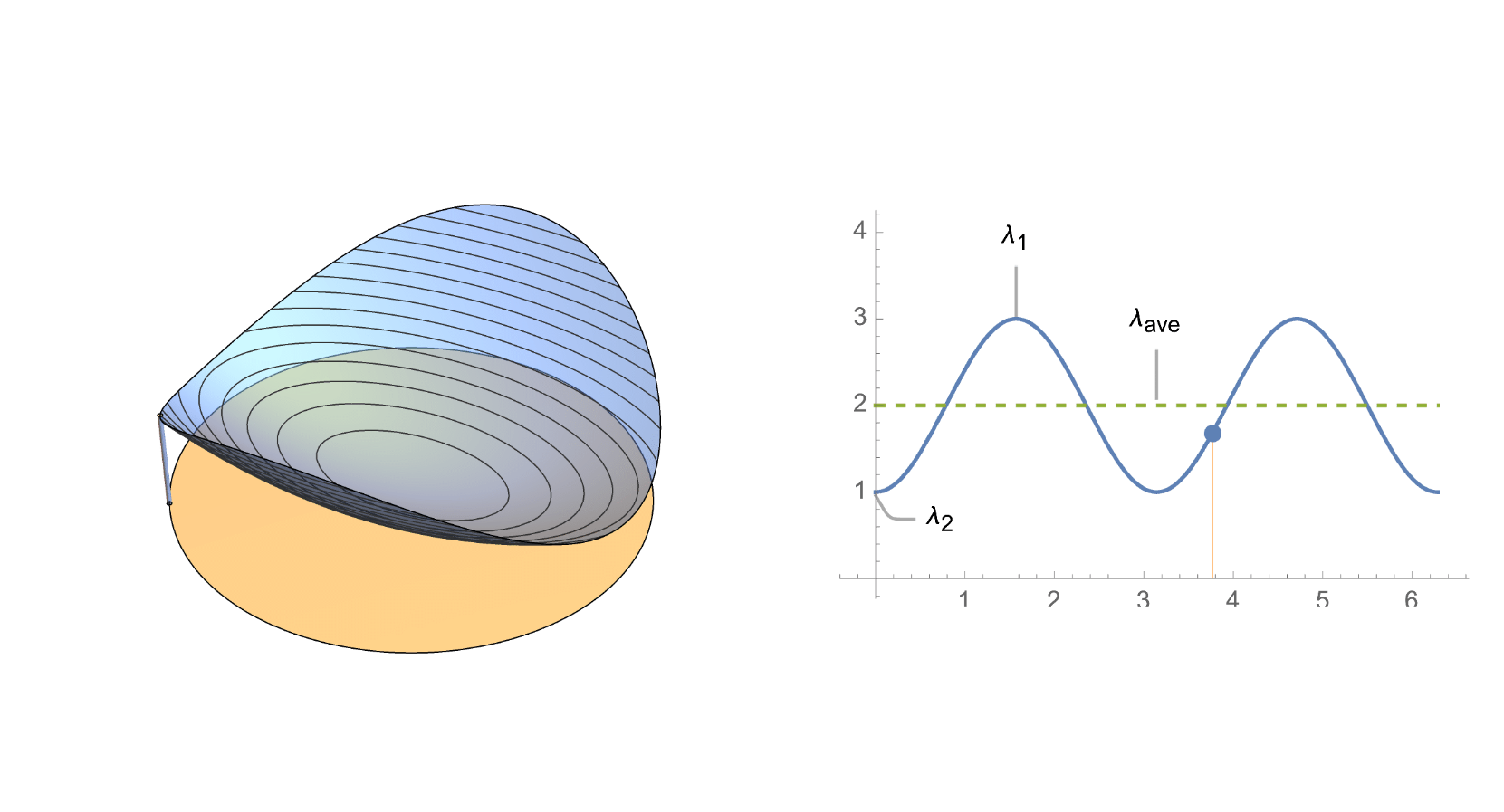
,
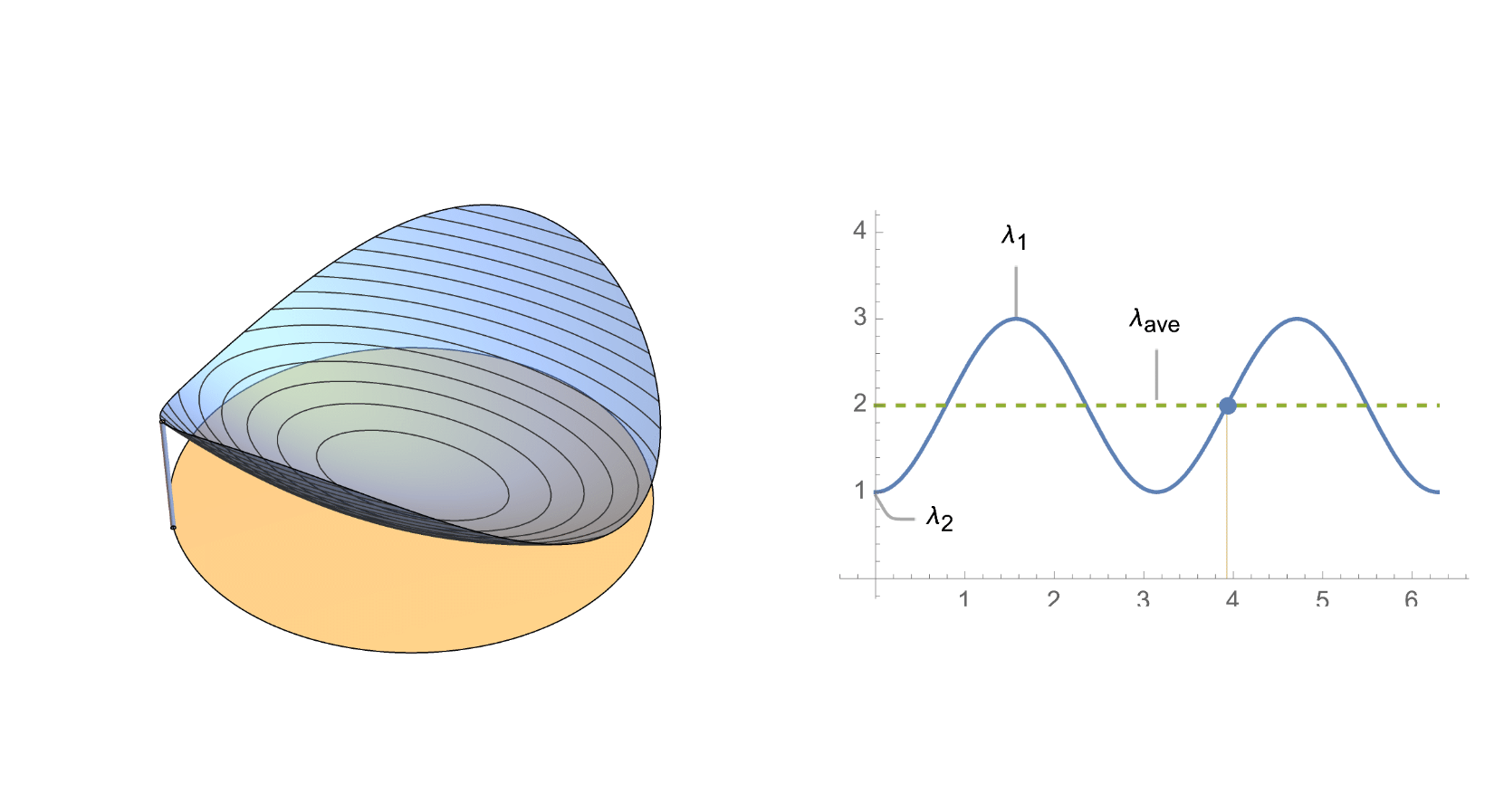
,
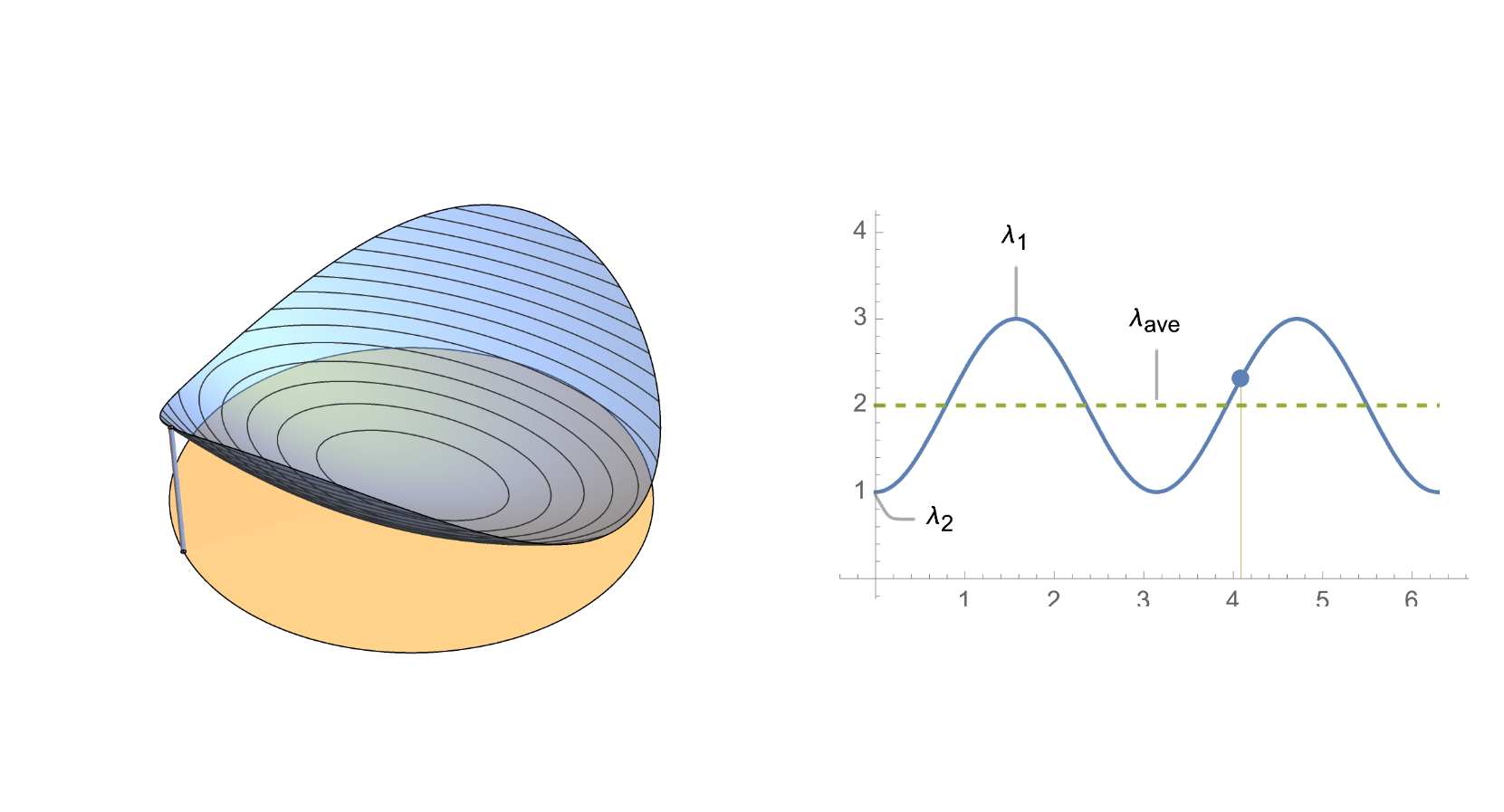
,
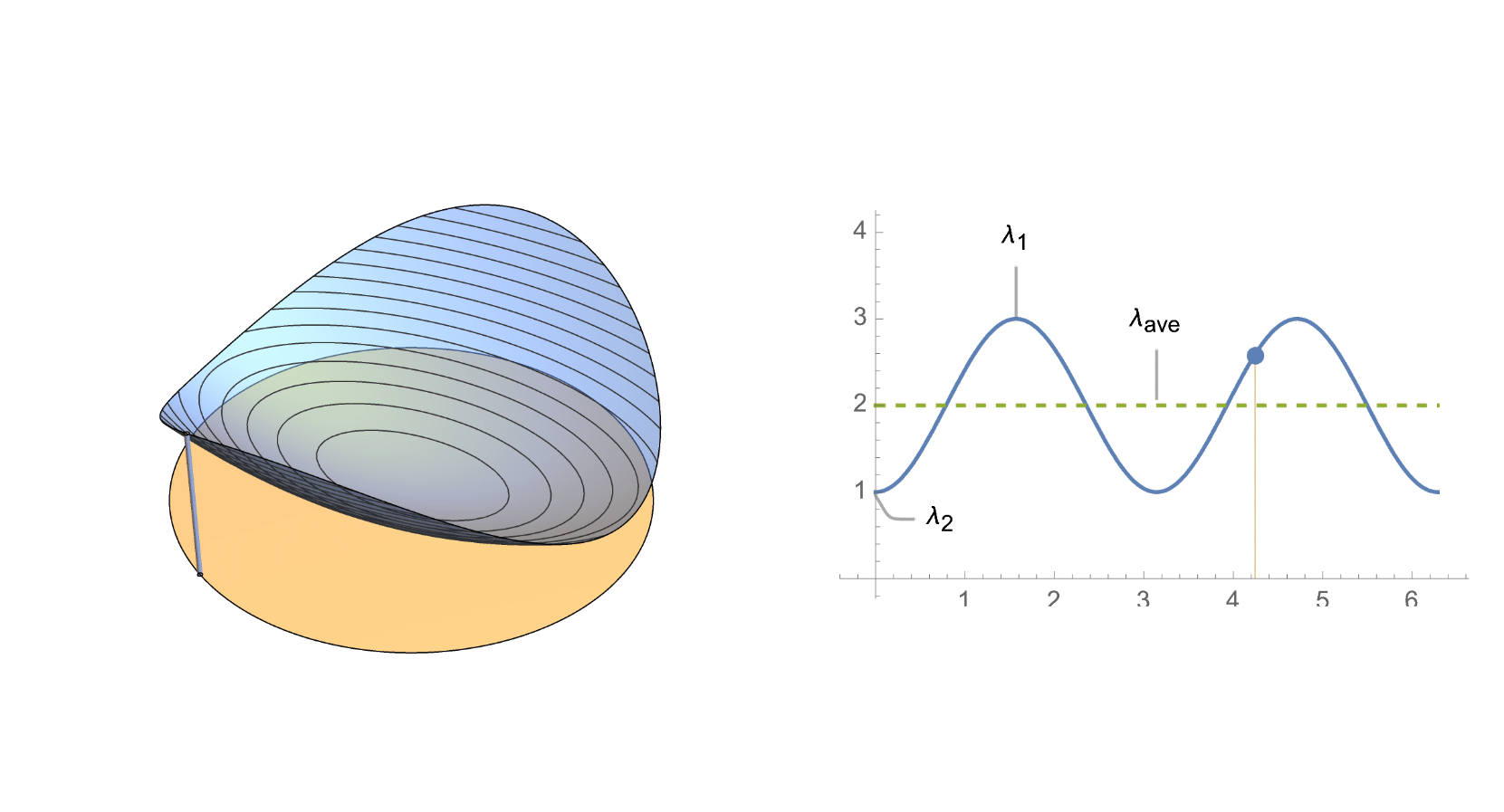
,
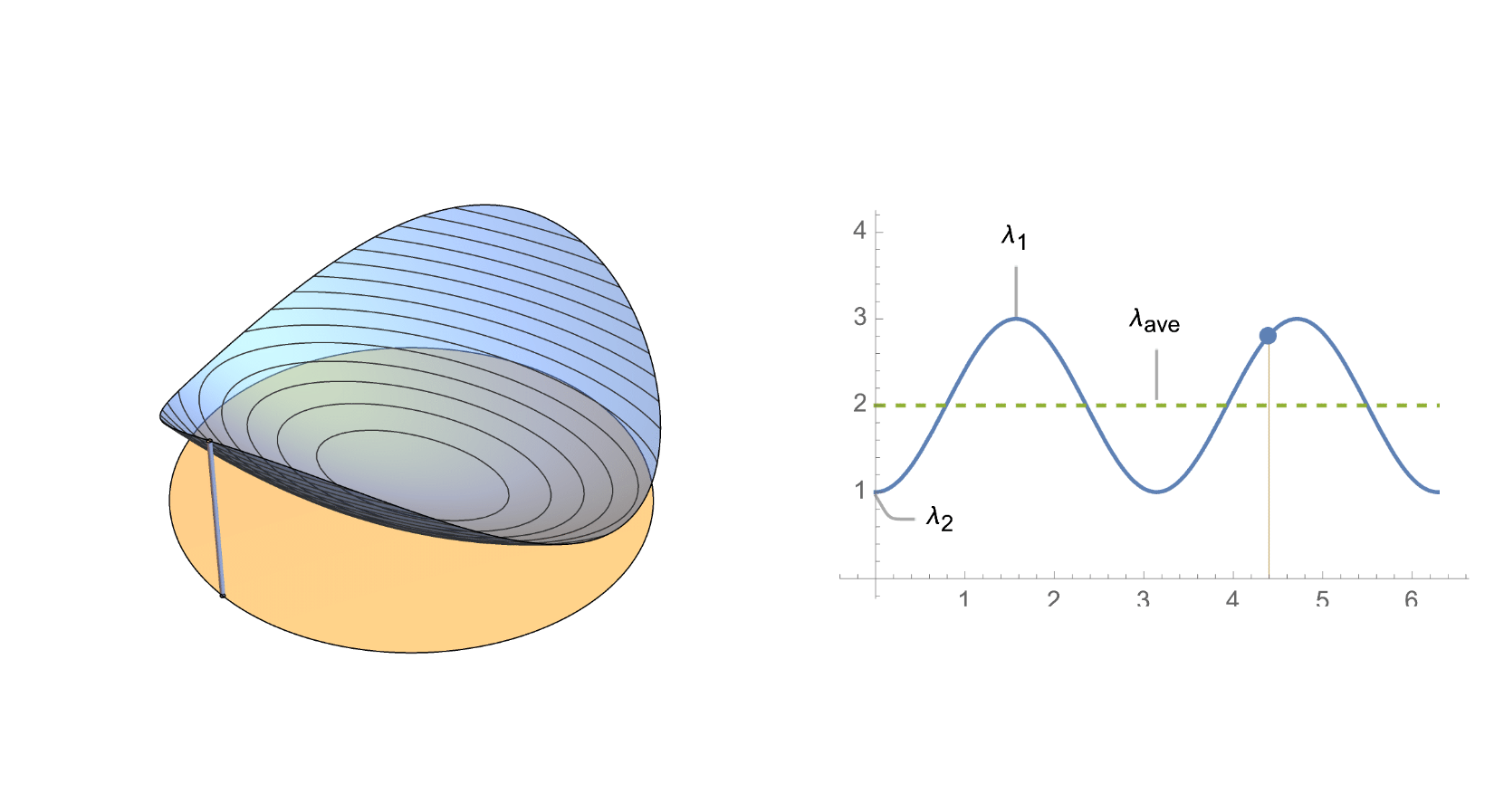
,
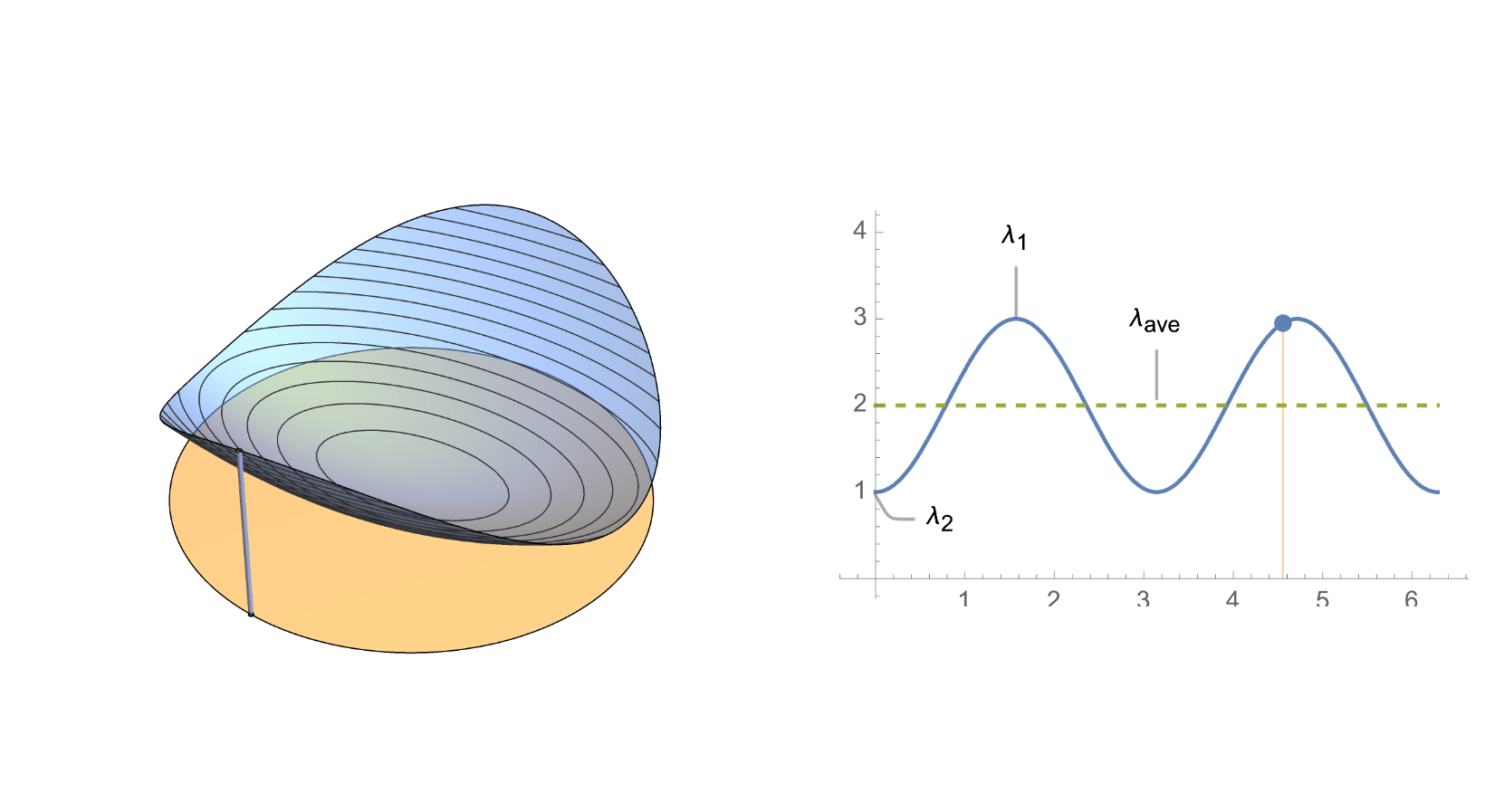
,
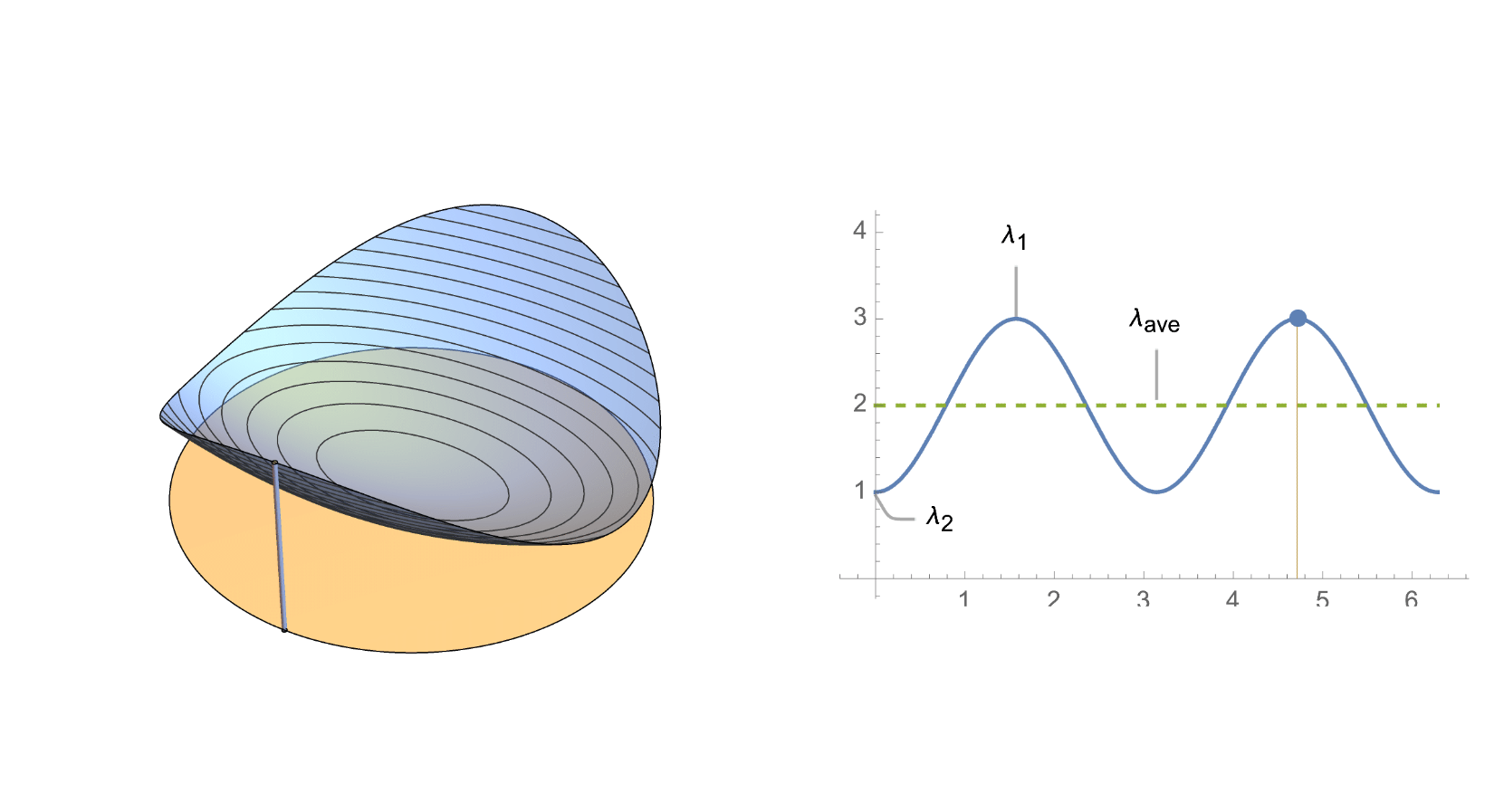
,
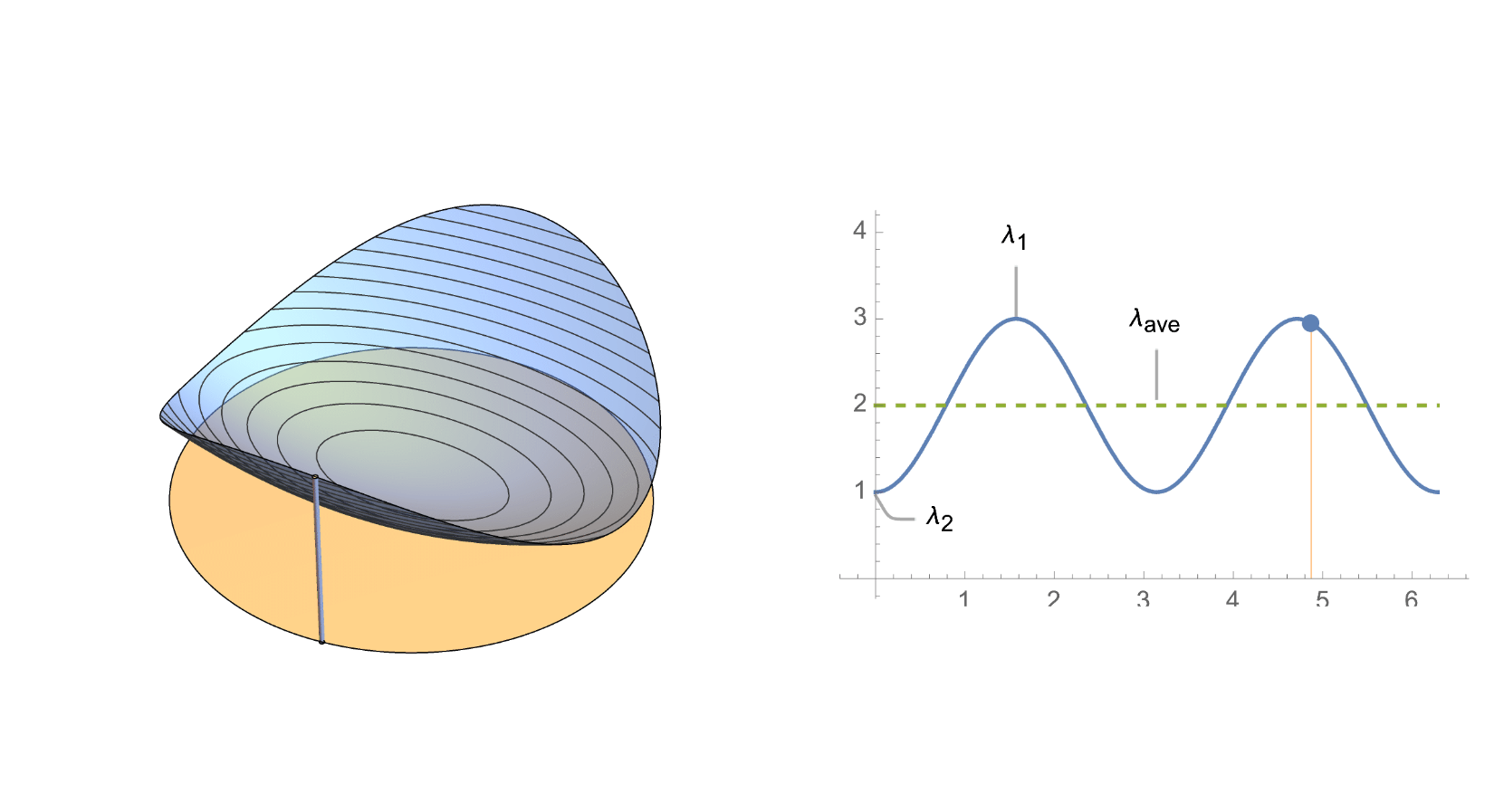
,
,
,
,
,
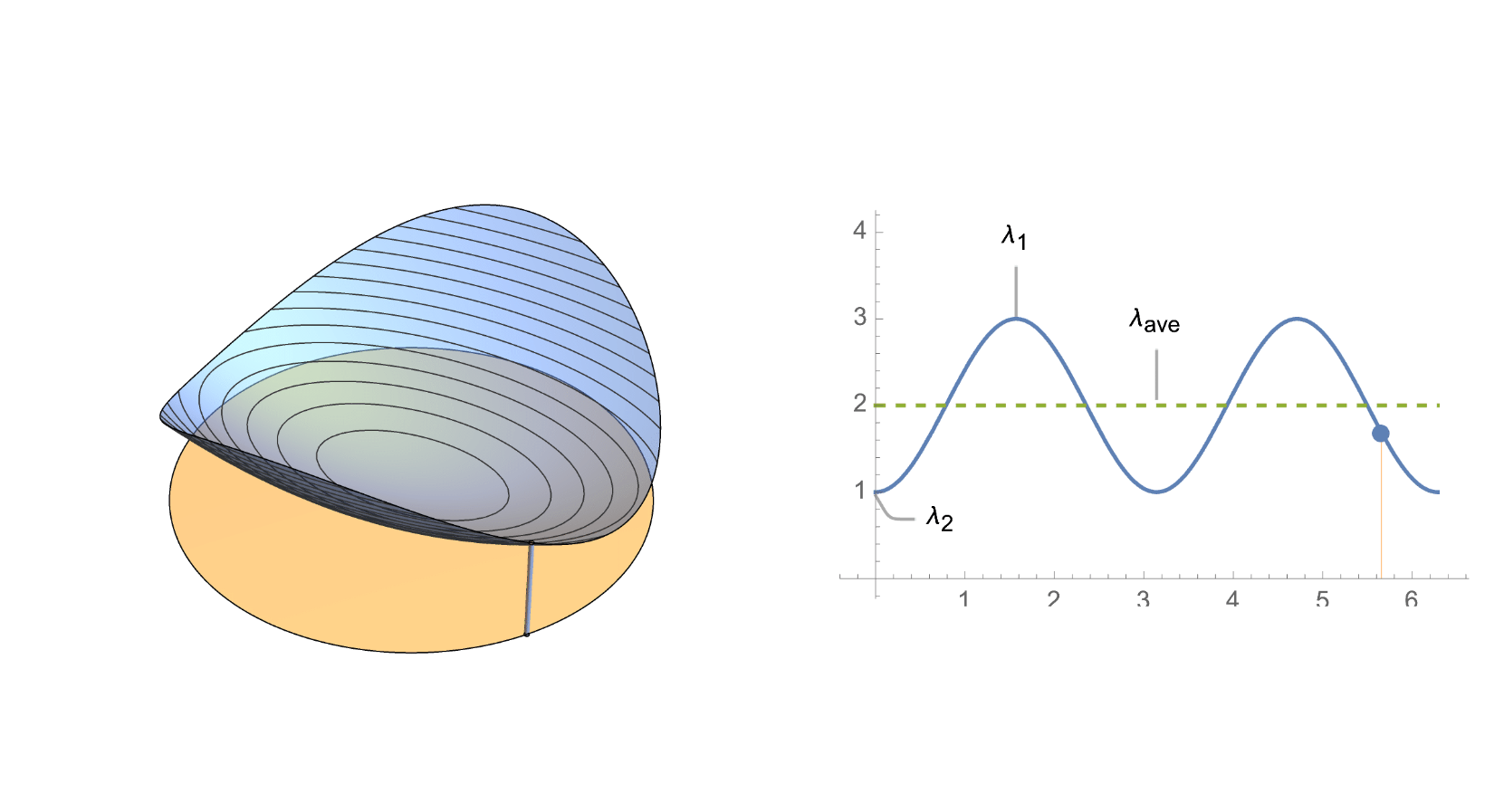
,
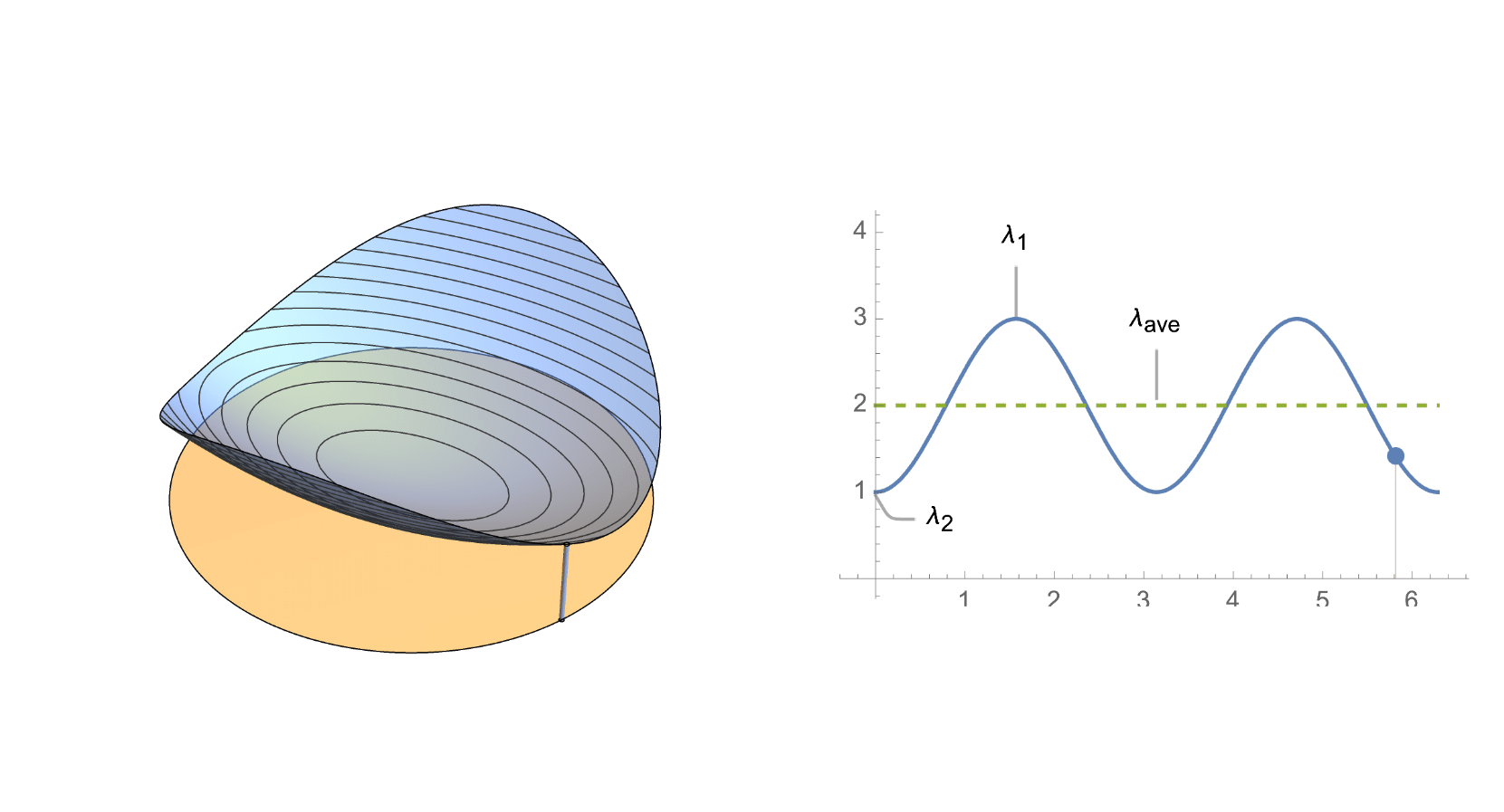
,
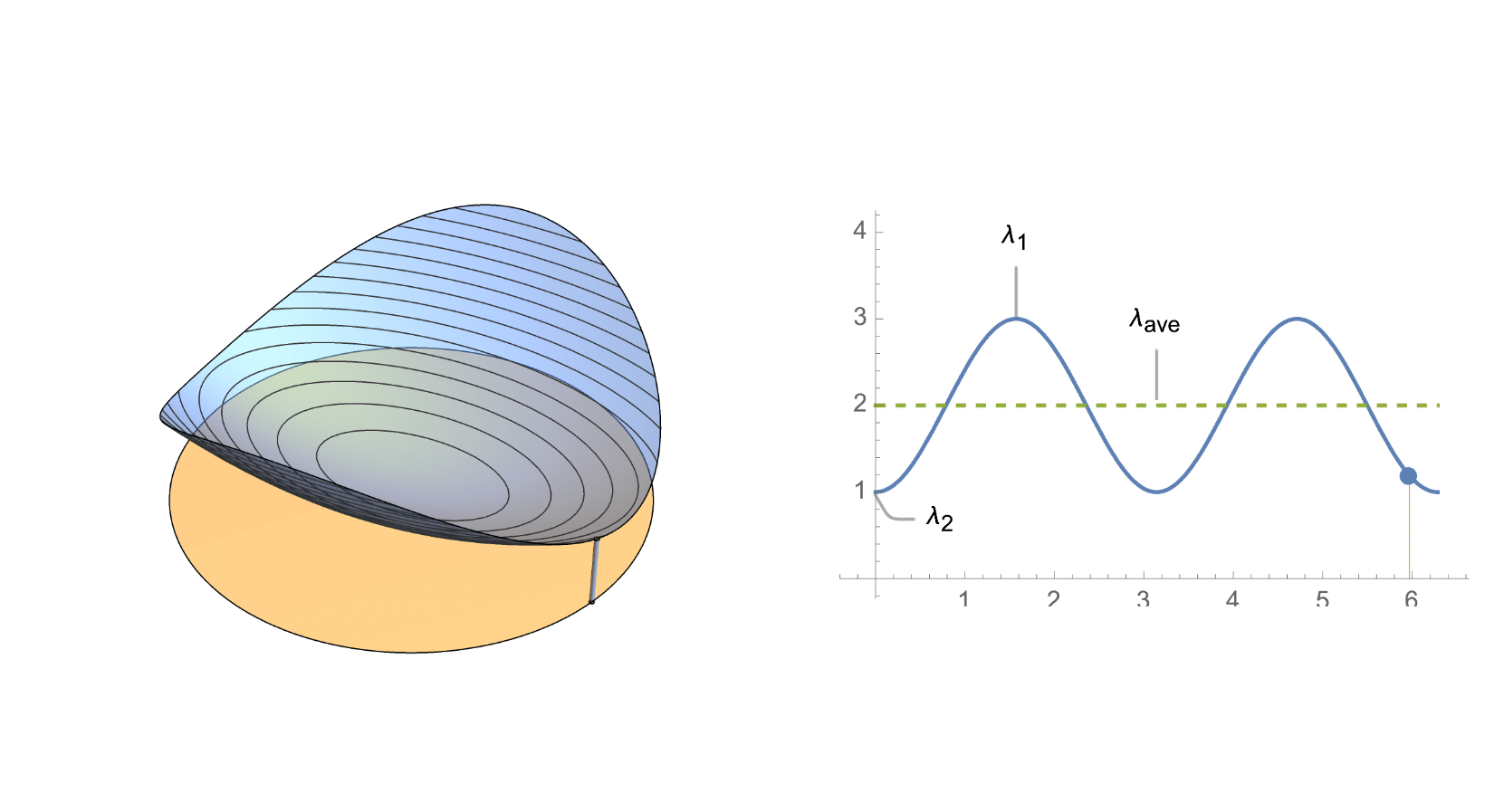
,
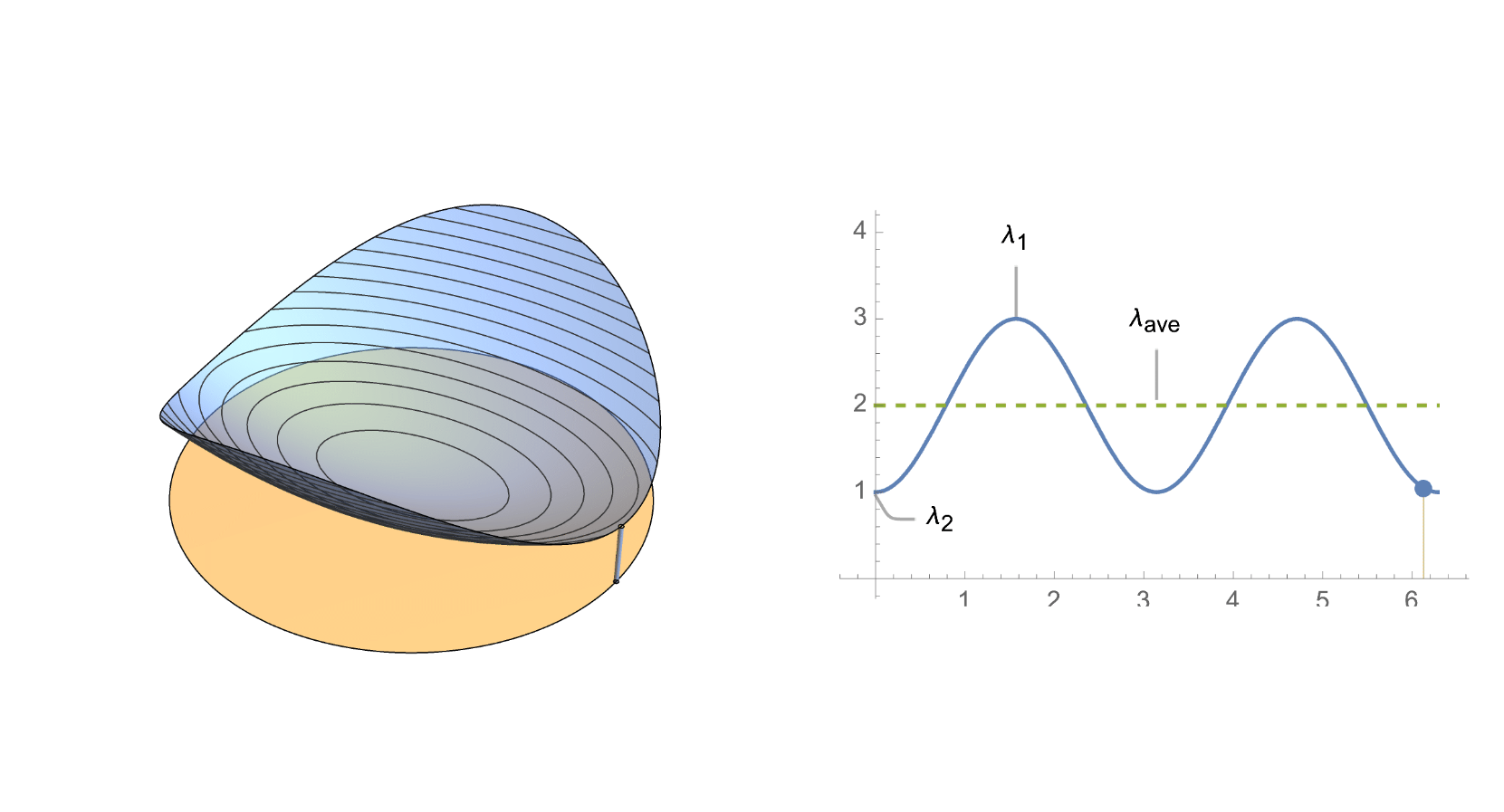
;
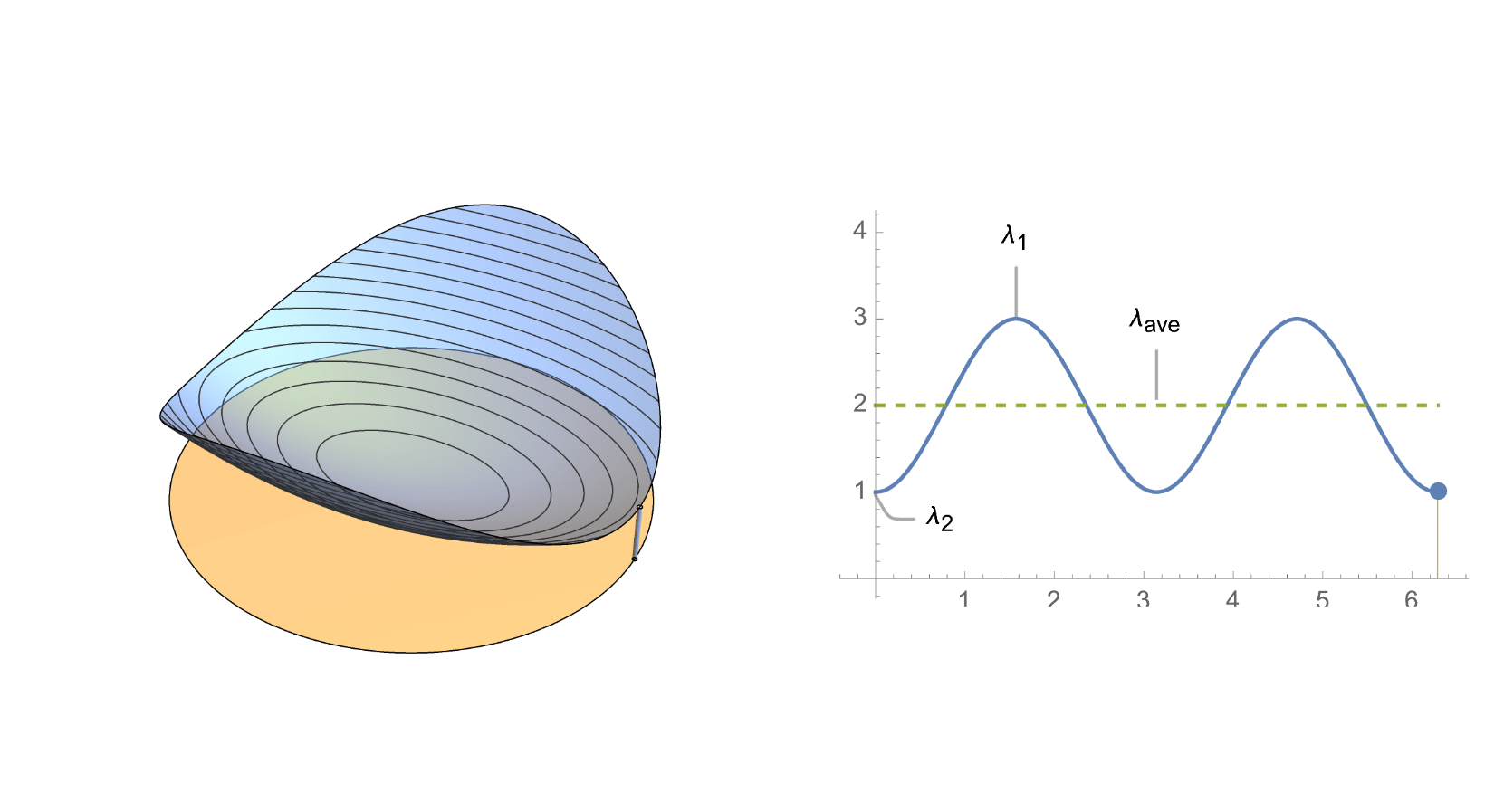
Animation
Animation
To further reduce the GIF size, you can resize it to smaller width
resizedList=ImageResize[#,678]&/@list;(*678iswithinthewidthlimitofembeddednotebookonWolframCommunity*)
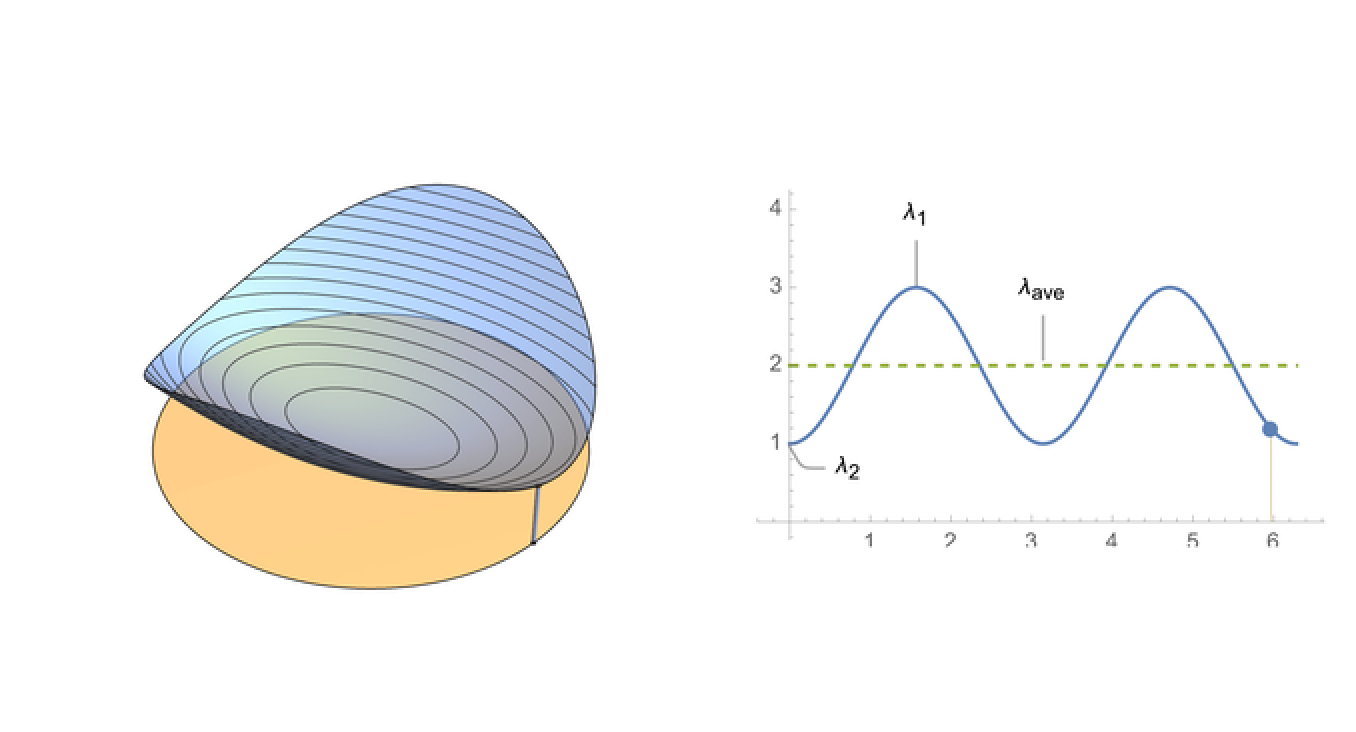
ListAnimate provide simple controls
In[]:=
ListAnimate[resizedList]
Out[]=
These controls can be hidden if you want to imitate GIF in html
In[]:=
ListAnimate[resizedList,PaneledFalse]/.(AppearanceElements_)(AppearanceElements{})
Out[]=
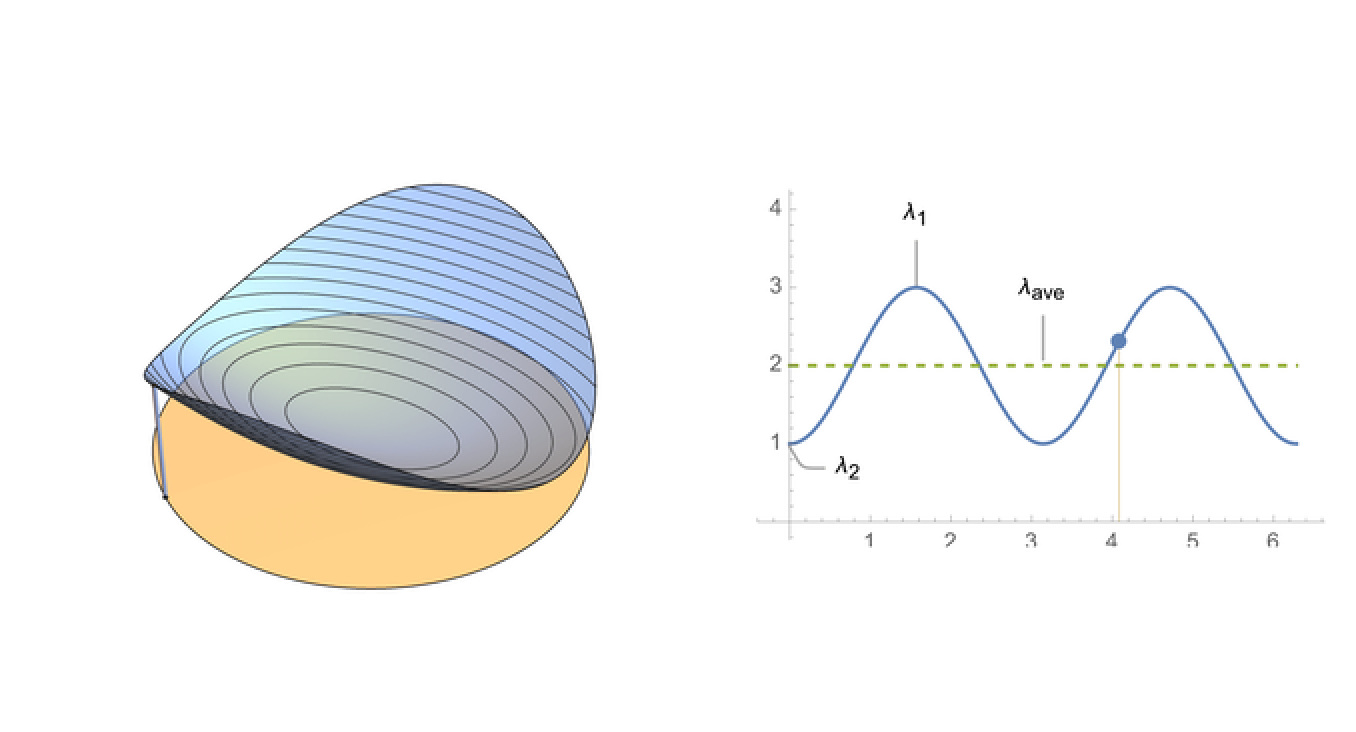
Then you can copy just the output to your main notebook.