CITE THIS NOTEBOOK: Decorating a sphere with Mitsubishi logo by Sándor Kabai. Wolfram Community OCT 4 2022.
A polyhedron is geodized and truncated to get various patterns, including the network of Mitsubishi logo. A sphere is inserted to provide the illusion as if the pattern is on it.
In[]:=
Get["PolyhedronOperations`"];(*Selecttheinitialpolyhedron*)ico=PolyhedronData["Icosahedron","Faces"];tico=PolyhedronData["TruncatedIcosahedron","Faces"];id=PolyhedronData["Icosahedron","Faces"];oct=PolyhedronData["Octahedron","Faces"];poly=ico;(*Varythefrequencyandthetruncateparameters.Spheresizemightneedtobeadjustedtothepoly*)Manipulate[base=Geodesate[poly,n];spheresize=0.98;Graphics3D[{{Yellow,Sphere[{0,0,0},spheresize]},Red,OpenTruncate[base,ot]},BoxedFalse,ImageSize300,SphericalRegionTrue,ViewPoint{0,0,100}],{{n,4,"freqiency"},3,6,1,RadioButton},{{ot,0.65,"truncate"},0,1},TrackedSymbolsot,SaveDefinitions->True]
Out[]=


Now explore forther possibilities, eg . perforate base
(*Setthedegreeofperformatep1*)p1=0.2;ee=Normal[base]/.p:Polygon[__](p/.pts:{{_?NumericQ,_,_},__}Module[{cent,innervtx},cent=Mean[pts];innervtx={1-p1,p1}.{#,cent}&/@pts;Join[pts,pts[[{1}]],innervtx,innervtx[[{1}]]]])//#&;Graphics3D[{ee},BoxedFalse,ImageSize300,SphericalRegionTrue,ViewPoint{0,0,100}]
Out[]=
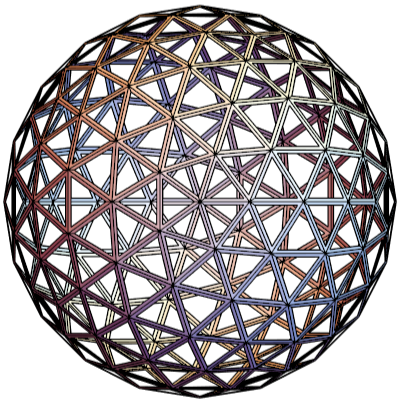
In[]:=
Graphics3D[{Red,base,Cyan,Scale[ee,1.003]},BoxedFalse,ImageSize300,SphericalRegionTrue,ViewPoint{0,0,100}]
Out[]=
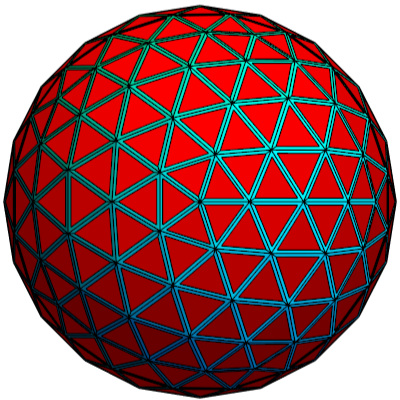
In[]:=
Graphics3D[{Red,OpenTruncate[base,0.6],Cyan,ee},BoxedFalse,ImageSize300,SphericalRegionTrue,ViewPoint{0,0,100}]
Out[]=
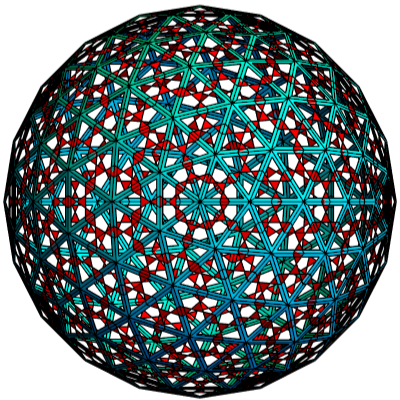
In[]:=
Graphics3D[{Yellow,Scale[base,0.99],Red,OpenTruncate[base,0.5],Cyan,ee},BoxedFalse,ImageSize300,SphericalRegionTrue,ViewPoint{0,0,100}]
Out[]=
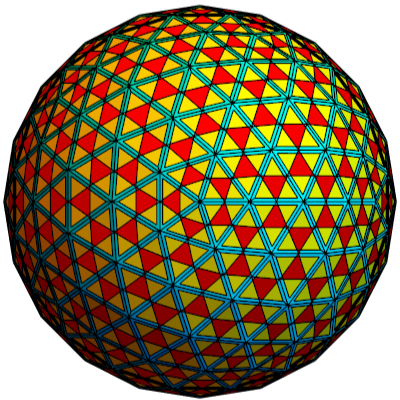
In[]:=
Graphics3D[{Yellow,Scale[base,0.99],Red,OpenTruncate[base,0.6],Cyan,ee},BoxedFalse,ImageSize300,SphericalRegionTrue,ViewPoint{0,0,100}]
Out[]=
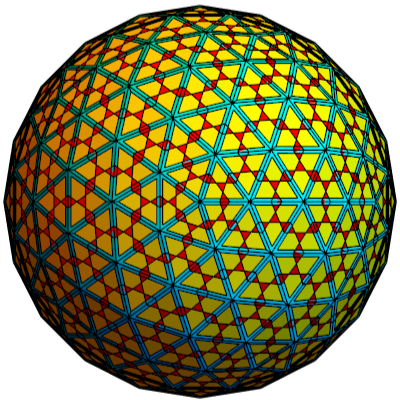
In[]:=
Graphics3D[{Yellow,Scale[base,0.99],Red,OpenTruncate[base,0.65],Cyan,ee},BoxedFalse,ImageSize300,SphericalRegionTrue,ViewPoint{0,0,100}]
Out[]=
