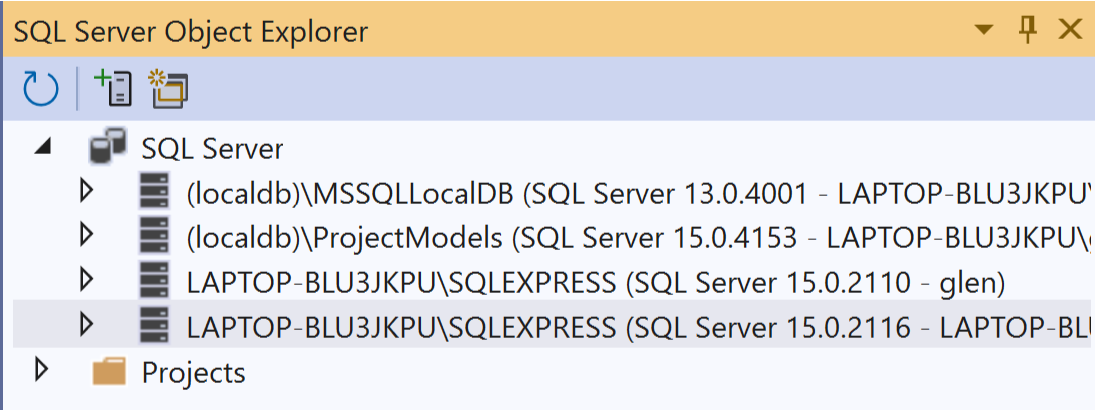
When developing using Microsoft SQL it is common to have either a localdb or SQL Express installed. It works well except for connecting to SQL Schemas that are not default ‘dbo’. You don’t need user/password. If you open Visual Studio connect to the SQL Server Object Explorer -> SQL Server -> select the database -> right click and select Properties
Then, copy the information. You won’t need all of it, but I believe they will work. The Data source is the Host. The Database is the Name.

In[]:=
myref=DatabaseReference[<|"Backend""MicrosoftSQL","Name""LOADESTDEV","Port"Automatic,"Host""LAPTOP-BLU3JKPU\\SQLEXPRESS","Integrated_Security"->"True","Trusted_Connection"->"True"|>]
Out[]=
DatabaseReference


This only connects to the ‘dbo’ Schema. How do you connect to other Schemas?
In[]:=
glen=RelationalDatabase[myref]
Out[]=
RelationalDatabase
