Identifying Andromeda galaxy in an iPhone photo with SkyChart
By David Ameneyro Jan 16, 2021
By David Ameneyro Jan 16, 2021
Using Wolfram to explore iPhone astrophotography
There it is. Andromeda. Two and a half million light years away. Shot on iPhone.At least I think it’s Andromeda. I want it to be Andromeda. But how can I be sure?Camera sensors (especially smaller phone-based sensors) often add noise to low-light photos. And the iPhone famously uses “computational photography” so an image it captures is actually not a single image at all, but a series of images that are heavily processed and combined to optimize for what the typical user expects to see. I don’t think the typical user is shooting spiral galaxies, so I’m skeptical that it’s actually our nearest galactic neighbor.Here’s how I went about to find out.
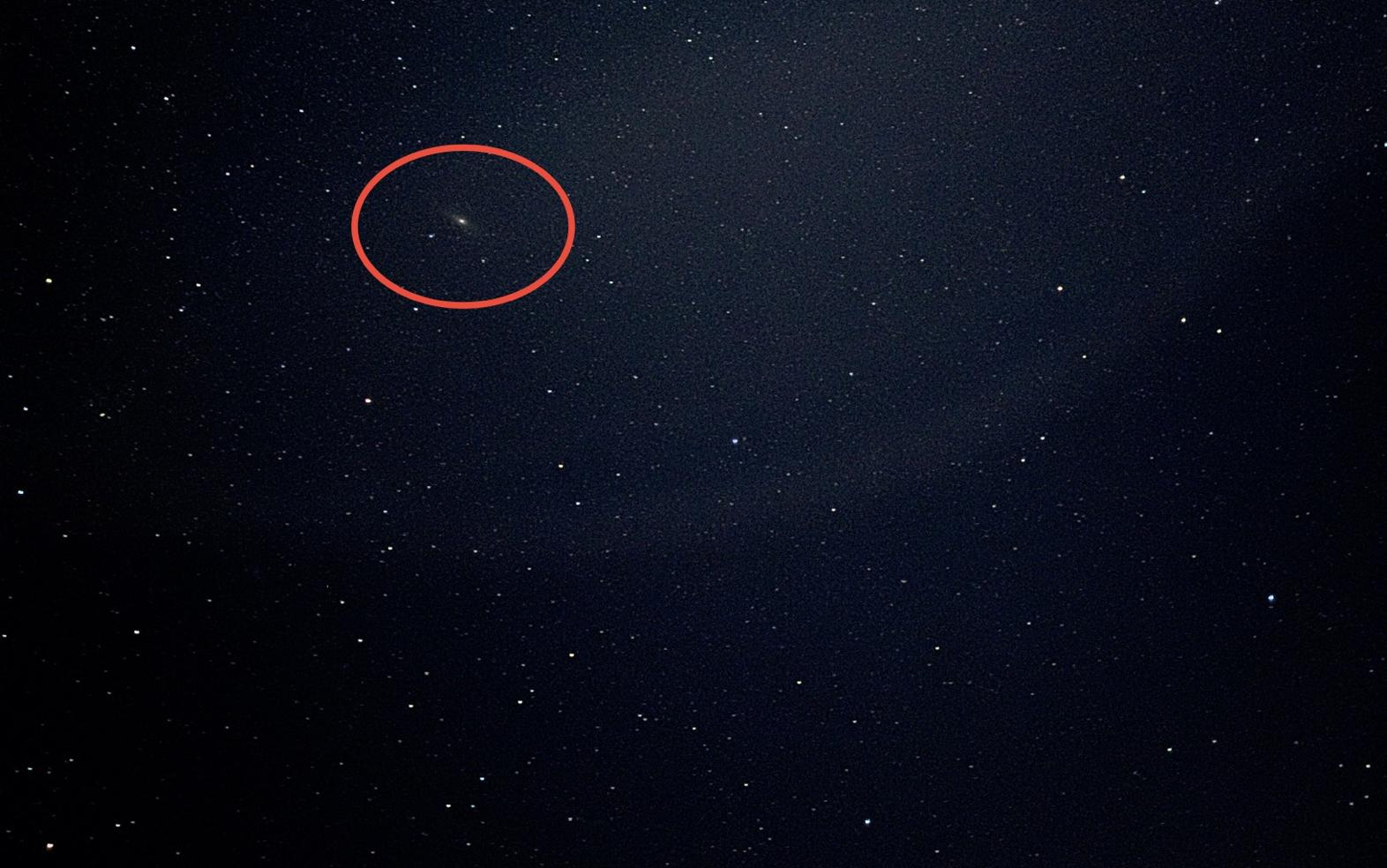
First, the picture
First, the picture
Taking the shot
Taking the shot
The shot is the result of two recent iPhone camera features: Night Mode (introduced in 2019 for the iPhone 11) and ProRaw (introduced in 2020 for the iPhone 12 Pro).
Night Mode allows the user to change the capture settings to make long exposures, from 1-3 seconds if handheld and up to 30 seconds if stable.
ProRaw is Apple’s version of Raw, which combines some of Apple’s computational photography without the information destruction inherent to their standard photo format. Check out Halide's great write-up on ProRaw if you want to learn the technical details.
My setup was simple. I was driving home, realized it was dark and mostly clear, so I pulled over, set my camera to 30-second exposure, placed the phone down on my truck (for stability) and pressed the shutter. I took two shots for comparison: ProRaw and the standard HEIC.
That’s it. No equipment. No filters. Not even a tripod.
Night Mode allows the user to change the capture settings to make long exposures, from 1-3 seconds if handheld and up to 30 seconds if stable.
ProRaw is Apple’s version of Raw, which combines some of Apple’s computational photography without the information destruction inherent to their standard photo format. Check out Halide's great write-up on ProRaw if you want to learn the technical details.
My setup was simple. I was driving home, realized it was dark and mostly clear, so I pulled over, set my camera to 30-second exposure, placed the phone down on my truck (for stability) and pressed the shutter. I took two shots for comparison: ProRaw and the standard HEIC.
That’s it. No equipment. No filters. Not even a tripod.
The result
The result
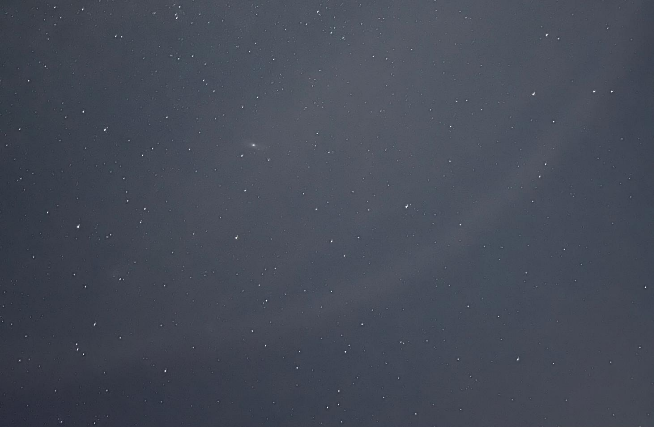
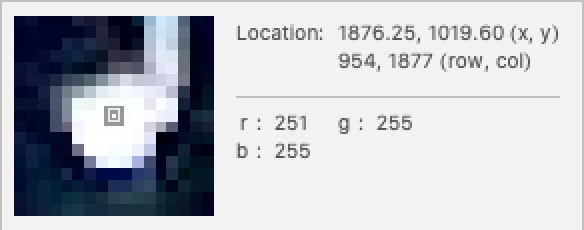
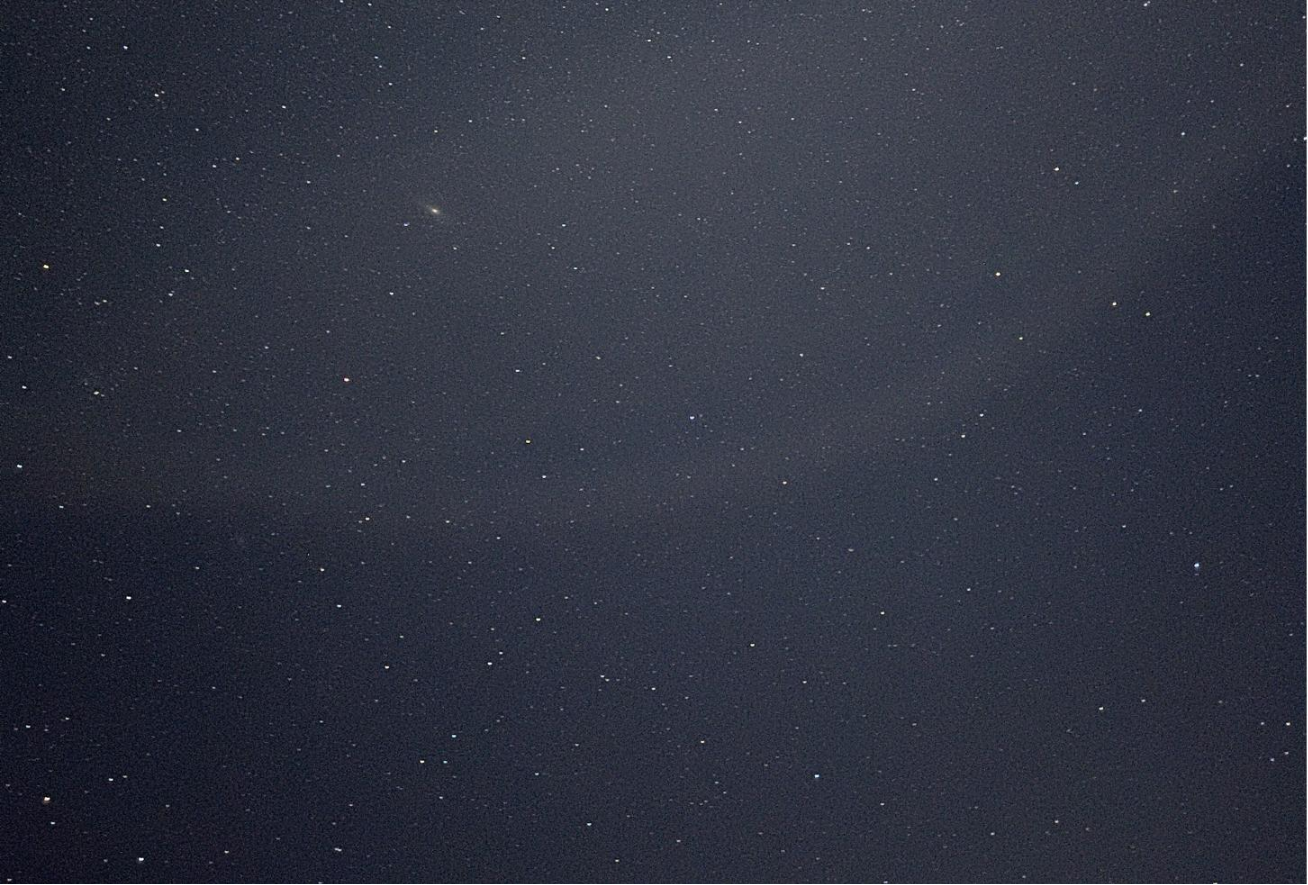
Here' s the standard HEIC format, with the non - edited on top and the Auto Enhanced version below : With editing I was able to remove most of the haze (the night wasn' t completely clear so not all of the haze is an artefact of the sensor or processing) . Both versions clearly show Andromeda, and both make all the stars the same color (which will be important later). Two stars from the HEIC shot . Notice how they' re almost the same color and they both have abnormal shapes :
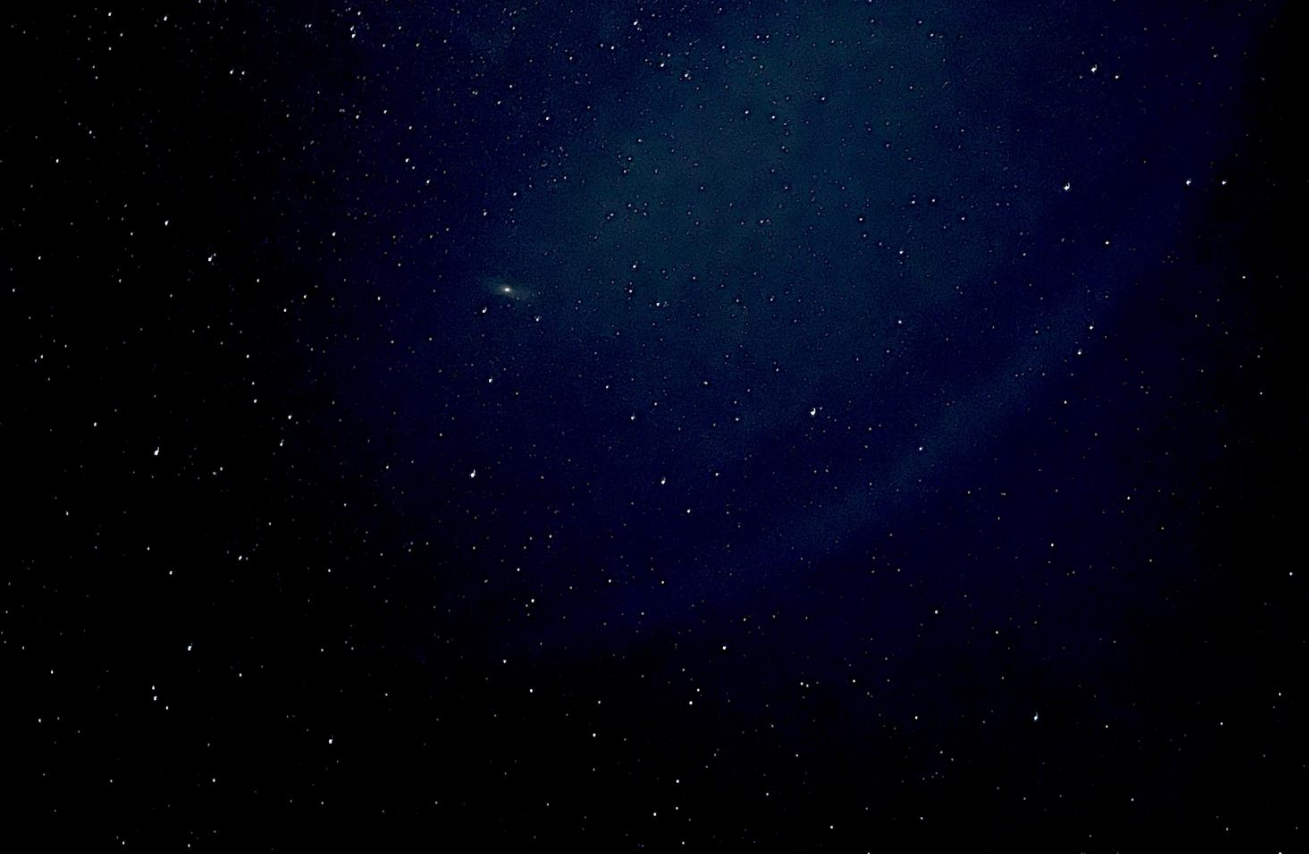
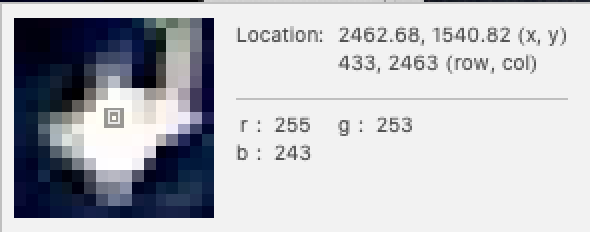
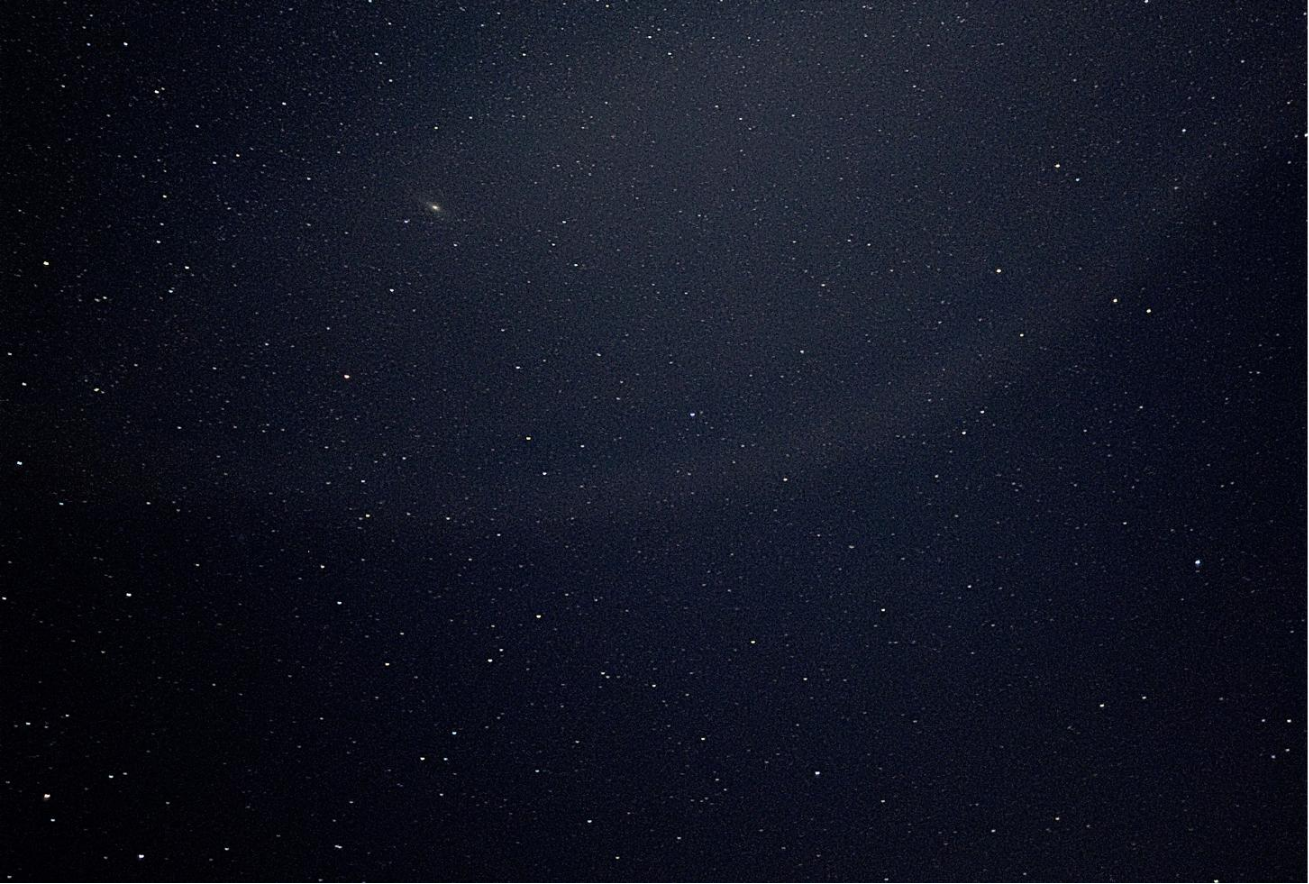
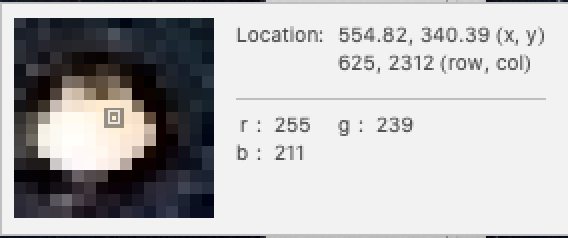
Here’s the ProRaw format (non-edited on top, Auto Enhance on the bottom):The haze is still there and both versions clearly show Andromeda, though not quite as clearly as the HEIC version. The stars are sharper and most interesting to me is that the ProRaw versions clearly retain the colors of the stars.The same two stars as above, but now in ProRaw. Notice how the colors are different and how the stars are both a more compact, round shape.
Identifying Andromeda
Identifying Andromeda
When I took the shot, I wasn’t trying to capture any specific constellations or planets, but now I was hoping I could find something in my photo that I could identify by sight. With a known point I could orient my photo to the night sky and (hopefully) confirm that I captured Andromeda.
But no luck. Looking at my photo I couldn’t identify any constellations that could help me orient the picture.
But no luck. Looking at my photo I couldn’t identify any constellations that could help me orient the picture.
Finding the night sky
Finding the night sky
My next step was to find a map of the night sky and sort of exhaustively search for similarities between my map and the photo until I could orient the photo.
I figured that Wolfram had some functionality that could help me and after some light googling, I found the SkyChart function from the Wolfram Function Repository.
This cool function let’s you designate a time & place and it will render the night sky, complete with tool tips to easily ID celestial objects.
Here’s what the sky looked like when I took the photo:
I figured that Wolfram had some functionality that could help me and after some light googling, I found the SkyChart function from the Wolfram Function Repository.
This cool function let’s you designate a time & place and it will render the night sky, complete with tool tips to easily ID celestial objects.
Here’s what the sky looked like when I took the photo:
Identifying Constellations
Identifying Constellations
These three groups of stars give my confidence that I’ve correctly matched the Great Square of Pegasus to my shot.
Matching Andromeda
Matching Andromeda
Conclusion
Conclusion
There it is, Andromeda! I’m happy with the results of my investigation. And I still can’t believe the level of detail I got out of a cell phone camera sensor.
While I'm happy that I got as far as I did with this, I was really looking for a more programmatic way to validate the celestial objects in my photo.
The ImageKeypoints function gave me a list of coordinates, but I couldn't figure out how to match that to constellation coordinates from the Sky Chart. My idea was to compare relative distance and angles between the various objects in my photo to the objects from the Sky Chart, as a more robust way to identify them.
Next time I look into this I'd like to get that figured out.
The ImageKeypoints function gave me a list of coordinates, but I couldn't figure out how to match that to constellation coordinates from the Sky Chart. My idea was to compare relative distance and angles between the various objects in my photo to the objects from the Sky Chart, as a more robust way to identify them.
Next time I look into this I'd like to get that figured out.
Beyond that, I'd like to dive more into Wolfram-based image processing. I want to really dig into figuring out what are actual stars in my photos and what is just noise. The most prominent objects are clearly stars but there are a lot more in the photos that could be stars or could be nothing.
It would be interesting to map some of the fainter objects and see if they correlate to known celestial bodies.
It would be interesting to map some of the fainter objects and see if they correlate to known celestial bodies.
Issues
Issues
◼
Size! I don’t know what Wolfram is doing with the photos I’m dropping in, but in Finder they total ~25MB but the original nb file I made for this writeup was 170MB+.
In order to share on Wolfram Community I had to take screenshots of all of the “code” cells above rather than having actual code (to see the notebook with code and full-size images go here).
What’s going on? Is there a way to purge unused info from a notebook to make it a reasonable size?
In order to share on Wolfram Community I had to take screenshots of all of the “code” cells above rather than having actual code (to see the notebook with code and full-size images go here).
What’s going on? Is there a way to purge unused info from a notebook to make it a reasonable size?