Let we have next CSV file:
“TIME”, “PACE”, “RATE”
“00:02:20”,”05:22”, “77”
“00:02:21”,”05:21”, “67”
“00:02:22”,”05:29”, “87”
.........
Load it:
Let we have next CSV file:
“TIME”, “PACE”, “RATE”
“00:02:20”,”05:22”, “77”
“00:02:21”,”05:21”, “67”
“00:02:22”,”05:29”, “87”
.........
Load it:
(*Import["ExampleData/example.csv","Data"]//Short*)
We get next data:
In[]:=
data={{"00:02:20","05:22","77"},{"00:02:21","05:21","67"},{"00:02:22","05:29","87"}}
Out[]=
{{00:02:20,05:22,77},{00:02:21,05:21,67},{00:02:22,05:29,87}}
Prepare time stamps:
timers=TimeObject/@data[[All,1]]
Out[]=
,,
Prepare pace and rate data:
paces=UnitConvert[data[[All,2]],"Minutes"]
Out[]=
,,
rates=ToExpression[data[[All,3]]]
Out[]=
{77,67,87}
Prepare ticks for pace axis. You may create it as you like, it’s just example:
paceTicks={#,TimeObject@#}&/@Range[Min@paces,Max@paces,Quantity[0.02,"Minutes"]]
Out[]=
,,,,,,,,,,,,,
In[]:=
DateListPlot[MapThread[{#1,#2}&,{timers,paces}],FrameTicks{Automatic,paceTicks}]
Out[]=
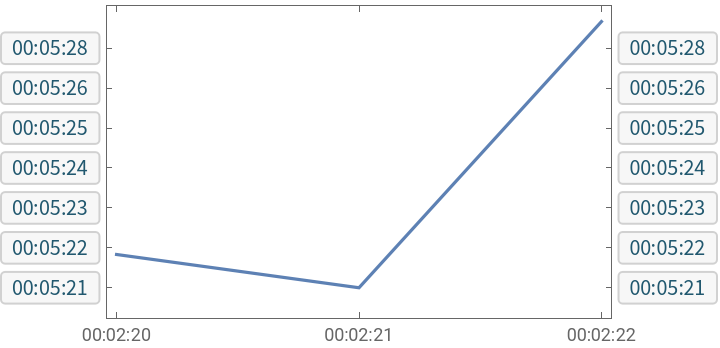
In[]:=
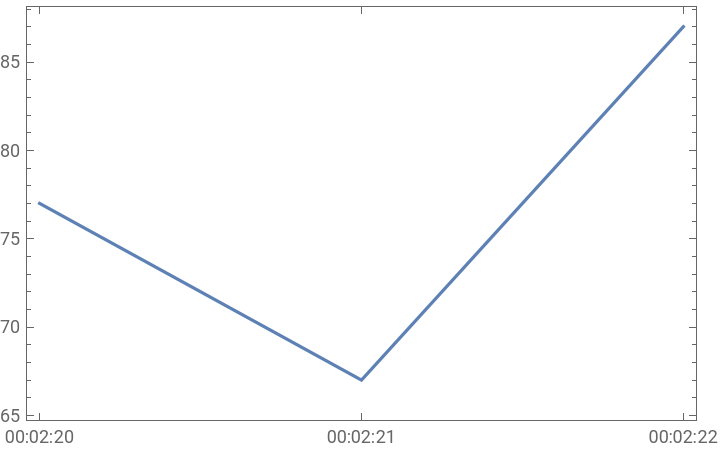
DateListPlot[MapThread[{#1,#2}&,{timers,rates}]]
Out[]=