There is a function FindVertexColoring that finds a way to assign colors to its vertices so that no pair of adjacent vertices have the same color.
In[]:=
FindVertexColoring
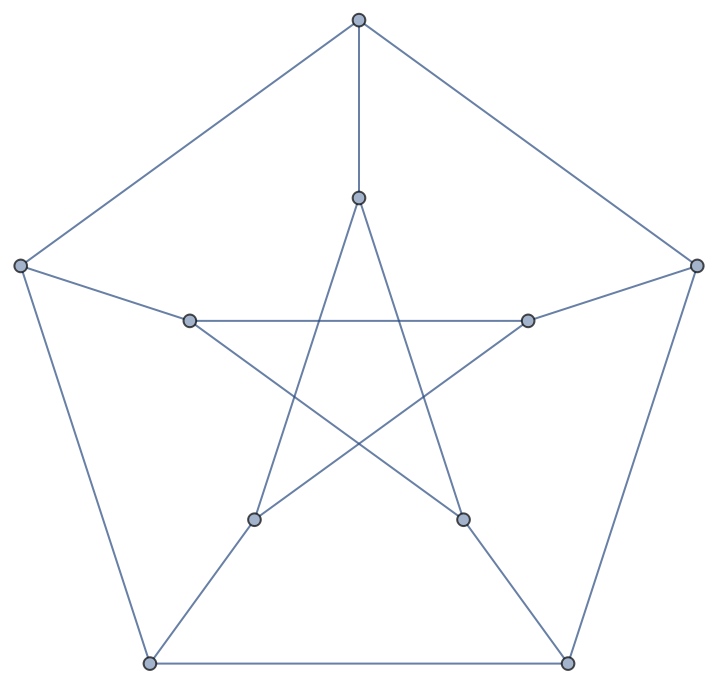
Out[]=
{2,3,1,1,2,3,1,3,2,1}
Here I find the ResourceFunction.
Here I find the ResourceFunction.
Using the ResourceFunction
Using the ResourceFunction
Coloring the Graph Vertices
Coloring the Graph Vertices
I can color the vertices of the graph.
In[]:=
ColorGraphVertices[PetersenGraph[],VertexSize->Large]
Out[]=
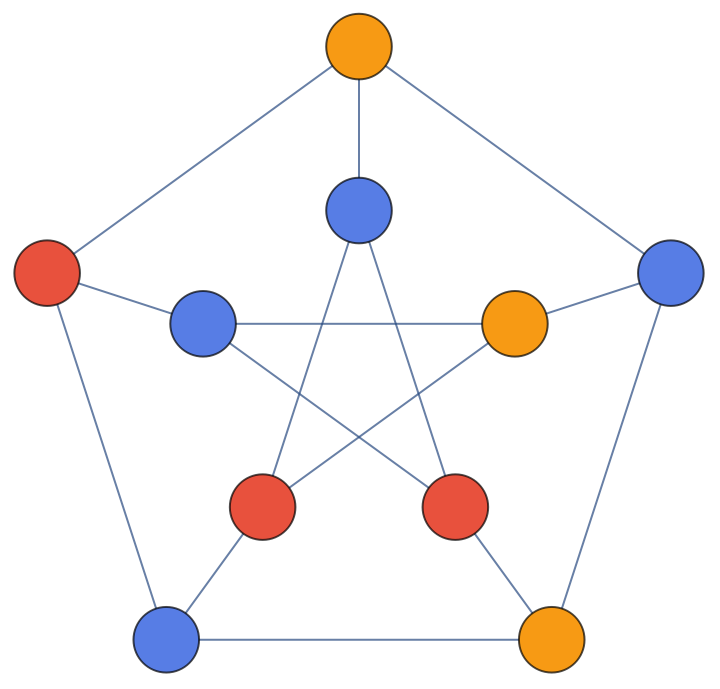
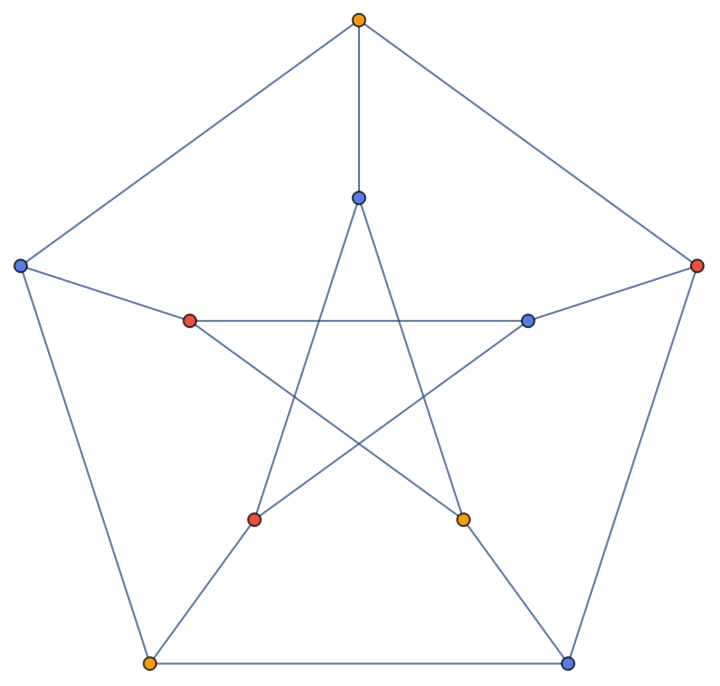
I like the Large VertexSize better than the default. It enables me to see the colors better, at least for graphs that don’t have that many vertices. Maybe with graphs with lots of vertices its better to have smaller vertices.
In[]:=
ColorGraphVertices[PetersenGraph[]]
Out[]=
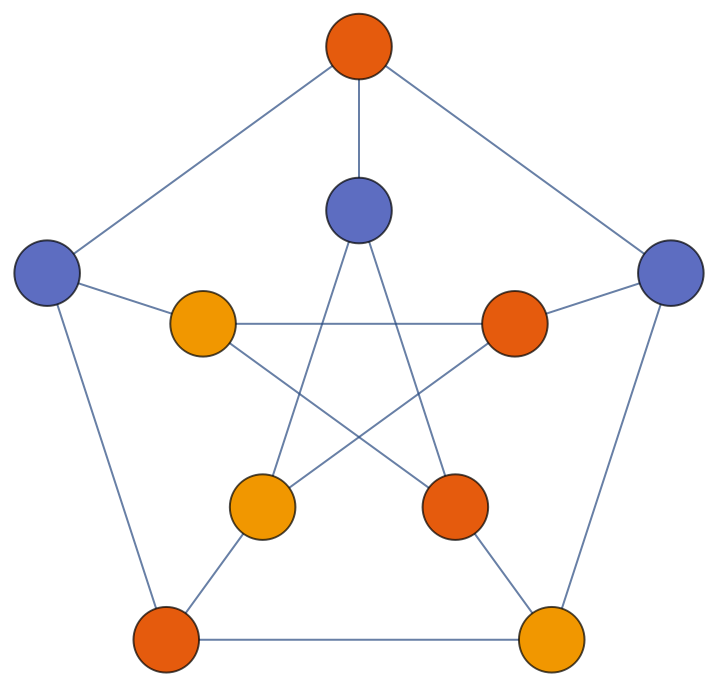
I can also specify different colors.
In[]:=
ColorGraphVertices
,ColorData[108,"ColorList"],VertexSize->Large
Out[]=
Here is the source code for the function.
ColorGraphVertices[graph_?GraphQ,colors:{__?ColorQ}|Automatic:Automatic,options:OptionsPattern[Graph]]:=Graph[Annotate[graph,{VertexStyle->Thread[VertexList[graph]->FindVertexColoring[graph,Replace[colors,Automatic->ColorData[106,"ColorList"]]]]}],options]
I use GraphQ to check that the input is a graph. This is better than graph_Graph because something could have the head Graph and not be a graph such as
In[]:=
ColorGraphVerticesGraphHeadNotRobustPatternCheck[graph_Graph]:=Graph[Annotate[graph,{VertexStyle->Thread[VertexList[graph]->FindVertexColoring[graph,Replace[colors,Automatic->ColorData[106,"ColorList"]]]]}],options]
This doesn’t evaluate well.
In[]:=
ColorGraphVerticesGraphHeadNotRobustPatternCheck[Graph[Red]]


Out[]=
Graph[$Failed,options]
MatchQ works.
In[]:=
MatchQ[_Graph][Graph[Red]]
Out[]=
True
GraphQ is more robust.
In[]:=
GraphQ[Graph[Red]]
Out[]=
False
Here is a better pattern match.
In[]:=
ColorGraphVerticesGraphHeadRobustPatternCheckWithGraphQ[graph_?Graph]:=Graph[Annotate[graph,{VertexStyle->Thread[VertexList[graph]->FindVertexColoring[graph,Replace[colors,Automatic->ColorData[106,"ColorList"]]]]}],options]
In[]:=
ColorGraphVerticesGraphHeadRobustPatternCheckWithGraphQ[Graph[Red]]
Out[]=
ColorGraphVerticesGraphHeadRobustPatternCheckWithGraphQ[Graph[]]
The function with a robust check does not return an error.
I started with defining a function that colored the vertices of the graph.
In[]:=
ColorGraphVerticesStart[graph_?GraphQ]:=Graph[Annotate[graph,{VertexStyle->Thread[VertexList[graph]->FindVertexColoring[graph,ColorData[106,"ColorList"]]]}]]
In[]:=
ColorGraphVerticesStart[PetersenGraph[]]
Out[]=
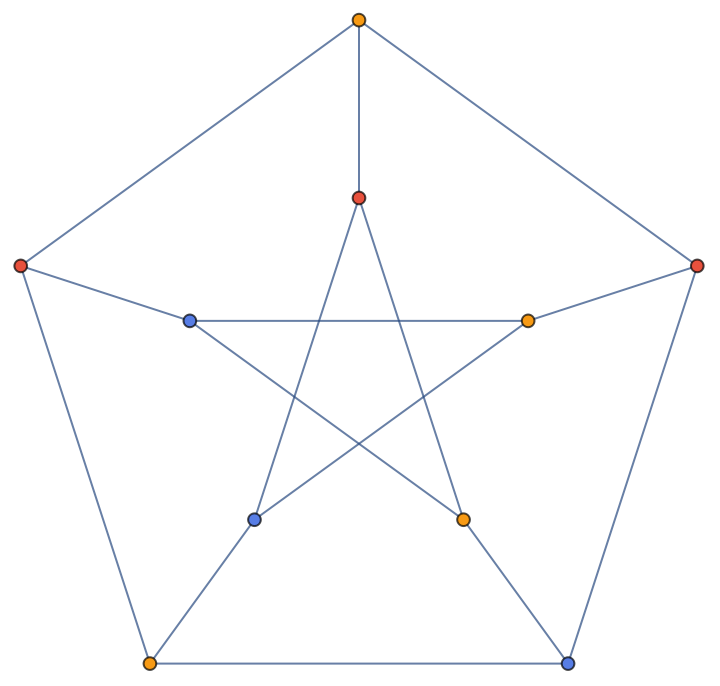
Then I added options for colors.
In[]:=
ColorGraphVerticesWithColorOption[graph_?GraphQ,colors:{__?ColorQ}|Automatic:Automatic]:=Graph[Annotate[graph,{VertexStyle->Thread[VertexList[graph]->FindVertexColoring[graph,Replace[colors,Automatic->ColorData[106,"ColorList"]]]]}]]
In[]:=
ColorGraphVerticesWithColorOption[PetersenGraph[],ColorData[107,"ColorList"]]
Out[]=
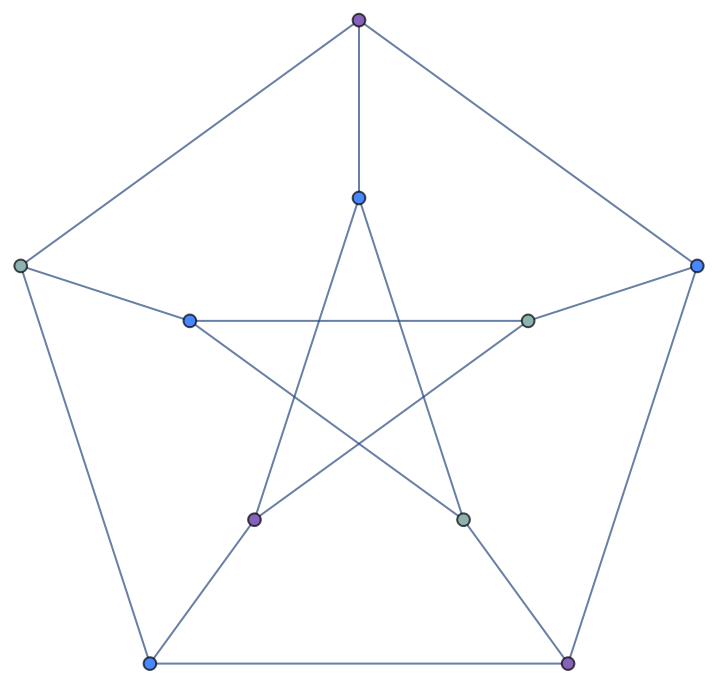
Then I added options for Graph.
Now I can add the option VertexSize Large.
I based this code on code from Stephen Wolfram's release announcement for 13.0 in 2021 December Graph Coloring.
The documentation for FindVertexColoring was the basis for my code.
Find a vertex coloring of the Petersen graph:
Assign distinct colors to adjacent vertices of a graph :
Visualize the graph:
Integrating Graphs with Geography
Integrating Graphs with Geography
The next step is to apply this to real-world data.
There is data for states, counties and countries.
This code is much faster than
this code which I couldn’t get to finish.
So I have the graph and I can put it on a map.