Re-discovering ImageRestyle
In this post, I will be re-discovering ImageRestyle in a way that has not been “marketed” before. All of these styles are taken directly from the documentation of ImageRestyle
In[]:=
i=
;s1=
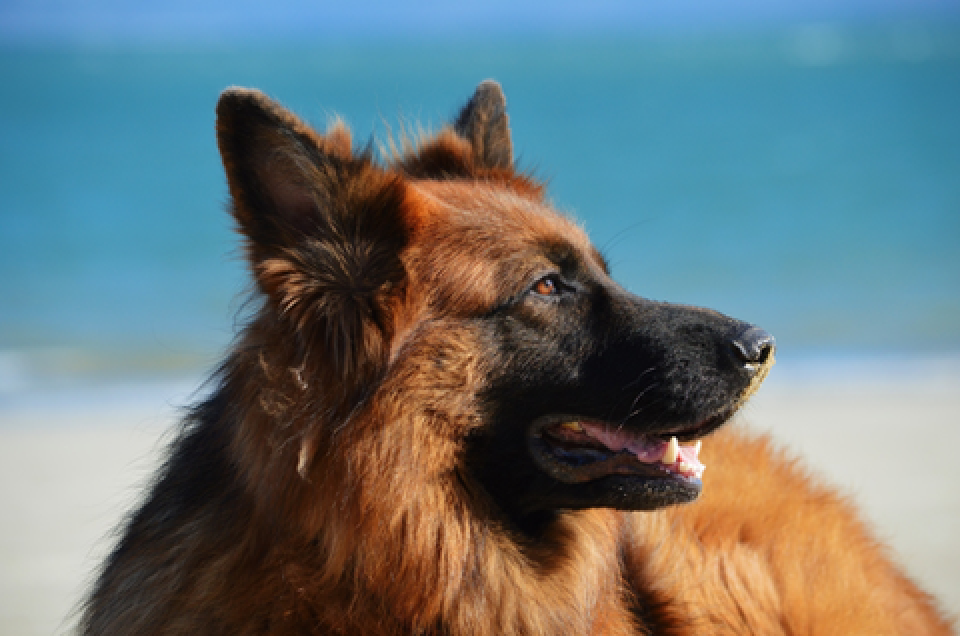
;s2=
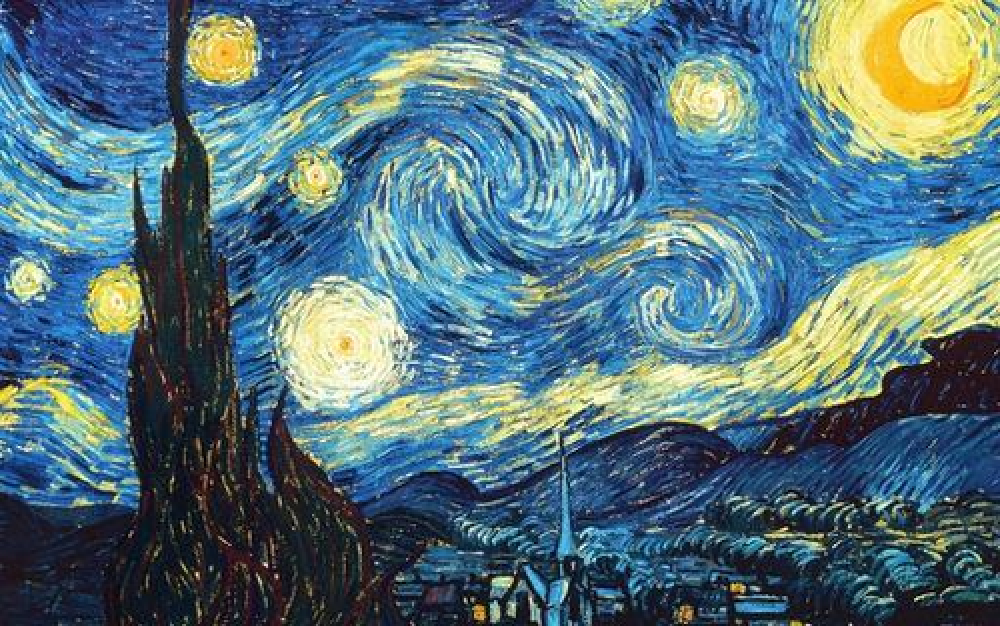
;s3=
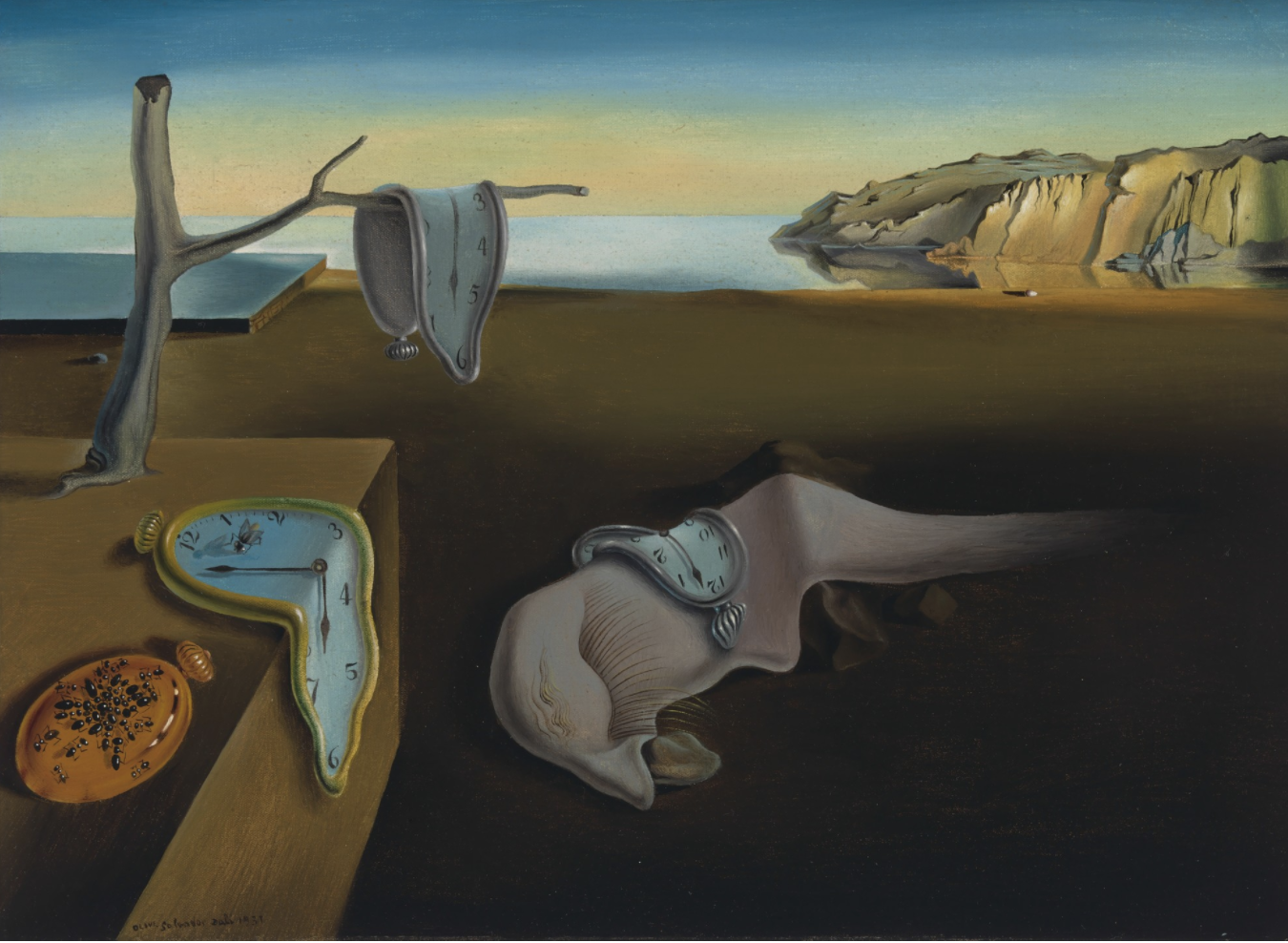
;s4=
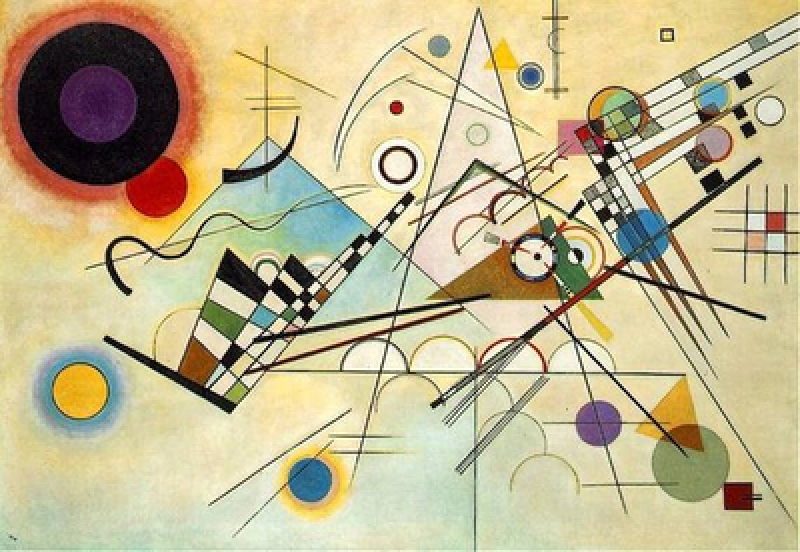
;
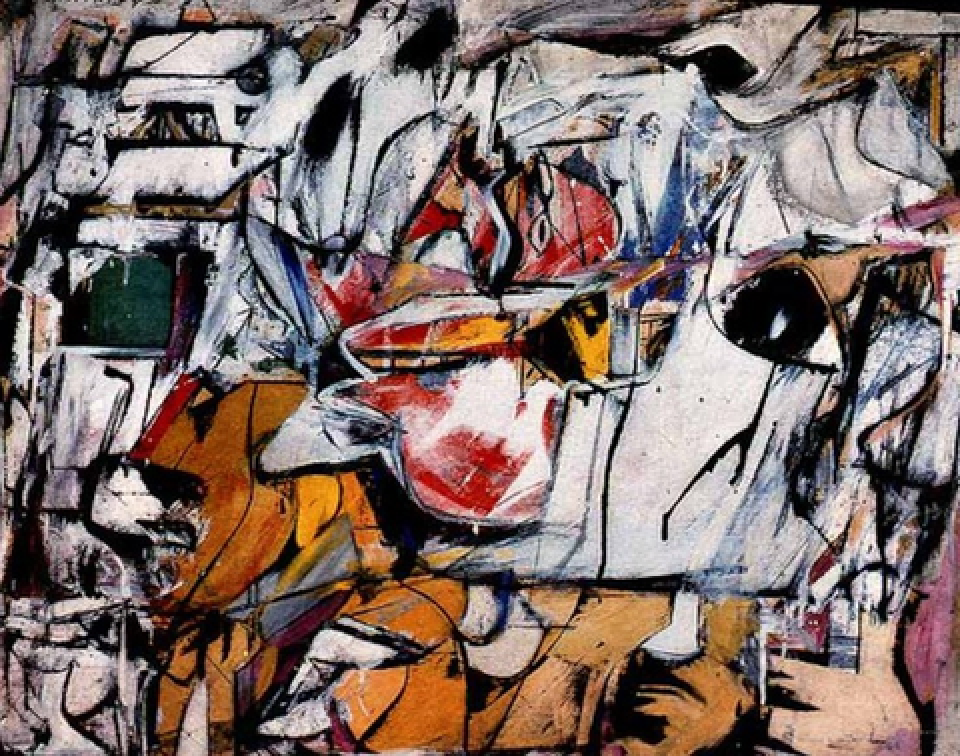
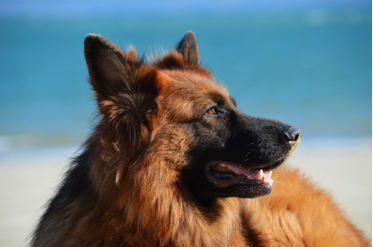
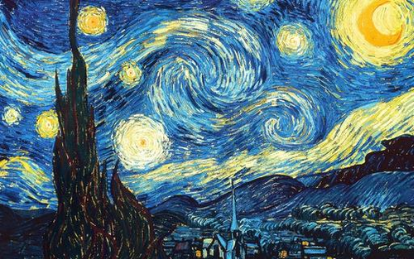
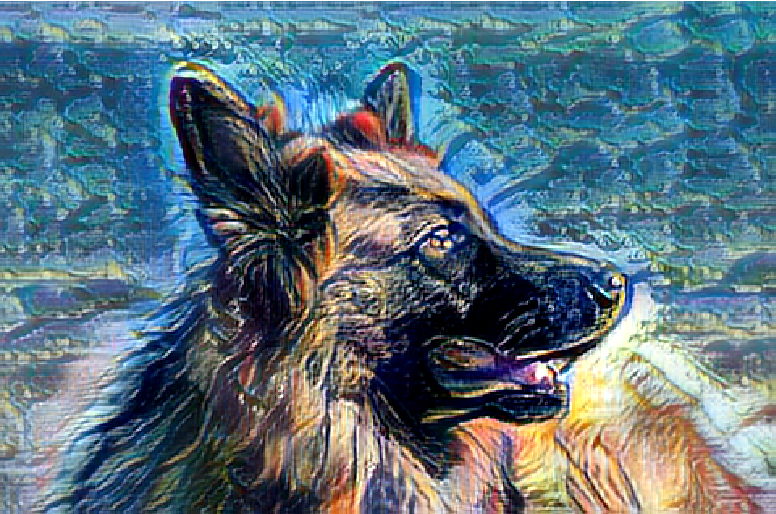
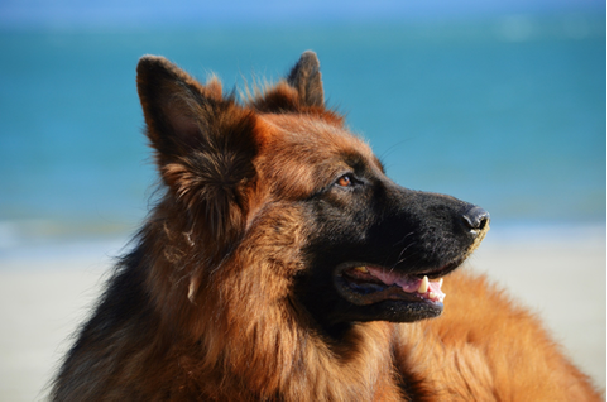
Step 1: Without weights
In[]:=
ImageRestyle
,
Out[]=
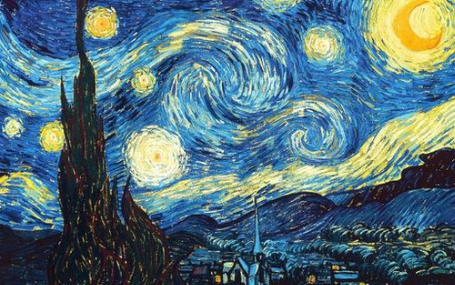
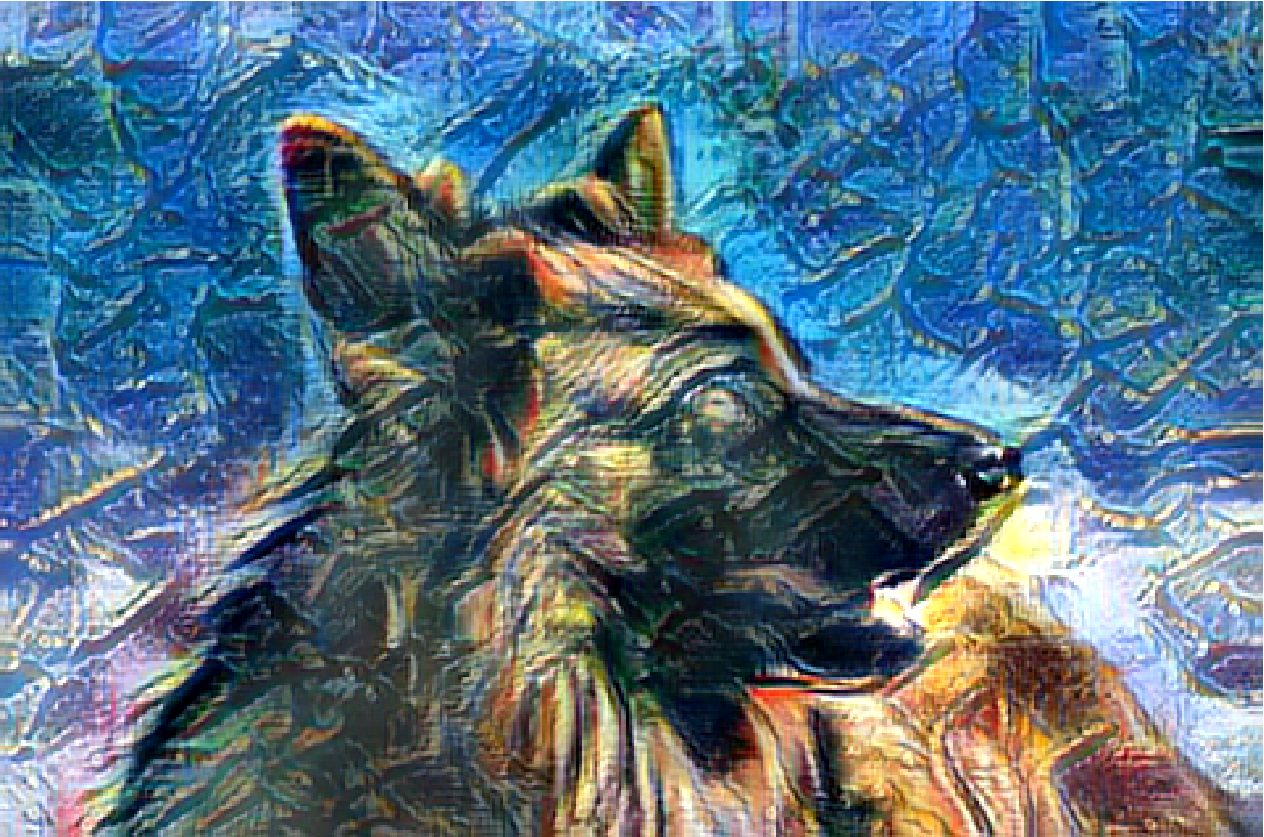
Step 2: Add weights
With different weights
In[]:=
ImageRestyle
,0.7
Out[]=
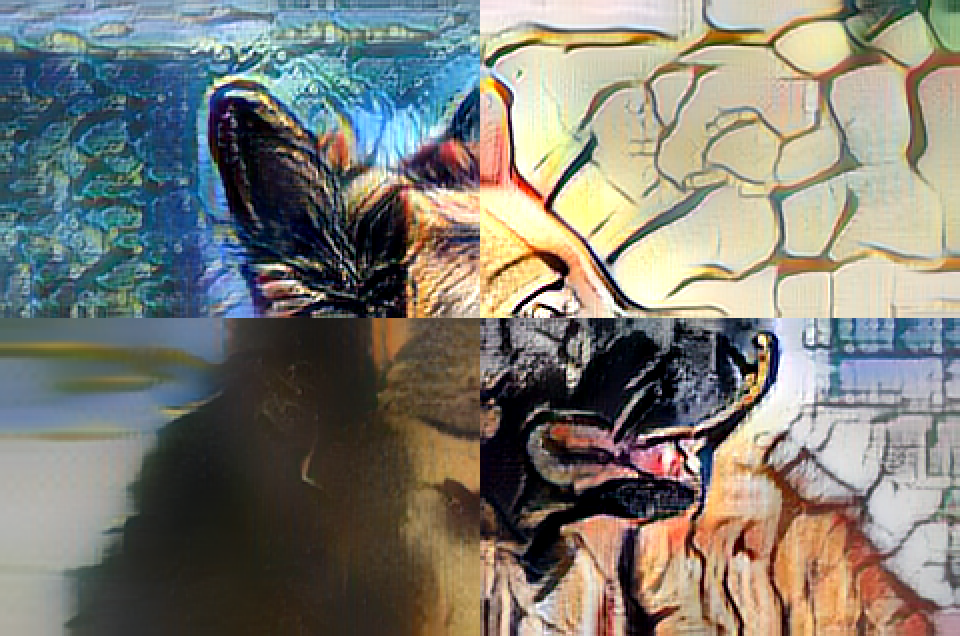
Step 3: Partitioning it to add 4 different styles
Step 3: Partitioning it to add 4 different styles
In[]:=
img=
;{{i1,i2},{i3,i4}}=ImagePartition[img,ImageDimensions[img]/2]
Out[]=
,
,
,
In[]:=
s1=
;s2=
;s3=
;s4=
;
In[]:=
ImageCollage@MapThread[ImageRestyle,{{i1,i2,i3,i4},{s1,s2,s3,s4}}]
Out[]=
Step 4: Adding weights gradually
Step 4: Adding weights gradually
You can add weights gradually to the original image to find out how the restyling occurs also in the pages.
In[]:=
TableImageRestyle
,w
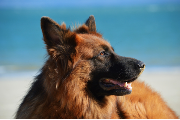
,{w,0,0.5,0.1};
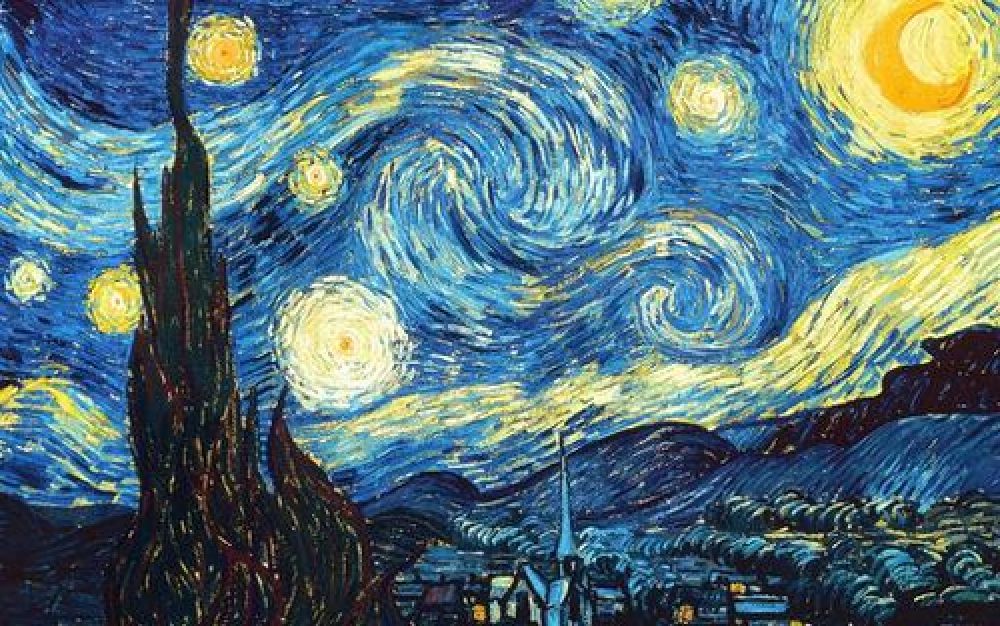
Step 5: Adding the different styles to the image and combining the ideas of Step 3 and Step 4
Step 5: Adding the different styles to the image and combining the ideas of Step 3 and Step 4
Adding the different styles along with the different weights in a step by step fashion
In[]:=
list=ImageCollage@MapThread[ImageRestyle,{{i1,i2,i3,i4},{#s1,#s2,#s3,#s4}}]&/@Range[0,0.75,0.075];
In[]:=
Export["test.gif",list,AnimationRepetitions->Infinity,"DisplayDurations"ConstantArray[0.2,11]]
Out[]=
test.gif