I first browsed the web pages cited in the question; they are very suggestive. I learned that our visions are very sensitive to the change of the image of the object of interest.Probably this is the instinctual abilities acquired through the process of evolution, and also reflects the physical fact that every motion is continuous. Therefore, hints to the visual effect of motion illusions would be hidden near the boundary or edges of the “moving” objects.I first noticed that the rotating black-and-white disks look moving away slowly. What makes this visual effect? The following is a (somewhat exaggerated) example of image frame.
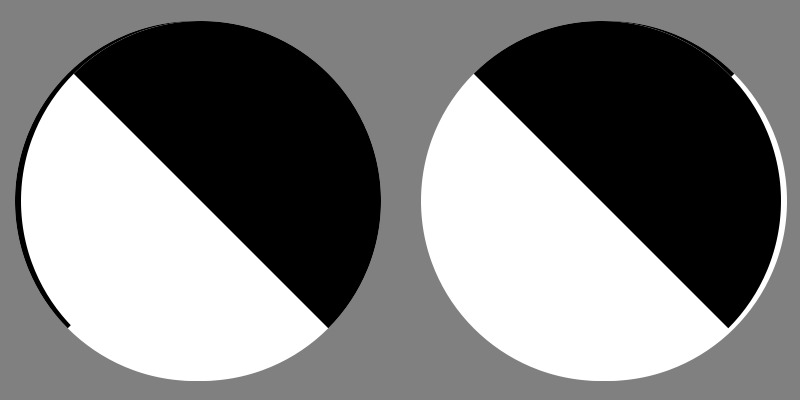
This is made from two different images (A) and (B) of BW disks. (A) is the image of the disks at time . (B) is the image of the disks under illusionary motion at slightly later time . The above is obtained by overlaying (A) on top of (B).
t
t+Δt
As a result, we have thin areas along the farther side of boundaries of the disks, black on the left and white on the right. Of course, they arise from the difference between (B) and (A).
Our visual attention is directed to this portion of the image, because information about what will happen next is concentrated to this area. I hypothesized that this continual attention to some particular side of the object is the key mechanism of the illusionary motion.
If we accept this hypothesis, what we should do to rotate the cubes is now clear. We have to “emphasize” the difference of images of the cubes at time and .
t
t+Δt
The images of rotating cubes can be obtained by 3D data of cube (frame3D in the code) and Rotate[]. The variables frame1 and frame2 contain the binary images at and , respectively.
t
t+Δt
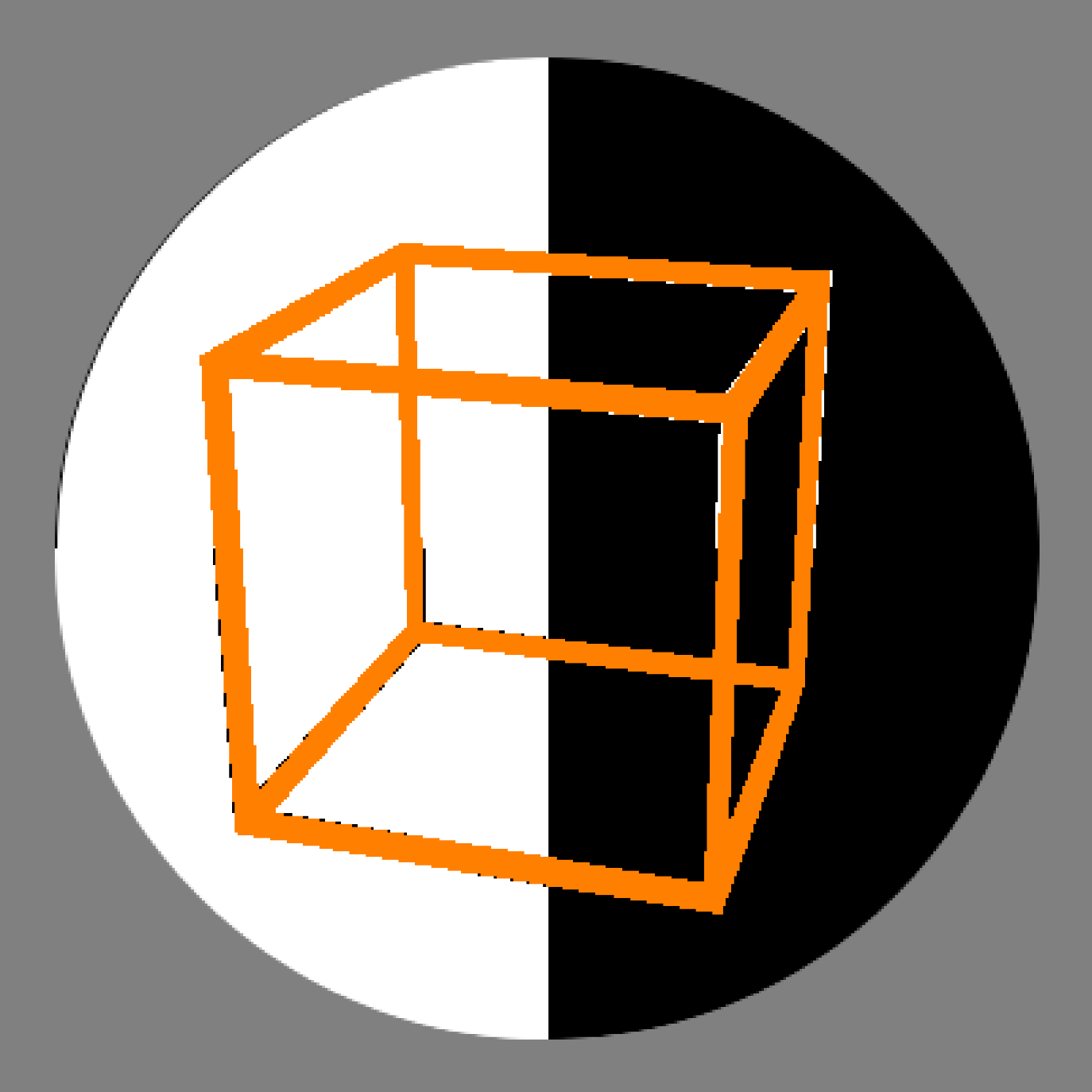
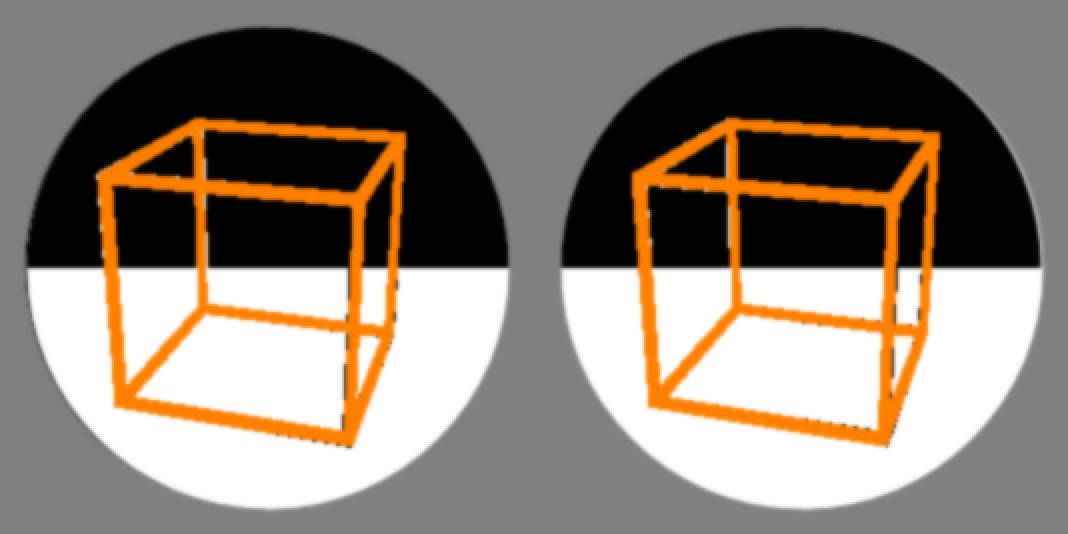
Contrary to the moving disk case, we need to figure out how to emphasize the difference of frame1 and frame2 put on a background image which is also changing. I spend some time to find a way to realize this effect. The simplest answer I got is: Use the opposite color to the background. For example,The code is a little difficult to understand, but I hope this note helps you.
In[]:=
Clear["Global`*"];frame3D=Module[{edgelen=50,vcs,a,b,c,d,e},vcs=edgelen*PolyhedronData["Cube","VertexCoordinates"];{EdgeForm[None],Table[{a,b}=vcs[[edge]];{a,b,{c,d}=NullSpace[{a-b}]};e=Rescale[b-a];Cuboid[a-c-d-e,b+c+d+e],{edge,PolyhedronData["Cube","EdgeIndices"]}]}];viewpoint={0.95,-3.1,1.3};angularvelocity=0.01;{frame1,frame2}=Table[Binarize@Graphics3D[{EdgeForm[None],Glow[White],Rotate[frame3D,th,{0,0,1}]},Boxed->False,Lighting->None,SphericalRegion->True,Background->Black,ViewPoint->viewpoint,ImageMargins->20,ImageSize->160],{th,angularvelocity*{0,1}}];nframe=24;halfdisks[pos_,th_]:={White,EdgeForm[None],Disk[pos,1.8],Black,Disk[pos,1.8,{th,th+Pi}]};sideshift=0.01;delta=Pi/2;bg[th_]:=Image@Graphics[{halfdisks[{-2-sideshift,0},th+delta],halfdisks[{-2,0},th],halfdisks[{2+sideshift,0},th+delta],halfdisks[{2,0},th]},PlotRange->{{-4,4},{-2,2}},ImageSize->400,Background->GrayLevel[.5]];m1=ImageAssemble[{{frame2,frame1}}];m2=ImageAssemble[{{frame1,frame2}}];orange={1.,.5,0.};imagelist=ParallelTable[GaussianFilter[Image[Transpose[ImageData/@{m1,m2,bg[th],bg[th-delta]},{3,1,2}]/.{{0,0,x_,y_}:>x,{0,1,x_,y_}:>y,{1,0,x_,y_}:>x,{1,1,x_,y_}:>orange}],2],{th,-3*2.Pi*Most[Subdivide[nframe]]}];ListAnimate[imagelist,nframe,AnimationRunning->False]
Out[]=
CITE THIS NOTEBOOK
CITE THIS NOTEBOOK
Reproducing strong visual effect of the rotating cube illusion
by Akishi Kato
Wolfram Community, STAFF PICKS, September 17, 2024
https://community.wolfram.com/groups/-/m/t/3276071
by Akishi Kato
Wolfram Community, STAFF PICKS, September 17, 2024
https://community.wolfram.com/groups/-/m/t/3276071