CITE THIS NOTEBOOK: Stiefel Manifolds and Polygons by Clayton Shonkwiler. Wolfram Community MAY 19 2022.
ORIGINAL ARTICLE: Clayton Shonkwiler (2019), Stiefel Manifolds and Polygons, Proceedings of Bridges 2019: Mathematics, Art, Music, Architecture, Education, Culture, 187–194. ISBN: 978-1-938664-30-4. http://archive.bridgesmathart.org/2019/bridges2019-187.html
ORIGINAL ARTICLE: Clayton Shonkwiler (2019), Stiefel Manifolds and Polygons, Proceedings of Bridges 2019: Mathematics, Art, Music, Architecture, Education, Culture, 187–194. ISBN: 978-1-938664-30-4. http://archive.bridgesmathart.org/2019/bridges2019-187.html
Article Abstract: Polygons are compound geometric objects, but when trying to understand the expected behavior of a large collection of random polygons – or even to formalize what a random polygon is – it is convenient to interpret each polygon as a point in some parameter space, essentially trading the complexity of the object for the complexity of the space. In this paper I describe such an interpretation where the parameter space is an abstract but very nice space called a Stiefel manifold and show how to exploit the geometry of the Stiefel manifold both to generate random polygons and to morph one polygon into another.
This notebook is intended to be a complement to the paper “Stiefel Manifolds and Polygons” by Clayton Shonkwiler. Below are reference implementations of the algorithms discussed in the paper; indeed, this notebook was used to generate all of the figures in the paper.
The Basic Algorithm
The Basic Algorithm
First of all, the basic code for translating between points in the Stiefel manifold () and -gons in the plane:
St
2
n
n
In[]:=
StiefelSample[n_]:=Orthogonalize[RandomVariate[NormalDistribution[],{2,n}]];FrameToEdges[frame_]:=ReIm[(Complex@@#)^2]&/@Transpose[frame];EdgesToVertices[edges_]:=Chop[Accumulate[edges]];FrameToVertices[frame_]:=EdgesToVertices[FrameToEdges[frame]];EdgesToFrame[edges_]:=Transpose[ReIm[Sqrt[Complex@@#]]&/@edges];VerticesToEdges[vertices_]:=#-RotateRight[#]&[vertices];VerticesToFrame[vertices_]:=EdgesToFrame[VerticesToEdges[vertices]];
We can generate a random 200-gon very easily:
In[]:=
frame=StiefelSample[200];
And display it to the screen:
Graphics[{FaceForm[None],EdgeForm[Directive[Thickness[.01],JoinForm["Round"]]],Polygon[FrameToVertices[frame]]}]

Here is a function which will generate a specified number of -gons and save them as PDF files in the directory /figures (which should be created beforehand):
n
In[]:=
GenerateRandomNGons[n_,numGons_]:=Module[{frames,graphic},frames=ParallelTable[StiefelSample[n],{numGons}];Table[graphic=Graphics[{FaceForm[None],EdgeForm[Directive[Thickness[3/(50Sqrt[n])],JoinForm["Round"]]],Polygon[FrameToVertices[frames[[i]]]]}];Export[NotebookDirectory[]<>"figures/"<>IntegerString[n]<>"gon"<>IntegerString[i,10,5]<>".pdf",graphic];,{i,1,numGons}];];
And now we can generate 20 random 200-gons very easily:
In[]:=
GenerateRandomNGons[200,20]
Random Triangles
Random Triangles
The following is a simple grid of brightly-colored random triangles, created in collaboration with Anne Harding:
In[]:=
randomTriangleFrames=Table[StiefelSample[3],{12*17}];
triangleGrid=GraphicsGrid[Table[Graphics[{FaceForm[None],EdgeForm[Directive[AbsoluteThickness[4],JoinForm["Round"],Which[Mod[i+j,3]0,Yellow,Mod[i+j,3]1,Pink,Mod[i+j,3]2,Lighter[Green]]]],Polygon[FrameToVertices[randomTriangleFrames[[12(i-1)+j]]]]}],{i,1,12},{j,1,17}],ImageSize1080,BackgroundRGBColor[1/2,0,1]]
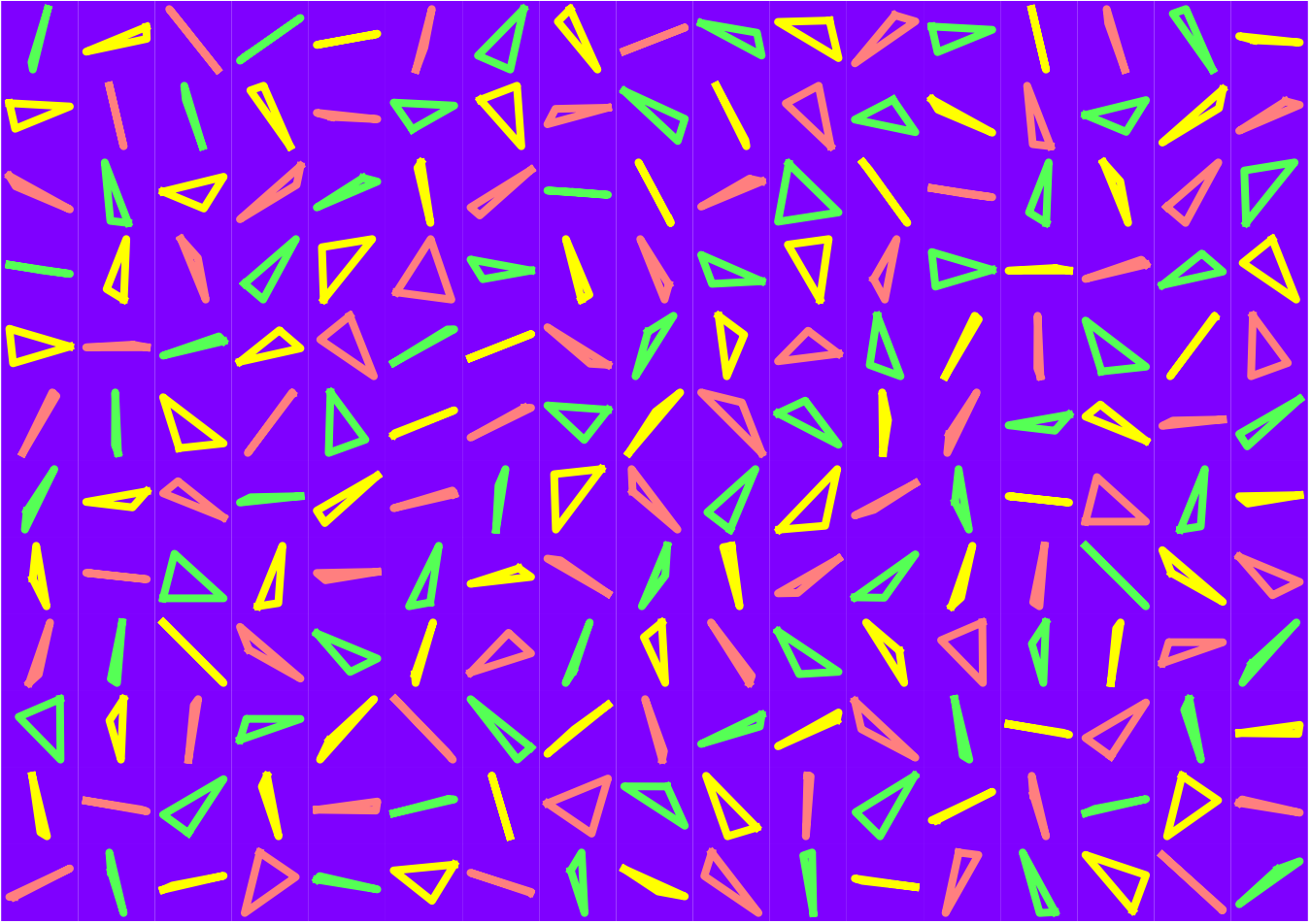
Which we can export:
Export[NotebookDirectory[]<>"figures/Triangles.pdf",triangleGrid];
We can determine whether a triangle (given as a set of edge vectors) is obtuse using the following function:
In[]:=
isObtuse[edges_]:=Max[π-MapThread[VectorAngle,{#,RotateLeft[#,1]}]&[edges]]>π/2;
So then we can count how many triangles in the above image are obtuse:
CountsBy[randomTriangleFrames,isObtuse[FrameToEdges[#]]&]
True177,False27
So almost 87%:
177/204.
0.867647
Compare to the expected probability of being obtuse from our Monthly paper of
3
2.
3Log[2]
π
0.838093
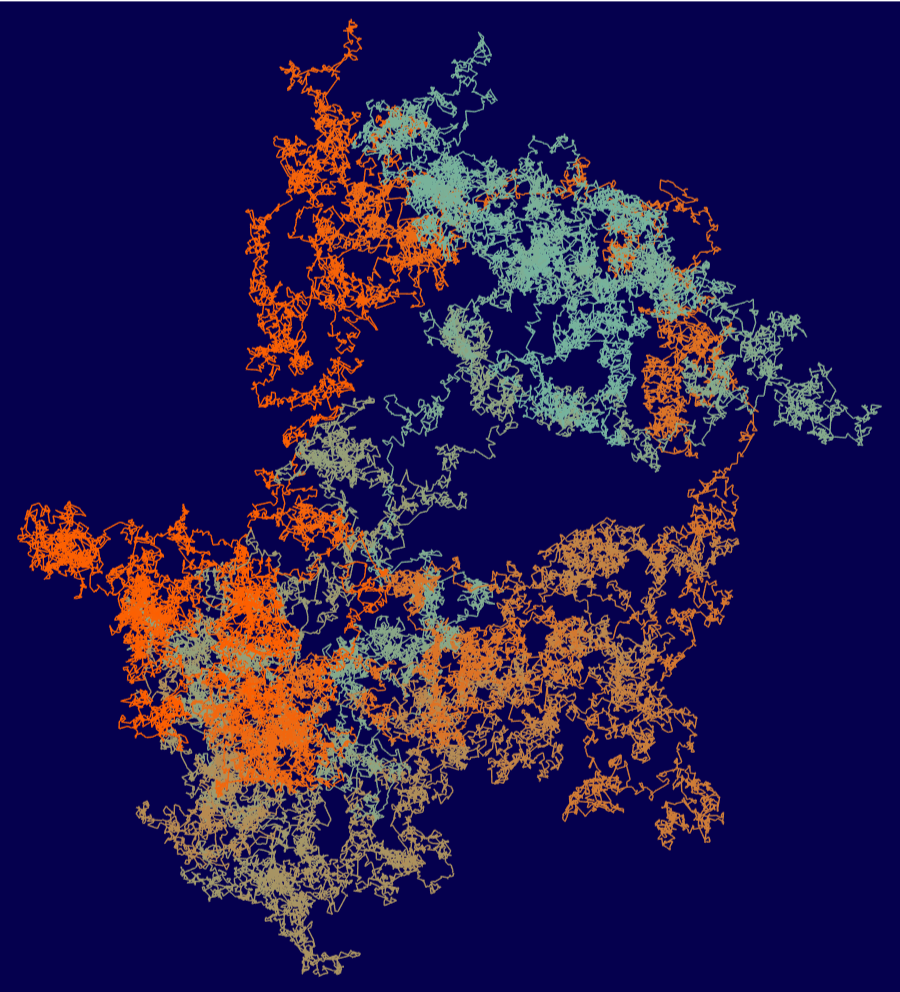
And a very large polygon:
In[]:=
largeframe=StiefelSample[100000];
With[{cols=RGBColor/@{"#fd5f00","#76b39d","#05004e"}},Graphics[{Line[Append[#,First[#]]&[FrameToVertices[largeframe]],VertexColorsTable[Blend[cols[[;;2]],Haversine[2π(i-1)/(Length[largeframe[[1]]]-1)]],{i,1,Length[largeframe[[1]]]}]]},ImageSize800,Backgroundcols[[-1]]]]
As an example, the random 200-gon we generated above becomes the following convex 200-gon when run through this function:
So now we’re going to mean-center and extract the vertices as complex numbers:
Now, plug these vertices into the Schwarz–Christoffel Toolbox for Matlab, which tells us the parameters for the Schwarz–Christoffel transformation taking the unit disk to this convex polygon. Here’s what to type in MATLAB (to automate this, we could use MATLink):
First, define the polygon p:
>> p = polygon([-1.08829+0.598657i -0.721469-1.02334i 0.77781-0.960816i 1.02882-0.363506i 0.00312993+1.749i])
Then compute the map f:
>> f = diskmap(p);
To make things look nicer, it’s better if the map f sends the origin to the origin, so we re-center:
>> f = center(f,0);
Now we can see the angles (in the alpha column) and the pre-vertices by evaluating:
>> f
So now we import these back into Mathematica:
First, define the polygon p:
>> p = polygon([-1.08829+0.598657i -0.721469-1.02334i 0.77781-0.960816i 1.02882-0.363506i 0.00312993+1.749i])
Then compute the map f:
>> f = diskmap(p);
To make things look nicer, it’s better if the map f sends the origin to the origin, so we re-center:
>> f = center(f,0);
Now we can see the angles (in the alpha column) and the pre-vertices by evaluating:
>> f
So now we import these back into Mathematica:
We can use this information to define our Schwarz–Christoffel map (which we’ll define as a compiled function to make it run a lot faster):
For some reason the above map sends the unit disk to a rotated version of our original polygon. Rather than worry about it, I just rotated back to produce the following image (that’s what the E^(-Iπ/2.3) is doing):
Quad Tilings
Quad Tilings
After some playing around, the following Stiefel manifold points produce pleasing tilings:
A to Z
A to Z
I want to illustrate this by giving the geodesic between a polygonal letter A and a polygonal letter Z. To get polygonal versions of the letters, I use the following toy which allows you to place the vertices of a polygon and recover their coordinates:
Copying and pasting gives me the vertices of my A and Z:
Which I can convert to points in the Stiefel manifold:
Now, we build a Manipulate showing the path between A and Z,
And visualize the entire geodesic in a single graphic by translating appropriately:
And here’s the corresponding geodesic in the Grassmannian:
And then all possible lifts:
...and, after some experimentation, the 28th lift produces a nice path from the star to itself (here we’re importing one of Peter Kovesi’s very nice isoluminant color maps):
Knot Morph
Knot Morph
This function for transforming a (scaled) rotation matrix to a quaternion is a slight modification of rotm2q from Reichlin’s quaternion package for Octave.
And build their corresponding frames in the Stiefel manifold:
Here’s a Manipulate showing the path between them:
And we can export a few frames:
Now, we find paths between different framings on the same polygon. First of all, here are two framings on the regular 200-gon:
And some code for computing the minimizing geodesic between two points in the Grassmannian:
Also, we’ll need to record the full framing on each edge, not just the edge vector:
Now, we build a parametrized surface which twists with the framing in order to visualize the framing:
Here's a geodesic between these two frames:
Which we can export as an animated GIF:
Or we can combine a few points along the way into a single image: